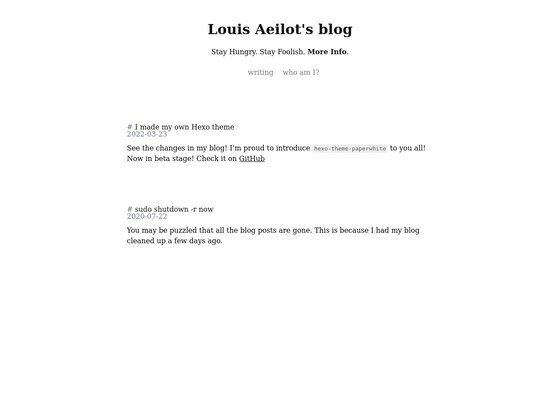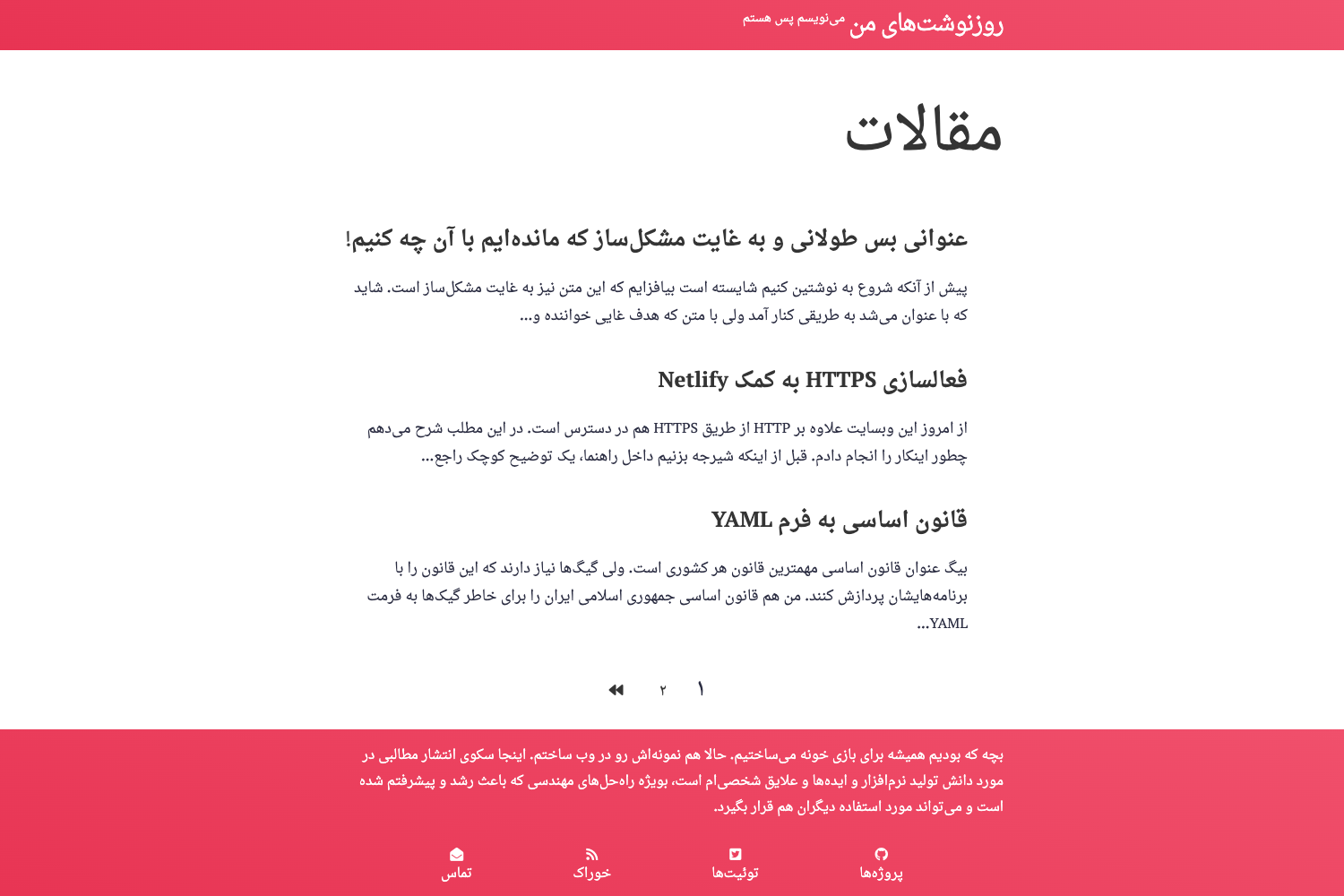
Template details
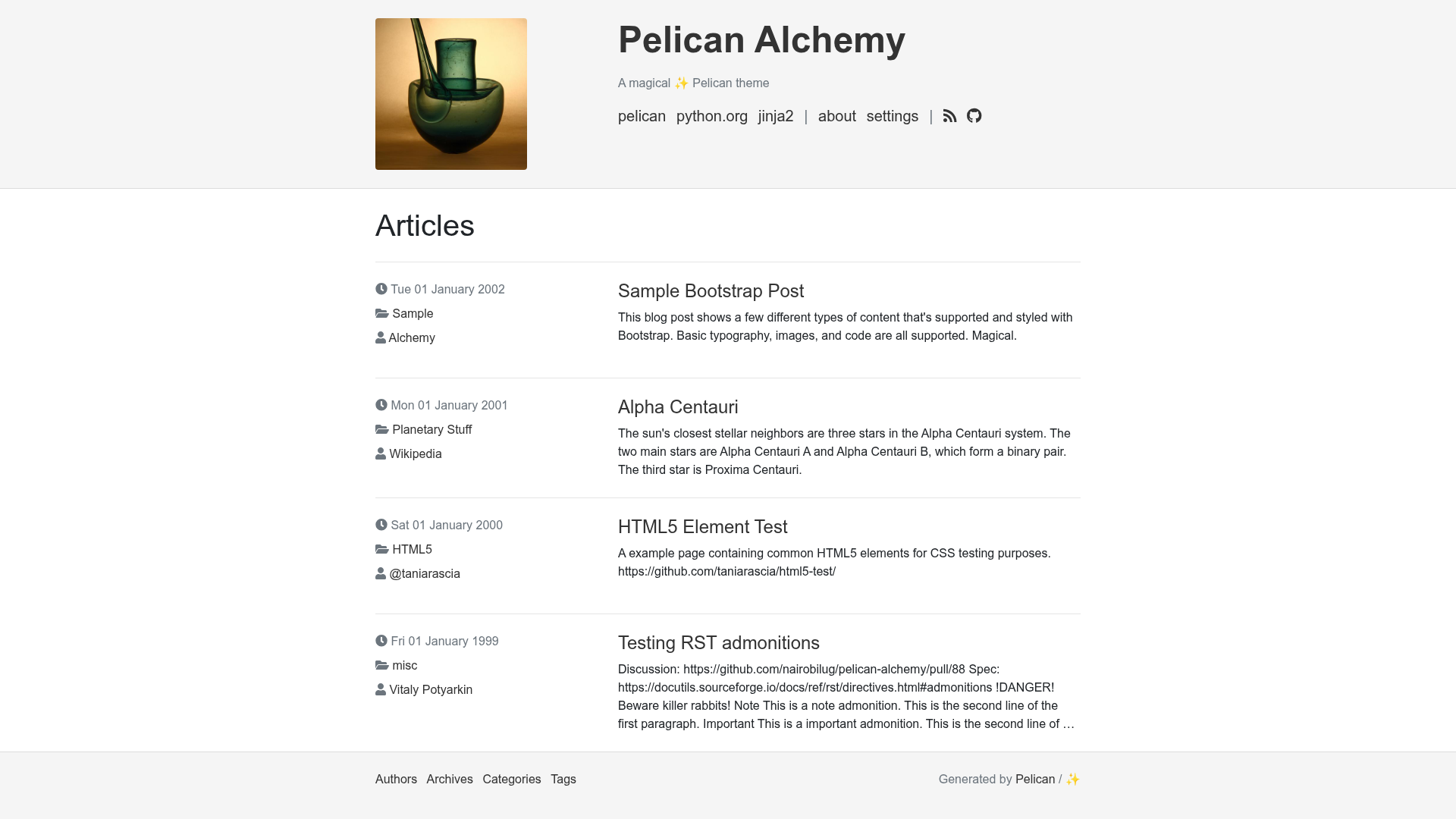
Pelican Alchemy
A functional, clean, responsive Pelican theme built on Bootstrap 4, with support for Bootswatch themes, analytics, and comments.
About this template
Pelican Alchemy is a functional, clean, responsive theme for the Pelican static site generator, built on Bootstrap 4 and designed to be customized entirely through Pelican settings.
What is Pelican Alchemy?
Pelican Alchemy is a theme for Pelican, a Python-based static site generator. It takes your Pelican content (Markdown or reStructuredText files) and renders it into a standalone HTML website with a clean, responsive layout. The theme is maintained by the Nairobi GNU/Linux Users Group and released under the MIT license. It is inspired by the crowsfoot and clean-blog themes and aims to provide a minimal yet polished starting point for Pelican-based sites.
Key Features
- Bootstrap 4.3.1 — Alchemy is powered by Bootstrap v4.3.1, giving you a responsive grid, utility classes, and prebuilt components out of the box.
- Bootswatch theme support — Swap the entire visual style by setting the
BOOTSTRAP_CSSsetting to any Bootswatch theme's CSS URL, such as Sketchy, Solar, or United. - Font Awesome icons — Built-in Font Awesome support for icon links; you can use full CSS classes like
fas fa-camerafor icons outside the brand set. - Pygments syntax highlighting — Choose a built-in Pygments style for code blocks via the
PYGMENTS_STYLEsetting. - Sitemap support — Alchemy works with Pelican's sitemap plugin to generate a
sitemap.xmlfor your site. - Favicon Generator support — Optional RealFaviconGenerator integration via the
RFG_FAVICONSsetting, letting you add a complete favicon set. - Analytics integrations — Connect Google Analytics, Gauges, or Piwik using the
GOOGLE_ANALYTICS,GAUGES, andPIWIK_URLsettings. - Disqus comments — Enable article comments by setting
DISQUS_SITENAMEin your configuration. - No JavaScript by default — Alchemy ships without any JavaScript; all interactivity is optional and can be added via
THEME_JS_OVERRIDES.
Who is it for?
Pelican Alchemy is aimed at Pelican users who want a simple, no-frills theme that looks good by default and is easy to tailor. It suits bloggers who write in Markdown or reStructuredText and want a fast static site, developers who prefer to configure everything through a pelicanconf.py file rather than editing templates, and anyone who wants a base theme to build a personal or project site without starting from scratch.
What can you do with Pelican Alchemy?
- Bloggers: Publish articles with support for authors, categories, tags, archives, and Disqus comments, all driven by standard Pelican metadata.
- Single-author site owners: Set
HIDE_AUTHORSto remove author lines from articles for a cleaner, more personal look. - Customizers: Use
THEME_CSS_OVERRIDESandTHEME_JS_OVERRIDESto inject your own stylesheets and scripts without forking the theme. - Visual design tinkerers: Apply any Bootswatch theme to instantly rebrand the site, or use the optional old-style CSS for a different aesthetic.
How does it work?
Install the theme by cloning the repository, adding it as a git submodule, or installing it via pip with pip install "https://github.com/nairobilug/pelican-alchemy/tarball/master". Then set THEME in your Pelican configuration to the path provided by the theme, or import alchemy and use alchemy.path(). After that, customize the theme by adding any of the supported settings to your pelicanconf.py file, such as SITESUBTITLE, LINKS, ICONS, or PYGMENTS_STYLE.
FAQ
Is Pelican Alchemy free?
Yes. Pelican Alchemy is open source and released under the MIT license, so you can use, modify, and distribute it freely, including in commercial projects.
Does Pelican Alchemy work with any Pelican site?
It works with Pelican's standard content structure. You enable it by setting the THEME variable in your configuration, and it relies on Pelican's usual metadata for authors, categories, tags, and dates.
Does Pelican Alchemy include JavaScript?
No. Alchemy uses no JavaScript by default. You can add your own scripts via the THEME_JS_OVERRIDES setting.
How do I change the color scheme?
Set BOOTSTRAP_CSS to a Bootswatch theme's CSS URL. For example, using the Sketchy or Solar themes changes the visual style. To revert to the original look, use no Bootswatch theme and optionally add THEME_CSS_OVERRIDES = ['theme/css/oldstyle.css'].
Where can I report issues or contribute?
Alchemy is hosted on GitHub. You can open an issue or fork the repository and submit a pull request. The project follows the Contributor Covenant code of conduct.