Template details
Personal Blog
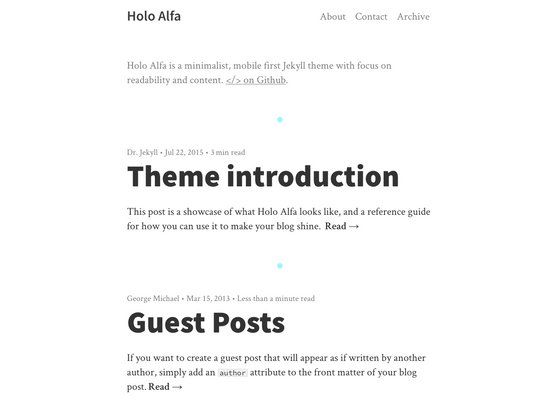
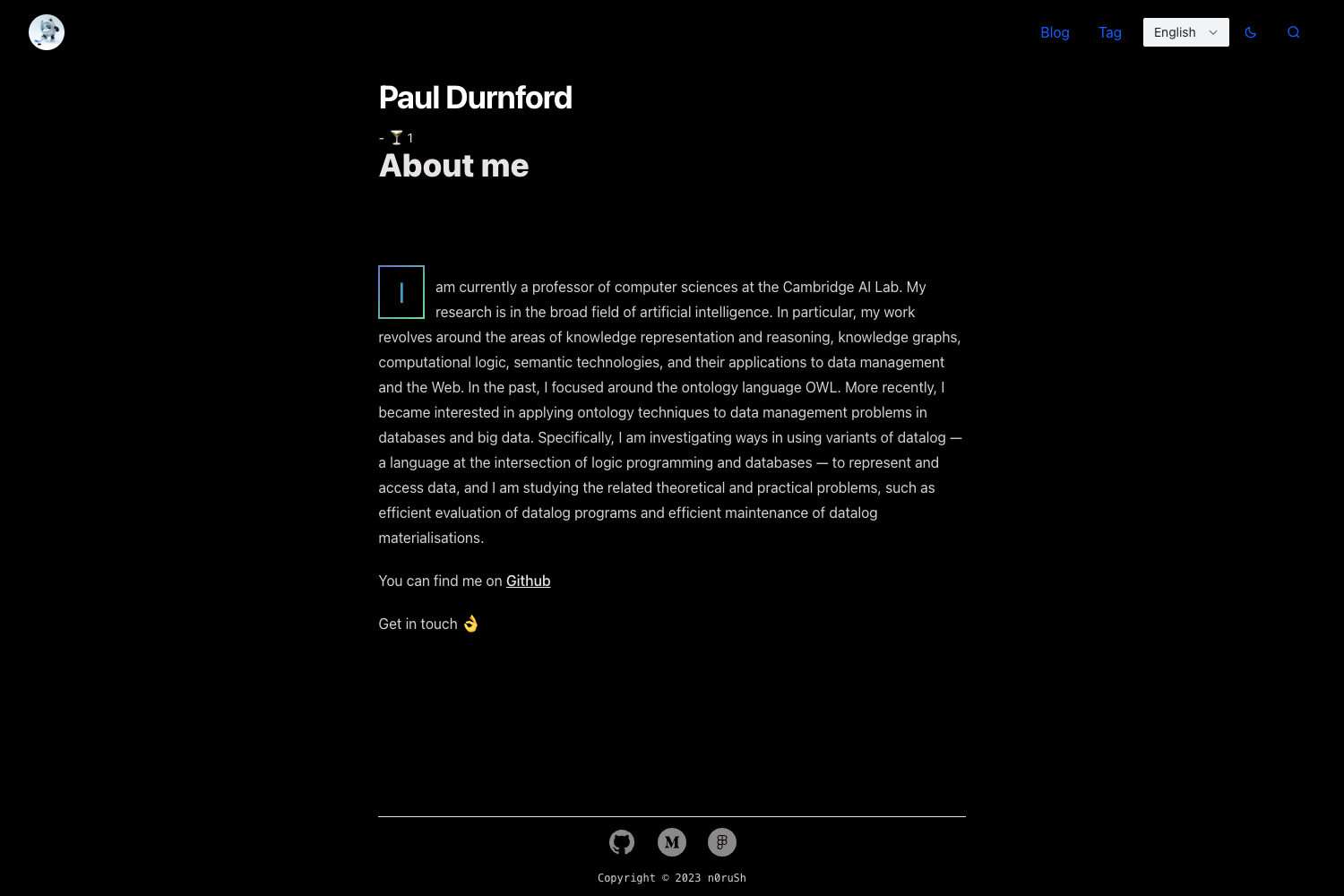
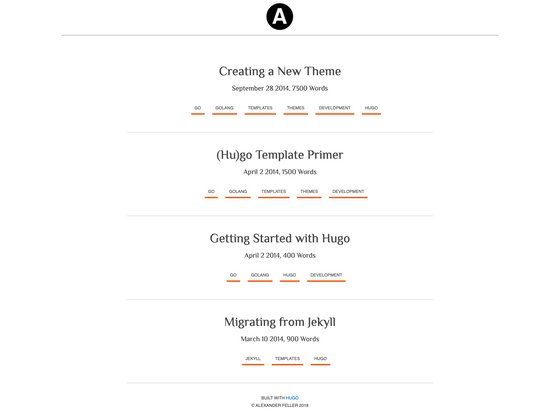
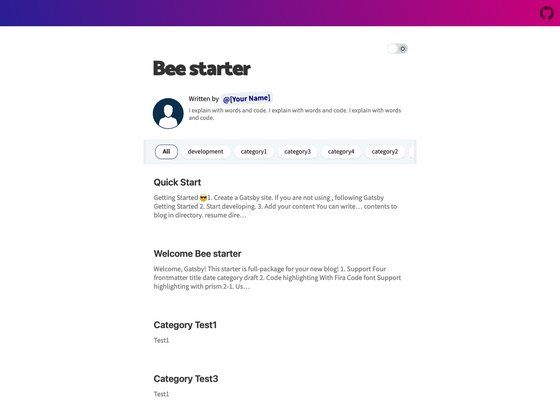
A Next.js and Tailwind CSS personal website template for sharing blog posts and projects, hosted on Vercel.
About this template
Personal Blog is an open-source portfolio and blog template built with Next.js and Tailwind CSS, designed to let developers publish blog posts and showcase projects on a single-page website hosted on Vercel.
What is Personal Blog?
Personal Blog is a free-to-use personal website template that combines a blog and a project portfolio. It is built on the Next.js React framework, styled with Tailwind CSS utility classes, and is configured for deployment on Vercel. The template takes your written content and produces a static site with a blog listing and project showcase. It was created by Ashish Lotake, and the repository is available on GitHub with the README stating "Feel free to clone and use."
Key Features
- Next.js framework — Uses server-rendered React components, static generation, and the standard Next.js directory structure.
- Tailwind CSS styling — Utility-first styling system for custom responsive layouts without writing custom CSS.
- Vercel hosting — The README explicitly states the site is hosted with Vercel, so deployment is a simple Git push to that platform.
- Spotify integration — Reads
SPOTIFY_CLIENT_ID,SPOTIFY_CLIENT_SECRET, andSPOTIFY_REFRESH_TOKENfrom a.env.localfile, likely to display now-playing or recent tracks. - Perfect Lighthouse score — The author includes a screenshot claiming a perfect Lighthouse score, suggesting the template is optimized for performance, accessibility, and SEO.
- Free illustration sources — The README links to undraw.co, freesvgillustration.com, manypixels.co, and bloggingwizard.com for graphics, so you can quickly add visuals without licensing issues.
- Open-source repository — The full source is available on GitHub and can be cloned, modified, and reused freely.
Who is it for?
- Developers — Set up a clean personal blog and portfolio in minutes without designing a site from scratch.
- Data scientists — The repository topics (data-science-portfolio, data-science-projects) indicate this template is popular among data professionals for sharing notebooks, projects, and write-ups.
- Freelancers — Use the portfolio section to showcase case studies and the blog to share thought-leadership content.
What can you do with Personal Blog?
- Publish a technical blog — Write articles about your field and present them with a clean reading layout.
- Create a professional portfolio — List your projects, skills, and experience in a single-page layout.
- Integrate your Spotify activity — Add your credentials to show what you’re listening to, a common feature for personal sites.
How does Personal Blog work?
- Clone the repository from https://github.com/ashishlotake/ashishlotake.com.
- Install dependencies with
npm install. - Start the development server with
npm start. - Create a
.env.localfile based on the.env.exampleand input your Spotify credentials (client ID, client secret, refresh token) to enable that integration.
FAQ
Is this template free to use?
Yes. The README says "Feel free to clone and use" and the repository is public. No license file is shown, but the author encourages reuse.
Do I need a Spotify account to run it?
No, the Spotify integration is optional. If you leave the environment variables empty, the template will still run, but the Spotify-related features will not work.
Which framework and styling does it use?
It uses Next.js (a React framework) for the front end and Tailwind CSS for styling. The README confirms both.
Where are the illustrations from?
The README lists undraw.co, freesvgillustration.com, manypixels.co, and bloggingwizard.com as sources for the included graphics.
How do I deploy it?
Since it is built for Vercel, you can connect the repository to Vercel and it will build and deploy automatically. You can also deploy to other Node.js-compatible platforms if you adjust the build settings.