Template details
Simplicity
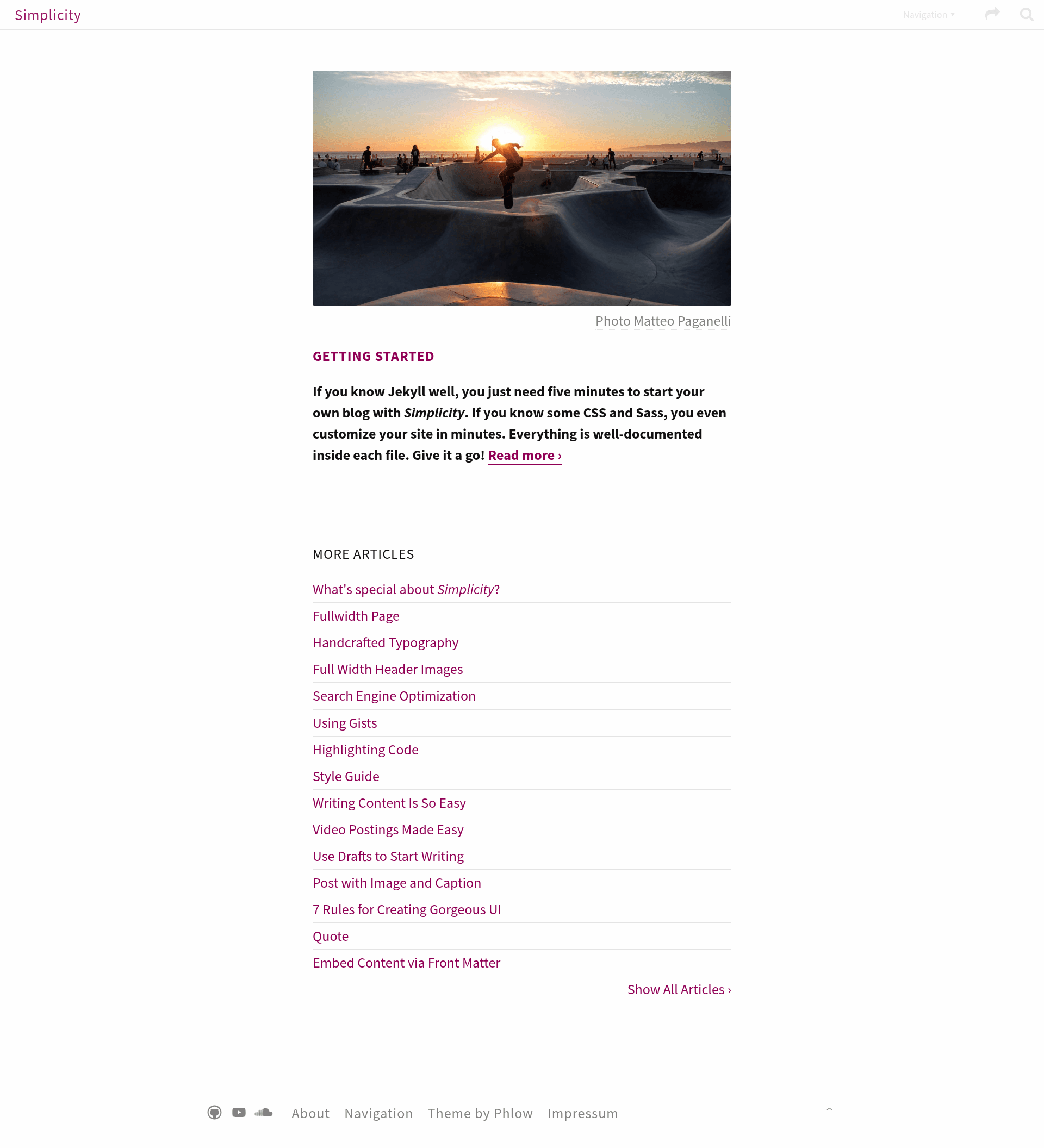
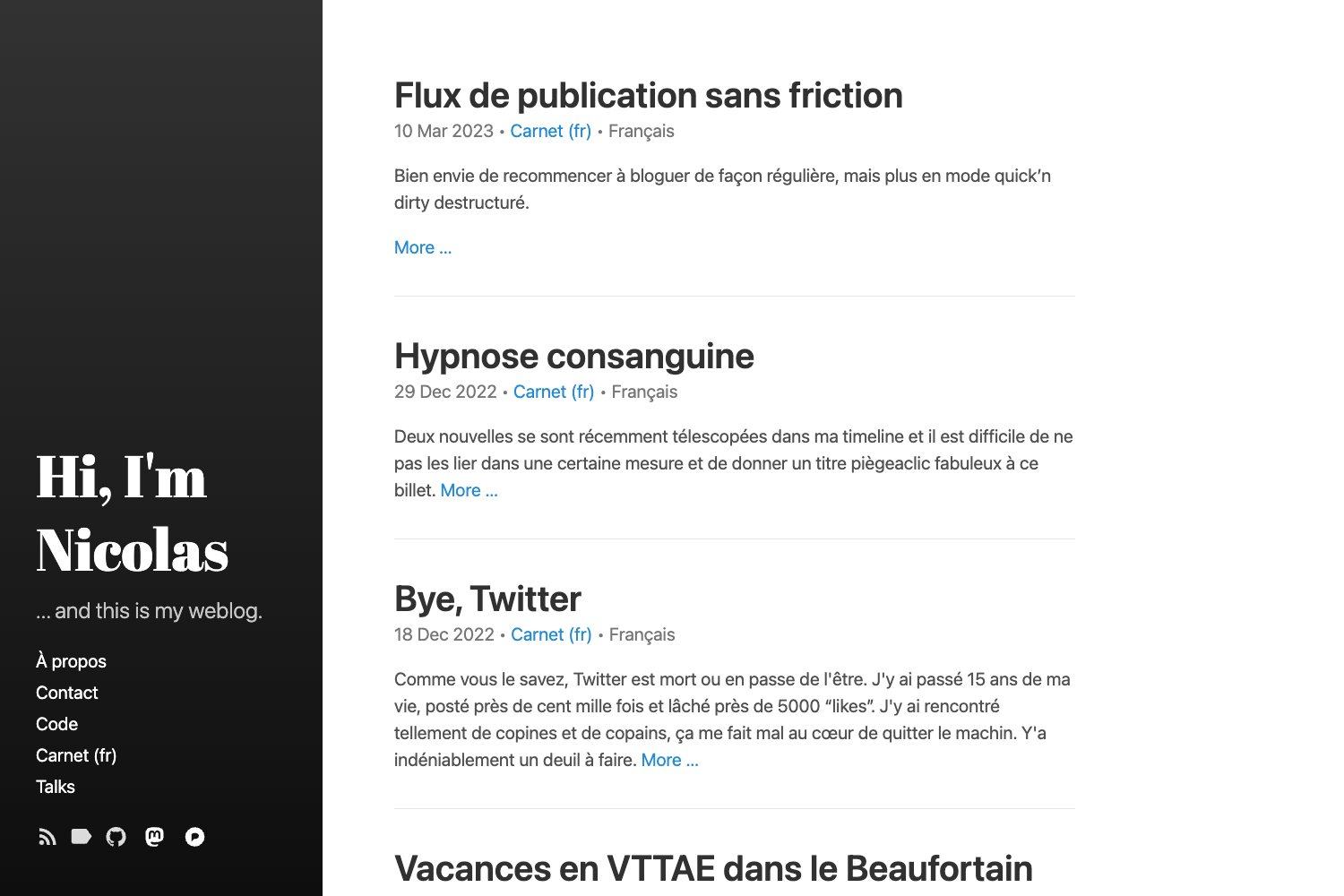
A free, flexible, superfast Jekyll theme for minimalists with no JavaScript and beautiful typography.
About this template
Simplicity is a free, open-source Jekyll theme for minimalists that generates fast static websites without JavaScript, designed to run on GitHub Pages.
What is Simplicity?
Simplicity is a Jekyll theme created by Phlow and hosted on GitHub at https://github.com/Phlow/simplicity. It takes Jekyll site content — Markdown posts, pages, and configuration files — and builds a static website with clean typography and no client-side scripting. The theme's live demo is at https://phlow.github.io/simplicity.
Key Features
- Works with GitHub Pages — Free webspace for hosting your site directly from a GitHub repository.
- No JavaScript or jQuery — The theme delivers pages quickly because it loads no client-side libraries.
- Tumblr-like postings — Supports short-form, social-style posts alongside standard Jekyll pages.
- Flexible styling — The design can be adjusted through Jekyll's theming system.
- Well-documented setup — Includes embedded documentation to guide you through installation and customization.
- Development configuration — Ships with _config_dev.yml to override production settings like the URL with a localhost:4000 value for local development.
- Minimalist design — No clutter, focused on essentials, from the theme's stated philosophy.
- MIT license — Free to use and modify, with the license listed in the repository topics.
Who is it for?
- Minimalist bloggers — who want a clean, fast loading site for short and long-form posts without JavaScript bloat.
- GitHub Pages users — who want a free, zero-cost hosting setup that runs on a static site generator.
- Jekyll newcomers — who need a simple, well-documented theme to learn static site building.
- Web designers — who want a customizable starting point for client sites with flexible styling and no clutter.
What can you do with Simplicity?
- Personal blogs: Publish short, Tumblr-like status updates and longer articles on a fast, minimal layout.
- Portfolio websites: Showcase projects and work with flexible styling and a clean aesthetic.
- Project documentation: Use the simple layout to present readme-style content for open-source projects, taking advantage of GitHub Pages hosting.
- Open-source project sites: Set up a free project homepage with a consistent, minimalist design.
How does Simplicity work?
Download the theme archive from GitHub, unzip it, and open the folder in your terminal. Run bundle install to install the required Ruby gems, then bundle exec jekyll serve --config _config.yml,_config_dev.yml to preview the site at http://localhost:4000/. The second config file overrides production settings like the URL with the development URL. Then customize the theme to your liking.
Pricing
Simplicity is free and open source under the MIT license, as indicated in the repository topics. You can use it for personal or commercial projects without paying a license fee.
Alternatives
- Feeling Responsive — Another Jekyll theme by the same author, Phlow, also mentioned in the site's newsletter section.
FAQ
Is Simplicity free?
Yes, Simplicity is released under the MIT license, so it is free to download, use, and modify for both personal and commercial projects.
Does Simplicity work with GitHub Pages?
Yes, one of its key features is that it works with GitHub Pages, giving you free webspace to host your static site without any additional costs.
Does Simplicity use JavaScript?
No, Simplicity loads no JavaScript or jQuery. This is a deliberate design choice to keep your site fast and minimal.
How do I install Simplicity?
Download the zip archive from GitHub, unzip it, open the folder in your terminal, run bundle install, then bundle exec jekyll serve to preview locally at http://localhost:4000/.
Is Simplicity customizable?
Yes, Simplicity is highly customizable. It offers flexible styling of content and includes separate development and production configuration files to manage settings.