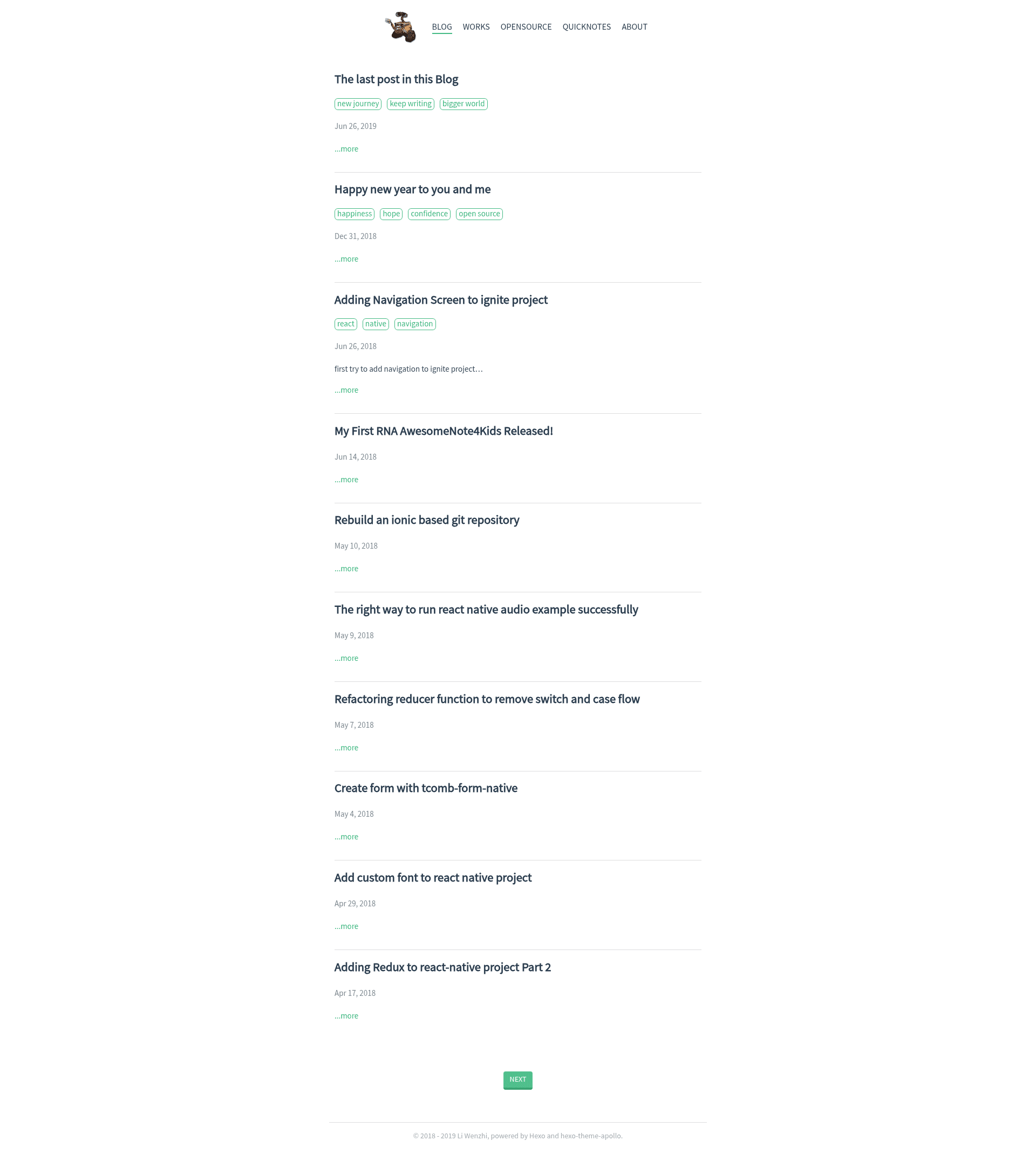
Template details
Personal Portfolio
A Hexo 3.2.0 theme for a personal blog and portfolio with tag support and git deployment.
About this template
The Personal Portfolio is a Hexo 3.2.0 theme for running a personal blog and portfolio site, with tag support and static-site deployment via git. It consumes Markdown posts and renders them into a static website through Hexo's standard pipeline. The repository was actively maintained from 2018.03.09 to 2019.06.26, and its version 0.2 (released 2018/07/05) introduced tag display. It ships with a mobile screenshot, indicating a responsive layout.
What is the Personal Portfolio theme?
The Personal Portfolio is a theme built specifically for Hexo static site generator version 3.2.0. It takes Markdown content as input and produces a static website as output. The theme's feature set is focused on blogging and portfolio presentation, with support for tags and git-based deployment. The repository itself includes installation and deployment instructions, making it easy to set up on a fresh Hexo site.
Key Features
- Hexo 3.2.0 base — built specifically for Hexo 3.2.0, so it relies on that version's features and workflow.
- Tag display — added in v0.2 on 2018/07/05, allowing posts to display tags.
- Standard Hexo workflow — content is written in Markdown and generated with
hexo generate. - Git deployment — running
hexo deploypublishes the site to a remote configured in_config.yaml. - Local preview —
hexo serverstarts a local development server for testing. - Versioned history — the repository includes a changelog showing development from March 2018 to June 2019.
Who should use the Personal Portfolio theme?
- Hexo users — want a simple, tag-compatible theme to display their writing and projects.
- Developers — need a clean portfolio site that generates from Markdown and deploys via git.
- Bloggers — who prefer the hexo-cli environment and want a theme with a short, focused feature set.
What can you do with it?
- Create a portfolio — organize projects as tagged blog posts and present them as a static website.
- Start a personal blog — the original repository ran a blog for over a year, proving it as a usable blogging platform.
- Deploy anywhere — generate static files and push them to any git-based hosting service like GitHub Pages or GitLab Pages.
How does it work?
Install the Hexo CLI globally with npm install hexo-cli -g, then run npm install inside the site directory. Use hexo server for local development. To publish, add a git deployment configuration to _config.yaml, then run hexo generate and hexo deploy.