Template details
Personal Portfolio
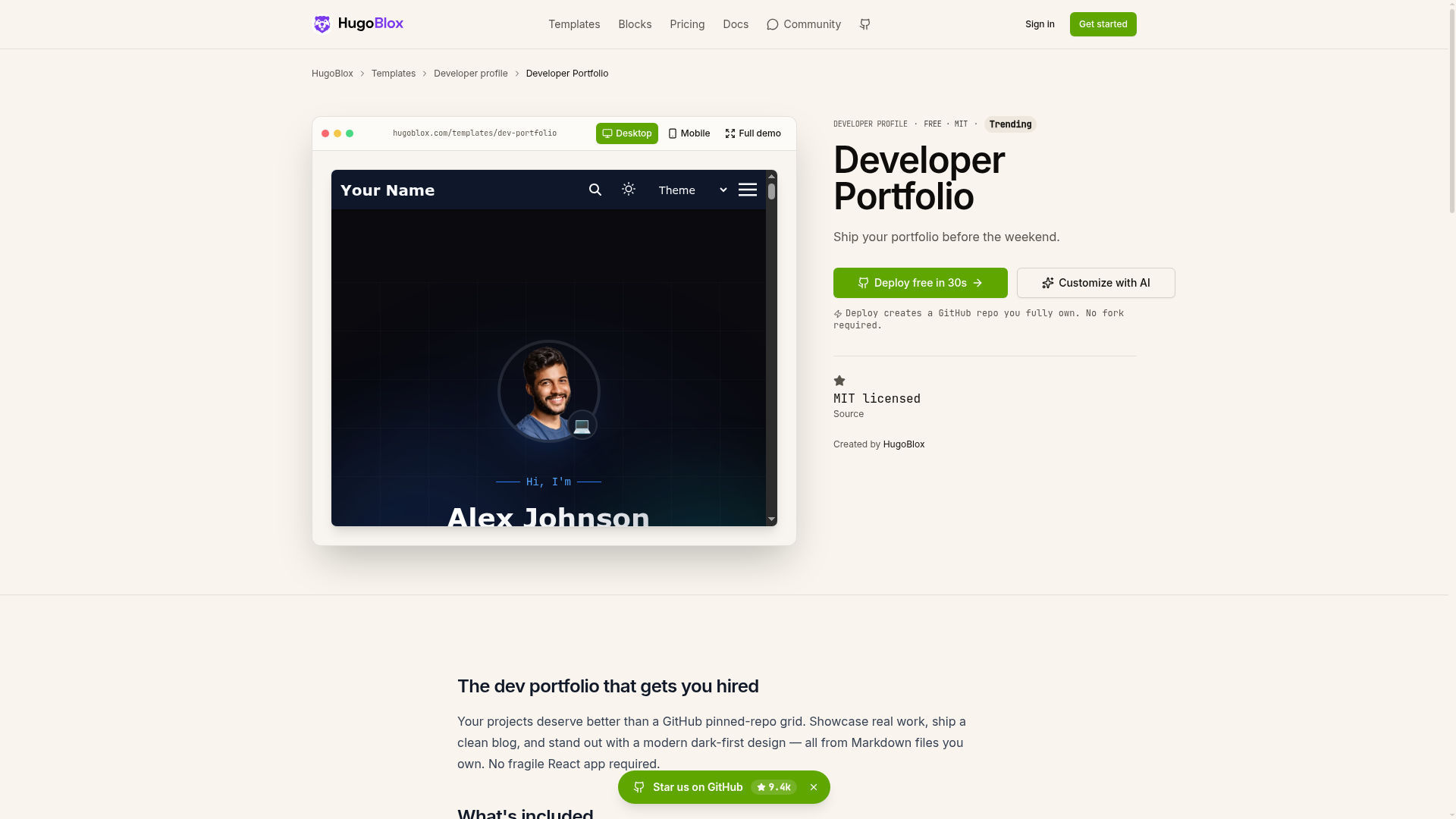
Open-source, minimal, ambient portfolio template for developers, built with HTML5, CSS3 and jQuery for GitHub Pages.
About this template
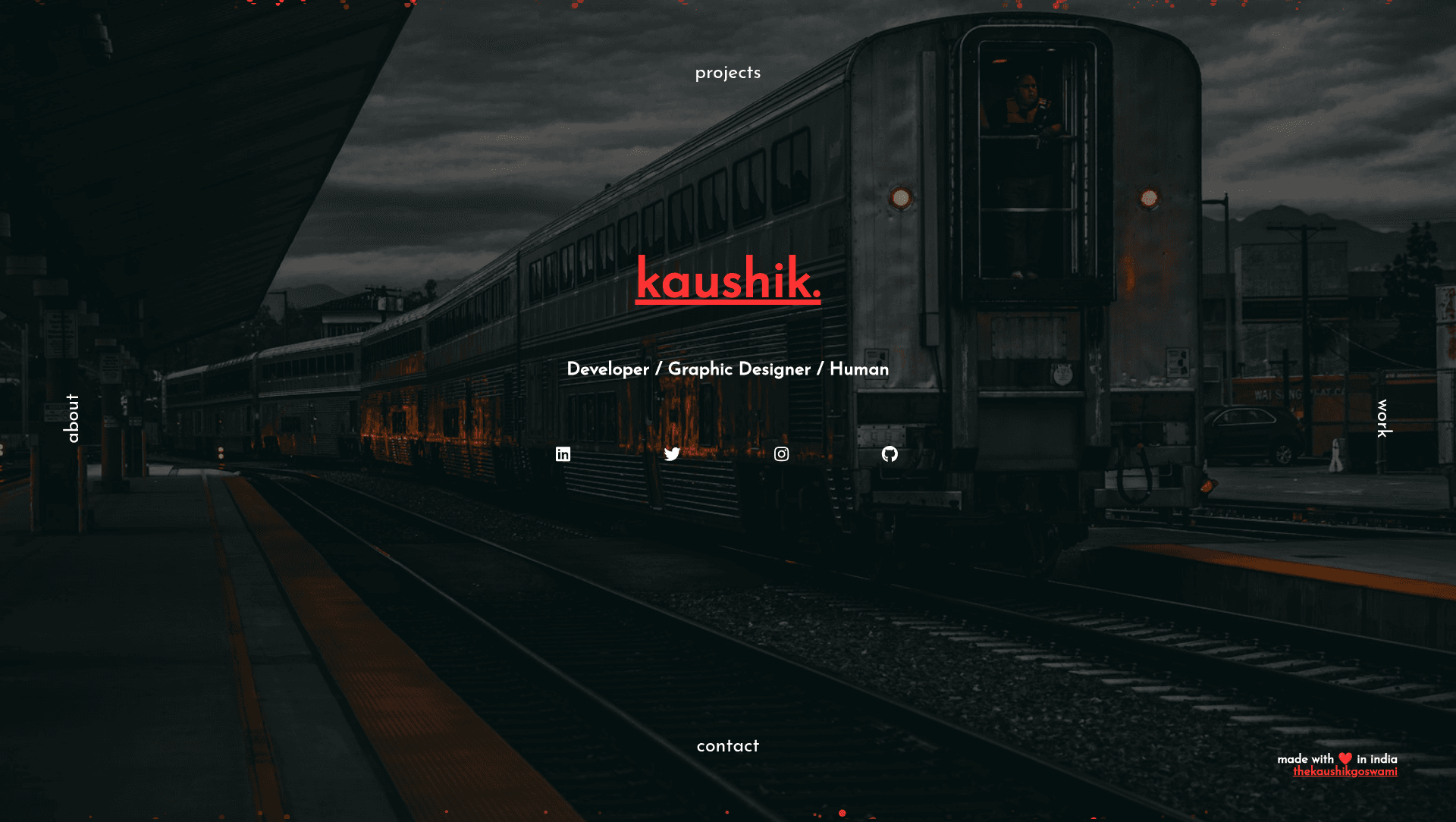
Personal Portfolio is an open-source, one-page portfolio website template built with HTML5, CSS3, and jQuery that lets software developers publish a personal site on GitHub Pages by editing a single index.html file. Created by GitHub user TheKaushikGoswami, the template is a minimal and ambient starting point that ships with a particle-effect background, a custom 404 page, and seven content sections.
What is Personal Portfolio?
Personal Portfolio is a front-end website template written in valid HTML5 and CSS3, using jQuery, Animate.css, Google Fonts, and particles.js as its main libraries. It takes a developer's profile content — name, skills, work history, resume, contact details, and social links — entered into one index.html file, and produces a responsive one-page portfolio ready to host on GitHub Pages. The template is based on the fimbo portfolio by imfunniee, and its 404 page is derived from the tsParticles 404 templates.
Key Features
- Open-source license — the complete source is available on the GitHub repository thekaushikgoswami.github.io, free to clone, modify, and redeploy.
- Valid HTML5 and CSS3 — the site is a single index.html page paired with an assets directory for images, with no build step required.
- Particle effect background — an animated particle canvas, powered by the particles.js library, is included as a landing visual.
- Custom 404 page — a styled error page built from the tsParticles 404 templates, so missing URLs on the deployed site display a branded page.
- Seven ready-made sections — About, Skills, Work, Resume, Contact, Social Media Links, and Footer, all marked as complete in the README.
- Easy content modification — content changes mean editing text in index.html and adding or removing image files in the assets directory.
- GitHub Pages deployment workflow — the README's recommended path is to create a repository named exactly your-github-username.github.io and push the code to the master branch.
- jQuery, Animate.css, and Google Fonts — these libraries handle DOM interactions, scroll animations, and typography respectively.
Who is it for?
- Software developers — publish a one-page portfolio covering About, Skills, Work, and Resume without starting from a blank page.
- Students and recent graduates — stand up a personal site quickly to link from a résumé or job application, with Contact and Social Media Links sections already built.
- GitHub Pages users — anyone wanting a free, code-first portfolio can follow the named-repository deployment steps and host the site at their own GitHub username domain.
What can you do with Personal Portfolio?
- Job-seeking developers: replace the placeholder content in index.html with real work history and skills, then deploy the repository to GitHub Pages as a live portfolio.
- Personal branding: point the Contact and Social Media Links sections at active profiles and use the particle-effect landing area as a distinctive first impression.
- Template learning: study a compact HTML5, CSS3, and jQuery codebase that integrates Animate.css and particles.js as examples of adding third-party front-end libraries.
How does Personal Portfolio work?
The README documents a four-step workflow: clone the repository, modify the content of index.html to match your requirements, add or remove images from the assets directory, and deploy using GitHub Pages. For deployment, you create a new GitHub repository named exactly your-github-username.github.io, then push the generated code to the master branch of that repository.
FAQ
Is Personal Portfolio free?
Yes, the template is open-source and available on GitHub. You can clone the repository, edit index.html, and deploy your own version of the site without paying a license fee, and the README asks only that you star the repository if you like it.
How do I deploy Personal Portfolio to my own domain?
Create a GitHub repository with the exact name your-github-username.github.io, push the code to the master branch, and GitHub Pages will serve the site at that username-based URL. The README recommends this as the easiest deployment method.
What technologies does Personal Portfolio use?
The template runs on static HTML5 and CSS3, with jQuery for interactions, Animate.css for animations, Google Fonts for typography, and particles.js for the animated background. No build step or server-side framework is required.
Does Personal Portfolio include a custom error page?
Yes, it ships with a custom 404 page built from the tsParticles 404 templates, so visitors who hit a missing URL on your deployed site see a styled, on-brand page rather than the default GitHub Pages error.