Template details
DarkWeb Web Portfolio Template
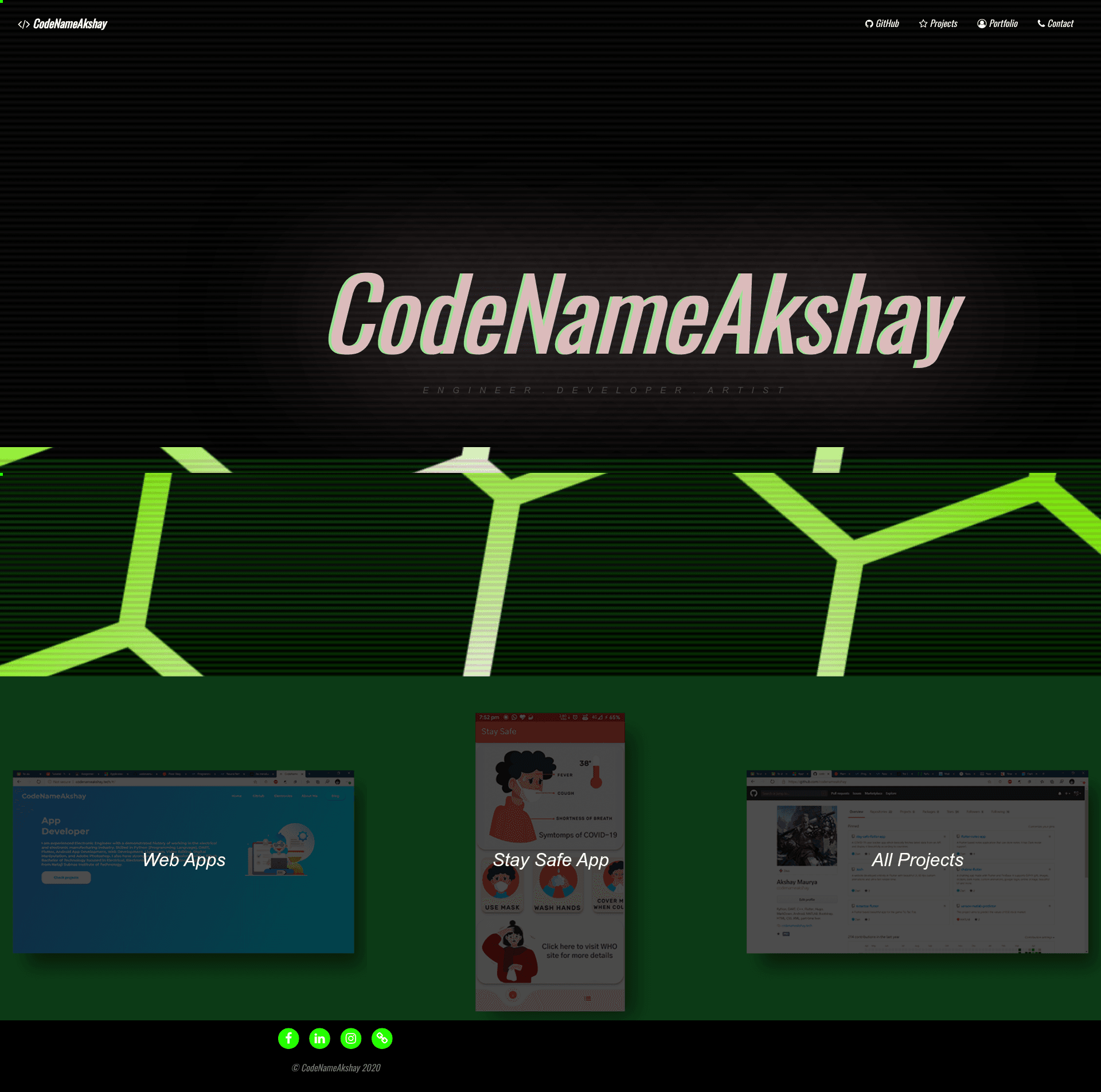
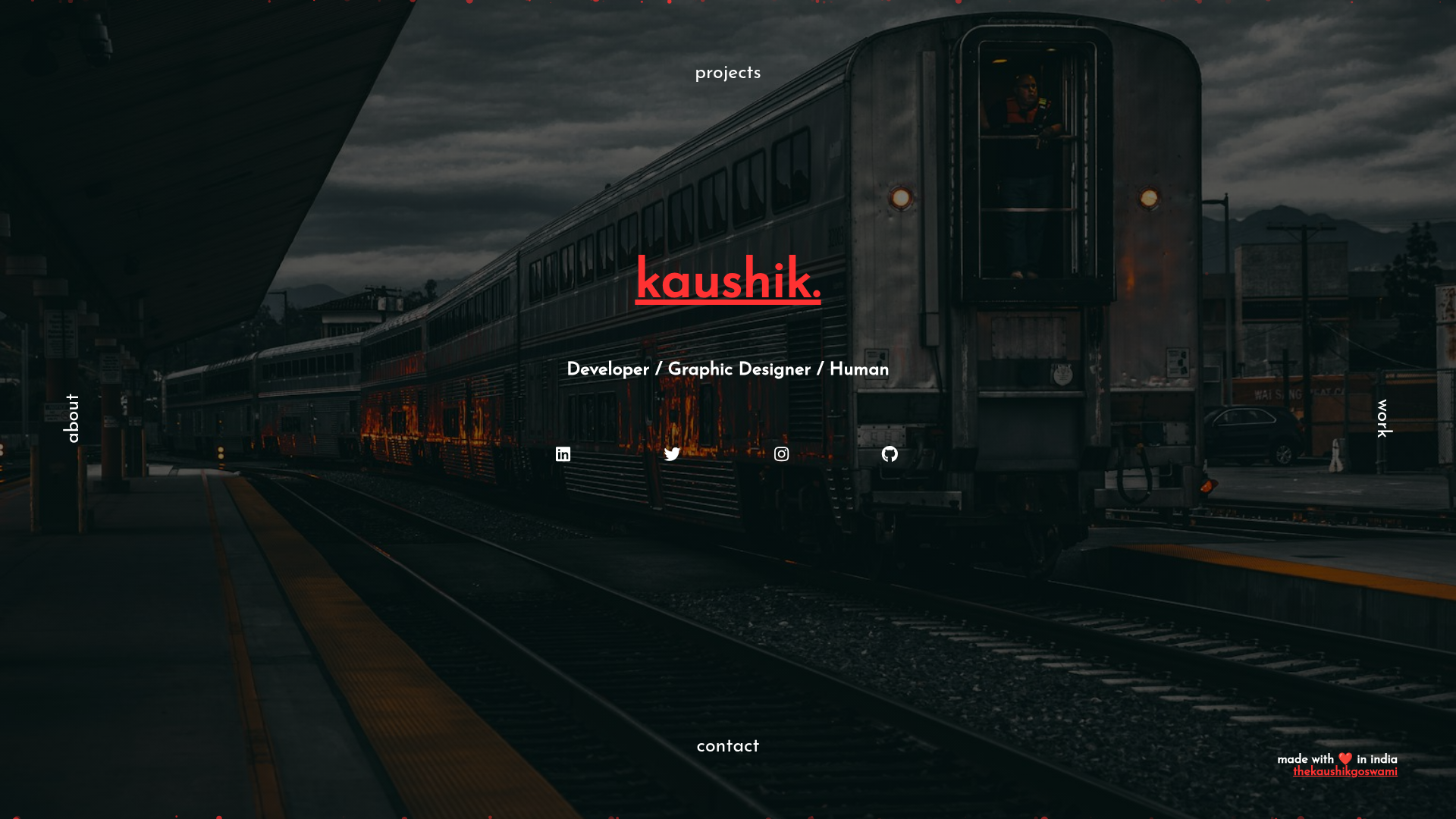
A CSS-based hacker-styled portfolio template with glitch animations, parallax background, and mouse cursor trail.
About this template
DarkWeb Web Portfolio Template is a CSS-driven portfolio website template that produces a hacker-themed page with glitch animations, a parallax background, and a mouse cursor trail.
What is DarkWeb Web Portfolio Template?
DarkWeb Web Portfolio Template is a static website template built with HTML5, CSS, and JavaScript (jQuery). It takes a typical portfolio's content—a name, projects list, and contact details—and renders it as a hacker-styled single-page website with animated visual effects. The template ships as a GitHub repository and includes both a DarkWeb.bsdesign file for Bootstrap Studio, a visual desktop web design tool, and a plain index.html that can be edited in any text editor. The repository metadata lists Bootstrap, SCSS, and Sass as technologies, indicating the layout is built on the Bootstrap framework and the styles are authored in SCSS.
Key Features
- Glitch animations — Text and elements display glitch-style distortion effects that reinforce the hacker aesthetic.
- Parallax background — The background layer moves at a different scroll speed than the foreground, creating depth as the user scrolls.
- Mouse cursor trail — A visual trail follows the pointer, adding an interactive, terminal-like feel.
- Bootstrap Studio project file — The included
DarkWeb.bsdesignfile lets users load and edit the template entirely inside Bootstrap Studio's drag-and-drop interface. - Direct HTML editing — The
index.htmlfile can be opened and customized in any code editor without additional build tools. - jQuery-driven interactions — The animations and cursor effects are implemented with jQuery and JavaScript, so they run in any modern browser.
- SCSS-based styling — Styles are written in SCSS and compiled into the CSS, making color schemes and layout variables easy to adjust.
Who is it for?
DarkWeb is aimed at developers and designers who want a portfolio with a hacker or cyberpunk look. A front-end developer can clone the repo and edit index.html directly to replace placeholder content with their own projects. A Bootstrap Studio user can open the .bsdesign file and use the visual editor to rearrange sections without touching code. A cybersecurity professional or penetration tester might use the template to give a personal site an appropriately technical, dark aesthetic.
Use cases
- Front-end developers: quickly stand up a personal portfolio page with ready-made glitch effects and parallax scrolling by editing the HTML.
- Bootstrap Studio users: import the included
.bsdesignfile and customize the design visually, then export the finished site. - Security enthusiasts: present a personal brand with a deliberate hacker-style interface that matches a security-focused identity.
How does it work?
The template works as a static site with no server-side dependencies. You clone the repository, open either the DarkWeb.bsdesign file in Bootstrap Studio or the index.html file in a text editor, swap in your own content, and host the resulting files on any static web server.
FAQ
Is DarkWeb Web Portfolio Template free to use?
The repository is publicly hosted on GitHub and can be cloned without payment. The page does not state a specific license, so you should check the repository's license files if you plan to use it commercially.
Do I need Bootstrap Studio to use this template?
No. The template gives you two paths: you can work with the included DarkWeb.bsdesign file in Bootstrap Studio, or you can edit the index.html directly from any text editor. Bootstrap Studio is a separate paid tool, but it is optional.
What technologies does the template use?
The template is built with HTML5, CSS, and JavaScript, and it specifically uses jQuery for animations. Its styling is based on Bootstrap and authored in SCSS. The repository's topic list includes css, html5, javascript, jquery, bootstrap, scss, and sass.
Can I change the colors and fonts?
Because the styles are written in SCSS, colors and fonts are defined as variables in the source files, so you can adjust them before compiling to CSS. If you edit the plain index.html, you can still change the linked CSS or inline styles, though you'll work with the compiled CSS directly.