Template details
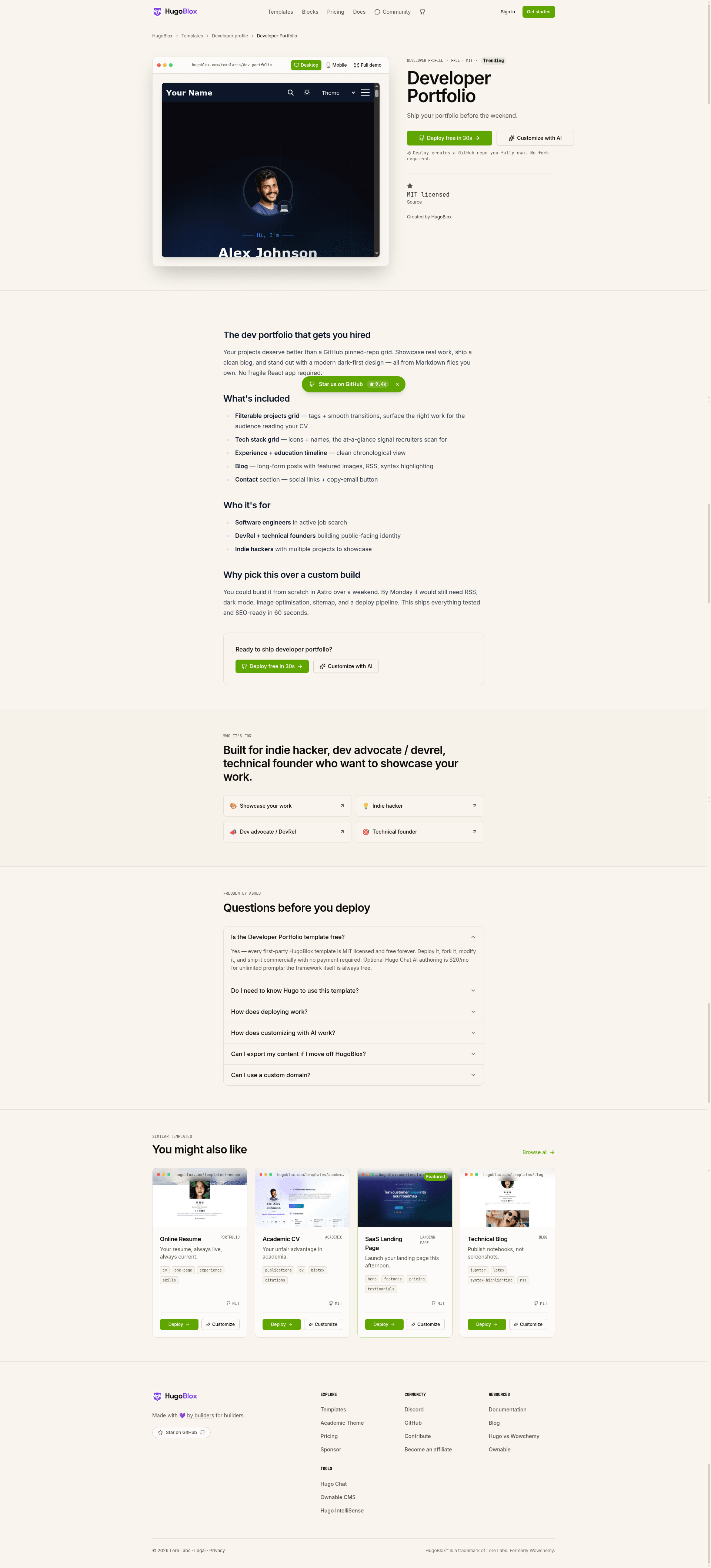
Hugo Theme Dev Portfolio
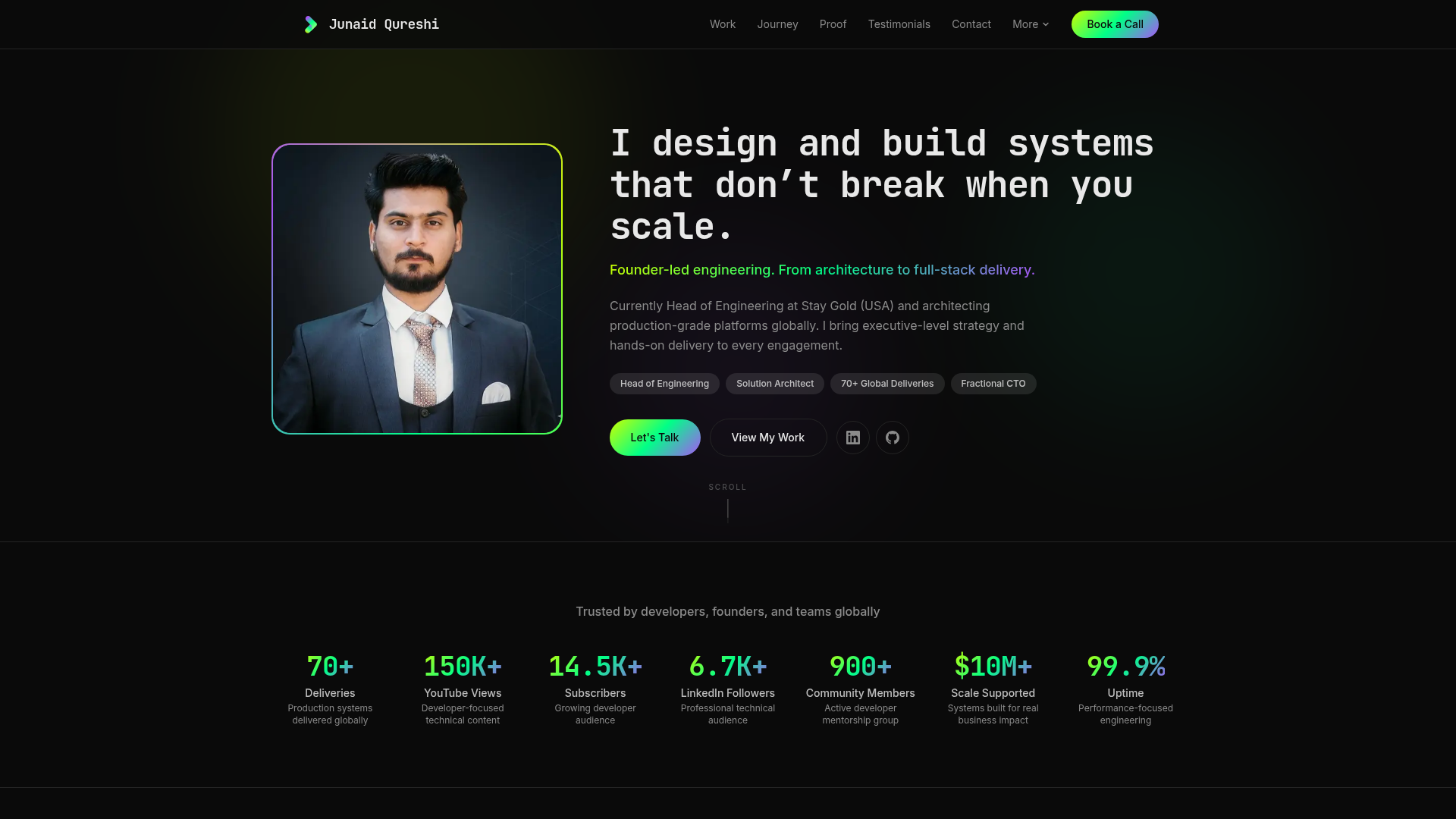
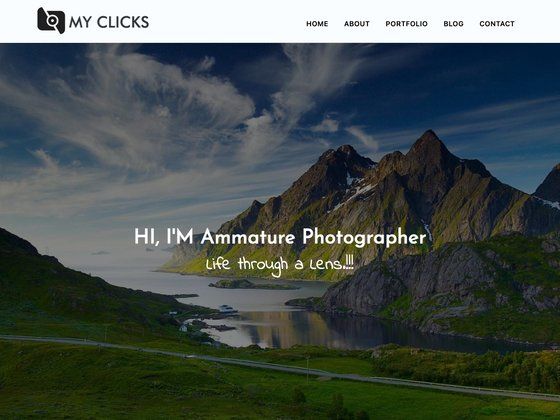
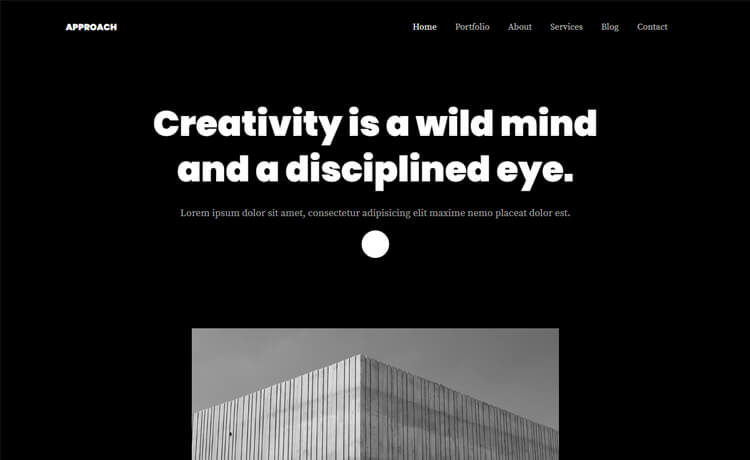
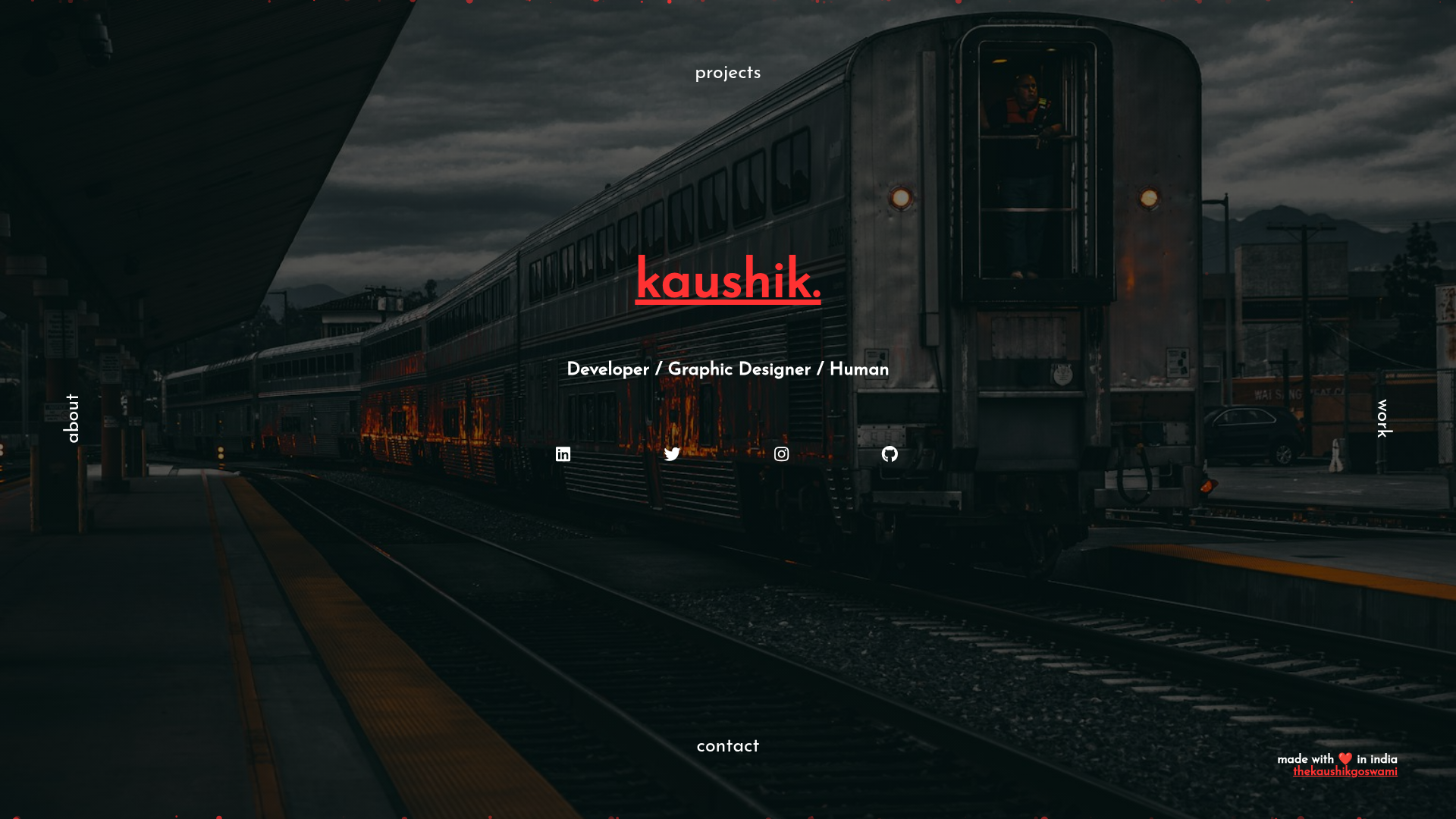
Developer portfolio that gets you hired — AI generates pages, you own Markdown. Project grid, tech stack, timeline, blog, dark design, free hosting.
About this template
Hugo Theme Dev Portfolio is a free, open-source Hugo theme from the HugoBlox ecosystem for building a developer portfolio site that showcases projects, tech stack, experience timeline, and a blog — with AI-generated pages and Markdown ownership as its core function.
What is the Hugo Theme Dev Portfolio?
It's a static-site theme that takes Markdown files as input and produces a fast, secure portfolio website with a filterable project grid, a tech-stack icon grid, an experience and education timeline, and a blog with featured images. It runs on Hugo Extended, is built on the HugoBlox framework, and is maintained by Lore Labs (HugoBlox) since 2016, MIT licensed.
Key Features
- Filterable project grid — Showcase projects with tags, smooth transitions, and featured images so recruiters find what matters fast.
- Tech stack display — An icon grid of your tools and languages gives recruiters a glanceable skills overview.
- Experience & education timeline — Structured career history with dates, roles, and descriptions.
- Blog with featured images — Write technical posts in Markdown; code highlighting, math, and diagrams are supported.
- Dark-first design — A premium dark-mode-first look that also works in light mode, with no design skills needed.
- AI page generation — Hugo Chat, an AI assistant trained on Hugo and HugoBlox docs, generates structured pages with correct front matter, shortcodes, and blocks.
- Visual editor — Ownable CMS offers drag-and-drop block editing inside VS Code, no coding needed.
- Plain Markdown, no lock-in — Every file is human-readable Markdown; no database or vendor dependency, so content can be moved anywhere.
- Free hosting — Deploy to GitHub Pages, Netlify, Vercel, or Cloudflare Pages, all with free tiers.
Who is it for?
- Students and new grads — apply to internships, MSc programs, or junior roles with a living portfolio instead of a flat resume.
- Software engineers — get a modern dark-first design without writing frontend code, and maintain it as Markdown.
- STEM professionals (data, ML, research, engineering) — showcase projects and technical writing with math and diagram support.
- Anyone job-hunting — present projects, tech stack, experience timeline, and a blog in one credible site.
What can you do with it?
- Students: build a portfolio over a weekend by deploying in the browser, then edit Markdown to add projects and a bio.
- Software engineers: publish a project grid with GitHub links and write technical blog posts to demonstrate communication skills.
- Researchers and data scientists: display code-heavy projects and use the blog's math and diagram support for technical write-ups.
- Career switchers: create an experience timeline that maps previous roles to the skills required for the new field.
How does it work?
Deploy a live site in 60 seconds through the browser, or run npx hugoblox create site --template dev-portfolio using the CLI (Hugo Extended and Node.js required). Then customize with Hugo Chat's plain-English AI, use the Ownable CMS visual editor in VS Code, or edit Markdown directly. Commit and push to any free static host to go live.
Pricing
The template is free and open source. A paid tier called Dev Portfolio Pro adds premium designs, advanced project gallery layouts, enhanced timeline and skill visualizations, attribution removal, and priority support; compare plans on the HugoBlox pricing page.
FAQ
Do I need to know Hugo?
No. You can edit visually with Ownable CMS or write Markdown. Hugo is the build engine under the hood that makes the site fast, secure, and free to host.
Can I use this for non-dev portfolios?
Yes. The project grid, blog, and timeline work for any profession, though the dark-first design and tech stack section are built with developers in mind.
Can I host for free?
Yes. GitHub Pages, Netlify, Vercel, and Cloudflare Pages all have free tiers for static sites.
Can I migrate my content later?
Yes. Your site is just Markdown files in a folder, so you can copy them anywhere without lock-in.
What's Hugo Chat?
An AI assistant trained on Hugo and HugoBlox docs. Describe what you want and it generates the right pages with correct front matter, free to try.
Can I cancel Pro anytime?
Yes, with no questions asked.