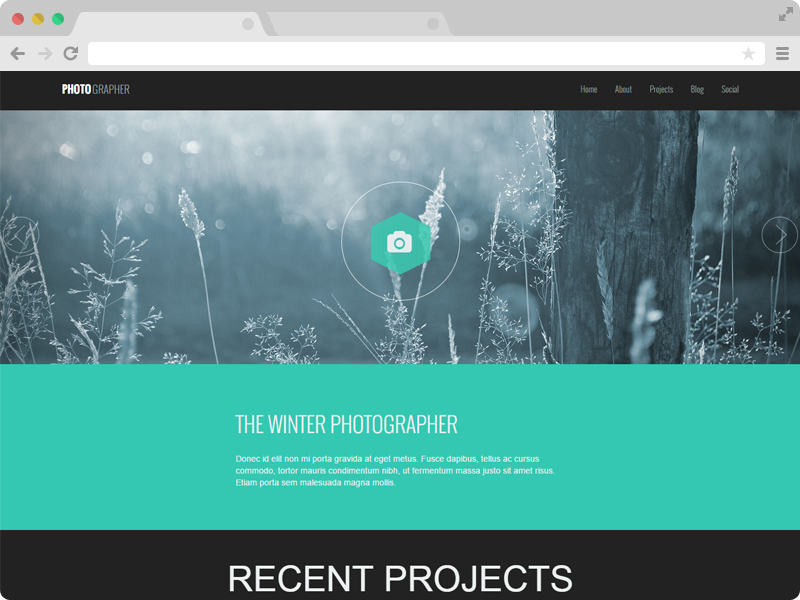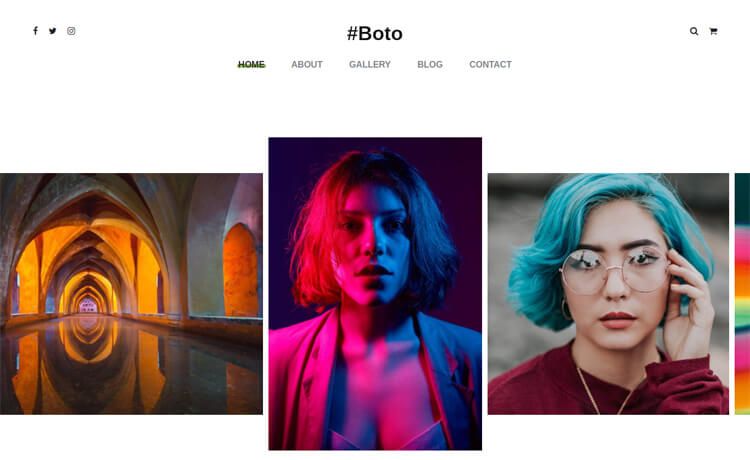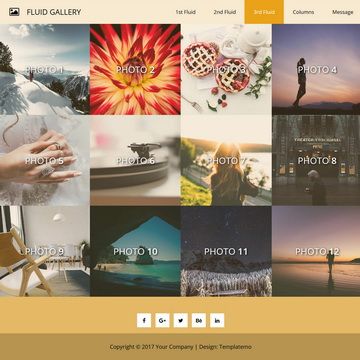
Template details
Photography
A free online portfolio website to showcase your photos.
About this template
Photography is a free, open-source Jekyll template that turns a GitHub repository into a photographer's portfolio website, hosted at no cost on GitHub Pages.
What is Photography?
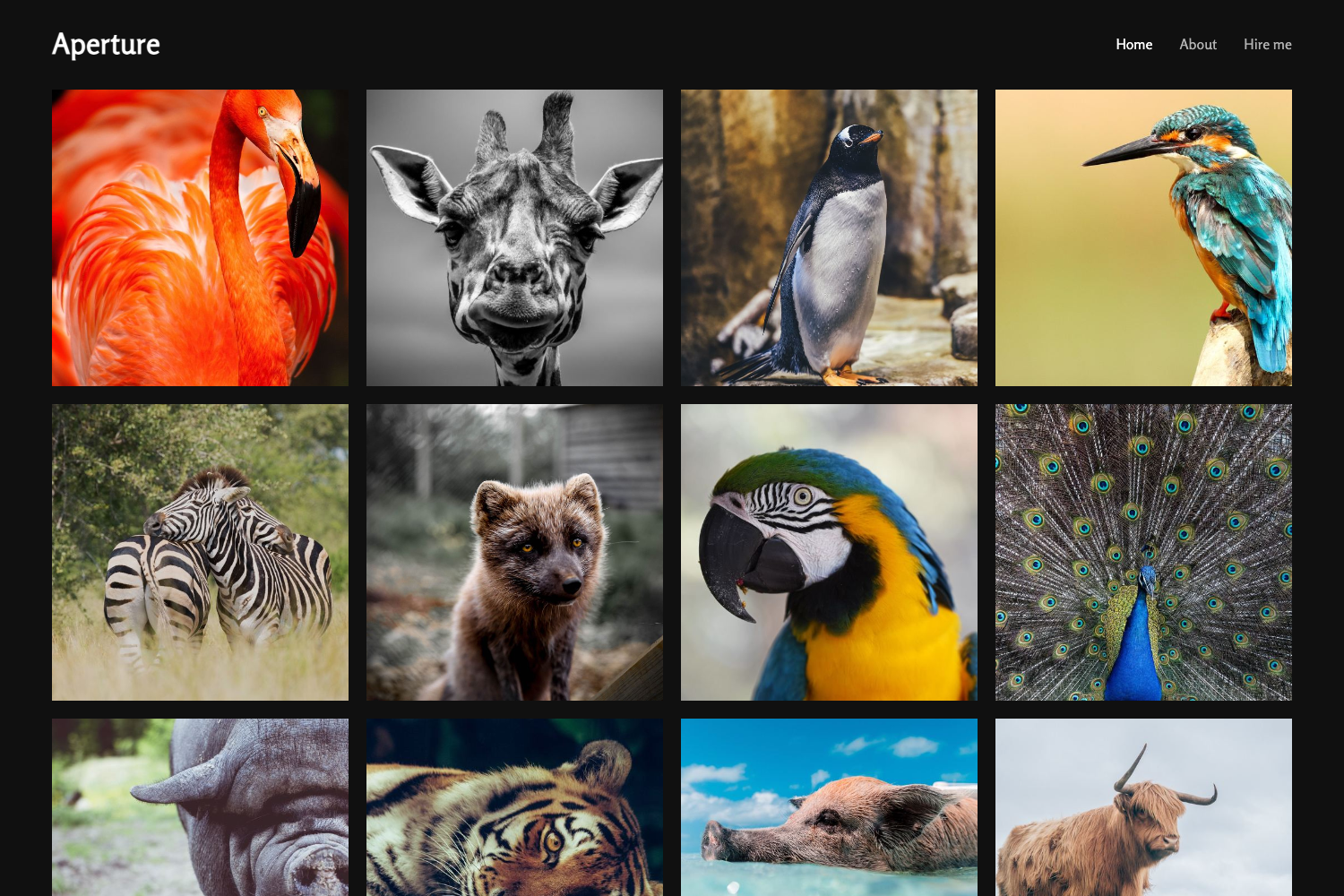
Photography is a Jekyll-based website template designed for photographers to showcase their work online. It takes a set of image files and generates a static portfolio site that displays them in a gallery with automatic EXIF metadata (aperture, shutter speed, ISO) on click. The template was created by Ram Patra, who enhanced an original design by AJ (twitter.com/ajlkn) for Jekyll, and is available on GitHub under the repository rampatra/photography.
Key Features
- Free hosting on GitHub Pages — The site is served directly from your GitHub repository, so there is no web hosting bill; you only need a GitHub account.
- No-code photo uploads — To add new pictures, you simply upload files to the images/fulls and images/thumbs directories; no code changes are required.
- Automatic EXIF display — When you click any image, the site shows the camera settings used, including aperture, shutter speed, and ISO, pulled from the image metadata automatically.
- Gulp-based image resizing — A bundled npm package with Gulp tasks (gulp resize) automatically resizes full-size images and generates thumbnails before you upload them.
- Custom domain support — You can use your own domain by editing the CNAME file, or remove it to use the default GitHub Pages URL (yourusername.github.io/photography).
- Configurable site settings — The _config.yml file lets you change the footer name, social links, Google Analytics ID, and baseurl without touching the layout files.
- Serverless contact form — The readme describes how to wire the contact form to Google Scripts so submissions are emailed or logged to a spreadsheet without any backend code.
Who is it for?
- Photographers — Those who want a clean, minimal portfolio site to display their work without paying for hosting or a website builder.
- Hobbyist shooters — People comfortable with GitHub who want a free personal gallery and are willing to fork a repository and upload image files.
- Tech-savvy makers — Users who want to customize the theme's layout and styles, then rebuild the static site with Gulp before pushing changes.
What can you do with Photography?
- Set up a live portfolio in minutes — Fork the repo, enable GitHub Pages, upload photos, and your site is live at a free URL.
- Showcase camera settings — Let visitors inspect the EXIF data of each photo, which is useful for photographers teaching technique.
- Automate image preparation — Run gulp resize on a folder of large camera JPEGs to produce web-optimized images and thumbnails in one step.
- Add a custom domain — Point your existing domain at the site by editing the CNAME file and baseurl setting.
How does Photography work?
The template runs on Jekyll, a static site generator, and is built with Gulp and npm. You start by forking the repository, enabling GitHub Pages in the repo settings, and uploading your photos to the images/fulls and images/thumbs folders. You then update the baseurl and CNAME file for your domain, and optionally run bundle install and gulp to rebuild the site before pushing changes.
Pros and cons
- Free — The template is open-source and GitHub Pages hosts it at no cost.
- Simple updates — Adding images is just a file upload; no code edits are needed.
- Automatic metadata — EXIF data is displayed without any manual entry.
- Requires technical comfort — You need to know how to fork a repo, work with Git, and edit config files; it is not a drag-and-drop website builder.
- Jekyll dependency — The site is tightly coupled to Jekyll and Gulp, so you must install Ruby, Bundler, Node.js, and npm to build and test locally.
Pricing
Photography is completely free and open-source. There are no paid tiers; you only pay for your own domain if you choose to use one.
FAQ
Is Photography free to use?
Yes, the template is open-source and free. Hosting on GitHub Pages is also free, so you can run a portfolio with zero ongoing costs.
How do I add new photos to my site?
Upload your image files to the images/fulls and images/thumbs directories in your GitHub repository. You can do this through the GitHub web interface or by cloning the repo and pushing files. No code changes are required.
Can I use my own domain name?
Yes. Edit the CNAME file in the repository and set the baseurl in _config.yml to your domain. After enabling GitHub Pages, your custom domain will serve the site.
How do I resize images for the gallery?
Install the project's npm dependencies, copy your original photos into the images directory, and run gulp resize. This generates resized full-size images and thumbnails automatically before you push them to GitHub.
What is the default URL for my site?
If you do not use a custom domain, GitHub Pages serves the site at yourusername.github.io/photography, where yourusername is your GitHub account name.