Template details
Planty
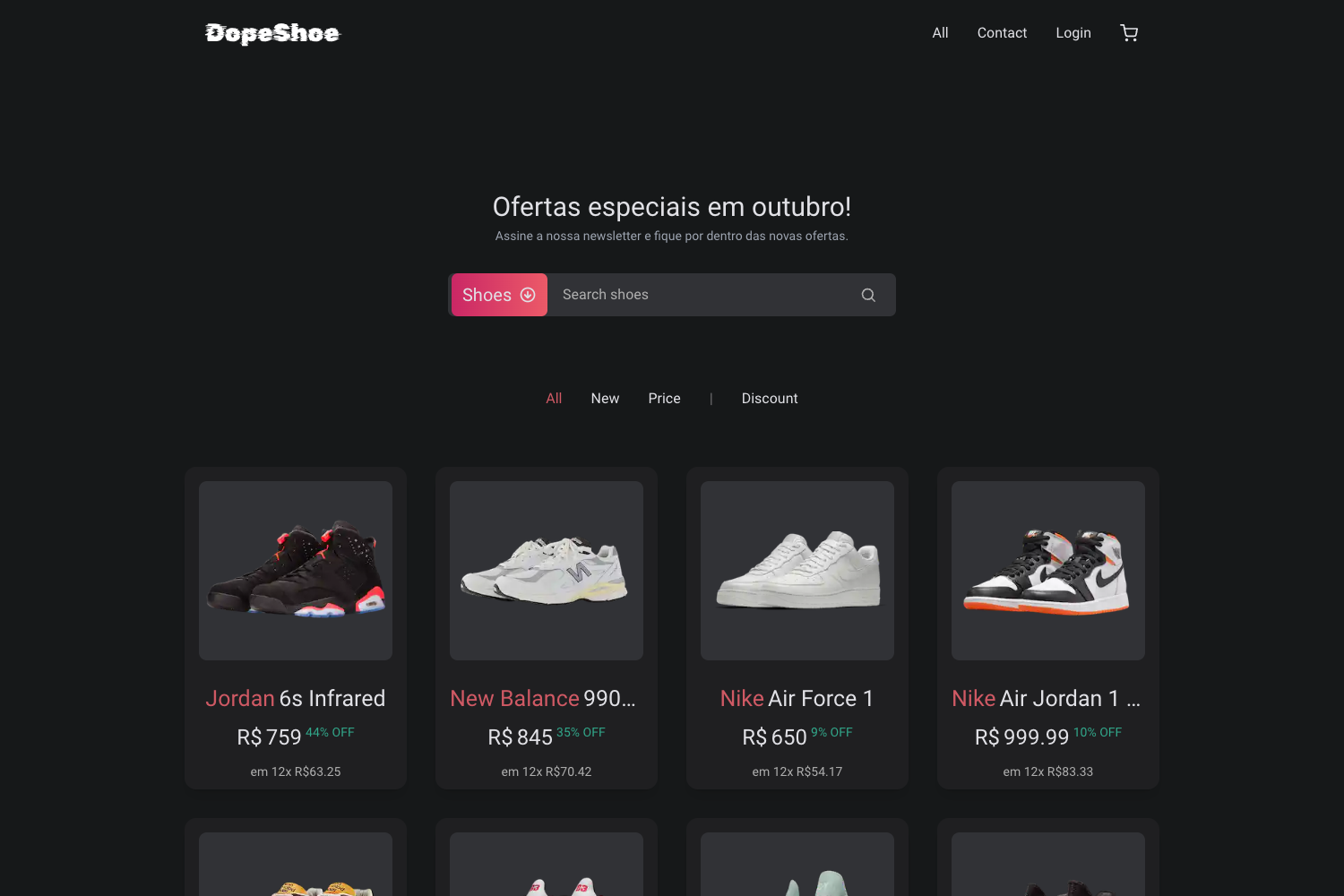
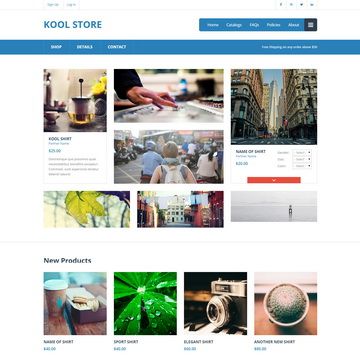
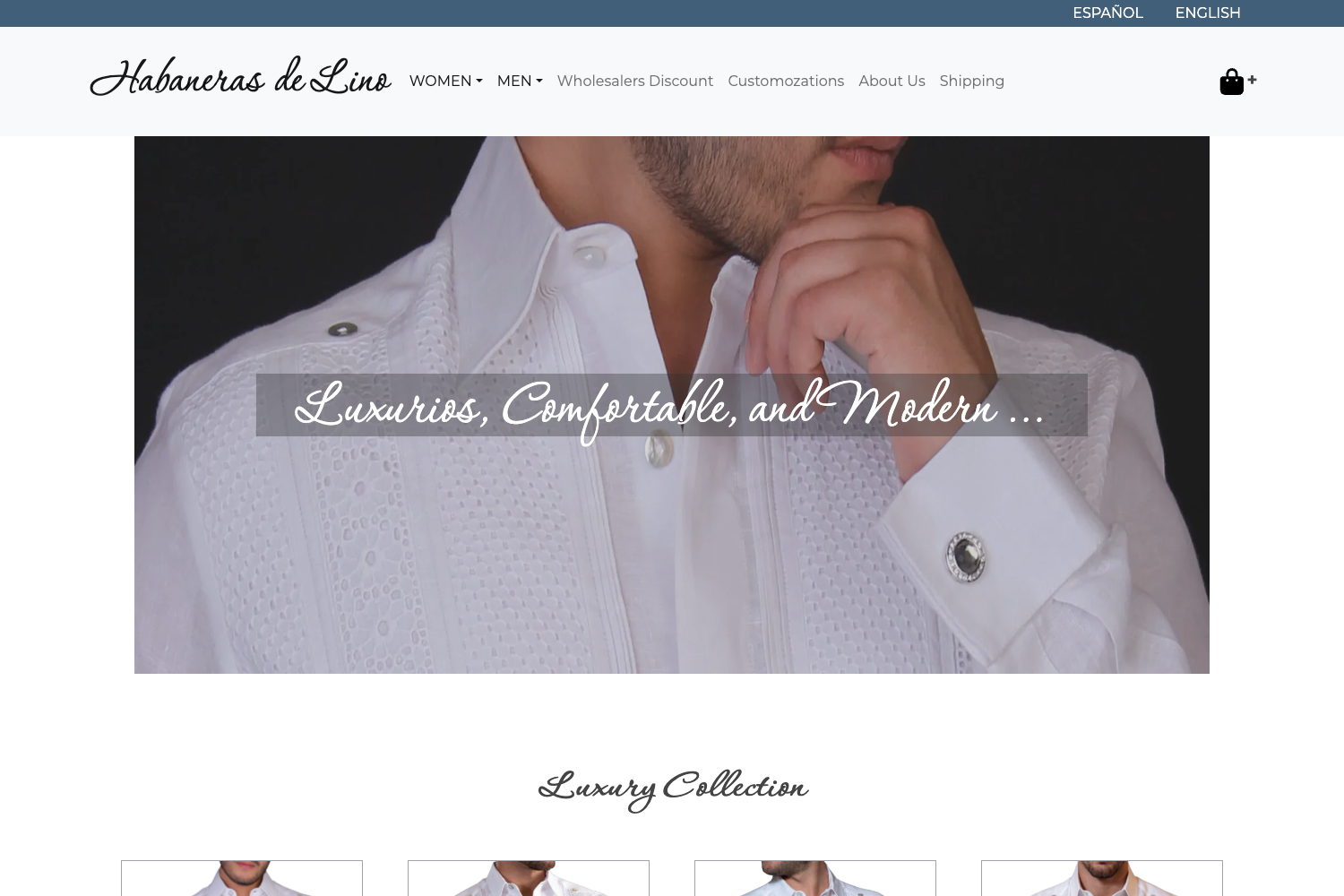
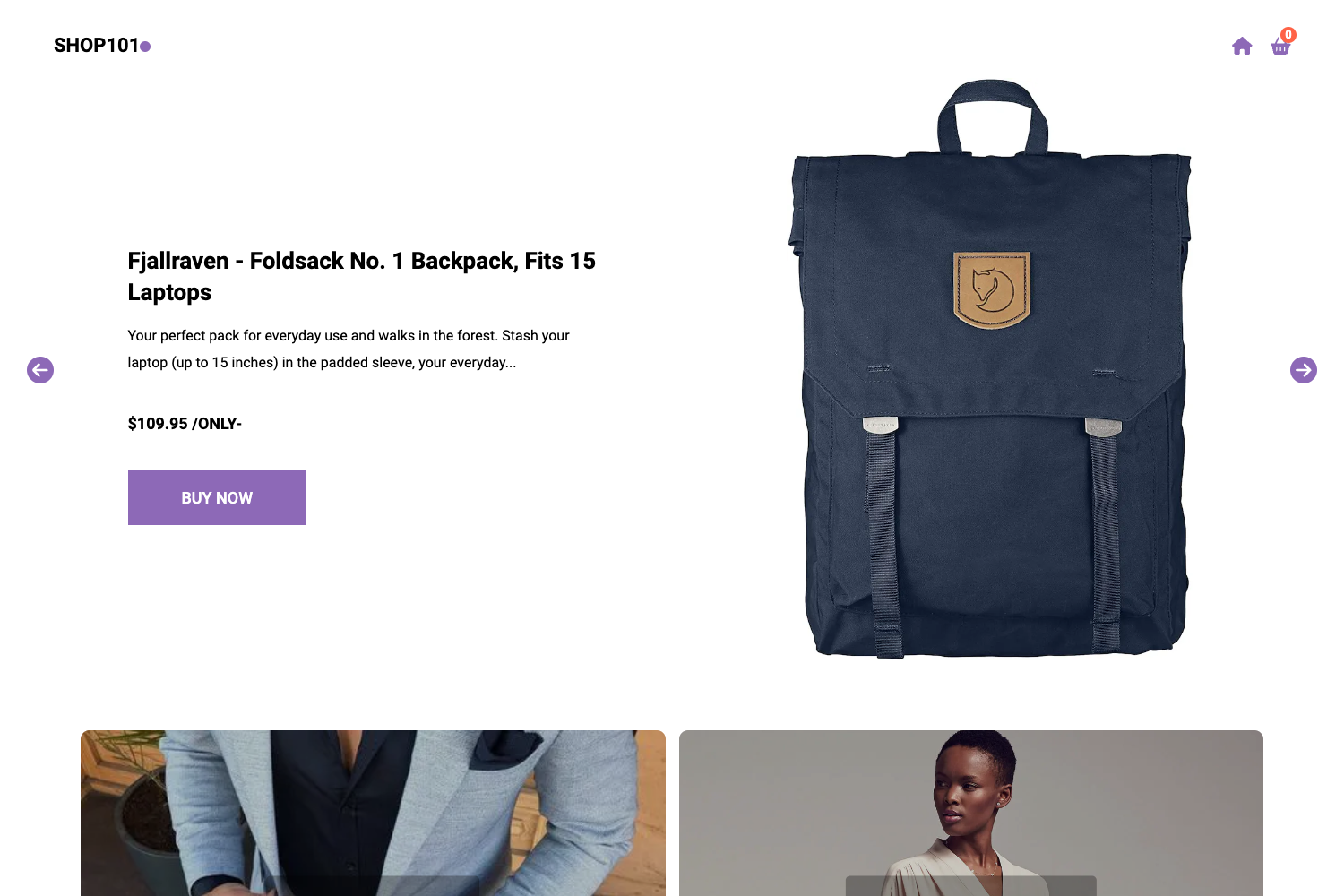
Planty is an e-commerce ready Jekyll theme for Stackbit, powered by Snipcart, with CMS-driven products, categories, testimonials, and FAQ.
About this template
Planty is an e-commerce ready Jekyll theme for Stackbit, created by Snipcart, that generates a static storefront with CMS-driven products, categories, testimonials, and FAQ.
What is Planty?
Planty is a custom theme for Stackbit that produces an e-commerce ready website. It takes configuration through a headless CMS and outputs a static Jekyll site with product listings, categorization, and commerce features powered by Snipcart. The theme was built by Snipcart and can be imported into Stackbit using its repository URL.
Key Features
- Snipcart integration — The theme is powered by Snipcart for shopping cart and checkout; you only need to enter your public API key in the global site config.
- Jekyll-based static output — The site is generated as a static Jekyll site; currently only Jekyll is supported, with other Stackbit-supported SSGs planned.
- Product management — Products are managed in the CMS with properties for price, description, name, and ID; you can also mark a product as featured to show it in the Best sellers section.
- Categories — Products can be assigned to categories that you manage from the CMS.
- CMS-driven styling — All theme colors, background images, and dark/light logos are configurable through the Global site config section.
- Content components — The theme includes sections for testimonials, FAQ, an About page, and a promotion block with a call-to-action that appears above the footer.
- Headless CMS compatibility — The configuration works with Forestry, as shown in the screenshots, and with other CMSs supported by Stackbit.
Who is it for?
- Stackbit users who want a ready-made e-commerce theme without building from scratch; they can import the repository URL and configure it entirely from the CMS.
- Small retailers that need a static product catalog with cart functionality and want to manage products, categories, and promotions without touching code.
- Jekyll developers looking for a commerce-focused starting point that integrates Snipcart and can be customized through CMS-defined variables.
What can you do with Planty?
- Launch a storefront: Create a product catalog with categories and featured products in a few steps by entering your Snipcart API key and adding products via the CMS.
- Customize branding: Adjust all colors, upload dark and light logos, and set background images to match your brand.
- Add social proof: Manage testimonials and FAQ entries through the CMS to build customer trust.
How does Planty work?
First, add the theme repository URL to Stackbit's custom themes importer. Then open your CMS and configure the global site config: enter your public Snipcart API key, set logos, and adjust style colors and background images. Finally, manage products, categories, testimonials, FAQ, and the promotion component from the CMS; the static site is generated automatically.
FAQ
Does Planty support static site generators other than Jekyll?
Currently only Jekyll is supported. According to the theme documentation, it will soon work with other static site generators supported by Stackbit.
Do I need a Snipcart API key?
Yes, you must enter your public Snipcart API key in the Global site config to enable the shopping cart and checkout functionality.
Can I use Planty with Forestry?
Yes, the documentation screenshots show configuration done in Forestry, and the theme also works with other CMSs supported by Stackbit.
How do I show products in the Best sellers section?
In the product details, set the featured flag. Featured products will display in the Best sellers section and use the feature images.
What is the promotion component?
The promotion is a component displayed just above the footer on some pages. You can configure its content and add a call-to-action link via the CMS.