Template details
Portfolio Template - HTML
Open source portfolio template built with plain HTML, CSS and JavaScript for developers to create their portfolio website.
About this template
Portfolio Template - HTML is an open-source portfolio website template built with plain HTML, CSS, and JavaScript, designed for developers to quickly launch a personal portfolio site. The template is maintained by the CommunityPro community and is free to use for community members or contributors, with a REQUIREMENTS.md file for other users.
What is Portfolio Template - HTML?
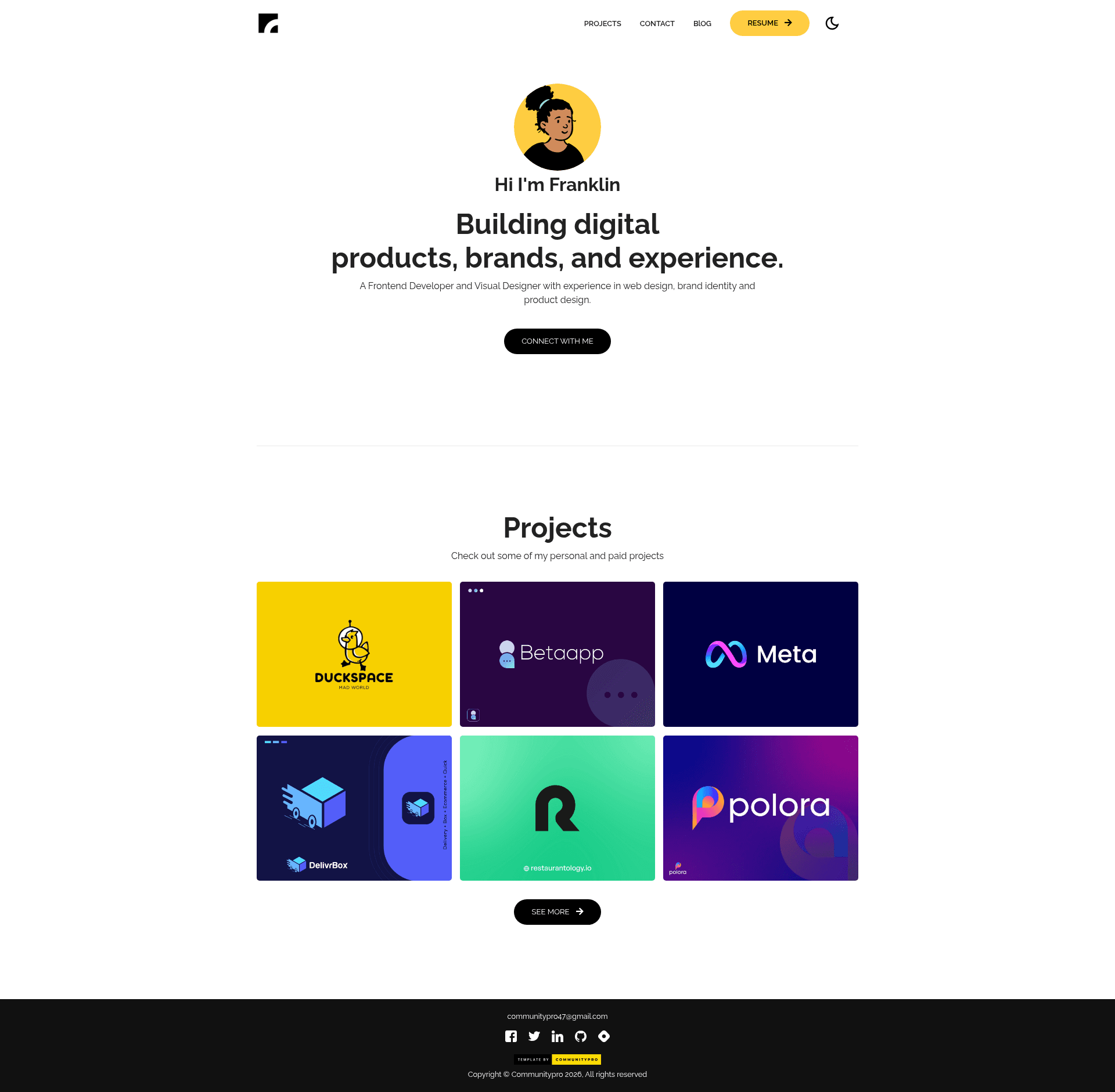
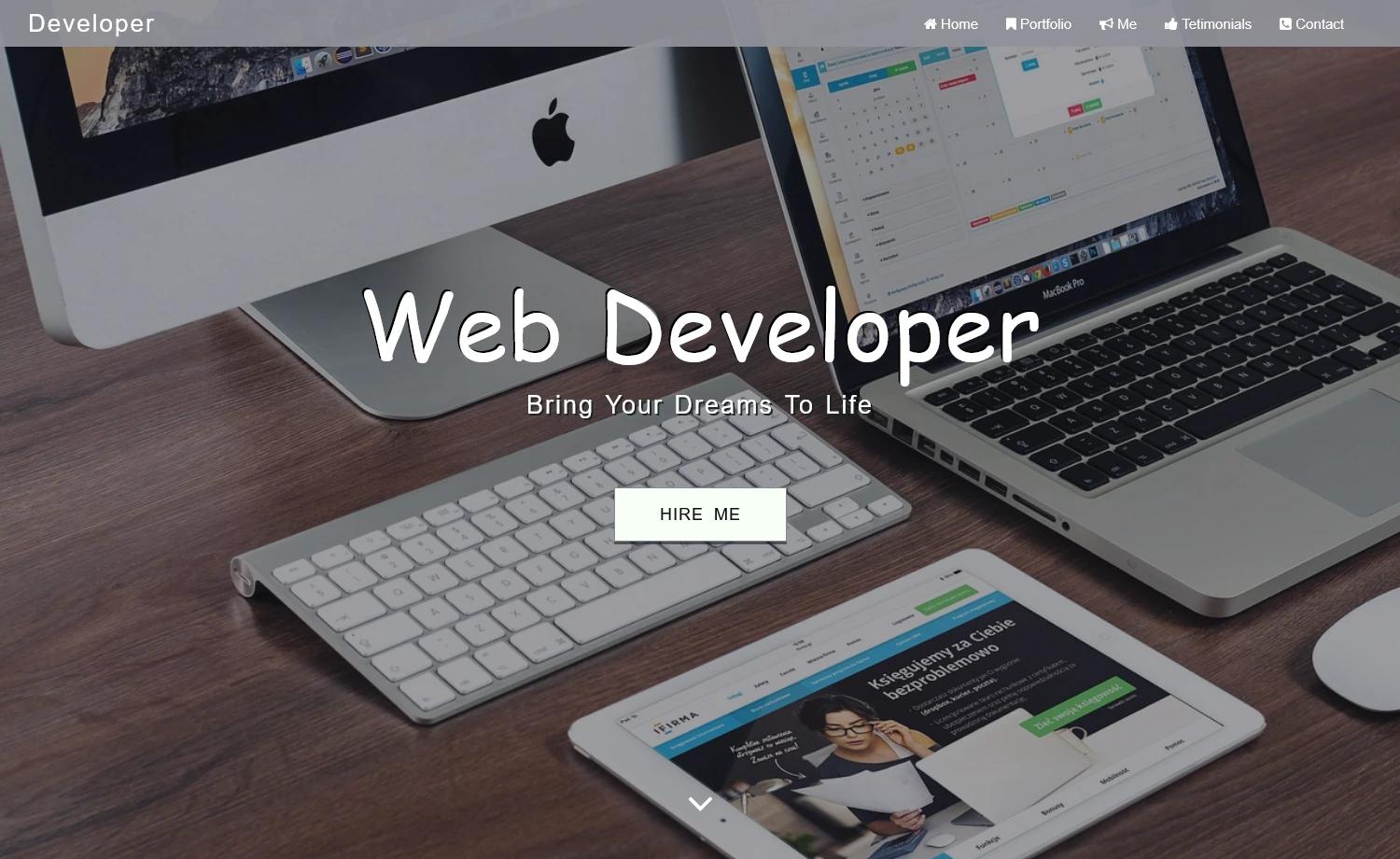
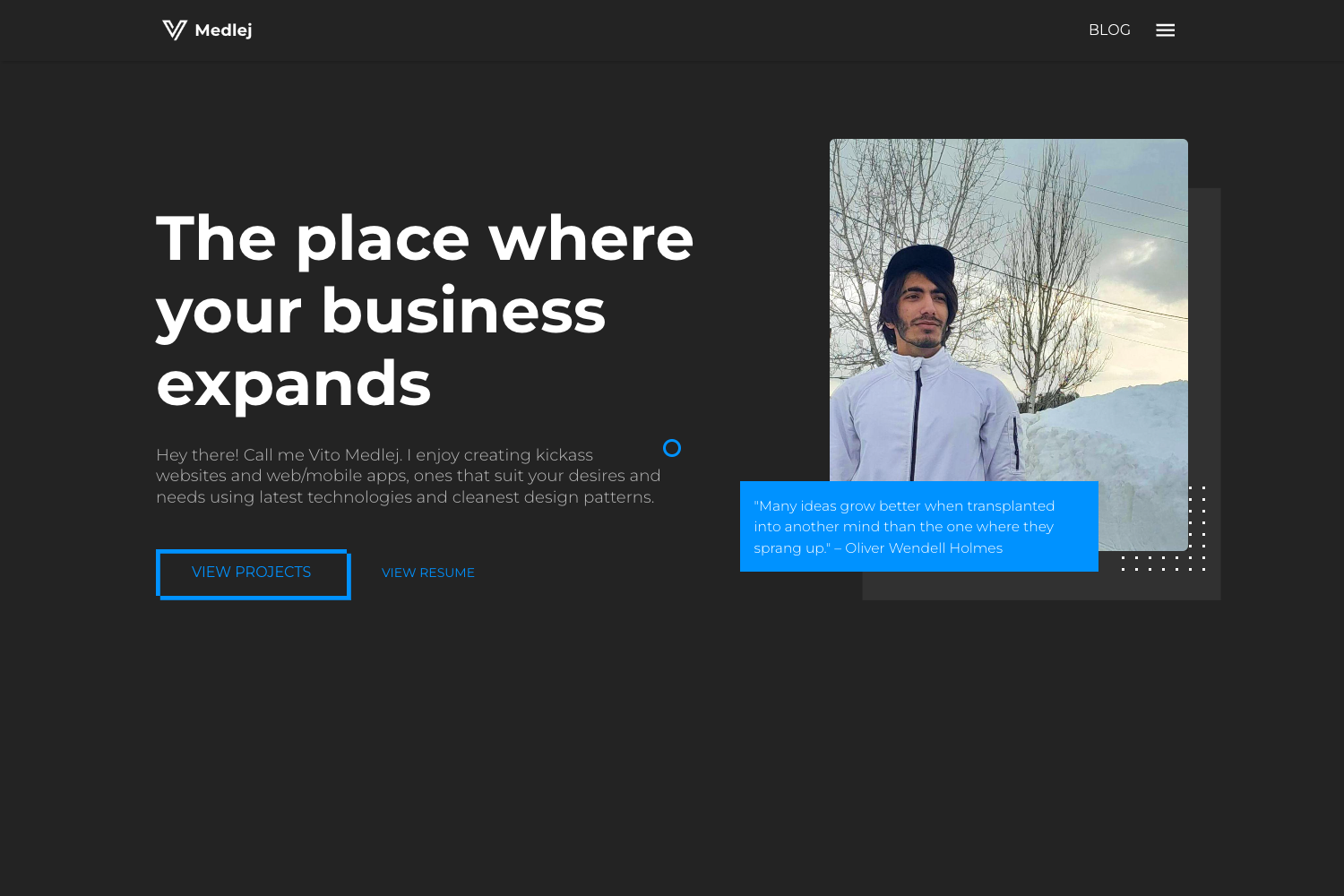
Portfolio Template - HTML is a static, single-page portfolio website template that runs without any build step. It takes a developer's personal details — name, job title, bio, project screenshots, and social links — and produces a responsive portfolio page with a hero section, a project grid, and a footer. The project lives in a GitHub repository with a live demo hosted on Netlify at cpro-portfolio-html.netlify.app.
Key Features
- Semantic HTML5 markup — Uses tags like
article,header, andfooterfor better accessibility and SEO, as described in the project's README. - Plain CSS styling — Styling lives in
style.cssandutilities.css; no CSS framework required, making it easy to override. - Responsive project grid — The
.projectclass uses CSS Grid withgrid-template-columns: repeat(3, 1fr)to show three columns on desktop, two on tablet, and one on mobile. - Customizable sections — Change the logo, navigation links, profile image, name, job title, job description, and "Connect With Me" button by editing
index.html. - Font Awesome icons — Project links and social icons use Font Awesome for easy icon swapping.
- Pre-configured social links — Footer includes Facebook, Twitter, LinkedIn, GitHub, and Hashnode icons with local SVG assets.
- Meta tag guidance — The repo includes a
Metatags.mdfile and recommends metatags.io for generating SEO and social-sharing tags. - Community contribution setup — Includes issue templates, a pull request template, CONTRIBUTING.md, and CODE_OF_CONDUCT.md.
Who is it for?
- Frontend developers — Looking for a lightweight, framework-free portfolio template to customize with their own content and deploy quickly.
- Designers — Who want a simple portfolio to showcase projects without learning a static site generator; the template's visual design is inspired by a Dribbble shot.
- Open-source contributors — Who can use the template freely if they are community members or contributors, and can also contribute improvements via GitHub issues and pull requests.
What can you do with Portfolio Template - HTML?
- Personalize the hero section — Replace the placeholder name "Franklin" with your own, update the job title headings, and write a 20-word job description.
- Add your projects — Edit the
.cardmarkup to insert project titles, tech stacks, and GitHub/live links; the grid auto-adjusts columns. - Connect your social profiles — Update the footer social icons and email link to point to your accounts.
- Generate SEO meta tags — Use the included guidance to create meta tags for sharing your portfolio on social platforms.
How does the template work?
The template is a static site with the main page at /docs/index.html and assets organized in a src folder. To customize, you edit the HTML directly — replace the logo src, update nav links, swap the profile image, and change project cards. The CSS files control layout and utilities, and script.js holds any JavaScript behavior. After editing, deploy the docs folder to any static host; the project shows a Netlify deploy status badge.
FAQ
Is Portfolio Template - HTML free to use?
The template is free to use if you are a member of the CommunityPro community or a contributor to the project. Otherwise, you must read the REQUIREMENTS.md file before using it for your own portfolio.
What technologies does it use?
It's built with plain HTML5, CSS, and JavaScript — no frameworks, build tools, or package dependencies. Icons come from Font Awesome, and the profile illustration is from Open Peeps by Pablo Stanley.
Can I customize the project grid layout?
Yes. The number of columns is controlled by the .project class in style.css, which uses CSS Grid. The default is three columns on desktop, two on tablet, and one on mobile.
Does the template include SEO support?
Semantic HTML5 tags and a dedicated Metatags.md file recommend generating meta tags with metatags.io for better search ranking and social sharing.
Where is the live demo?
The README links to a live example at cpro-portfolio-html.netlify.app, and the repository includes screenshots of the template design.