Template details
react exquisite resume
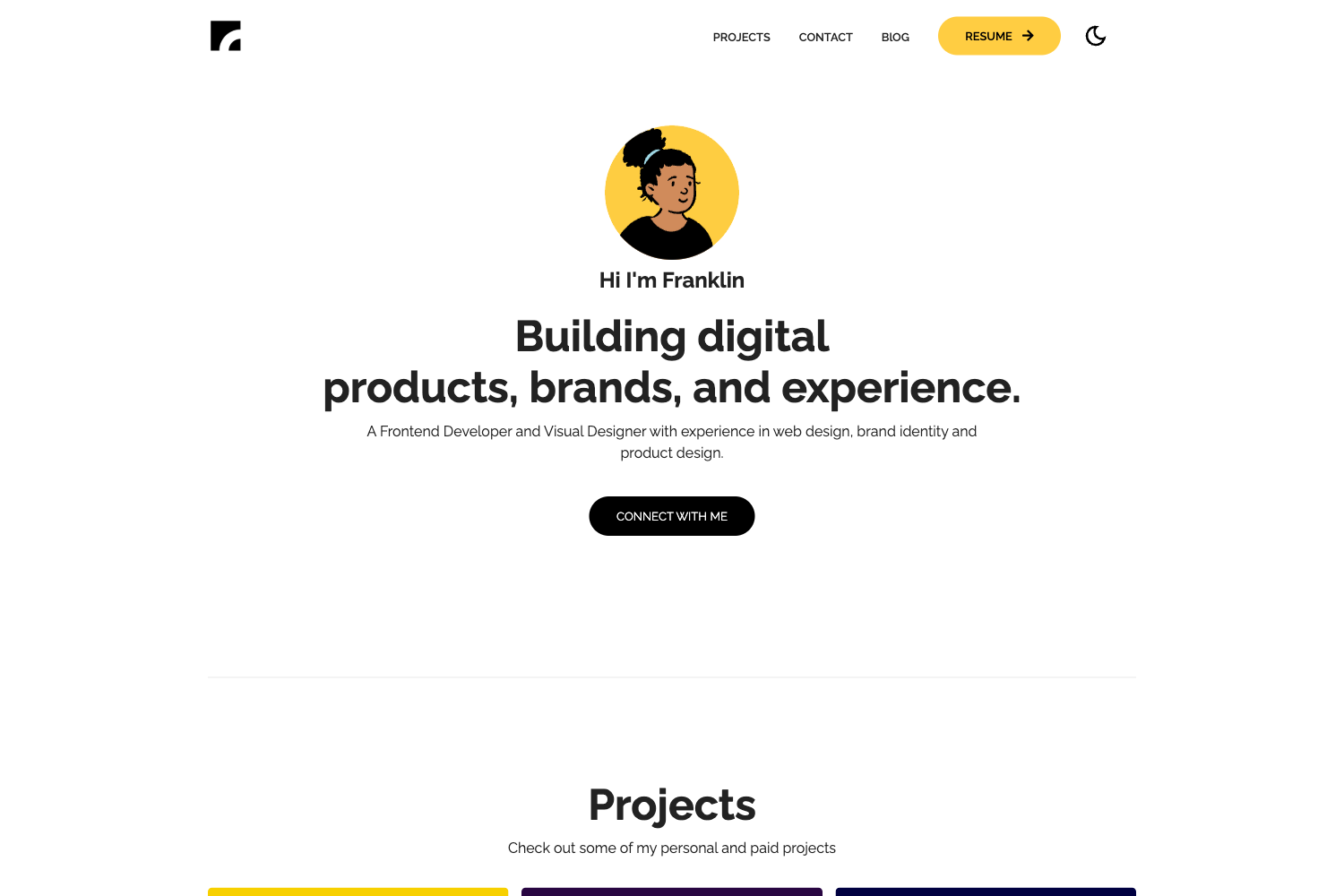
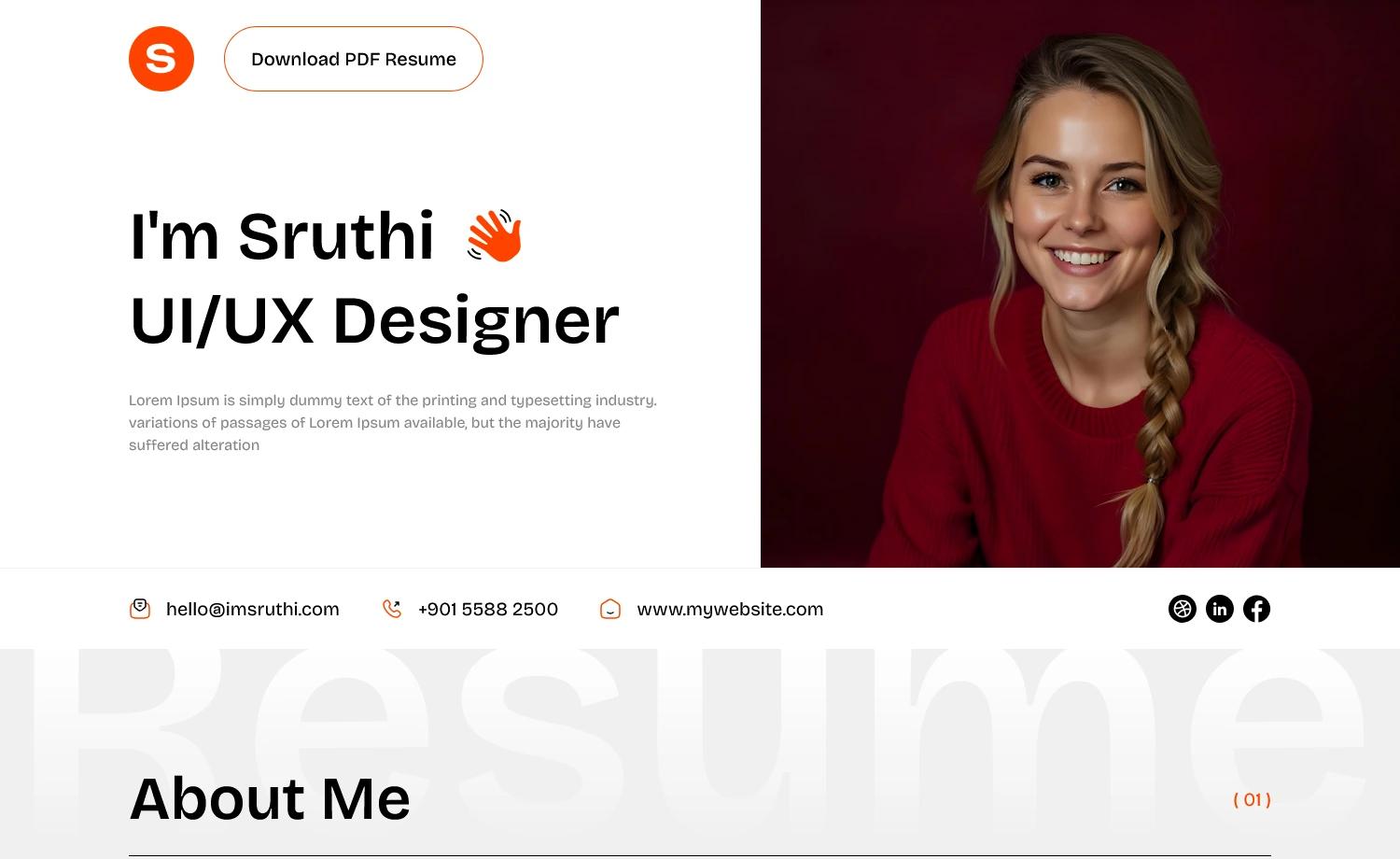
A React-based personal resume template with animated particle background, hot-reload workflow, and deployable static build.
About this template
react exquisite resume is a free, open-source personal resume website template built with React and the particles-bg animation library, designed to turn a developer's profile into a single-page site with a dynamic particle background. This fork by wonderfullandingpage, originally derived from hashirshoaeb/home, ships as a GitHub repository you clone, edit, and deploy to static hosting; a live demo is hosted at https://wonderfullandingpage.github.io/react-exquisite-resume/.
What is react exquisite resume?
react exquisite resume is a React-based single-page resume template that takes your personal details, work experience, skills, and projects written directly in React components and renders them as an animated personal website. It runs locally on Node.js 10 or newer and produces a static build for deployment. The original project is forked from hashirshoaeb/home, and the repository is maintained by wonderfullandingpage.
Key Features
- React component structure — the entire resume is a set of React components under the src folder, with the App.js file holding the color configuration that drives the site's primary and secondary palette.
- Particle background — integrates the particles-bg library to draw an animated canvas particle field behind the resume content.
- Hot-reload local development — after running
npm installandnpm start, the app opens at http://localhost:3000 and any file edit automatically refreshes the page. - Production build command — running
npm run buildgenerates a self-contained static site you can host on GitHub Pages or any other static file server. - Simple color theming — changing the hex codes at the top of src/App.js instantly updates the site's color scheme, with no other styling files to touch.
- Prettier formatting — the repository includes a code style badge for Prettier, indicating the source is formatted to a consistent style.
- Open-source license — released under the GNU Lesser General Public License v3.0, which permits reuse and modification while preserving license notices.
Who is it for?
- Front-end developers learning React — the codebase is small enough to read end-to-end and shows how to structure a single-page app and integrate a third-party canvas animation library.
- Job seekers in tech — you can replace the sample content with your own experience and deploy the result as a personal resume site instead of a static PDF.
- Open-source contributors — the README explicitly welcomes pull requests, and because it forks an existing project, there is a clear history of community remixing.
What can you do with it?
- Publish a developer resume site: edit the React components to reflect your skills and work history, then run
npm run buildto produce a static site you can host for free on GitHub Pages. - Experiment with React theming: change the two color variables in App.js and observe the effect across the whole layout without touching CSS files.
- Study a real React integration of particles-bg: the project is a practical example of pulling in the particles-bg library and wiring it into a React app, useful for anyone adding background animations to their own projects.
How does it work?
After cloning the repository, you install dependencies with npm install, then start the development server with npm start. You edit files in the src folder — primarily the content and App.js color values — and the browser refreshes automatically. When finished, npm run build creates a production-ready static build.
Pricing
The project is free and open source under the GNU Lesser General Public License v3.0, so there is no purchase or subscription required.
FAQ
Is react exquisite resume free?
Yes, the template is free and open source. The repository is published under the GNU Lesser General Public License v3.0, which allows you to use, modify, and distribute it, provided you preserve license notices.
What version of Node.js do I need?
The README recommends Node.js 10 or higher. Lower versions may work but are not tested. The setup uses standard npm commands (npm install, npm start, npm run build).
How do I change the colors of the resume?
Open the file src/App.js and look at the top of the script, where the primary and secondary color codes are defined. Replace those hex values with the colors you want, and the entire site's palette updates automatically.
Where can I see a live demo?
A live demo runs at https://wonderfullandingpage.github.io/react-exquisite-resume/, hosted on GitHub Pages and showing the same content as the repository's default state.