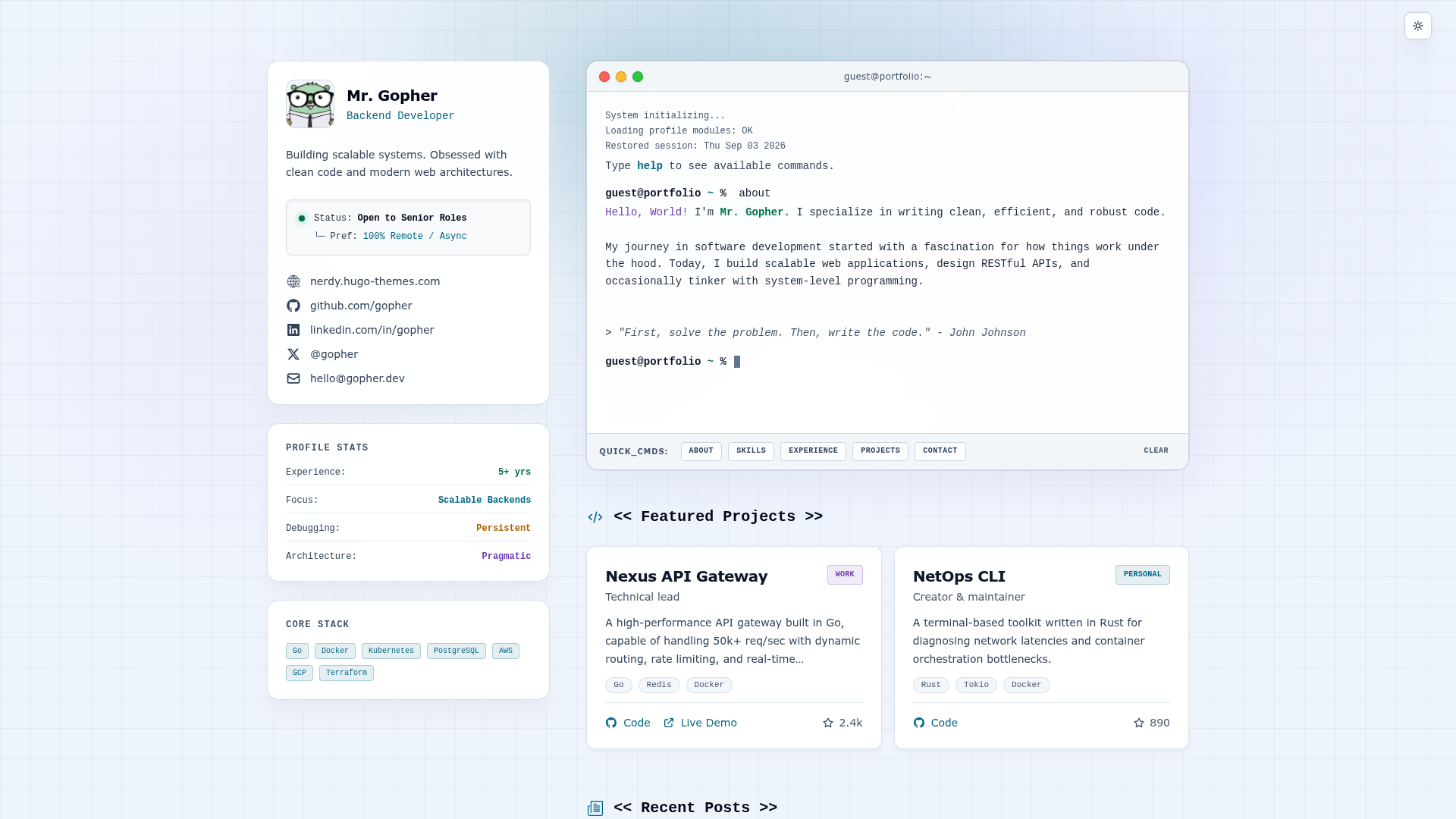
Template details
Portfolio V2
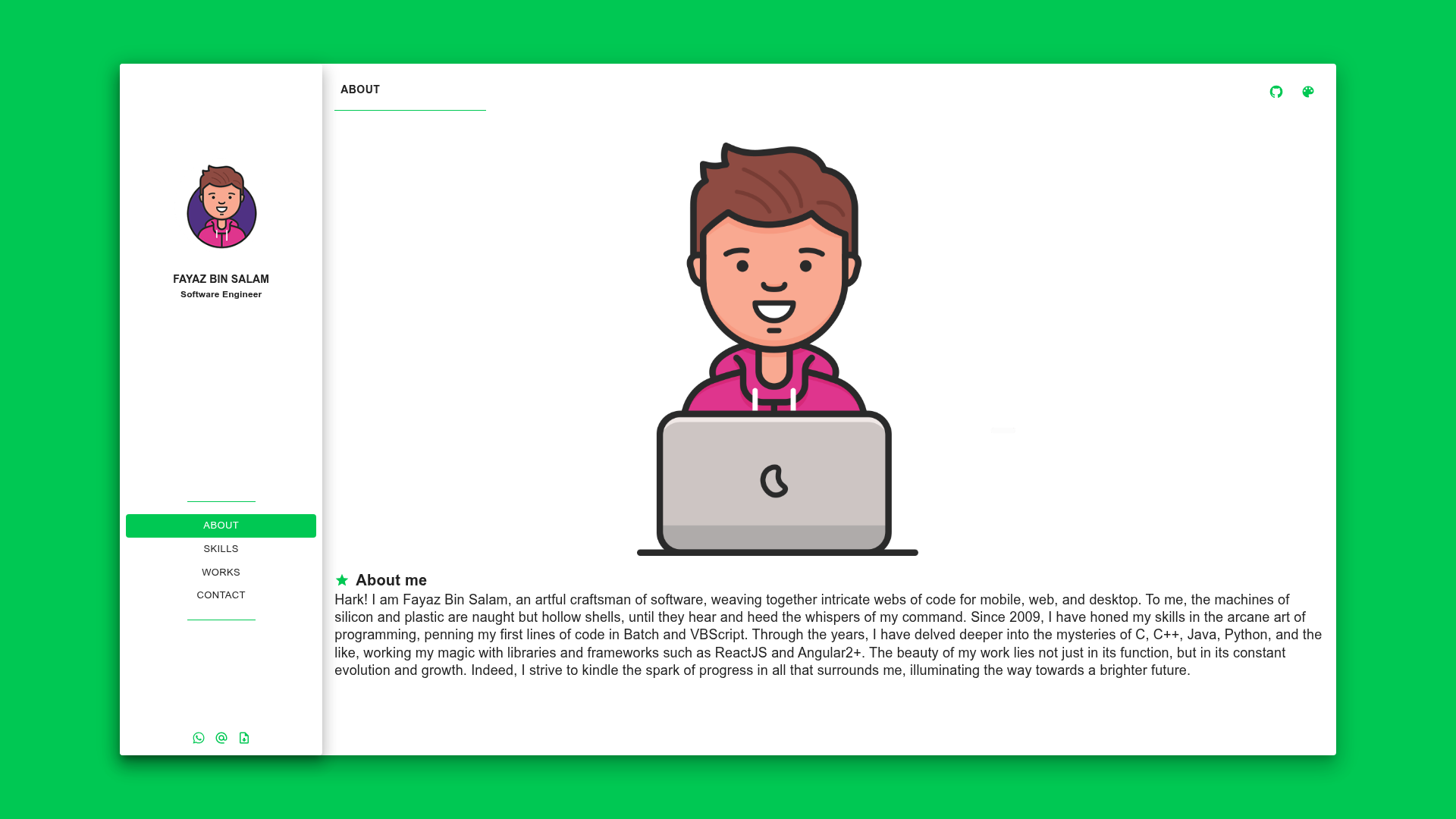
Free MIT-licensed React and TypeScript portfolio template with Material-UI and Overmind that deploys to GitHub Pages via npm scripts.
About this template
Portfolio V2 is a free, MIT-licensed React portfolio template by Fayaz Bin Salam (GitHub user p32929) that turns a forked repository plus one edited config file into a personal developer portfolio hosted on GitHub Pages.
What is Portfolio V2?
Portfolio V2 is an open-source personal portfolio website template written in ReactJS and TypeScript and scaffolded with Create React App tooling. It takes your personal details as input — edited inside the file src/Others/GlobalVars.ts — and outputs a static single-page portfolio published at the github.io address tied to your GitHub username. The project is maintained by Fayaz Bin Salam, whose own live portfolio at p32929.github.io runs this same codebase.
What makes Portfolio V2 stand out?
- ReactJS and TypeScript front end — the interface is written with Facebook's React library and Microsoft's TypeScript language, so the components are typed.
- Material-UI components — the UI is assembled from Material-UI (MUI) components maintained by mui-org, following Material Design conventions.
- Overmind state management — the repository description lists Overmind alongside ReactJS and Material-UI as the app's state layer.
- react-color dynamic theming — the template bundles the react-color picker by casesandberg, used for a dynamic color feature credited to Plabon Dey.
- Single configuration file — all personal data and flavors are set by modifying variables in
src/Others/GlobalVars.ts, so no component rewriting is required. - GitHub Pages deploy scripts —
npm run predeployandnpm run deploybuild and publish the site; no separate hosting account or server is needed. - Create React App workflow —
npm installinstalls dependencies andnpm startruns the project locally for previewing changes. - Design sourced from a PSD template — the layout follows Vijay Verma's free Glazzy Portfolio PSD design, released as the project's own repo rather than a paid theme.
Who should use Portfolio V2?
- Job-seeking developers — publish a linkable portfolio page at a github.io address without paying for hosting or a domain.
- Students and bootcamp graduates — fork the repository, fill in
GlobalVars.ts, and ship a first portfolio in the time it takes to run two npm scripts. - Open-source contributors — the README points to a BUGS.md file listing known bugs and asks contributors to branch from the
reactbranch using their GitHub username as the branch name. - Developers comfortable with npm — the only stated prerequisites are Node.js and npm installed locally; nothing else is required.
How does Portfolio V2 work?
Publishing a portfolio follows a fixed fork-and-deploy sequence. Fork the repository, rename it to your-github-username.github.io in repository settings, clone it, then edit the variables in src/Others/GlobalVars.ts with your own data. After that, run npm run predeploy followed by npm run deploy, then set the GitHub Pages source to the master branch in the repository settings.
Use cases
- Developer portfolios: replace the variables in
src/Others/GlobalVars.tswith your own bio, projects and links to get a finished personal site on GitHub Pages. - Learning a React stack: read and modify a working ReactJS, TypeScript, Material-UI and Overmind codebase as a study project before building something original.
- Free hosting experiments: use the included predeploy and deploy scripts to test how GitHub Pages picks up builds from a
masterbranch.
Pricing
Portfolio V2 is free and released under the MIT License (Copyright 2020 Fayaz Bin Salam), which permits use, copying, modification, merging, publishing, distribution, sublicensing and sale. The maintainer separately advertises fixed-price freelance help — drop-in integration, priority bug fixes, custom builds and full apps — through a hire page, but that paid work is optional and not required to use the template.
FAQ
Is Portfolio V2 free to use?
Yes. It ships under the MIT License, so you can use it for personal or commercial portfolios at no cost. The one restriction stated in the README is that you must not change or remove the fork icon and the URL it links to in the top-right corner of the page.
What technology does Portfolio V2 use?
ReactJS, TypeScript, Material-UI components, Overmind for state and react-color for dynamic colors, all scaffolded with Create React App. Node.js and npm must be installed locally before you run npm install and npm start.
Do I need my own web host?
No. The template deploys to GitHub Pages from your forked repository, so the portfolio is served at your GitHub username's github.io address for free, with no server, database or hosting bill involved.
How long does deployment take?
After you run npm run predeploy and npm run deploy and set the Pages source to the master branch, GitHub usually takes about 3-5 minutes to show the live site. The README suggests repeating the deploy commands if nothing appears.
Can I contribute fixes to Portfolio V2?
Yes. The repository lists known bugs in a BUGS.md file and asks contributors to fork, clone, create a branch named after their GitHub username from the react branch and open a pull request, rather than submitting changes only to appear in the contributors list.