Template details
Portfolios
A multi-page portfolio website template built with HTML, CSS, and JavaScript, following a codewithsadee tutorial.
About this template
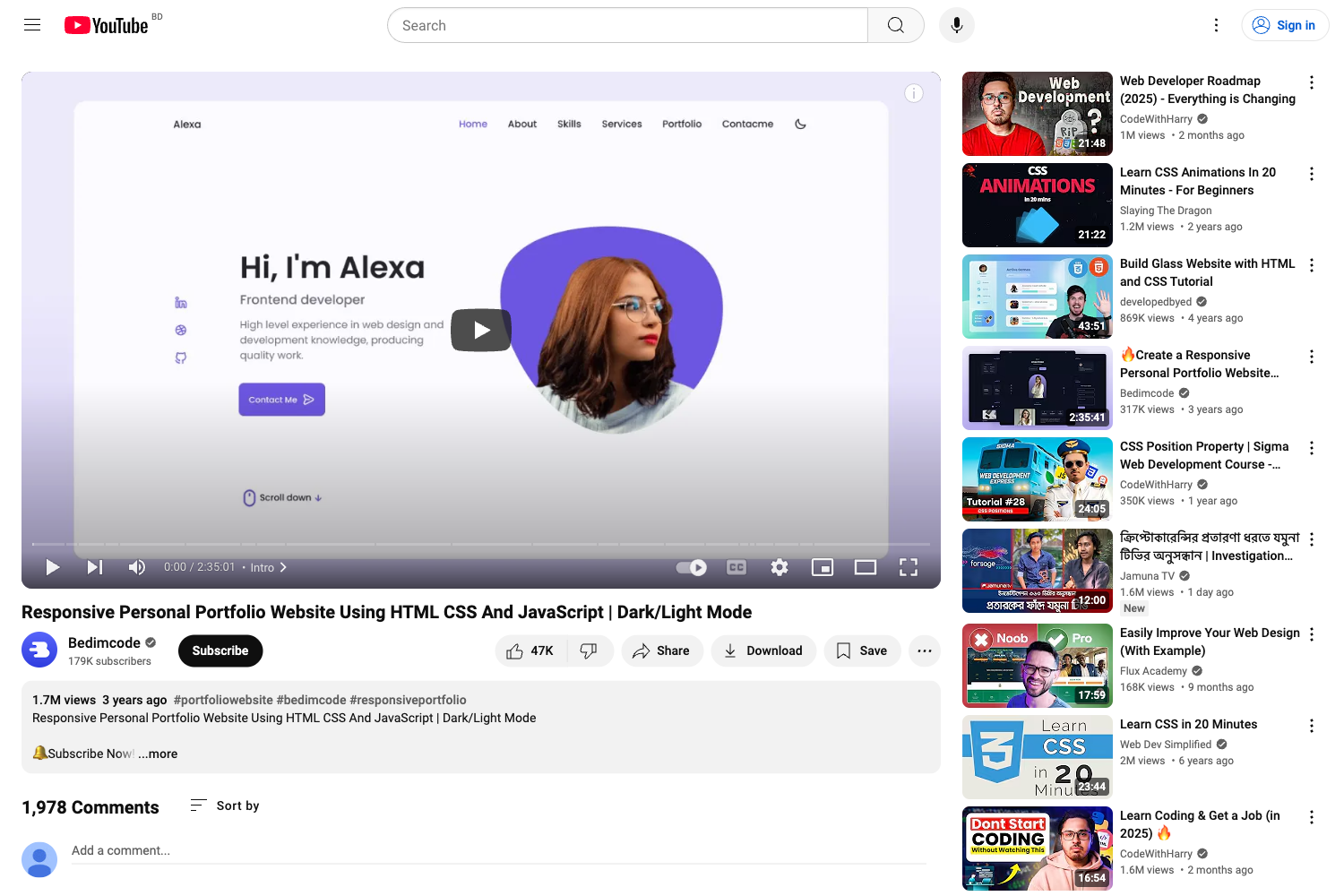
Portfolios is a personal portfolio website template built with plain HTML, CSS, and JavaScript, created by GitHub user jhaaaryan by following a YouTube tutorial from codewithsadee. It produces a multi-page site with a home page, portfolio page, and contact page, and runs entirely in the browser with no build step. The source is freely available on GitHub at jhaaaryan/portfolios.
What is Portfolios?
Portfolios is a static HTML/CSS/JS template for a developer's personal portfolio. It takes content such as profile text, skills, project links, and contact details and renders them as a polished, multi-page website. The template is built without frameworks or build tools, so it can be hosted on any static file server or opened directly in a browser.
Key Features
- Pure HTML, CSS, and JavaScript — no frameworks or build tools, so you can host it on any static server or open it directly in a browser.
- CSS Flexbox and Grid layouts — the stylesheet uses modern CSS layout techniques to arrange the hero, about, skills, and testimonial sections (per the repository topics).
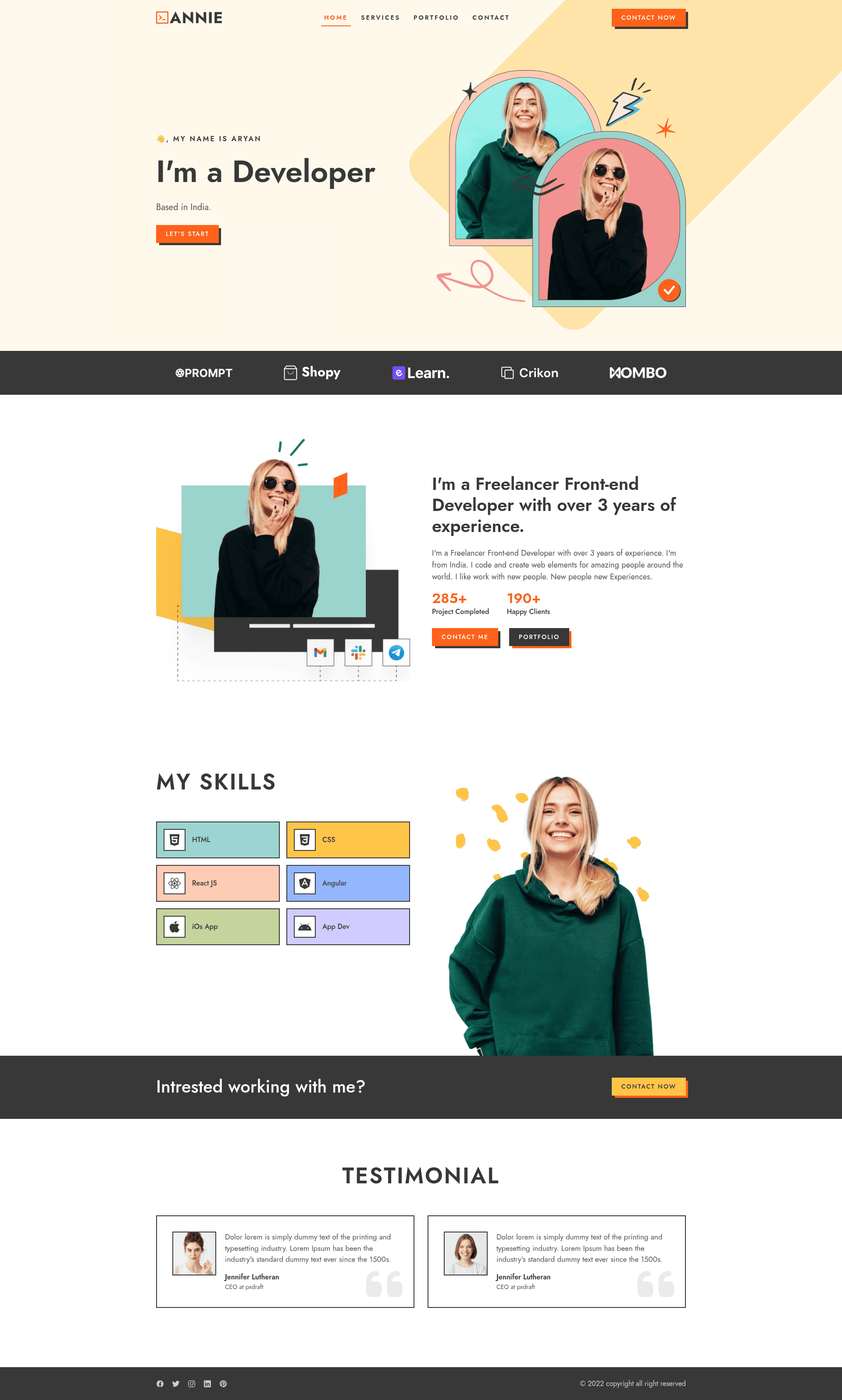
- Multi-page structure — includes separate pages for the home/landing page, a portfolio showcase page, and a contact page with call-to-action links.
- Hero section with call-to-action — the landing page opens with a "Let's Start" button linking to the contact page and a profile image of the owner.
- Client logos and stats — displays five client SVG logos and numeric counters (285+ projects completed, 190+ happy clients) in the about area.
- Skills section — lists six skills: HTML, CSS, React JS, Angular, iOS App, App Dev, alongside a skill-banner image.
- Testimonial carousel — features four testimonial cards with quotes and a "Jennifer Lutheran, CEO at pxdraft" attribution (currently dummy content).
- Deployed live demo — the template is published at https://portfolios-tan.vercel.app/, on Vercel.
Who is it for?
- Freelance developers — present your projects, skills, and contact information with a polished, multi-page portfolio that you can customize by editing the HTML content.
- Front-end learners — study a complete, real-world HTML/CSS/JS project that follows a popular tutorial from codewithsadee, useful for seeing how sections like testimonials and skill bars are built.
- Job seekers — replace the placeholder text and images with your own details and deploy to a platform like Vercel to get a live portfolio URL.
Use cases
- Portfolio showcase: add your own project screenshots to the portfolio page and link them to live demos or GitHub repos.
- Freelance lead generation: use the contact page with the "Let's Start" and "Contact Now" buttons to collect client inquiries.
- Learning project: fork the repository and experiment with changing layout, colors, or adding new sections to practice front-end skills.