Template details
Minimalist Dragon
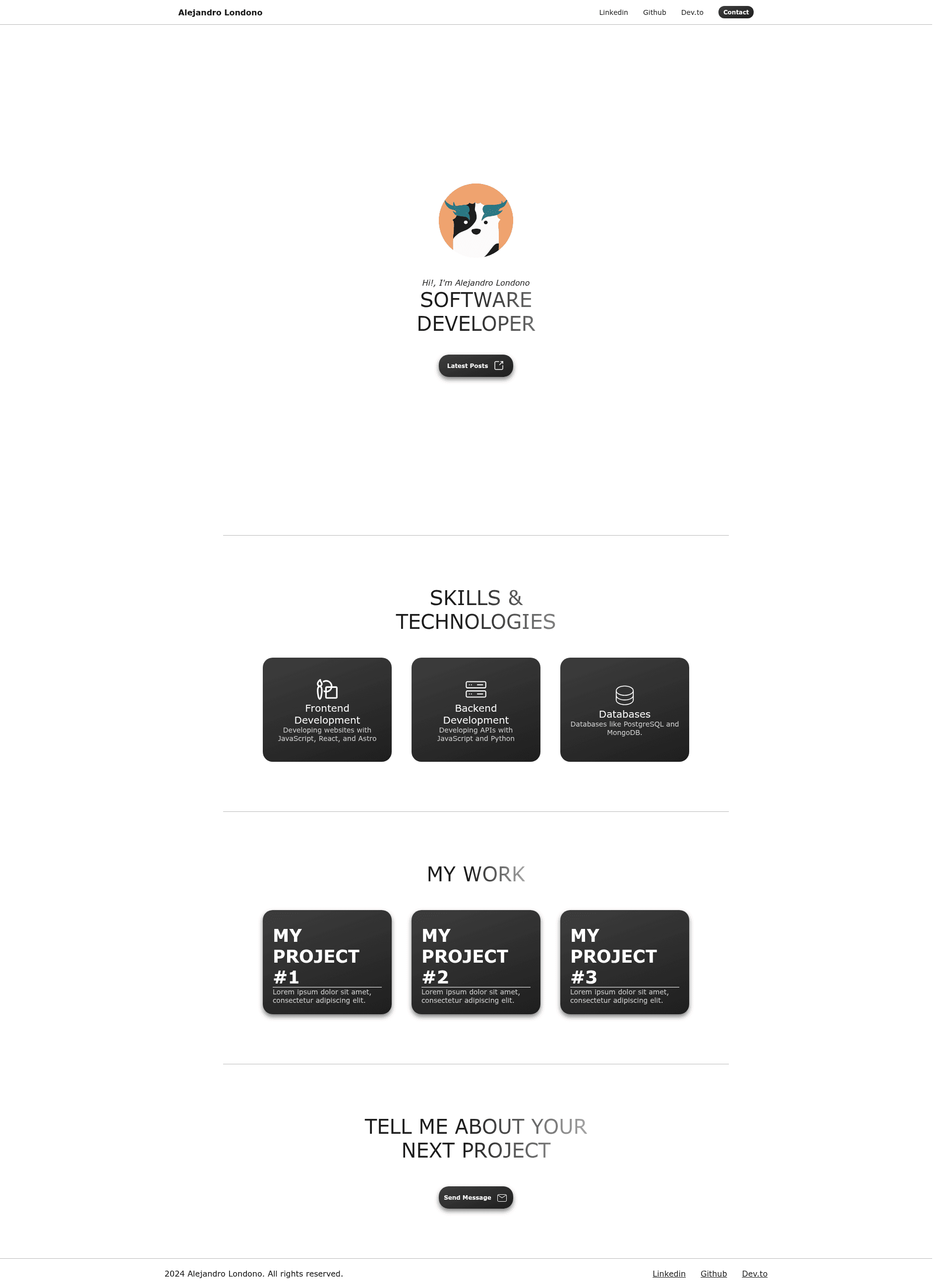
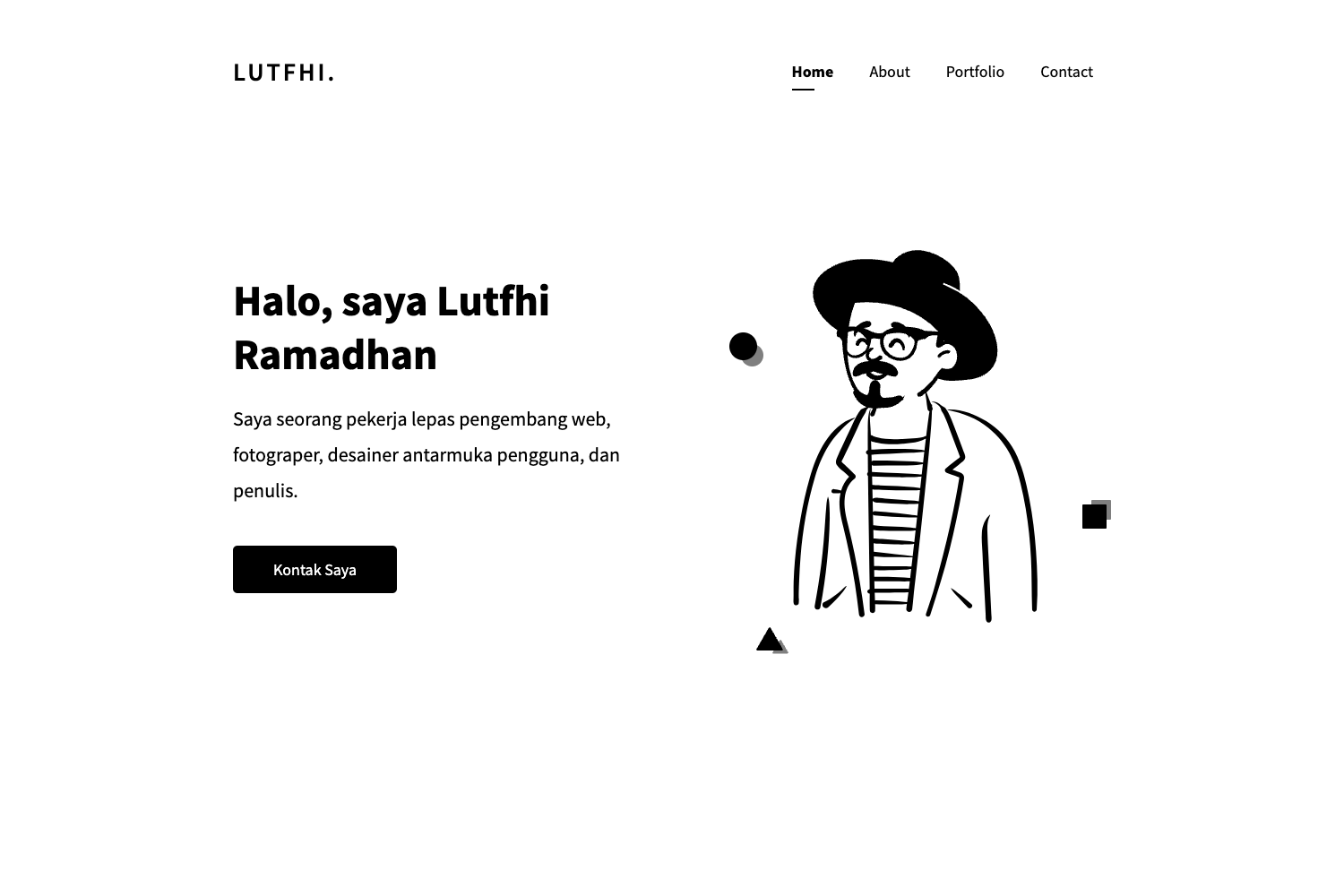
A single-page portfolio template built with Astro, featuring reusable components for projects and skills, based on Minimalist Portfolio.
About this template
Minimalist Dragon is a single-page portfolio template built with the Astro framework, designed to produce a clean, static portfolio site through reusable components and simple props.
What is Minimalist Dragon?
Minimalist Dragon is a single-page portfolio template built with the Astro framework, based on the Minimalist Portfolio project by slydragonn. It takes a set of Astro components and produces a static portfolio website with sections for skills and projects. Users customize the content by editing props in the components and the index.astro page, then deploy the generated static files to any hosting service.
The template's source is organized into src/components (Button, Footer, Navbar, ProjectCard, SkillCard, Title), src/layouts (Layout.astro), and src/pages (index.astro). It ships with SVG icons for design, email, external links, database, and server, plus a dragon.png logo and favicon.svg.
Key Features
- Single-page layout — The template centers on one index page, so your profile, skills, and projects are all visible in a single scrolling view without page navigation.
- Component-driven editing — Button, Title, SkillCard, and ProjectCard each accept props such as message, icon, title, description, and link, so you update content by passing new values rather than rewriting markup.
- Included SVG assets — The public folder provides icons for common portfolio sections (design, email, external link, database, server) along with a dragon.png logo and favicon.svg for branding.
- Astro component structure — The project splits code into components, layouts, and pages, making the template easy to read and extend for developers familiar with Astro.
- Static hosting ready — The README states you can deploy the site on favorite static hosting services including Vercel, Netlify, and GitHub Pages.
- Quick local setup — Clone the repository, run npm install, and start a local dev server with npm run dev, as shown in the README commands.
Who is it for?
- Web developers who need a personal portfolio site and want to show off projects and tech skills with minimal setup.
- Designers who prefer a minimal, content-focused layout and want to customize it by editing simple component props.
- Students and junior developers who want a clean portfolio page to share with potential employers during job applications.
What can you do with it?
- Showcase projects — Replace the default ProjectCard entries with your own titles, descriptions, and links to live demos or repositories.
- Display skills — Use SkillCard components to list frontend development, backend, or database technologies, each with an icon path.
- Add external links — Use the Button component to direct visitors to a blog, latest posts, or other social profiles by setting its message, icon, and link props.
How does it work?
The README walks through a simple workflow: clone the repository with git clone, install dependencies with npm install, and start the development server with npm run dev. After you customize the components in the src folder, you can deploy the resulting static site to a hosting service like Vercel, Netlify, or GitHub Pages.
Pricing
The template is distributed as a public GitHub repository, so you can clone and use it at no cost. The README does not mention any premium tiers, license fees, or payment requirements.
Alternatives
- Minimalist Portfolio — The original project by slydragonn that Minimalist Dragon is based on; it shares the same Astro component approach and is available on GitHub.
FAQ
Is Minimalist Dragon free to use?
Yes, the source is available as a public GitHub repository and can be cloned without payment. The README does not indicate any licensing restrictions or paid options.
How do I customize the portfolio content?
Open src/pages/index.astro and edit the props passed to each component. For example, change the message, icon, and link props on Button to point to your own blog, and update title and description on each ProjectCard to match your work.
Can I deploy it to Vercel or Netlify?
Yes, the README lists Vercel, Netlify, and GitHub Pages as suitable hosting services. Because Astro generates static HTML, any static site host can serve the build output.
Does the template include Tailwind CSS?
No CSS framework is mentioned in the README. The project structure includes Astro components, layouts, pages, and SVG assets, but no styling library like Tailwind is present.
What is in the public folder?
The public folder contains favicon.svg, design.svg, dragon.png, email.svg, external-link.svg, database.svg, and server.svg. These are the default icons and logo used by the portfolio components.