Template details
Profile-Card
Open-source Tailwind CSS starter template for a single-page user profile website or card.
About this template
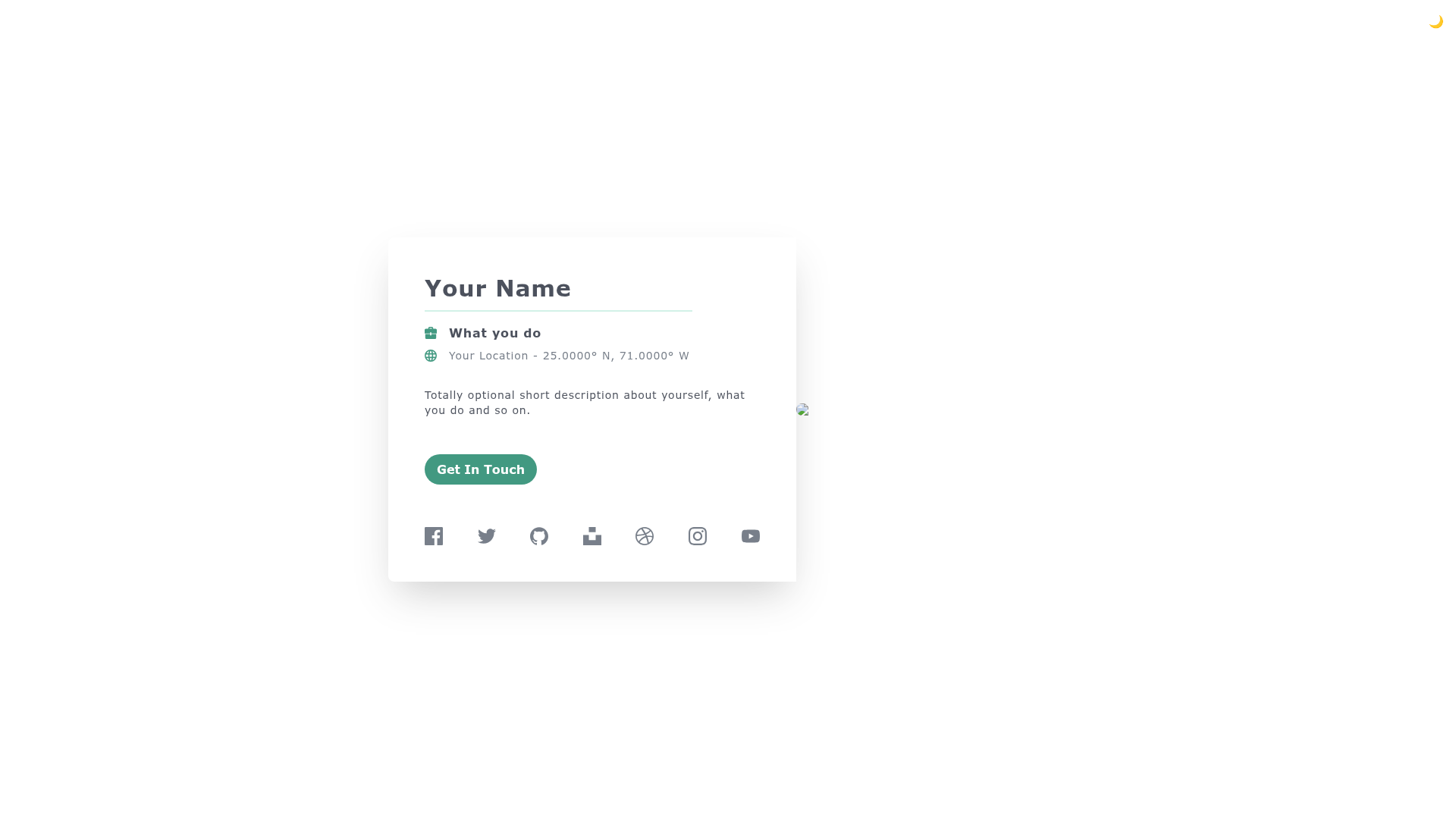
Profile-Card is an open-source single-page HTML template for building a user profile website or card, styled with Tailwind CSS and maintained by Tailwind Toolbox.
What is Profile-Card?
Profile-Card is a free, MIT-licensed starter template that provides a single HTML file for a user profile page or card. It uses Tailwind CSS loaded from a CDN, so there is no build step, Node.js, or package manager required to run it. The project is hosted on GitHub, created by Amrit Nagi and Astrava.Solutions, and currently has 312 stars on the repository.
Key Features
- Single HTML file — the entire template lives in one index.html file, with no JavaScript and no external assets beyond the Tailwind CDN link.
- CDN-hosted Tailwind CSS — the full Tailwind CSS framework is loaded via a content delivery network, so editing utility class names in the markup immediately changes styling.
- MIT license — free for personal and commercial use; you can modify and redistribute the code.
- GitHub repository — hosted at github.com/tailwindtoolbox/Profile-Card with download, clone, and fork options.
- Setup guide available — Tailwind Toolbox provides a setup guide on its website for customising Tailwind CSS for your own projects.
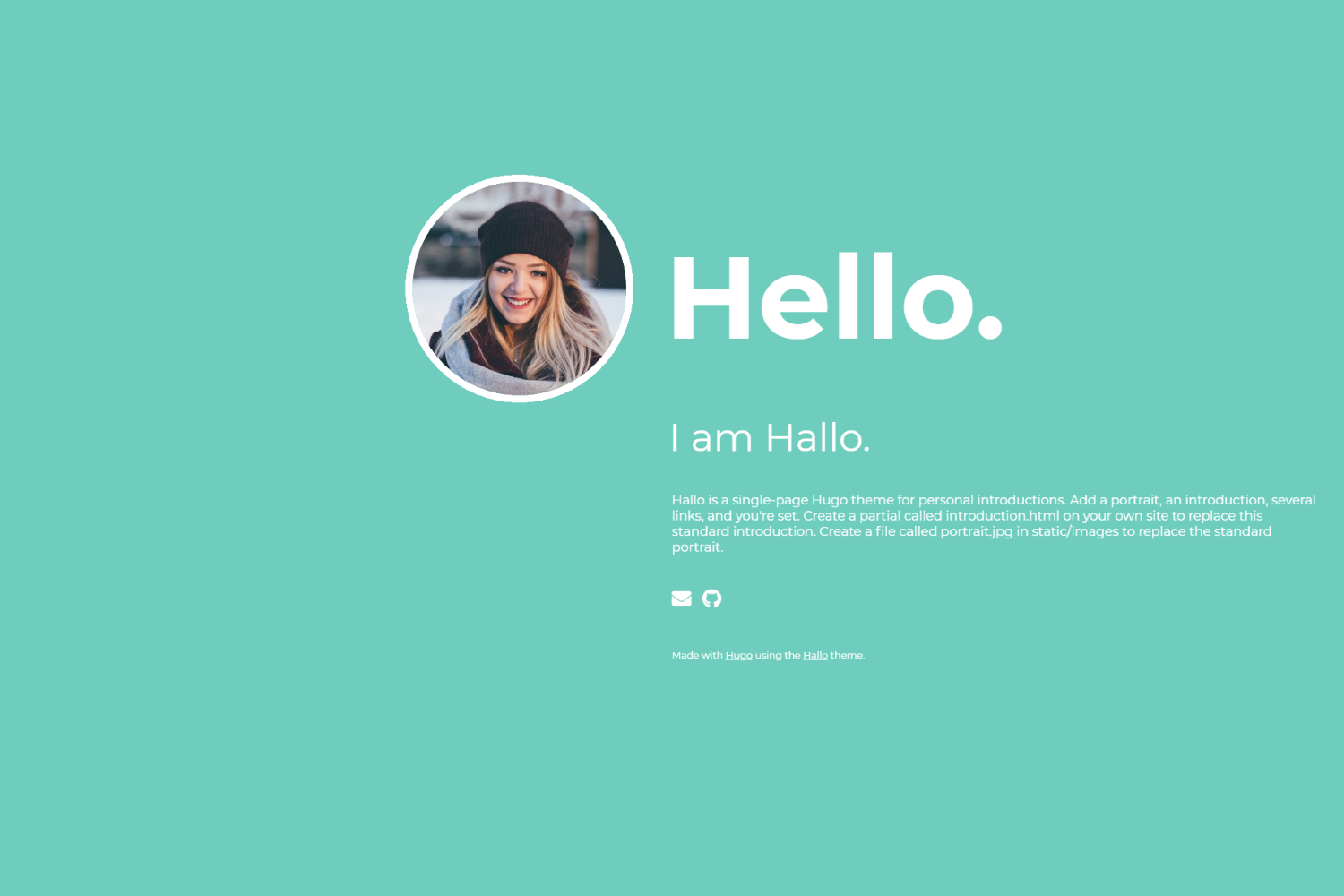
- Profile-focused layout — designed for a profile picture, short bio, and links to social profiles, as stated in the repository description.
Who is it for?
- Web developers who want a quick starting point for a personal profile page or a link-in-bio page without setting up a framework.
- Designers who want to prototype a card user interface with Tailwind CSS using a clean, minimal HTML base.
- Tailwind CSS learners who want to study a real-world example of a card component and practice customizing utility classes.
- Open-source contributors who want to fork a maintained template and add their own features or integrations.
What can you do with Profile-Card?
- Personal branding: create a simple profile website to share on social media or as a personal landing page.
- Link-in-bio page: host the single HTML file on any static host like GitHub Pages or Netlify and update the links in the markup.
- Learning Tailwind: inspect the HTML structure and Tailwind utility classes to see how a card component is assembled, then modify it.
How does Profile-Card work?
To get started, choose one of three options from the GitHub repository: download the latest release, clone the repository with git, or fork the repo. Open the single HTML file in a browser to see the profile card. The template uses a CDN-hosted Tailwind CSS file, so there is no build step — you can edit the HTML content and classes directly and refresh to see changes. Tailwind Toolbox also links to a setup guide for customising Tailwind for larger projects.
FAQ
Is Profile-Card free to use?
Yes, the template is released under the MIT license. You can use it for personal or commercial projects, modify it, and redistribute it, as long as you retain the copyright notice.
Does Profile-Card require Node.js or a build step?
No. The template is a single HTML file that loads Tailwind CSS from a CDN. You can open it directly in a browser, edit the HTML, and host it anywhere without compiling Sass or running npm commands.
How do I download or get the template?
You can fork the repository from GitHub, clone it with the command git clone https://github.com/tailwindtoolbox/Profile-Card.git, or download the latest release archive from the GitHub repo page.
Who maintains Profile-Card?
Tailwind Toolbox, created and maintained by Amrit Nagi (co-owner of Astrava.Solutions), maintains the template. The project is based on the Tailwind CSS framework created by Adam Wathan and the Tailwind team.