Template details
Remix Starter
Remix starter with localized URLs, dependency-free typed translations, and automatic language redirection.
About this template
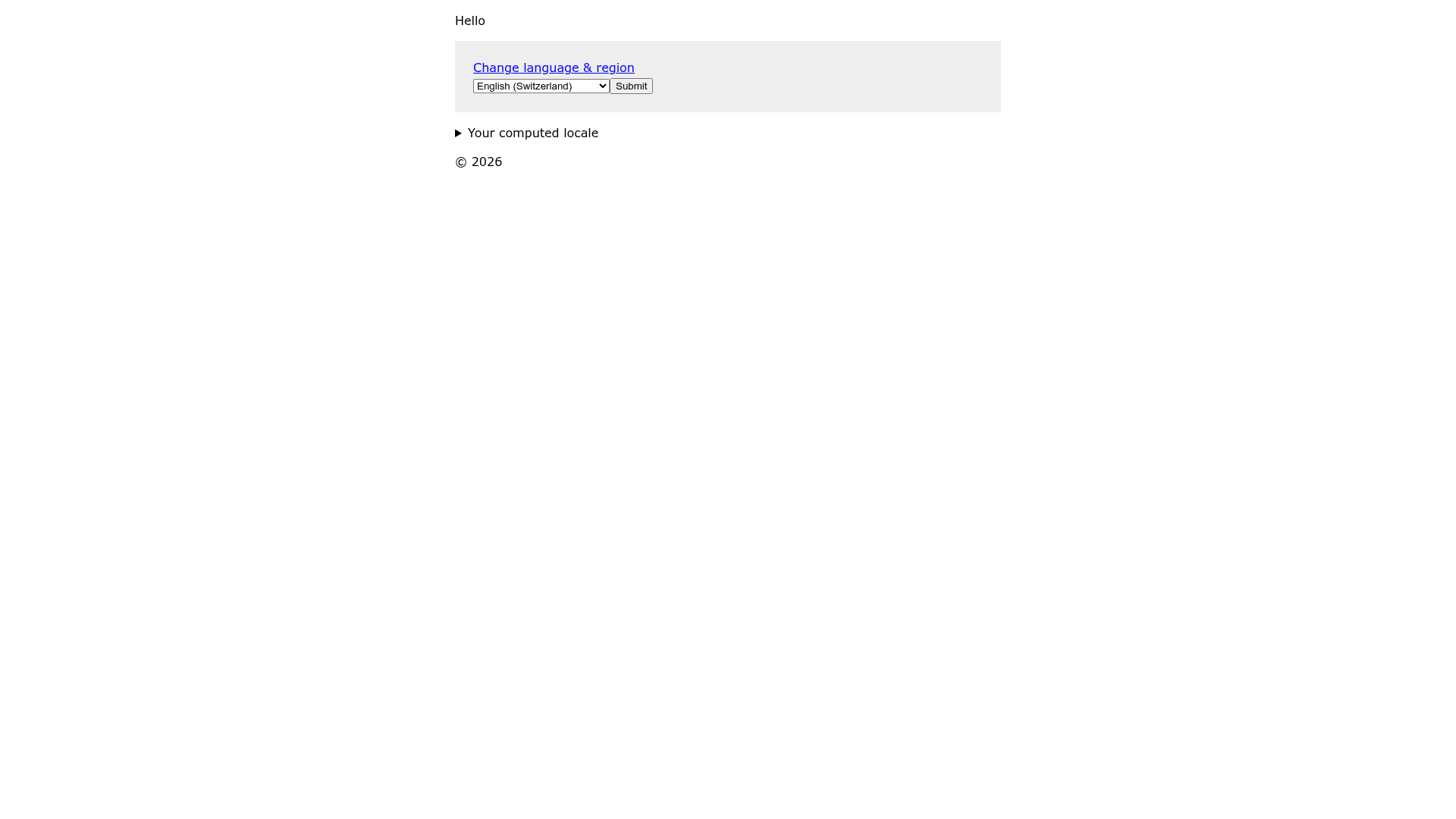
Remix Starter is a boilerplate for the Remix framework (Remix Run) that provides localized URL routing and dependency-free typed translation out of the box. Built as a starting point for multi-language web apps, it automatically redirects users to their language version based on browser settings, remembers manual choices with a cookie, and suggests a better language when someone lands on the wrong one.
What is Remix Starter?
Remix Starter is a Remix-run application template that ships with a working i18n setup using localized URLs such as /en-ch/ and /en-ch/about. It accepts translations from an app/data/i18n.json file and exposes only the keys used on each page. The starter is written in TypeScript and runs on Node.js via the standard npm run dev, npm run build, and npm start commands.
Key Features
- Localized URLs by default — Instead of
/and/about, users visit/en-ch/and/en-ch/about, which is an SEO best practice for multilingual content. - Automatic language redirection — The app parses the
Accept-Languageheader and routes users to their preferred language, so no manual selection is required on first visit. - Language selection with cookie — Users can manually choose a language, and the selection is stored in a cookie for future visits.
- Language recommendation — If a user follows a link to a version that isn't their preferred language, the UI recommends the correct one.
- Dependency-free typed translation — Translations are loaded from a single JSON file without extra libraries, and TypeScript infers the exact keys used on each route, so the bundled translations are limited to what the page needs.
- Deployment flexibility — You can deploy the built output (
build/andpublic/build/) to any Node.js host, or copy theapp/folder into a Remix template pre-configured for your target server. - Minimal codebase — The starter was assembled quickly to try out Remix, so the code is small and easy to read.
Who is it for?
- Developers building multilingual websites — use the starter to get localized URLs and translation infrastructure working in minutes instead of wiring it up manually.
- Teams evaluating Remix — explore a working Remix project with TypeScript and a practical i18n pattern before committing it to a larger app.
- SEO-conscious site owners — benefit from unique URLs per language, which helps search engines serve the correct version to each audience.
Use cases
- International marketing sites: set up language-specific landing pages under
/en/,/de/,/fr/, and let the starter handle redirection and translation loading. - Multi-region e-commerce prototypes: use the cookie-based language selection to remember a shopper's locale across sessions.
- Content sites with translation pipelines: generate
app/data/i18n.jsonfrom any translation management system and drop it in; the loader bundle-splits translations per page.
How does Remix Starter work?
The starter operates through the Remix loader function. On each route, you define an array of translation keys. The loader calls loadTranslations with the locale from the URL params and the key array, returning a type-safe object. During rendering, the useLoaderData hook exposes the translations for that page. For routing, the app checks the Accept-Language header, routes to the best match, sets a cookie when a user picks a language manually, and shows a recommendation banner when the current country code doesn't match the browser language.
Pros and cons
- Pros: simple setup for a sophisticated i18n feature set; no external i18n library required; full TypeScript support; production-ready Remix app server included.
- Cons: authentication, authorization, and component documentation are not included yet (listed as coming soon); the project is described as a quick experiment, so it may lack the polish of a fully maintained starter.
FAQ
Is Remix Starter free?
Yes, it's an open-source starter on GitHub (the repository metadata lists 55 stars) and there's no mention of any paid tier.
Does Remix Starter work with any Remix host?
You can either deploy the built app server anywhere that runs Node.js, or move the app/ folder into a Remix template that is pre-configured for a specific host.
How do I add a new language?
Add translations for the new locale to app/data/i18n.json and make sure the URL prefix matches the locale code, for example /fr/ for French. The automatic redirection and cookie logic then pick it up.
Do I need an i18n library?
No. The starter uses a custom loadTranslations function and TypeScript types to load only the required keys from a JSON file, with no dependencies.