Template details
Tailwind Astro Starter Blog
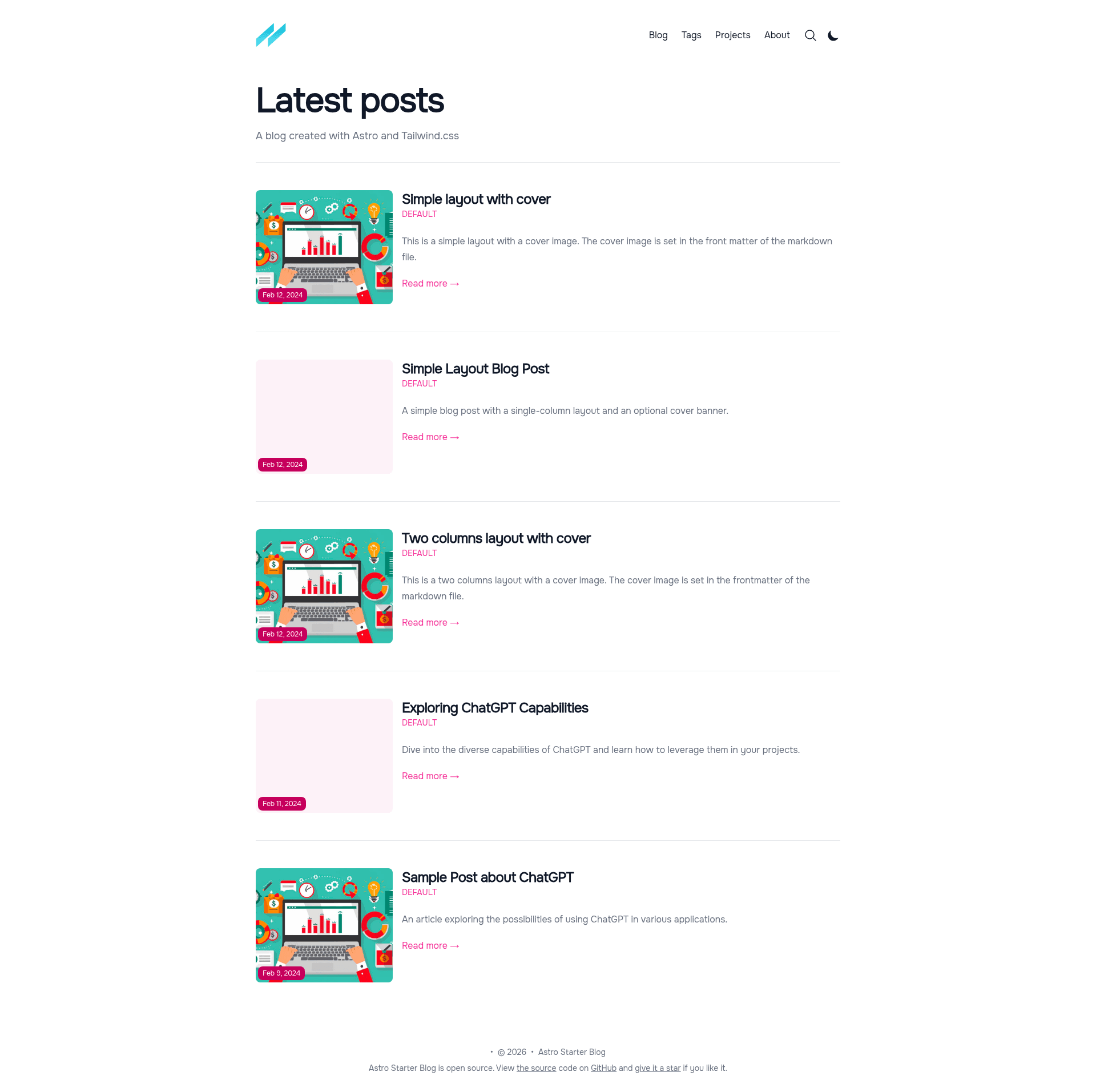
Astro v5 blog starter with Tailwind CSS v4, MDX, i18n, multi-author, tags, pagination, Giscus comments, and SEO built in.
About this template
The Tailwind Astro Starter Blog is a free, open-source blog starter that pairs Astro v5 with Tailwind CSS v4 to generate a fast, SEO-optimized static site from Markdown and MDX content.
What is the Tailwind Astro Starter Blog?
It is a blog template for developers who want a static site generator setup with Astro v5 and Tailwind CSS v4. You provide posts as Markdown or MDX files in the content collection, and the template outputs a deployable static site with per-page tags, author pages, related posts, pagination, and i18n routing. The project is maintained by GitHub user wanoo21, and the live demo is deployed on Vercel at tasb.yon.fun.
Key Features
The template combines the Astro v5 build system with Tailwind CSS v4 and a set of content-focused features configured through TypeScript files.
- Astro v5 with TypeScript — The template ships with typed content collections defined in
src/content/config.ts, giving compile-time checks on author, tag, and post fields. - Tailwind CSS v4 styling — Styling is handled by Tailwind CSS v4 through the official
@tailwindcss/viteplugin, with a configurable primary color attribute. - MDX support — Posts and the author/tag definition files are written as
.mdx, so you can embed Solid-js components and other interactivity directly in content. - Solid-js interactivity — The template uses Solid-js for some interactive components rather than a heavier framework.
- Multi-author and multi-tag pages — Each author gets a dedicated page listing all their posts, and each tag has its own page with a custom description editable in markdown.
- Related posts and pagination — Authors can specify related posts inside each markdown file, and the blog and tag listing pages include pagination.
- Giscus comments — Comments are powered by Giscus, which uses GitHub Discussions as a backend; you enable it by filling in repository and category IDs in
src/consts.ts. - i18n support — English is set as the default language, and additional languages can be added in
src/i18n/ui.ts. - Fully SEO-optimized — The template generates Open Graph and Twitter Card metadata and scores 99/95/100/91 on mobile Lighthouse.
- Font and image optimization — Fonts are self-hosted via
@fontsource, and images are optimized with the Astro image component. - Two post layouts and two listing layouts — Blog posts can use a full-width cover image, and listing pages offer two different layouts.
Who is it for?
This starter is aimed at developers and publishers who want a content-file-based blog with modern front-end tooling and no CMS dependency.
- Developers already using Astro or Tailwind CSS who want a ready-made blog instead of assembling the stack themselves.
- Writers who prefer Markdown or MDX to a CMS, and want a blog where all content lives in plain files.
- Teams publishing multi-author blogs that need separate author pages and per-author post filtering out of the box.
- Developers deploying static sites to Vercel — a one-click deploy button is provided in the repository readme.
What can you do with it?
The template covers a range of real publishing and development workflows.
- Launch a personal blog quickly: clone the repo, edit
src/consts.tswith your site metadata and social links, and publish your first post in Markdown or MDX. - Set up a documentation or project site: use the nested routing and Projects page to organize content beyond blog posts.
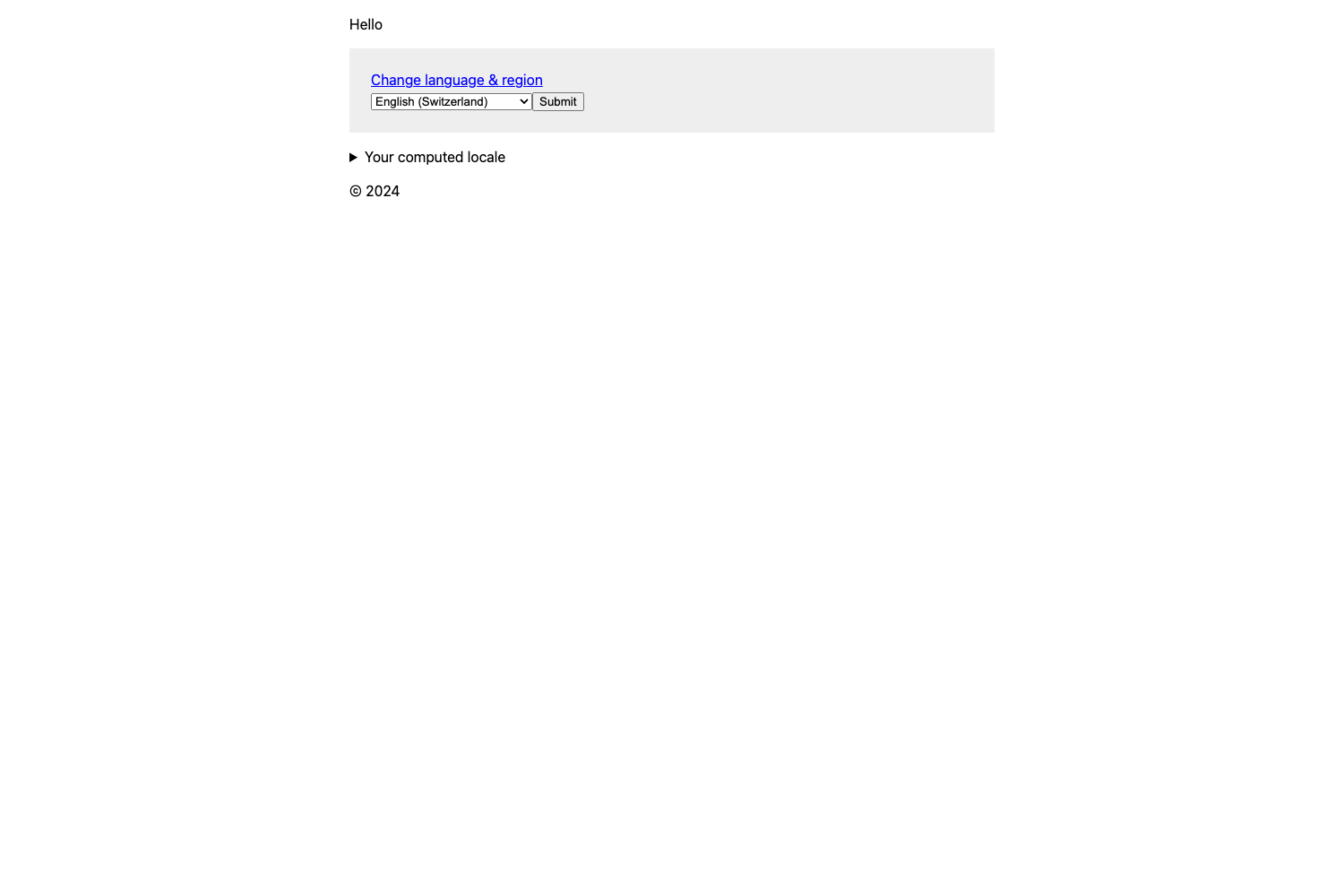
- Localize your blog: add language files in
src/i18n/ui.tsto publish the same content in multiple languages (no dynamic language switcher is included). - Add discussions to posts: configure Giscus with your GitHub repository so readers can comment via GitHub Discussions.
How does it work?
The template follows the standard Astro workflow. After running npm install, you use npm run dev to start the dev server at localhost:4321, edit content and configuration files, then run npm run build to output the production site to ./dist/. Docker commands are also included to build a container with docker build -t app:1.0.0 . and run it with docker run -p 80:4321 app:1.0.0.
FAQ
Is the Tailwind Astro Starter Blog free?
Yes. The source is publicly available on GitHub under the repository wanoo21/tailwind-astro-starting-blog, and it includes a one-click Vercel deployment button. It does not appear to have a paid tier; sponsorship is optional via GitHub Sponsors.
Does it support dark mode?
Yes, the template includes both light and dark themes, and the Giscus comment widget automatically adapts to the active theme.
What content formats can I write posts in?
Posts are authored as Markdown or MDX files inside the Astro content collection. Using MDX lets you embed Solid-js components and other interactive elements in a post.
Can I add multiple authors?
Yes, multiple authors are supported. Each author is defined in an .mdx file inside src/content/authors, and the template automatically generates a dedicated author page listing all their posts.
How do I enable comments?
Comments use Giscus, which depends on GitHub Discussions. You need to enable Discussions on your repository, get your repository and category IDs from giscus.app, and fill in the comments section in src/consts.ts. You can also disable comments per-post or globally in POST_METADATA.
Alternatives
- Tailwind Next.js Starter Blog — the template that inspired this project; it uses Next.js instead of Astro and does not offer the multi-author and per-tag description pages listed above.