Template details
Scriptor
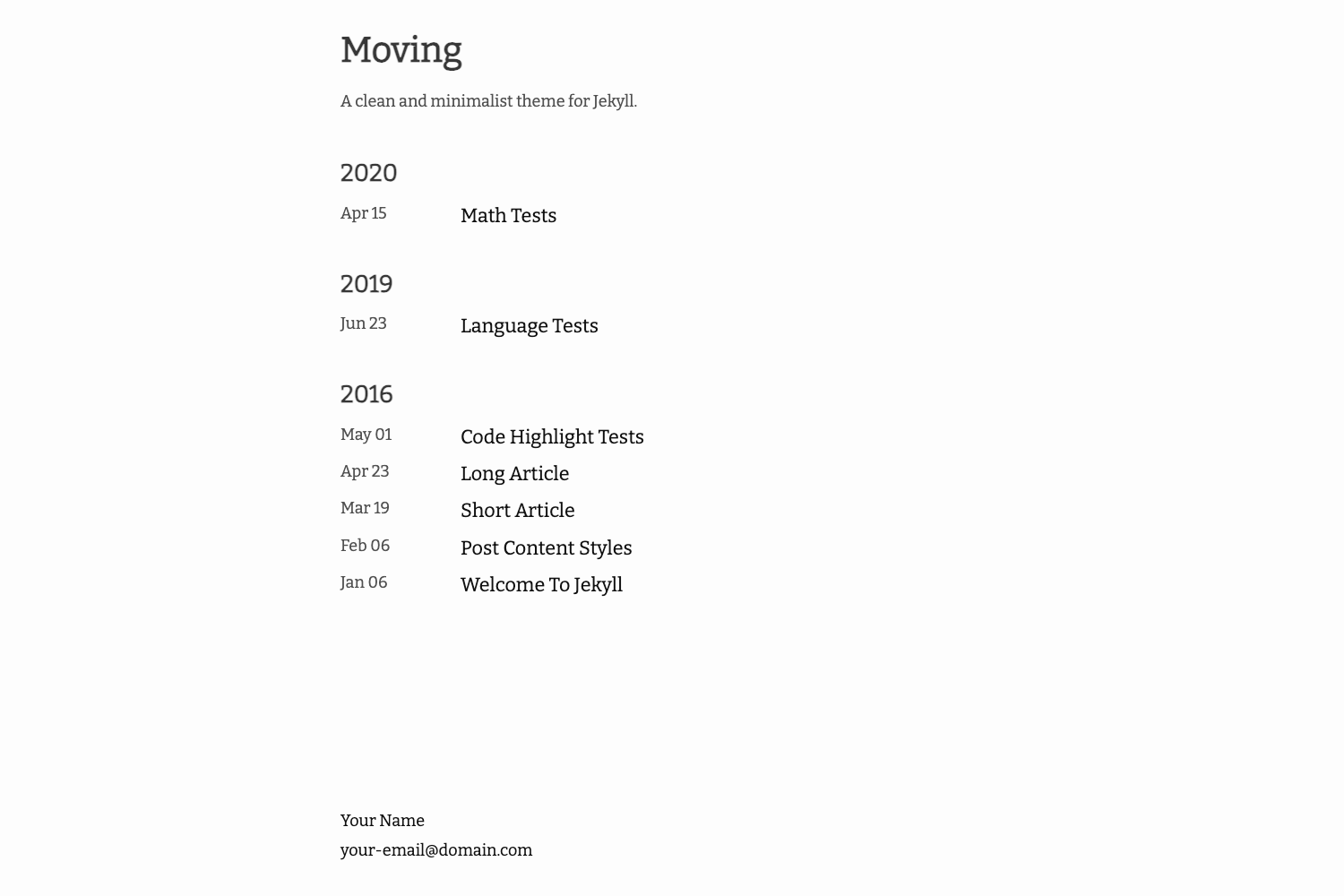
Scriptor is a minimal, clean, and responsive Jekyll theme for writers, with tag archives, Disqus comments, and Prism syntax highlighting.
About this template
Scriptor is a minimal, clean, and responsive Jekyll theme for writers, built to turn Markdown content into a static blog with tag archives and syntax highlighting.
What is Scriptor?
Scriptor is a free, open-source Jekyll theme designed for writers and bloggers who want a minimal, responsive site. It takes Markdown content written for Jekyll and outputs a static website with a clean layout, tag archive pages, and optional Disqus comments. The theme is maintained by JustGoodThemes, the same team behind the premium Jekyll themes listed on jekyllthemes.io.
Key Features
- Responsive design — The theme adapts to desktop, tablet, and mobile viewports without extra configuration.
- Tag archive — Posts are automatically organized into tag archive pages at a /tags/ URL, helping readers browse related content.
- Disqus Comments — Built-in support for the Disqus commenting platform, activated by adding your Disqus shortname to the site config.
- Accent color options — Changeable accent colors via configuration, so you can tune the theme to your brand without editing CSS directly.
- Prism syntax highlighter — Code blocks are highlighted with the Prism.js library, supporting many programming languages out of the box.
- MIT license — The entire theme is released under the MIT license, meaning you can modify and reuse it freely, including in commercial projects.
Who is it for?
- Writers and bloggers — Publish articles in Markdown and get a clean, readable blog without building a site from scratch.
- Technical bloggers — Use the built-in Prism highlighting to share code snippets in posts, with tag archives to organize tutorials.
- Jekyll beginners — Follow the provided local installation steps to run a static site locally with
bundle installandbundle exec jekyll serve.
What can you do with Scriptor?
- Launch a personal blog — Set up a Jekyll site locally, write posts in Markdown, and deploy the generated _site folder to any hosting provider.
- Organize content by tags — Use the built-in tag archive to let readers filter posts by topic, such as "tutorial" or "review".
- Add comments — Plug in your Disqus shortname to enable reader discussions on each post without building a backend.
How does Scriptor work?
- Clone or fork the repository from GitHub.
- Run
bundle installto install the required Jekyll gems. - Run
bundle exec jekyll serveto start a local server at http://localhost:4000. - Write posts in Markdown inside the
_postsfolder. - Build for production with
jekyll build, which outputs the static site to the_sitedirectory, then upload that folder to any host.
Pricing
Scriptor is free to use under the MIT license. There are no paid tiers; you can use it for personal and commercial projects.
FAQ
Is Scriptor free?
Yes, Scriptor is released under the MIT license, so it is completely free to use, modify, and distribute, even in commercial projects.
Can I install Scriptor as a Jekyll theme gem?
No. The documentation states that this theme cannot be configured and installed as a theme gem. Instead, you use the repository directly as your Jekyll site and replace the content with your own.
How do I deploy Scriptor to Netlify?
Create a GitHub or GitLab repository with the theme files, link it to Netlify, and follow Netlify's step-by-step Jekyll guide. The theme is prepared for Netlify hosting. You can also host on Amazon S3 using the s3_website tool.
How do I set accent colors?
The theme includes accent color options that you can change in the site configuration file, allowing you to adjust the color scheme without manually editing CSS.
What hosting providers work with Scriptor?
Because Jekyll generates static files to _site, you can deploy the output to almost any web server or static hosting provider, including Netlify, Amazon S3, GitHub Pages, or any shared hosting that serves HTML files.