Template details
Simple Chakra UI Next.js
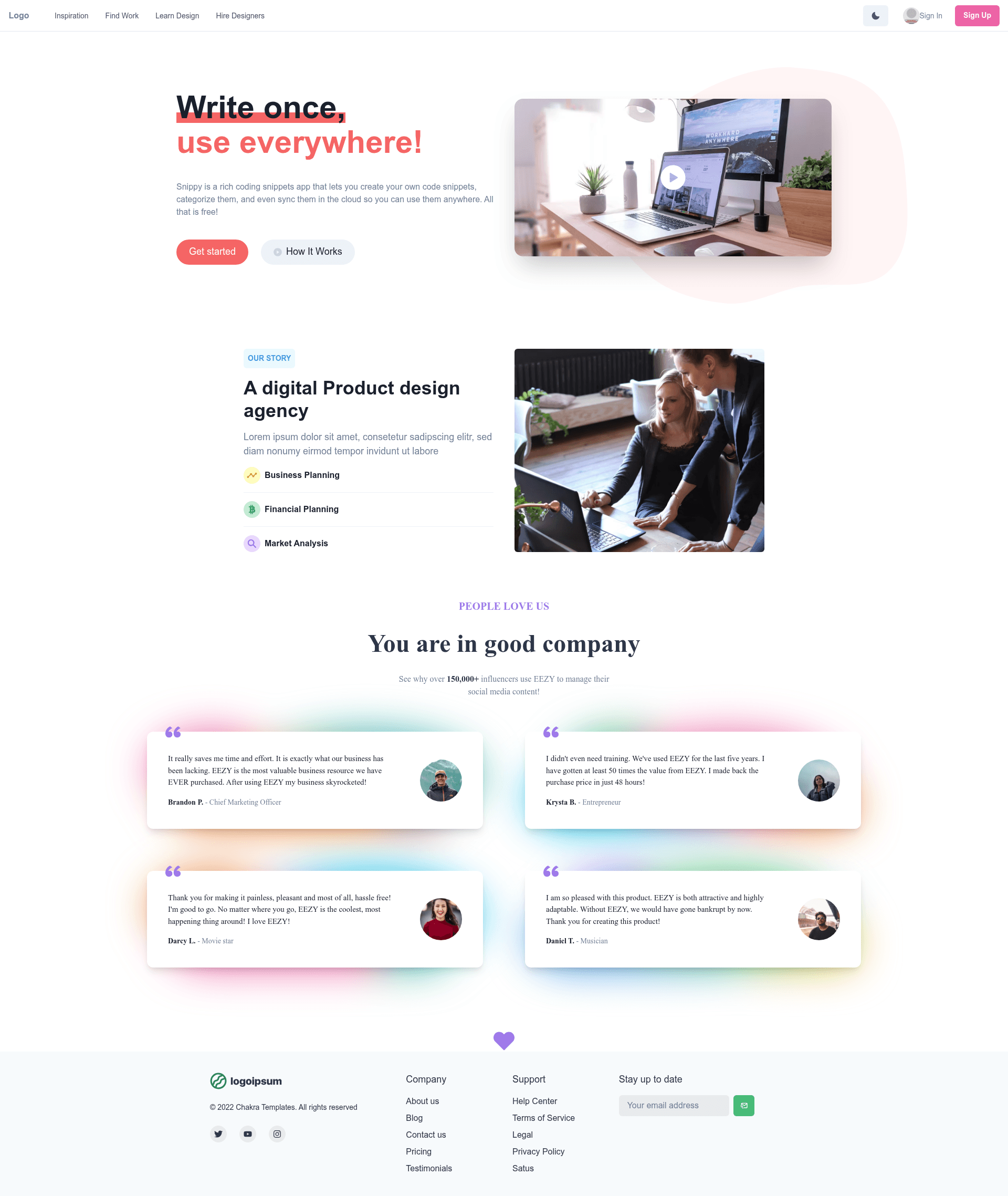
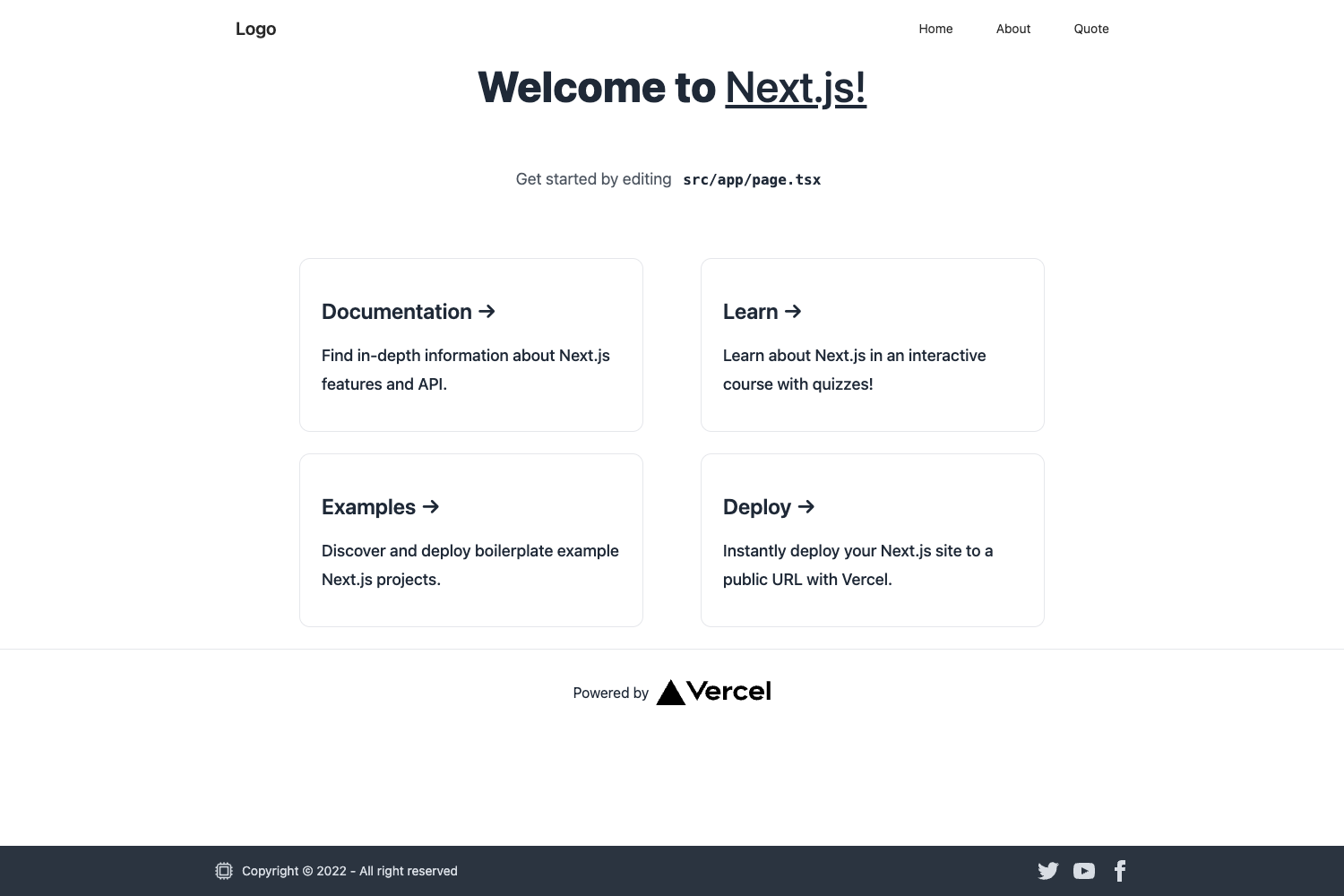
Build and learn a simple landing page using Next.js and Chakra UI components.
About this template
Simple Chakra UI Next.js is a minimal landing page starter template built on Next.js 13, TypeScript, and the Chakra UI component library.
What is Simple Chakra UI Next.js?
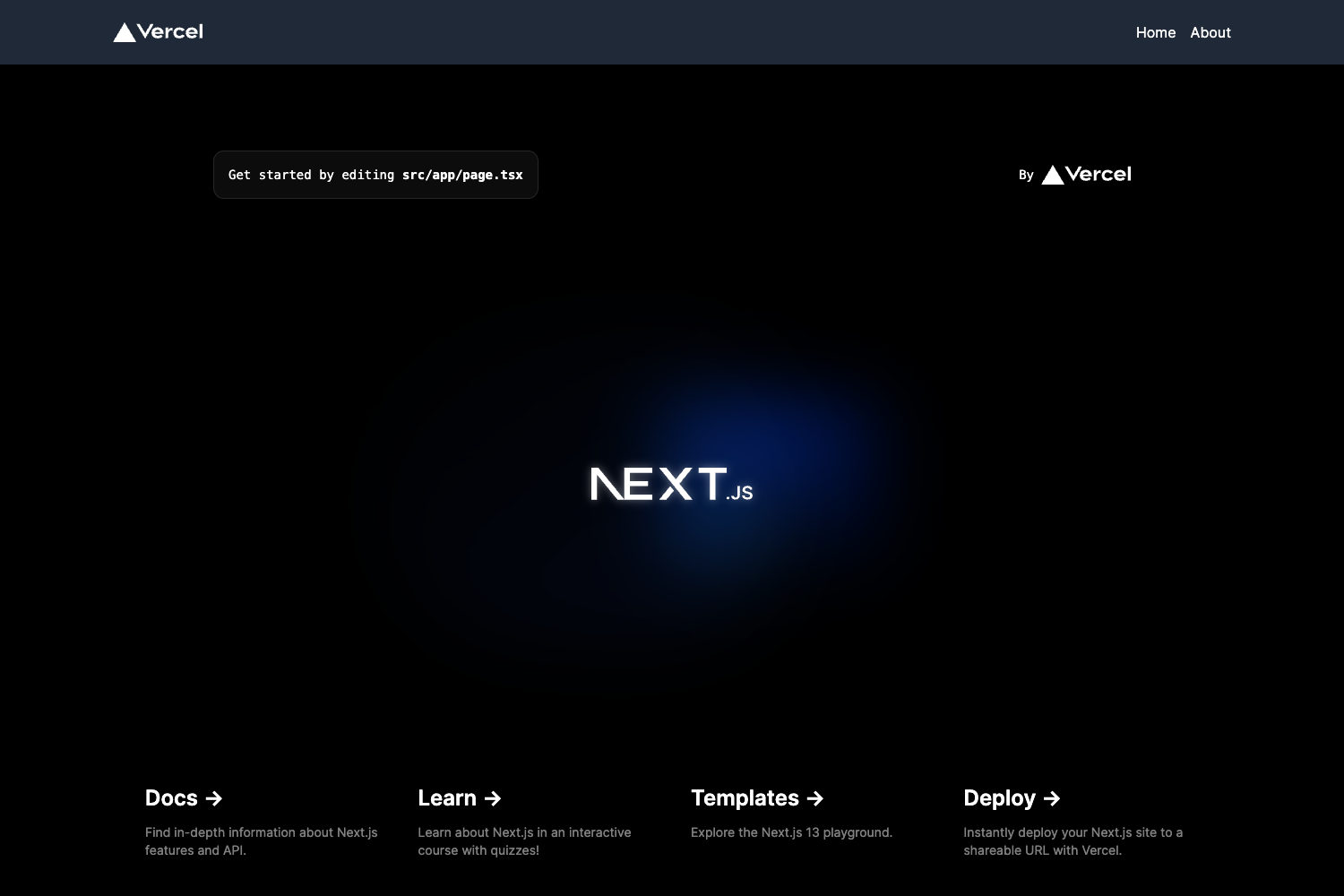
Simple Chakra UI Next.js is a public GitHub repository that combines a standard create-next-app base with Chakra UI to create a simple landing page. It uses the Next.js 13 app directory, with app/page.tsx as the editable landing page, and includes a basic API route at pages/api/hello.ts. The template is designed for learning and quick prototyping, and it is ready to deploy on Vercel.
Key Features
- Next.js 13 app directory — The project is bootstrapped with create-next-app and uses
app/page.tsxfor the main landing page, supporting file-based routing and React server components. - TypeScript — The codebase is written in TypeScript, giving type checking and better editor support from the start.
- Chakra UI styling — Chakra UI provides the component system and themeable tokens, letting you build responsive layouts with accessible components.
- Sample API route — A
pages/api/hello.tsfile is mapped to/api/hello, demonstrating how to create serverless API endpoints in a Next.js project. - Automatic font optimization —
next/fontis configured to load Inter, a Google Font, with automatic optimization to minimize layout shift and bandwidth. - Vercel deployment — The README includes the official Next.js deployment instructions for pushing the project to Vercel.
Who is it for?
- Next.js learners who want a small, readable codebase that shows how the app directory and Chakra UI fit together.
- Frontend developers who need a single landing page and prefer to start from a minimal template instead of manually installing dependencies.
- Prototypers who want to get a static marketing page live quickly and can compose sections using Chakra UI components.
Use cases
- Learners: study the file structure of a Next.js 13 app, then edit
app/page.tsxto change headings, text, and layout while seeing hot reload in action. - Prototypers: run
npm run dev, replace the placeholder content with your own copy, and then connect the repository to Vercel for a live deployment. - Portfolio owners: use Chakra UI's responsive primitives and the Inter font to build a clean personal landing page in a day.
How does it work?
Run npm run dev (or yarn dev / pnpm dev) to start the development server at http://localhost:3000. Editing app/page.tsx triggers instant updates in the browser. The sample API route is available at http://localhost:3000/api/hello. When you are ready to publish, push the code to GitHub and import the repository into Vercel, or follow the Next.js deployment documentation.
FAQ
Is this template free to use?
Yes, the project is a public GitHub repository, so you can clone, fork, and customize it without charge.
What Next.js version does it use?
It is based on Next.js 13, as indicated by the repository topics and the use of the app directory in the project structure.
Does it include Chakra UI?
Yes, the repository description states it uses libraries from Chakra UI for building the landing page, and Chakra UI is listed as a topic.
How do I run the project locally?
Install dependencies with npm install, then start the development server with npm run dev. Open http://localhost:3000 in your browser to view the page.
Can I easily deploy on Vercel?
Yes, the template is a standard Next.js project and the included README provides direct links to the Vercel deployment flow and Next.js deployment documentation.