Template details
Portfolio 2019
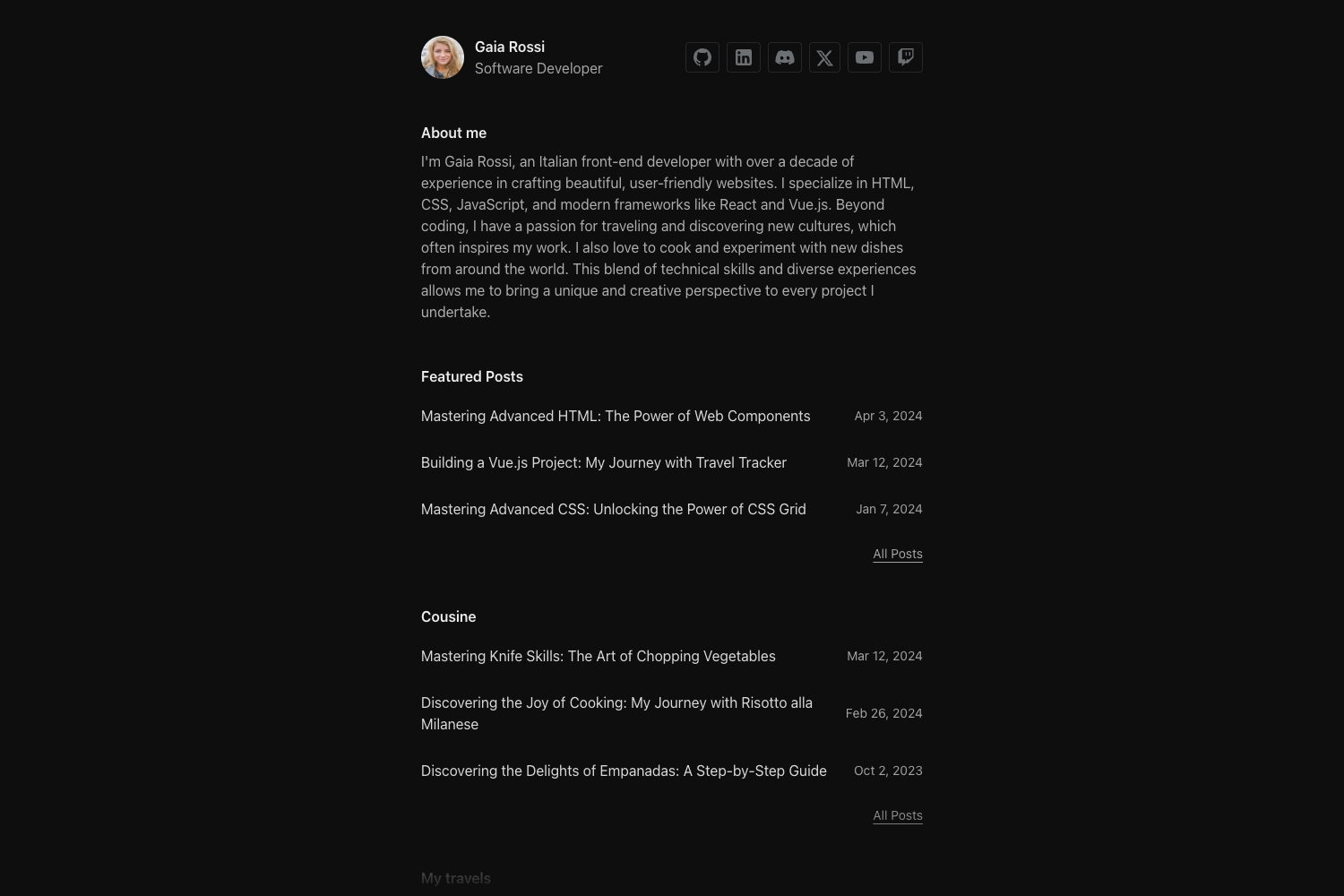
A Next.js personal portfolio website that pulls content from Contentful and deploys as a static site to Netlify.
About this template
Portfolio 2019 is a personal portfolio website template built on Next.js that pulls content from Contentful and deploys as a static site to Netlify. It is an open-source project created by Marco Ciampini and the canonical repository is hosted on GitHub at ciampo/portfolio-2019.
What is Portfolio 2019?
Portfolio 2019 is a starter template for a personal portfolio website. It uses Next.js as the React framework, Contentful as a headless CMS for content management, and is configured for deployment to Netlify with Google Analytics integration. The project takes environment variables for Contentful, Netlify, and Google Analytics, then outputs either a static site or a server-rendered application. The repo includes a Netlify deployment status badge and detailed instructions for setup.
Key Features
- Contentful CMS integration — Site content is pulled from Contentful by running
yarn data, which requires Contentful environment variables in a.envfile and in the Netlify project. - Static export —
yarn staticbuilds the app in production mode and exports it as a static site ready for hosting on Netlify. - Server-side rendering support —
yarn buildcompiles the application for production deployment (SSR), andyarn serve:ssrstarts and serves it in production mode. - Development mode —
yarn devstarts the application with hot-code reloading and error reporting. - Bundle analysis —
yarn analyzebuilds the app and opens two graphs in the browser showing the bundle composition. - Linting —
yarn testlints scripts and styles;yarn test:fixlints and tries to auto-fix any errors. - Netlify deployment — The README documents adding environment variables to a Netlify project, making deployment to Netlify a first-class workflow.
Who is it for?
- Developers who want a pre-configured Next.js portfolio with Contentful as a CMS and can customize the code to fit their own projects.
- Designers and creative professionals who want to manage their portfolio content through Contentful's interface without editing code directly after the initial setup.
- Freelancers looking for a free, open-source portfolio site that deploys to Netlify and includes Google Analytics tracking.
What can you do with Portfolio 2019?
- Publish a personal portfolio by creating content entries in Contentful and pulling them into the site with
yarn data. - Deploy a static website to Netlify with
yarn static, which produces a static export suitable for fast global delivery without maintaining a server. - Run a server-rendered version with
yarn buildandyarn serve:ssrwhen SSR is needed for your portfolio. - Monitor bundle size with
yarn analyzeto identify performance improvements before shipping.
How does Portfolio 2019 work?
The setup workflow is documented in the README: install Node and Yarn globally, set up Contentful, Netlify and Google Analytics, copy .env.example to .env and add the correct values, then add the same environment variables to Netlify. After running yarn install, yarn data fetches content from Contentful and yarn static builds the static site for deployment.
Pricing
Portfolio 2019 is free and open source; the canonical source is publicly available on GitHub.
FAQ
What stack does Portfolio 2019 use?
It uses Next.js as the React framework, Contentful as the headless CMS, and is deployed on Netlify. The project also integrates Google Analytics for tracking.
How do I get my content into the site?
You need to set up a Contentful space and add the required environment variables to .env. Then run yarn data to pull content from Contentful into the project.
Can I deploy Portfolio 2019 to platforms other than Netlify?
The README explicitly covers Netlify deployment (including adding environment variables there). The static export produced by yarn static can be hosted elsewhere, but Netlify-specific configuration may need adjustment.
How do I run the site locally?
Run yarn dev to start the development server with hot-code reloading and error reporting. Make sure your .env file contains the Contentful, Netlify, and Google Analytics values first.