Template details
Soon
Coming soon page template for Jekyll
About this template
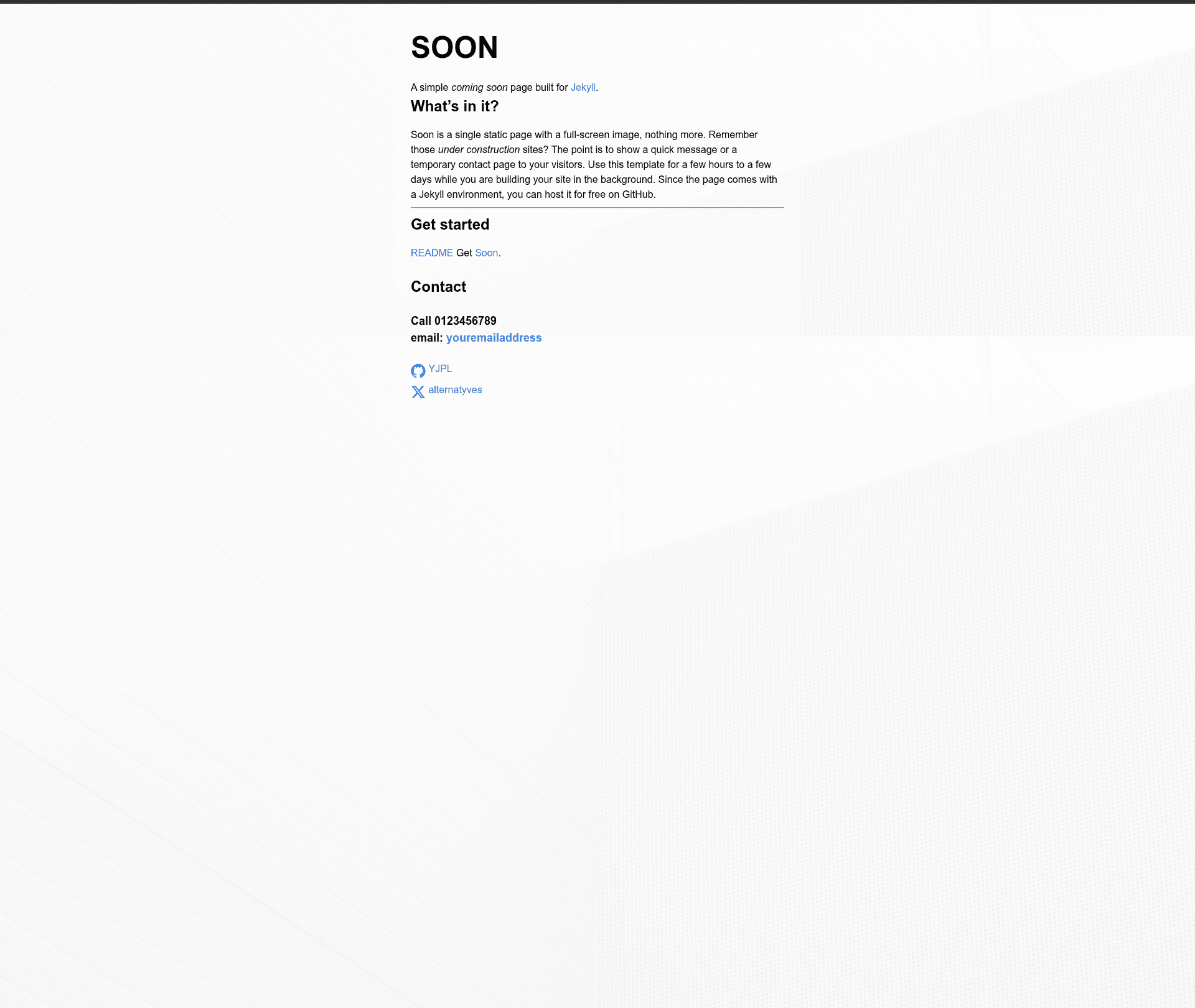
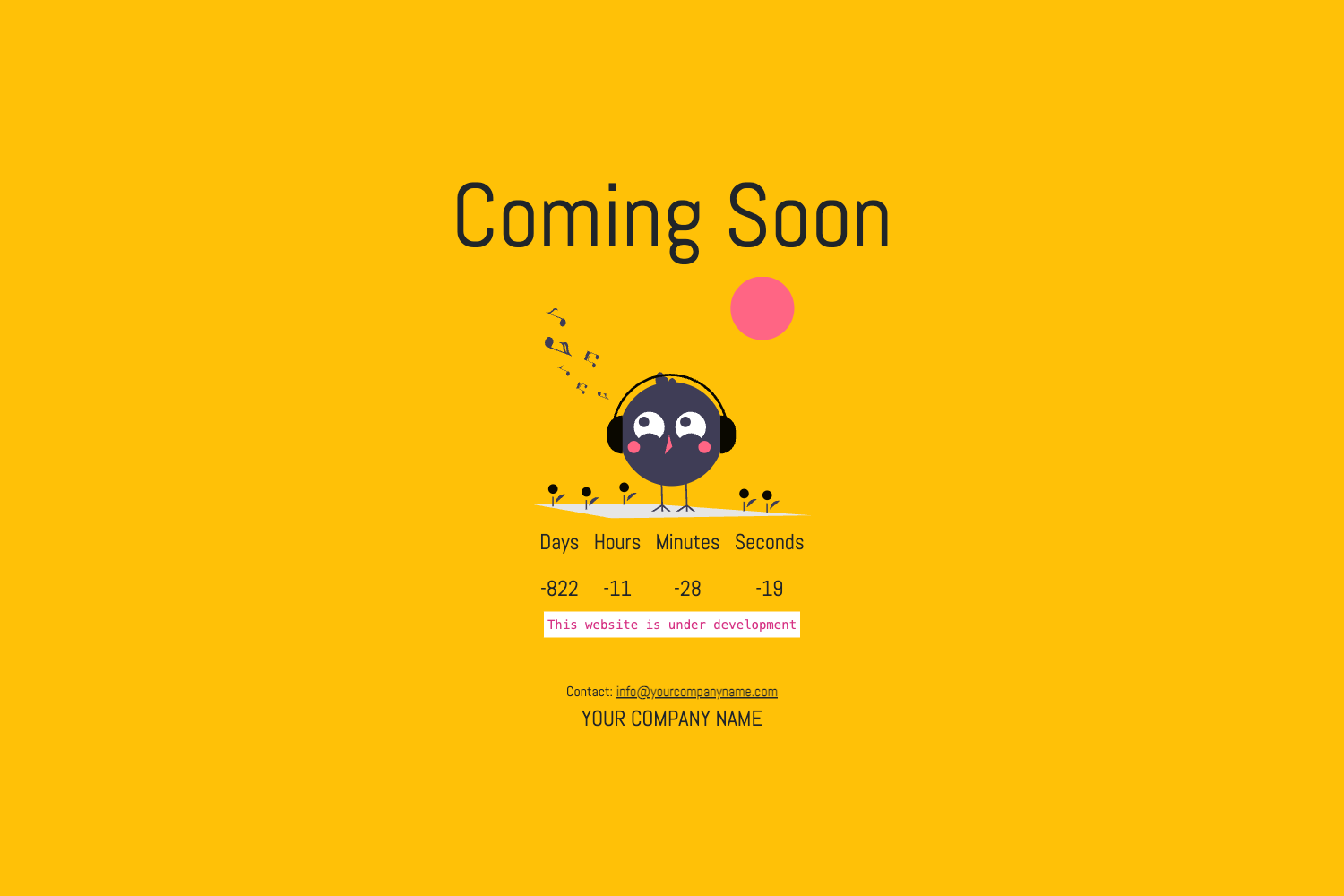
Soon is a free, single-page 'coming soon' template built with Jekyll that replaces an under-construction page with a full-screen background image and contact details while you build your real site.
What is Soon?
Soon is a minimalist Jekyll template that renders one static page with a full-screen image and your contact information. It takes a standard Jekyll installation plus edits to _config and index.md, and outputs a static HTML page that you can host for free on GitHub Pages. The template is published on GitHub by YJPL in the repository github.com/YJPL/soon and currently has 10 stars. Because it ships with the normal Jekyll folder structure for posts, pages, collections, and assets, the same repo can later become a complete blog or website.
Key Features
- Full-screen background image — The page displays a single full-screen image; the file is stored in the
imagesdirectory and its path is set in_layouts/default.html. - Plain CSS, no framework — All styling lives in
main.cssunderassets, with no Tailwind, Bootstrap, or other CSS library, so any change is a direct edit to that file. - Two-file configuration — Update
_configwith your site and contact details andindex.mdfor the page message; no other file edits are required for a basic launch. - GitHub Pages ready — As a standard Jekyll site, Soon deploys to GitHub Pages for free, and the README links to GitHub's official docs for custom domains, CNAME records, and DNS updates.
- Local preview with one command — After installing Jekyll and running
bundle exec jekyll serve, the page renders at localhost:4000. - Expandable to a full Jekyll site — The repo includes the usual starting folders for posts, pages, collections, and assets, so you can restyle and write the live site in the background and overwrite the placeholder when ready.
- Real-world usage — The README lists alternatyves.com and the Baixada Santista Game Dev GitHub Pages site as examples that use or have used Soon.
Who is it for?
- Developers launching a Jekyll project — They can publish Soon immediately as a temporary page while building the actual site, then replace it without starting from scratch.
- Hobbyists hosting on GitHub Pages — Someone who wants a free coming-soon presence can clone the repo, change the config and one markdown file, and push it live without touching HTML.
- Designers prototyping a full-screen layout — The single-image composition with minimal CSS lets a designer test how a large background and short text feel before committing to the full site design.
What can you do with Soon?
- Early project validation: gather feedback by putting a public page with your contact info online while the product is still under construction.
- Team updates for a site relaunch: publish a temporary message pointing visitors to an email or other channel, then swap in the redesigned site when ready.
- Learning Jekyll structure: use the small codebase to see how
_config,index.md, layouts,assets, andimagesinteract in a real Jekyll project.
How does Soon work?
Install Jekyll, clone the folder, then run bundle exec jekyll serve to preview at localhost:4000. Edit _config with your contact information and index.md with your message; if you replace the background image, update its path in _layouts/default.html. Finally, self-host or deploy to GitHub Pages to make it public.