Template details
Lean Launch Page
A Hugo theme for building single-page pre-launch sites with email capture via MailChimp and social media links.
About this template
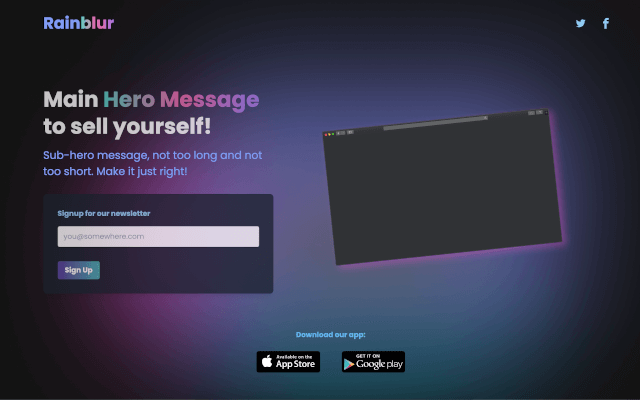
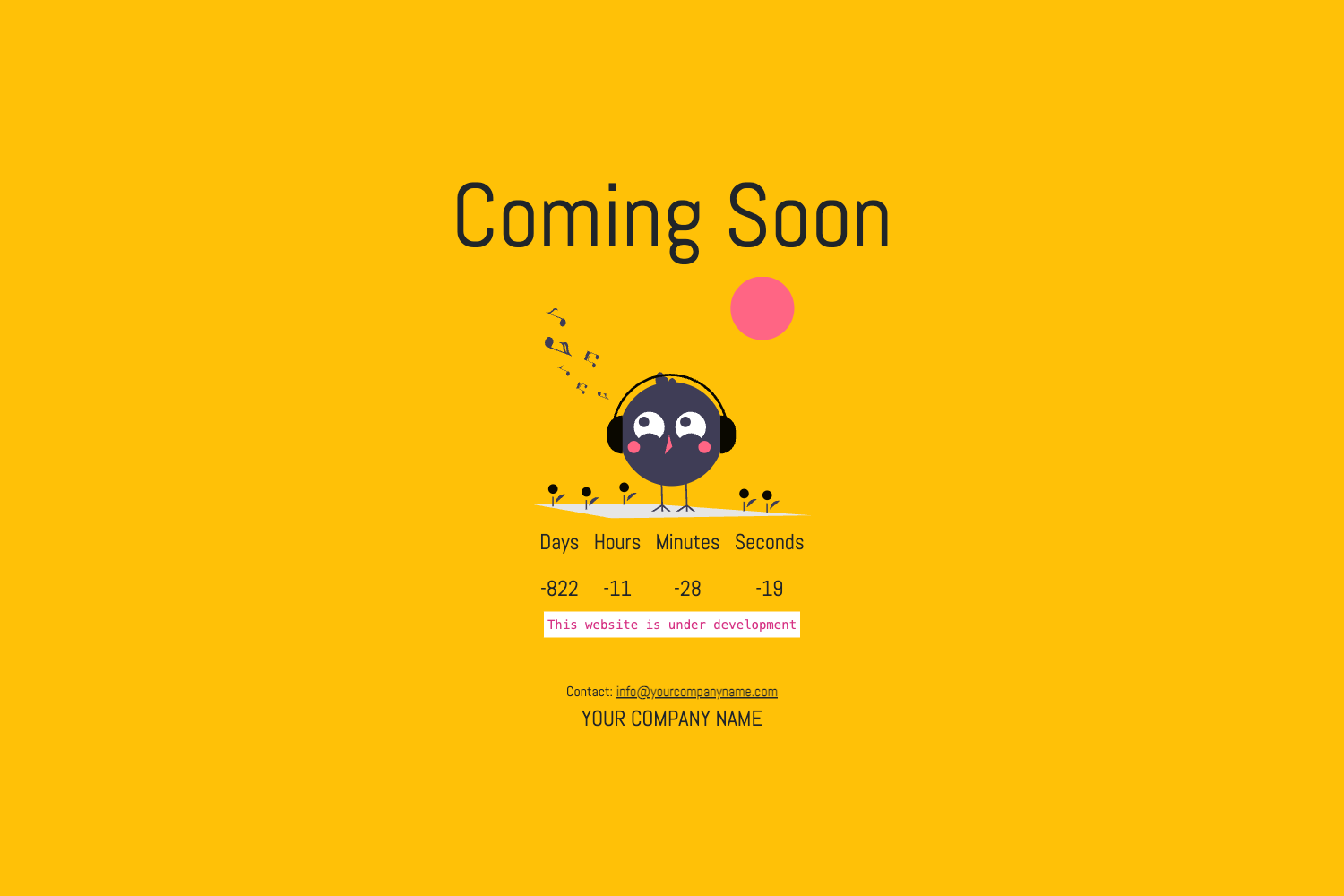
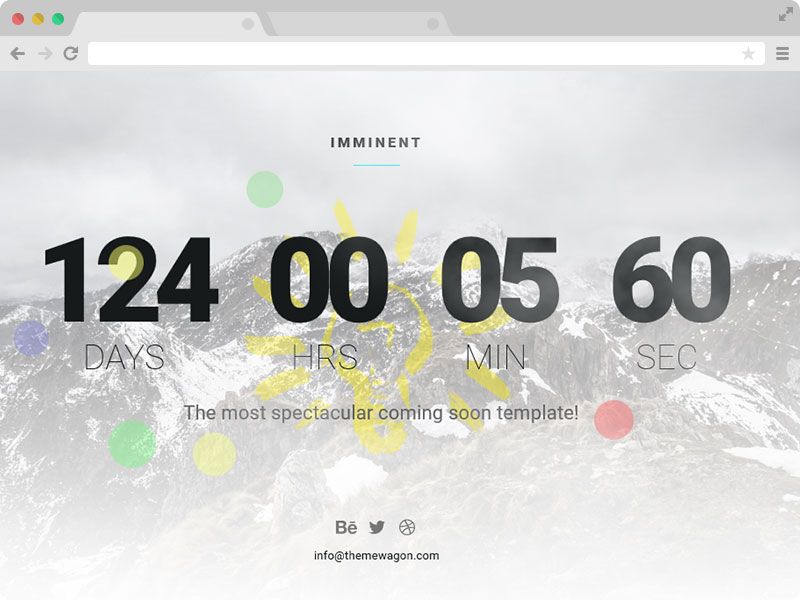
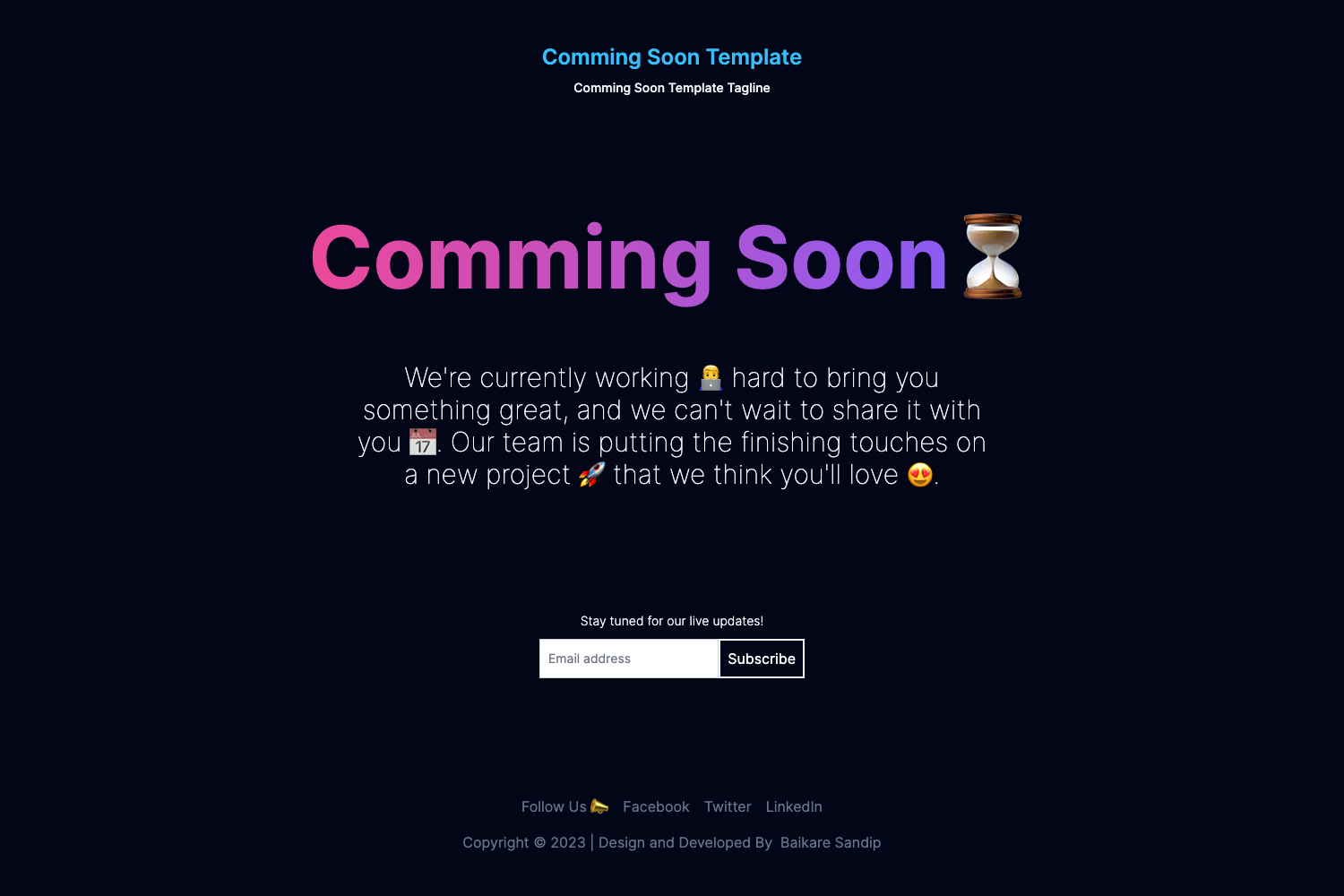
Lean Launch Page is a Hugo theme for building a single-page pre-launch site that announces a company or product, links social media profiles, and collects email signups through MailChimp to validate a business idea.
What is Lean Launch Page?
Lean Launch Page is a Hugo theme that outputs a static, single-page launch site from settings in your Hugo config file. You provide product copy, social media URLs, a Google Analytics ID, and a MailChimp form URL, and the theme renders a page with those elements for collecting early interest. The theme is open source and under active development on GitHub, with an example site in the exampleSite/ directory.
Key Features
- Single-page launch layout — One page design that includes an announcement area, social media icon links, and an email signup form, sufficient to gauge interest before building a full product.
- MailChimp email capture — Set
mailchimpURLin the Hugo config to enable a signup form that sends visitor emails to your MailChimp audience; the README explains how to extract that URL from MailChimp's embedded form code. - Social media links with Font Awesome v6 icons — Configure URLs for Mastodon, Twitter, Facebook, Instagram, YouTube, LinkedIn, GitHub, and Discord; icons render automatically. Mastodon also supports domain verification.
- Google Analytics tracking — Add your Google Analytics ID in the Hugo config to measure launch-page effectiveness and visitor behavior.
- Built on Hugo — Works with any standard Hugo setup; the example config at
exampleSite/config.tomlshows all available params. - Lightweight asset approach — Only Font Awesome webfonts (with CSS) are included, keeping the page light.
Who is it for?
- Startup founders — Validate a new business or product idea by getting a live page up quickly with email capture, before building anything else.
- Independent makers — Test demand for a side project or SaaS product by collecting signups and tracking visits with Google Analytics.
- Marketers creating hype — Launch a teaser campaign for an upcoming product with social links and an email list, all configurable through one file.
What can you do with Lean Launch Page?
- Build a landing page for a coming-soon product: Announce your product, add social links, and collect emails from interested visitors.
- Run a lean startup validation test: Follow the Lean Startup Methodology by putting up a minimal page and measuring signup rates.
- Create a personal pre-launch page for an event or project: Use the same template for any launch that needs social proof and an email list.
How does Lean Launch Page work?
You configure the theme through your Hugo config file: set the mailchimpURL from MailChimp's embedded form, add your social media profile URLs, and optionally a Google Analytics ID. Then Hugo builds the static page using the provided exampleSite as a starting point, and the theme renders the announcement, social icons, and signup form.
FAQ
Do I need a MailChimp account to collect emails?
Yes, the theme's email form only works with a MailChimp audience; you must create a form and paste its action URL into mailchimpURL.
Can I use Lean Launch Page without MailChimp?
Yes, if mailchimpURL is not set, the email form is omitted and the page still shows the announcement and social links.
Which social networks does the theme support?
Mastodon, Twitter, Facebook, Instagram, YouTube, LinkedIn, GitHub, and Discord are supported. Mastodon additionally allows domain verification.
Is Lean Launch Page free?
The theme is open source and can be downloaded and used from its GitHub repository at no cost; there are no paid tiers or licensing fees mentioned.