Template details
Start Bootstrap Coming Soon
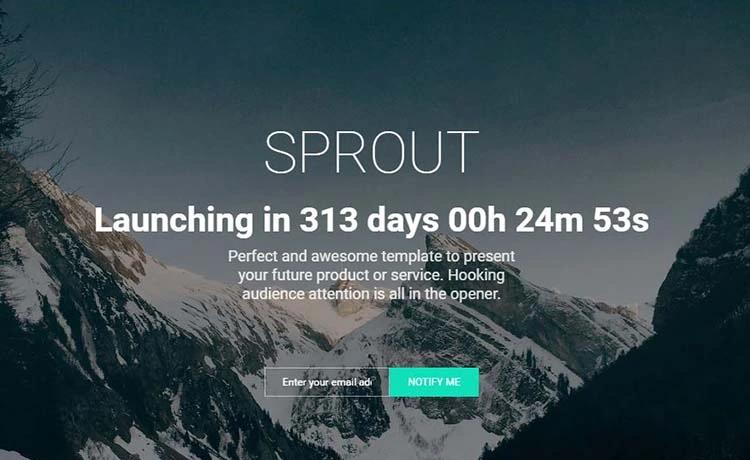
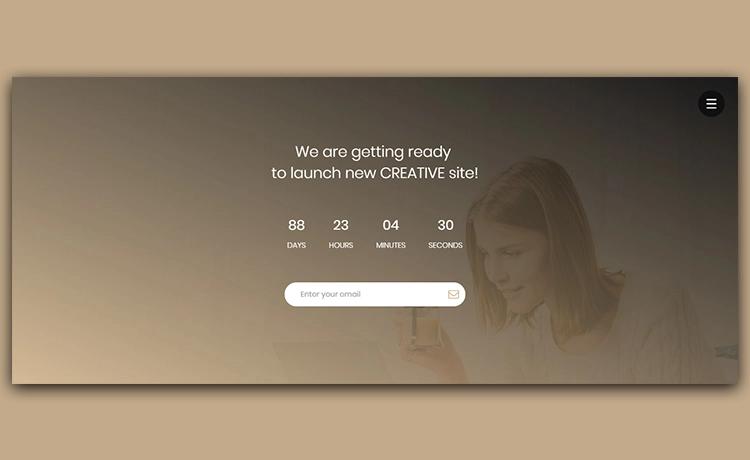
A coming soon theme for Bootstrap 4 with a full-screen background video and mobile image fallback.
About this template
Start Bootstrap Coming Soon is a free, open-source coming soon page template built on Bootstrap 4 by Start Bootstrap, designed to hold a single landing page with a full-screen background video and a mobile image fallback.
What is Start Bootstrap Coming Soon?
Start Bootstrap Coming Soon is a single-page HTML template that gives you a ready-made "under construction" or launch-countdown page. You provide a background video file and a fallback image; the template renders a centered signup form and responsive styling. It runs on any static web host — no server-side code required — and is maintained by Start Bootstrap, the open-source template library created by David Miller.
Key Features
The template bundles a focused set of features for a single-page coming soon site, all visible in the compiled files and source code.
- Background video with image fallback — The page plays a looping video as its background and swaps to a static image on mobile devices, where autoplaying video is often blocked.
- Prebuilt signup form with SB Forms — The form markup uses the
data-sb-form-api-tokenattribute; sign up for SB Forms, paste your access key, and the form will collect emails without a backend. - Single-file simplicity — Use the compiled
index.htmland CSS in thedistdirectory; no build step is required for basic customization. - Pug and SCSS source files — For advanced users, the
srcfolder contains Pug templates and SCSS stylesheets that compile into thedistoutput. - npm-based build environment — Clone the repo, run
npm install, then usenpm startfor live preview with watch-and-reload, ornpm run buildto produce a freshdistfolder. - MIT license — The template is free for personal and commercial projects; code is released under the MIT license by Start Bootstrap LLC.
Who is it for?
The theme fits anyone who needs a one-page placeholder with a video backdrop and an email capture form.
- Startups preparing a product launch — Replace the sample video and text in the compiled HTML, connect the SB Forms signup, and publish the page on any static host to collect email addresses.
- Freelancers and agencies — Download the release and edit the
distfiles to deploy a quick coming soon page for a client; no build tools are required for this basic workflow. - Developers who want a customizable starter — Clone the repo, run
npm install, and modify the Pug and SCSS sources so the theme fits a larger project build.
What can you do with it?
Concrete ways to apply the theme include the following scenarios.
- Product teaser page: set a background video and image fallback, add your product name and description, and enable the SB Forms signup to collect emails.
- Maintenance-mode page: replace the launch-oriented copy with a "back soon" message and keep the signup form disabled or removed.
- Campaign landing page: quickly swap the headline and background media in
dist/index.htmland host the folder on any static CDN.
How does it work?
Basic use requires only the compiled files: download the latest release, edit index.html and the CSS in the dist folder, and open the file in a browser to preview. For advanced use, clone the GitHub repository, run npm install, and use npm run build to regenerate dist from the Pug and SCSS sources; npm start launches a live-reloading development server. To go live, copy the dist files to any static host or CDN.
Pricing
The theme is free. Start Bootstrap releases it under the MIT license, so you can use it for commercial projects without payment or attribution.
FAQ
Is Start Bootstrap Coming Soon free?
Yes. The template is released under the MIT license, so it is free to use for personal and commercial projects. No payment or credit line is required.
How do I make the signup form work?
The form is prebuilt for SB Forms. Sign up at Start Bootstrap's SB Forms page, add your domain, and copy the access key into the data-sb-form-api-token attribute in the HTML. If you don't use SB Forms, delete that attribute and the associated script tag.
Does the background video play on mobile?
The template ships with a mobile background image fallback, because autoplaying videos are often blocked on mobile devices. On small screens, the static image displays instead of the video.
How do I customize the template?
For quick changes, edit the compiled HTML and CSS files in the dist directory. For deeper customization, use the source Pug and SCSS files with the npm build scripts described on the GitHub repository.
What do I need to run the build environment?
You need Node.js with npm installed. After cloning the repo, run npm install and then use the available scripts such as npm start for live preview or npm run build to compile everything into dist.