Start Jekyll is a boilerplate Jekyll project and step-by-step tutorial created by Tania Rascia, designed to teach beginners how to build and deploy a static website with Jekyll and Sass.
What is Start Jekyll?
Start Jekyll is an open-source example repository and companion guide for creating a custom static website with Jekyll and Sass. Its core function is educational: it walks a reader from learning what static site generators are, through installing Ruby and Jekyll, to creating a custom website and deploying it to GitHub Pages. The repository is authored by Tania Rascia, released under the MIT License, and includes a live demo hosted at taniarascia.github.io/startjekyll.
Key Features
- Jekyll and Sass — The bundled demo site uses Jekyll's templating engine for pages and Sass for stylesheet compilation, producing a plain static site with no database.
- GitHub Pages deployment — The project includes the setup needed to deploy the resulting site to GitHub Pages, and a working demo is linked from the repository.
- Companion tutorial — The README links to Tania Rascia's full written guide at taniarascia.com/make-a-static-website-with-jekyll, which explains each step in depth.
- Purpose-driven learning path — The four stated goals are explicit: learn about static site generators, install Ruby and Jekyll, create a custom website on Jekyll and Sass, and deploy to GitHub Pages.
- MIT license — The source is freely reusable and modifiable for any personal or commercial project.
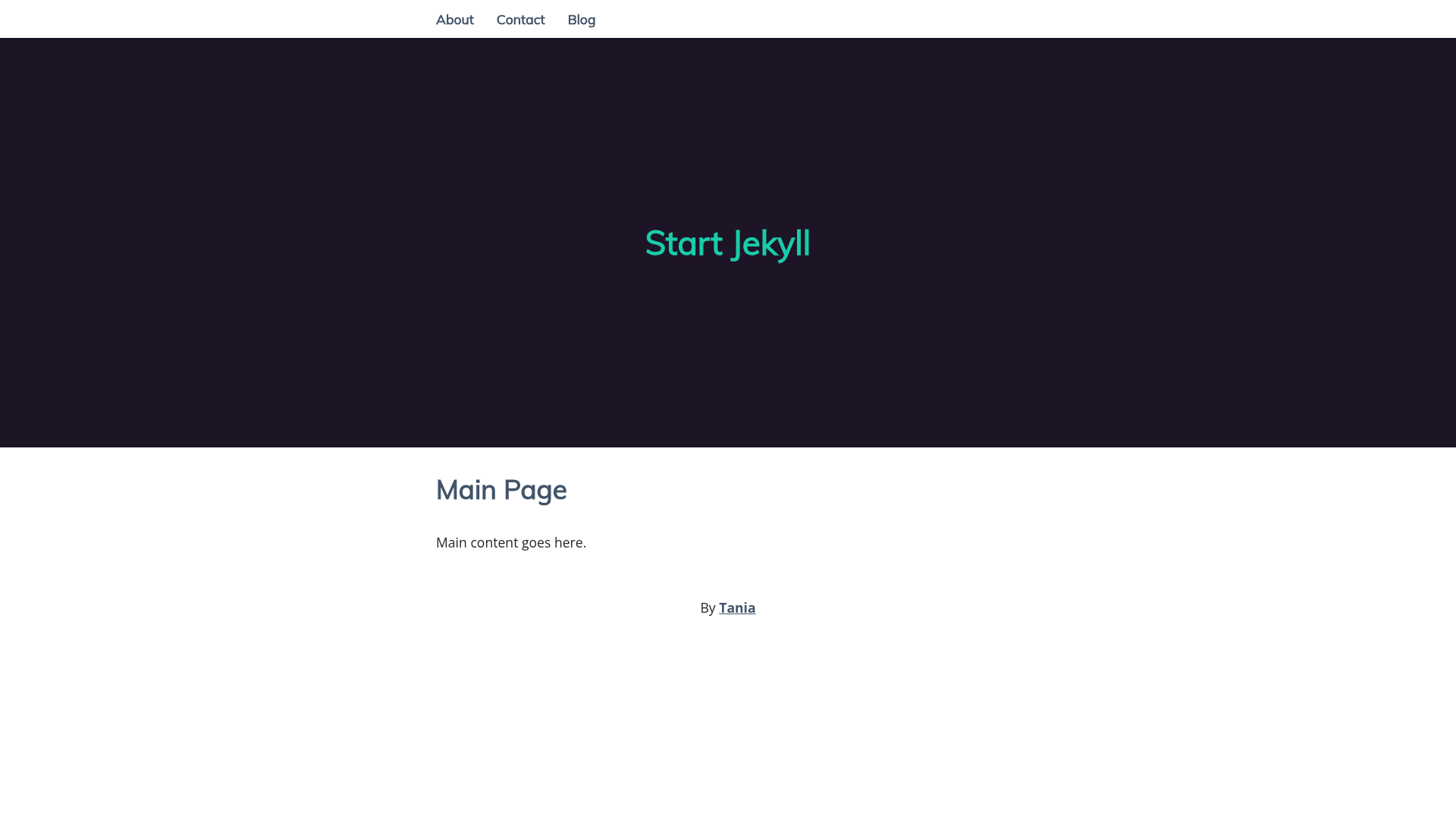
- Live demo — A working example of the finished site is hosted at taniarascia.github.io/startjekyll, so learners can see what they are building.
Who is it for?
Start Jekyll is aimed at beginners with no prior experience with static site generators, Ruby, or command-line deployment. It is also useful for developers who are comfortable with HTML and CSS but want to move from a dynamic CMS to a simpler, database-free workflow. Finally, it serves as a ready-made starting point for anyone who wants a minimal, Jekyll-based website they can fork and customize for their own portfolio, blog, or documentation.
What can you do with Start Jekyll?
- Beginner web developers: follow the companion tutorial to install Ruby and Jekyll on their system and get a local site running in a few steps.
- Bloggers and portfolio owners: fork the repository and use the sample Jekyll site as a base for a personal website, editing pages and styles in Sass.
- Documentation maintainers: use the guide's deployment instructions to publish a static documentation site to GitHub Pages without managing a server.
How does Start Jekyll work?
The tutorial is organized as a sequence of four tasks. First, it explains static site generators and why Jekyll is one option. Second, it covers installing Ruby and the Jekyll gem. Third, it guides creating a custom website with Jekyll's folder structure and Sass styling. Finally, it shows how to push the site to GitHub Pages and set up automatic building.
Pricing
Start Jekyll is free and open source under the MIT License. There are no paid tiers; the companion tutorial is publicly accessible on Tania Rascia's website.
Alternatives
- Hugo — a static site generator written in Go, known for very fast build times on large sites.
FAQ
Is Start Jekyll free?
Yes. The repository is released under the MIT License, so you are free to use, modify, and distribute the code for personal or commercial projects. The companion tutorial is also publicly accessible at no charge.
What do I need to install before using Start Jekyll?
You need to install Ruby, which also installs the gem package manager, then install the Jekyll gem. The tutorial walks through these steps for computers where Ruby is not already present, so no prior Ruby experience is assumed.
Can I deploy the site to GitHub Pages?
Yes. A primary goal of the guide is demonstrating deployment to GitHub Pages. The repository includes a live demo already hosted on GitHub Pages, and the tutorial explains how to push your own version to a GitHub Pages-enabled repository.
What does the demo site look like?
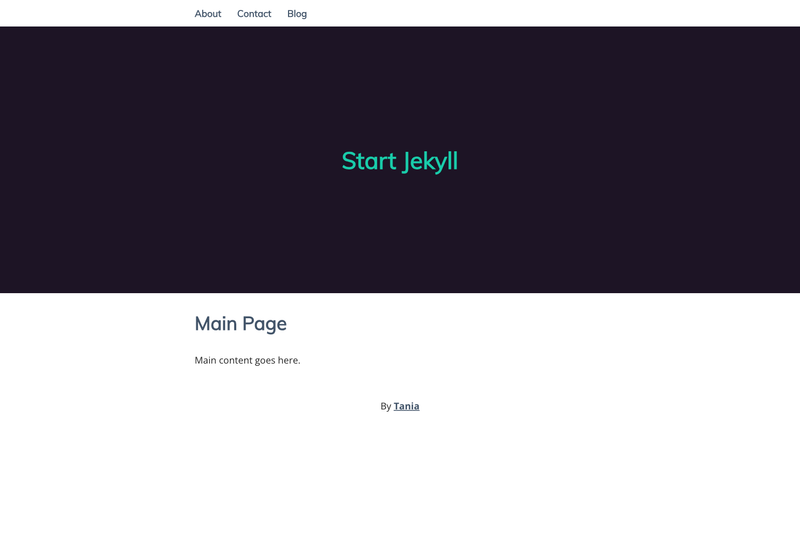
The live demo is available at taniarascia.github.io/startjekyll and shows a simple multi-page website built with Jekyll and styled with Sass. You can view it directly to see what the tutorial produces before you start.