Template details
Jekyll Example
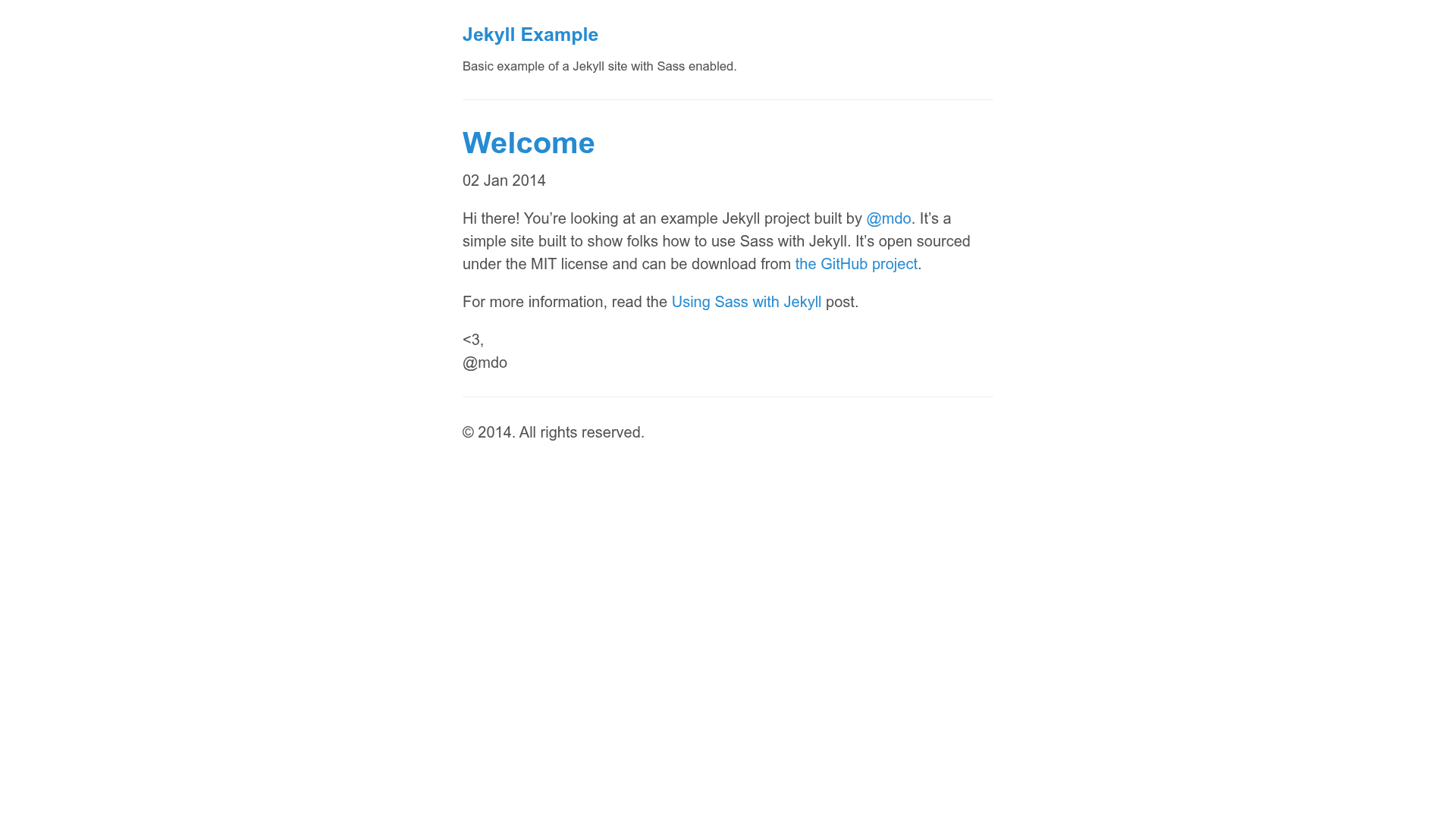
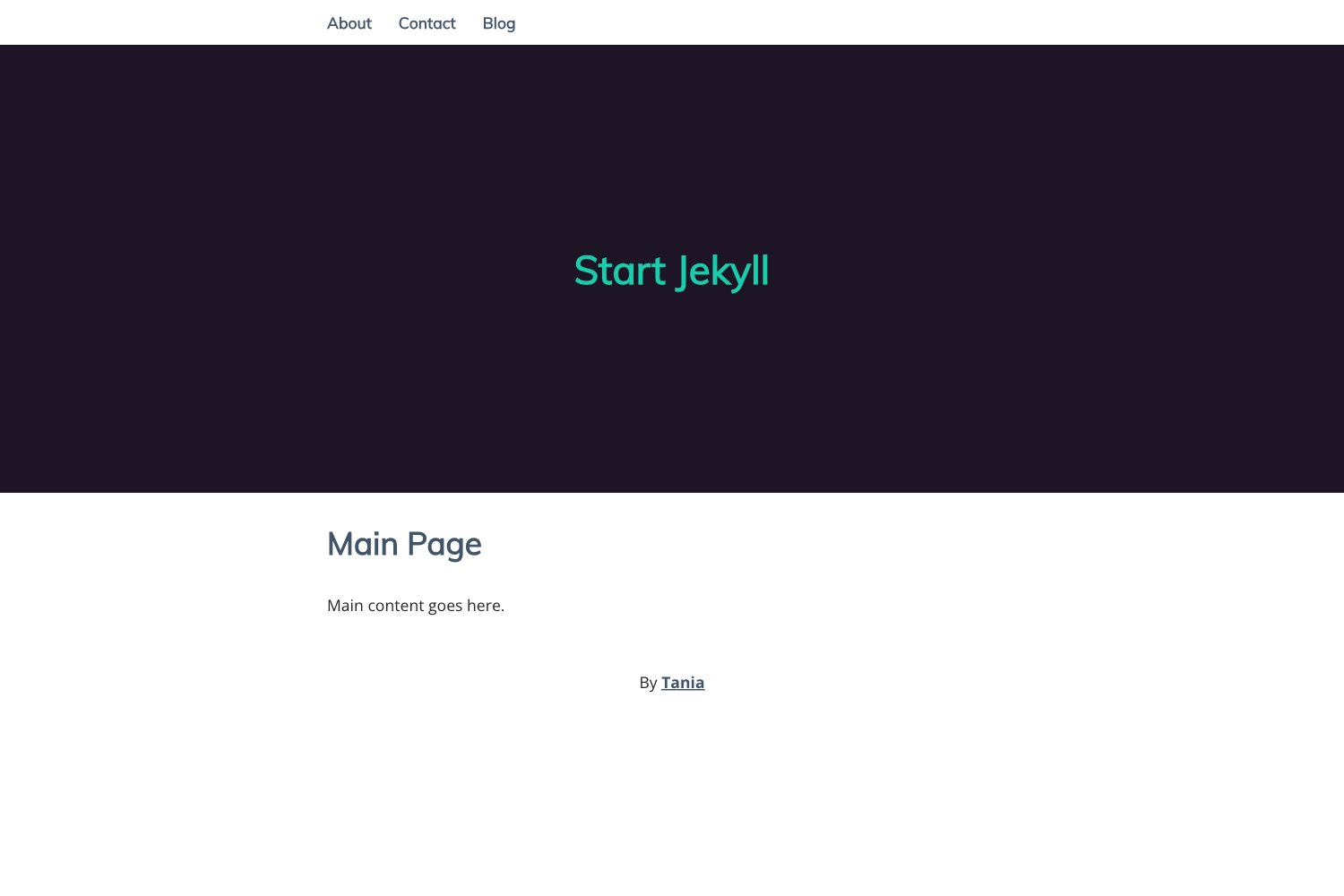
Minimal Jekyll site demonstrating Sass integration, with basic defaults, MIT-licensed and created by Mark Otto.
About this template
Jekyll Example is a minimal Jekyll site template that demonstrates how to integrate Sass into a Jekyll project, published by Mark Otto (mdo) under the MIT license.
What is Jekyll Example?
Jekyll Example is a simple Jekyll site built to show folks how to use Sass with Jekyll. It contains basic defaults and Sass enabled, acting as a starter skeleton rather than a complete theme. The project is open sourced under the MIT license and can be downloaded from the GitHub repository. It was created by @mdo, the same developer known for Bootstrap and other open source projects.
Key Features
- Basic Jekyll defaults — Uses Jekyll’s default configuration so you can see the conventional structure of a Jekyll project without extra customization.
- Sass enabled — Sass is turned on in the configuration, allowing you to write stylesheets with variables, nesting, and partials that compile to plain CSS during the site build.
- MIT licensed — The source code is free to use, modify, and distribute, with no restrictions beyond preserving the copyright notice.
- Companion to a tutorial — The project accompanies the blog post “Using Sass with Jekyll” on markdotto.com, which explains the setup and usage step by step.
- No support provided — The README states explicitly that no support is offered; it is intended as a one-time download to accompany the blog post.
Who is it for?
- Jekyll beginners — Learn how a basic Jekyll site is structured and how to activate Sass support by reading the example files.
- Developers following the “Using Sass with Jekyll” tutorial — Download this repository to get a working starting point that matches the instructions in the article.
- Open source contributors — Study a small, well-known example project to see how Jekyll sites are organized and how Sass integrates into the build.
What can you do with Jekyll Example?
- Create a quick Jekyll test site: Copy the repository, run Jekyll’s build command, and get a static site with Sass compilation working out of the box.
- Learn Sass integration: Inspect the default configuration and Sass files to see how Jekyll processes .scss and produces the final stylesheet.
- Experiment with Jekyll defaults: Modify the basic configuration and Sass variables to understand how changes affect the generated HTML and CSS.
How does Jekyll Example work?
Jekyll is a static site generator that converts Markdown and Liquid templates into HTML. In this example, Sass is enabled so that any stylesheets written in the Sass syntax are automatically compiled to CSS when the site builds. The companion blog post walks through the exact commands and file layout needed to replicate the setup on your own machine.
FAQ
Is Jekyll Example free?
Yes, the project is open sourced under the MIT license. You are free to use, modify, and distribute the code, as long as you include the original copyright notice.
Does Jekyll Example include support?
No. The project README explicitly states that no support is provided. It is meant solely as a one-time download to accompany the blog post “Using Sass with Jekyll”.
What do I need to run Jekyll Example?
You need Ruby, RubyGems, and the Jekyll gem installed. The blog post covers the installation steps and how to add Sass support to your own Jekyll site.
Where can I download the code?
The code is available on GitHub at the mdo/jekyll-example repository. You can clone it or download it as a ZIP file from the GitHub interface.