Template details
StaticWire
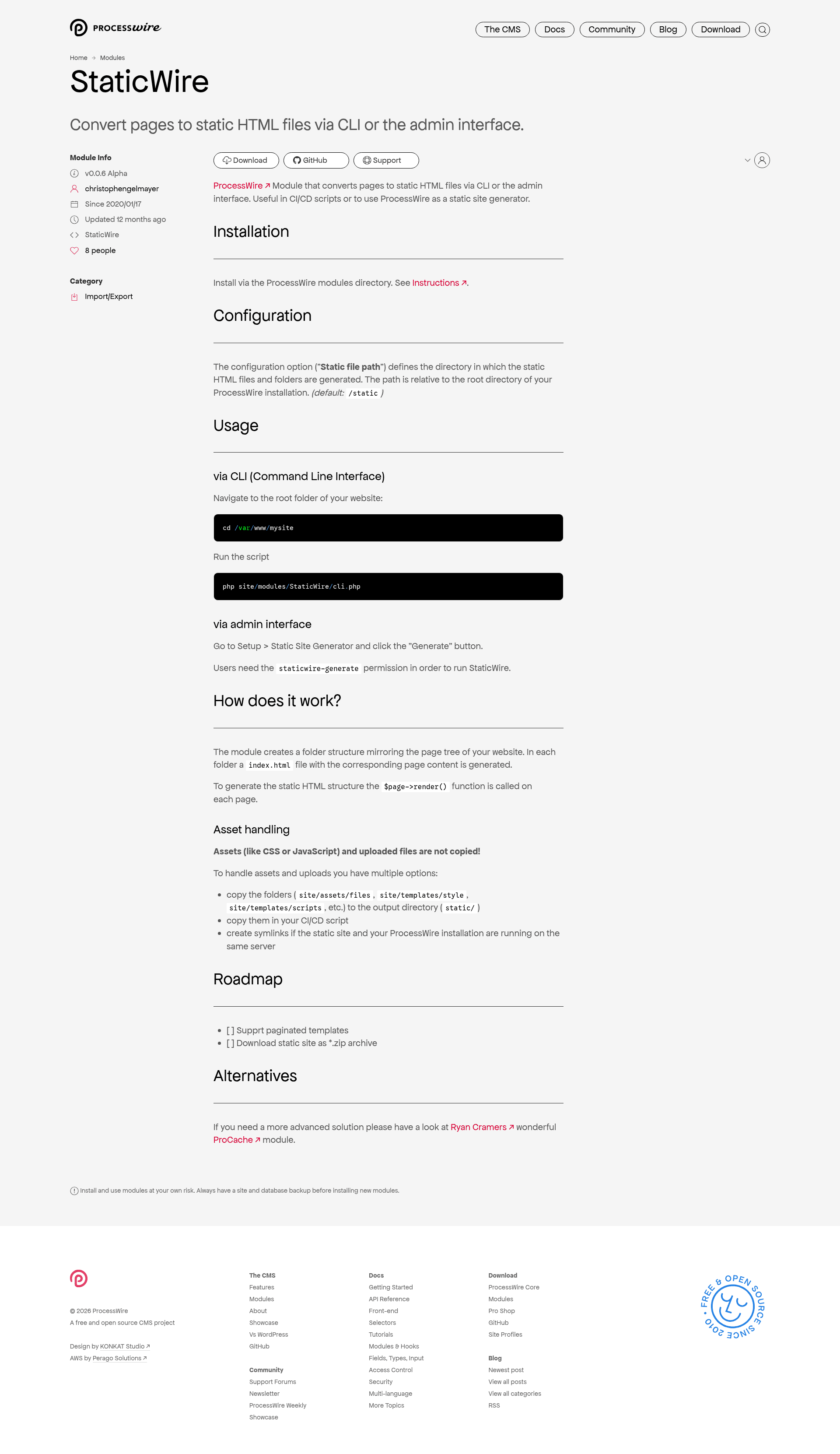
ProcessWire module that converts pages to static HTML files via CLI or admin interface.
About this template
StaticWire is a ProcessWire module that converts ProcessWire pages into a folder of static HTML files, runnable via CLI or the admin interface.
What is StaticWire?
StaticWire is a module for the ProcessWire content management system that turns a ProcessWire site into a static site generator. It takes the site's live pages as input and outputs a directory tree of index.html files, mirroring the page structure. You run it either from the command line with a PHP script or from the admin interface under Setup > Static Site Generator. The module is installed through the ProcessWire modules directory.
Key Features
- CLI generation — Run
php site/modules/StaticWire/cli.phpfrom the website root folder to generate static HTML without opening a browser. - Admin generation — Generate from the admin interface via Setup > Static Site Generator and a single "Generate" button.
- Permission control — A dedicated
staticwire-generatepermission restricts who can trigger generation through the admin. - Configurable output directory — The "Static file path" setting defines where static files are created, relative to the ProcessWire root, with a default of
/static. - Page-tree mirroring — The output folder structure mirrors the page tree, with each page rendered into its own folder containing an
index.htmlfile. - ProcessWire rendering — Each page is rendered using ProcessWire's own
$page->render()method, so templates and output formatting stay consistent with the live site. - Asset handling flexibility — CSS, JavaScript, and uploaded files are not copied automatically; you can copy folders, copy them in a CI/CD script, or create symlinks when the static site runs on the same server.
Who is it for?
Developers who want to use ProcessWire as a static site generator for speed or deployment simplicity. It also suits anyone running a ProcessWire site that needs a static snapshot for CI/CD pipelines, and teams who want to publish static HTML without hosting the full CMS.
What can you do with StaticWire?
- CI/CD pipelines: Generate a fresh static copy of the site after each content update, then deploy the
/staticfolder to a web server or CDN. - Static site backups: Produce a browseable HTML snapshot of the entire page tree for archival or offline viewing.
- Documentation or simple sites: Use ProcessWire's editor for content management and deliver a fast static front end.
How does StaticWire work?
Navigate to the website root and run php site/modules/StaticWire/cli.php, or click "Generate" in the admin. The module walks the ProcessWire page tree, creates a folder structure that mirrors it, and calls $page->render() on every page to write an index.html file into the corresponding folder. Assets like CSS and uploaded files must be copied or symlinked separately.
Alternatives
For a more advanced solution, the page points to ProCache, a ProcessWire module by Ryan Cramer that provides caching and static file delivery within ProcessWire itself.
FAQ
Does StaticWire copy CSS and JavaScript files?
No. StaticWire does not copy assets or uploaded files. You need to copy the relevant folders (for example site/assets/files, site/templates/style, site/templates/scripts) into the output directory yourself, either manually, in a CI/CD script, or by creating symlinks.
How do I run StaticWire from the command line?
Go to the root folder of your ProcessWire installation and run php site/modules/StaticWire/cli.php. This generates the static HTML structure without using the admin interface.
What permission is needed to generate via admin?
Users need the staticwire-generate permission. Without it, the Generate button under Setup > Static Site Generator will not work for that user.
Can I change the output directory?
Yes. The configuration option "Static file path" sets where the static HTML files and folders are generated. It is relative to the ProcessWire root directory, with a default of /static.
Does StaticWire support paginated templates?
Not yet. Supporting paginated templates is on the project's roadmap, as is downloading the generated static site as a zip archive.