Template details
Storyblok Nextjs Guide
Create a i18n friendly Landing website with Storyblok, NextJS and Typescript - Full Step by step tutorial
About this template
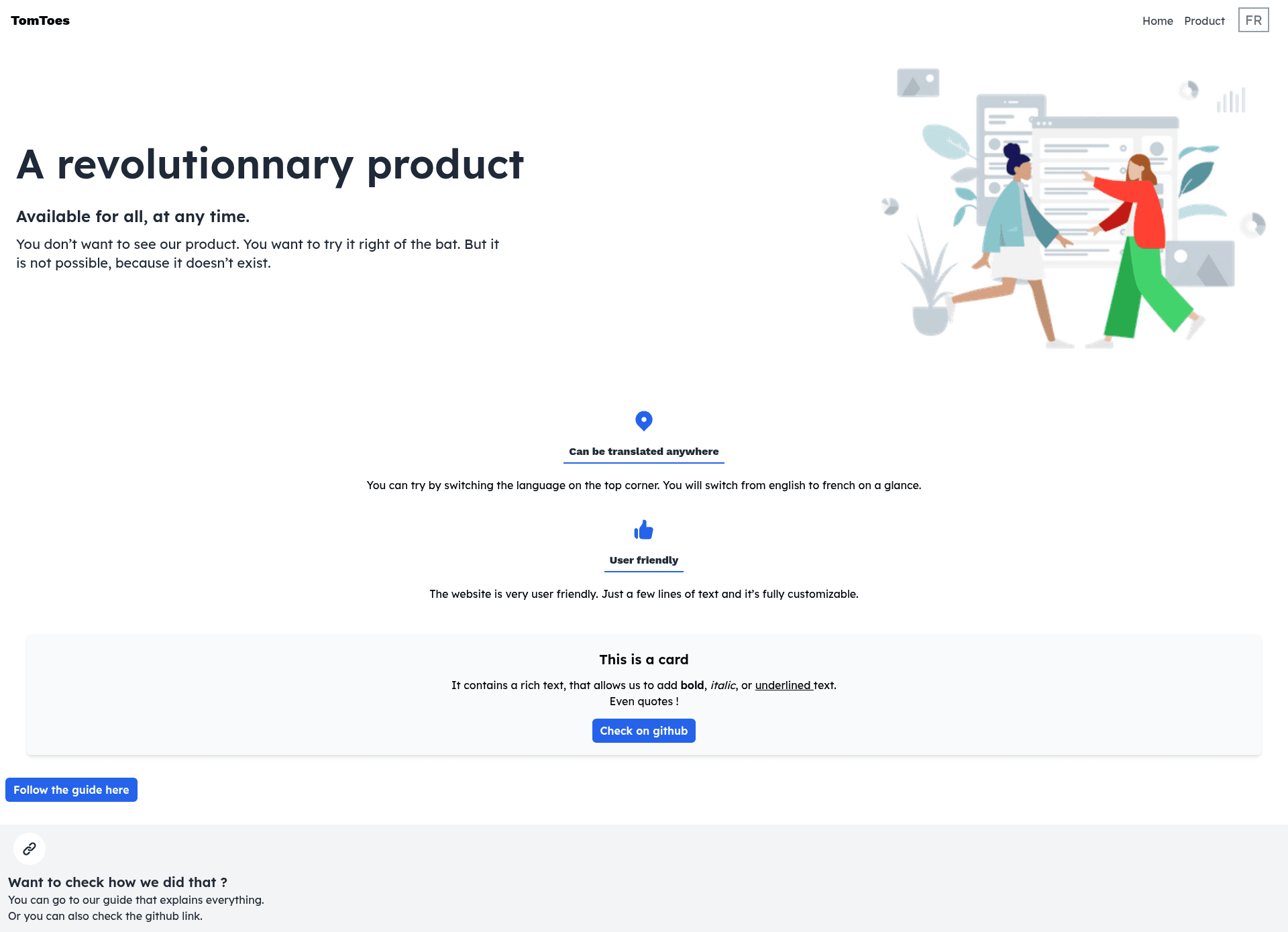
Storyblok Nextjs Guide is a boilerplate and step-by-step tutorial that creates an internationalization-ready landing website using Next.js, Storyblok, and TypeScript.
What is Storyblok Nextjs Guide?
Storyblok Nextjs Guide is an open-source repository that demonstrates how to build an i18n-friendly landing page with Next.js and the Storyblok headless CMS. It provides a starting template with the necessary configuration, including environment variables for the Storyblok access token and secret key. The project is built on the Next.js framework, uses TypeScript for type safety, and is deployable to Vercel through a one-click button. The repository also functions as a full tutorial, guiding users through the setup and deployment process.
Key Features
- i18n support: The template is explicitly designed for internationalized landing sites, enabling multi-language content.
- Storyblok integration: Uses Storyblok as the content management system, pulling content via an access token and securing API calls with a secret key.
- Next.js framework: Built on Next.js, offering both static generation and server-side rendering for optimal performance.
- TypeScript: Written entirely in TypeScript, providing strong typing and modern JavaScript features.
- Tailwind CSS and PostCSS: The styling is handled with Tailwind CSS and PostCSS, as indicated by the project's source tags.
- Vercel deployment: Includes a "Deploy with Vercel" button that sets up the project on Vercel with pre-configured environment variables, making deployment immediate.
- Step-by-step guide: The README acts as a tutorial, walking you from cloning the repository to deploying the site.
Who is it for?
- Web developers looking to integrate a headless CMS into a Next.js project can use this template as a starting point.
- Developers building multilingual websites benefit from the built-in i18n capabilities tailored for landing pages.
- Those learning Next.js and Storyblok can follow the tutorial to understand how the two technologies work together.
What can you do with it?
- Launch a landing page quickly: Deploy a functional landing page to Vercel with minimal setup by renaming the env file and adding your Storyblok credentials.
- Content management: Manage landing page content through Storyblok's visual editor, feeding it to the Next.js frontend.
- Localization: Set up language variants through Storyblok and Next.js i18n features, making the site available in multiple languages.
How does it work?
First, rename the env.local file to .env.local and add your Storyblok access token (available under your Storyblok settings) and a secret key that only you and your application know. Then run npm run dev or yarn dev to start the development server at http://localhost:3000. Edit pages/index.js to modify the home page; the page auto-updates on save. For production, deploy via the Vercel button or follow the Next.js deployment documentation.
FAQ
Do I need a Storyblok account to use this template?
Yes. Storyblok provides the content management backend, and you must supply an access token. If you don't have an account, you need to create one and retrieve the token from the settings.
How do I set up environment variables?
The repository includes a sample env.local file. Copy it to .env.local and fill in your Storyblok access token and a secret key you define. These keep your CMS credentials out of the codebase.
Can this template handle multiple languages?
Yes, the template is described as "i18n friendly," meaning it is prepared for internationalization. Storyblok supports localized content, and the Next.js structure accommodates language routing.
What is the easiest way to deploy?
Use the "Deploy with Vercel" button at the top of the repository. It clones the project, runs it on Vercel, and prompts you to configure the environment variables.