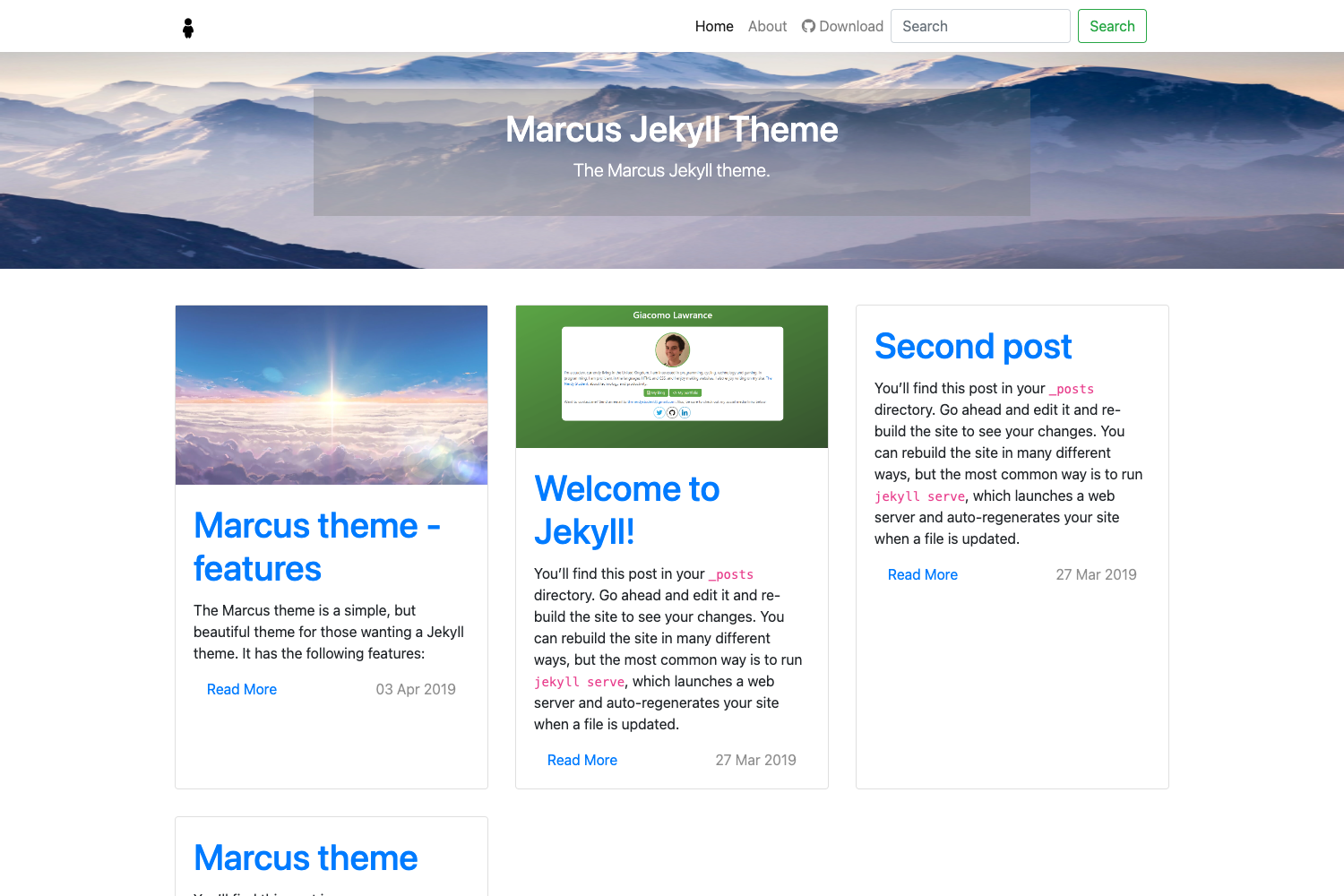
Template details
SUGO
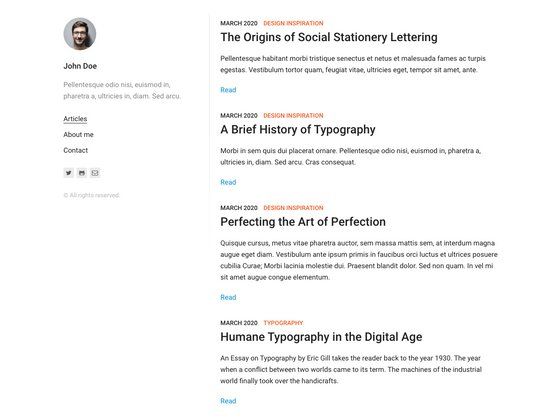
A clean Hugo theme for content-focused websites with custom shortcodes and an example site.
About this template
SUGO is a Hugo theme for building clean, content-focused static websites, created by psugam and distributed as open source on GitHub with a dedicated documentation site.
What is SUGO?
SUGO is a Hugo theme that provides a minimal, content-focused layout and a set of custom shortcodes for extending pages beyond plain Markdown. It takes a standard Hugo site structure as input and outputs a static website via Hugo's build process. The theme runs on Hugo (latest version recommended) and requires Git for installation. It was created by psugam and is hosted on GitHub, with documentation available at sugo-docs.pokharelsugam19.workers.dev.
Key Features
- Custom shortcodes — SUGO includes a host of custom shortcodes for embedding rich content such as media, callouts, and other elements directly into Markdown pages.
- Three installation methods — Install via Git submodule, Git clone, or Hugo module import, giving flexibility for different project workflows.
- Example site — The theme ships with an exampleSite directory that you can copy to the root of your Hugo site for a working starting configuration.
- Hugo-native — Built on Hugo's templating system, so it integrates with Hugo's content pipeline, taxonomies, and build tooling.
- Open source — Released under an open source license with a LICENSE file in the repository, and the code is publicly available on GitHub.
Who is it for?
- Developers who want a lightweight Hugo theme they can extend with their own shortcodes or override templates using Hugo's standard mechanisms.
- Bloggers and content creators who need a clean, readable layout for articles and the ability to add custom elements via shortcodes without touching HTML.
- Static site projects that need a quick start — the exampleSite and straightforward installation make it easy to scaffold a new Hugo site.
What can you do with SUGO?
- Start a Hugo site quickly: Copy the exampleSite directory, set
theme = "sugo"in your hugo.toml, and runhugo server -Dto preview at http://localhost:1313. - Enrich content with shortcodes: Use the built-in shortcodes to add features like embedded media, quotes, or buttons to your Markdown pages.
- Install via your preferred method: Choose Git submodule for version-pinned themes, Git clone for simple setups, or Hugo module import for dependency management.
How does SUGO work?
After installing the theme via one of the three methods (git submodule, git clone, or Hugo module), set the theme in your hugo.toml, then copy the contents of themes/sugo/exampleSite/ to your site root. Run hugo server -D to start a development server with draft content displayed at http://localhost:1313.
Pricing
SUGO is open source and free to use. The exact license terms are described in the LICENSE file included in the GitHub repository.
FAQ
Is SUGO free?
Yes, SUGO is open source, so you can use it without paying a license fee. The specific license terms are in the LICENSE file in the repository.
What are the requirements to use SUGO?
You need Hugo (the latest version is recommended) and Git installed on your system. Hugo handles the site build, and Git is used for cloning the theme or adding it as a submodule or module.
How do I install SUGO?
There are three ways: add it as a Git submodule, clone the repository into your themes folder, or import it as a Hugo module via your hugo.toml configuration. Full installation instructions are in the official documentation.
Does SUGO include an example site?
Yes, the theme includes an exampleSite directory. Copying its contents to your Hugo site root gives you a working starting configuration to customize.
How can I preview my SUGO site?
After copying the exampleSite, run hugo server -D from your project root. This starts a local development server, and you can view your site at http://localhost:1313.