Template details
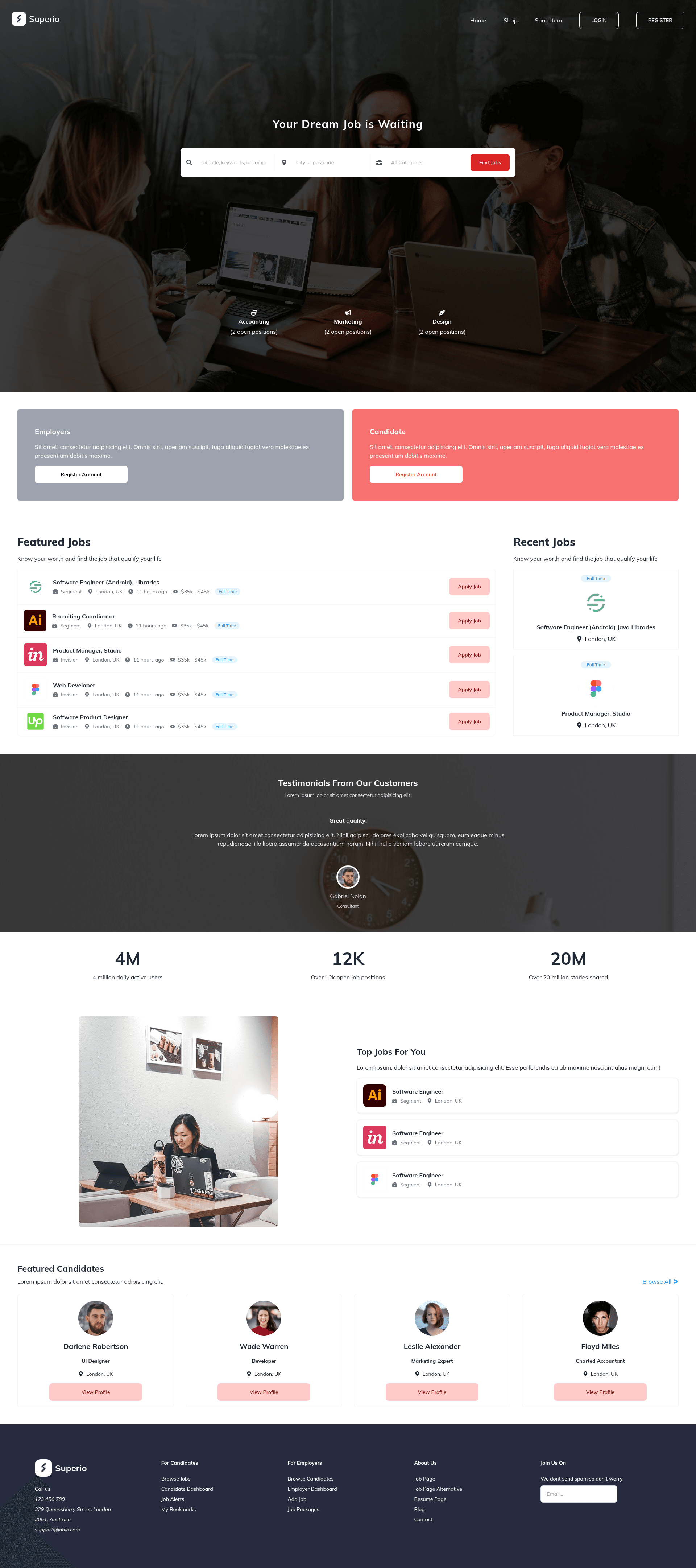
Superio
A fast Next.js + Tailwind CSS template for building job-searching or eCommerce websites.
About this template
Superio is a Next.js and Tailwind CSS starter template for building job-searching or eCommerce websites, derived from the official with-tailwindcss example in the Next.js repository. Below is a factual breakdown of what the template contains, how to use it, and who it fits.
What is Superio?
Superio is a Next.js and Tailwind CSS starter template for building job-searching or eCommerce websites. It is based on the official with-tailwindcss example, which demonstrates how to wire Tailwind CSS v2.2 with the Just-in-Time Mode into a Next.js project. The template takes a Next.js application as input and produces a styled, responsive front-end with utility-first CSS, ready to be extended with pages and components for job listings or product catalogs. A live deployment is hosted at https://internship-ashy.vercel.app/, and the project is available on GitHub.
Key Features
- Next.js framework — Uses the React-based Next.js framework for server-side rendering and static generation, with file-based routing and API routes available by default.
- Tailwind CSS v2.2 with Just-in-Time Mode — Styling is handled by Tailwind CSS in JIT mode, which generates only the utilities you use, keeping the production CSS small.
- create-next-app bootstrap — The project can be scaffolded immediately with
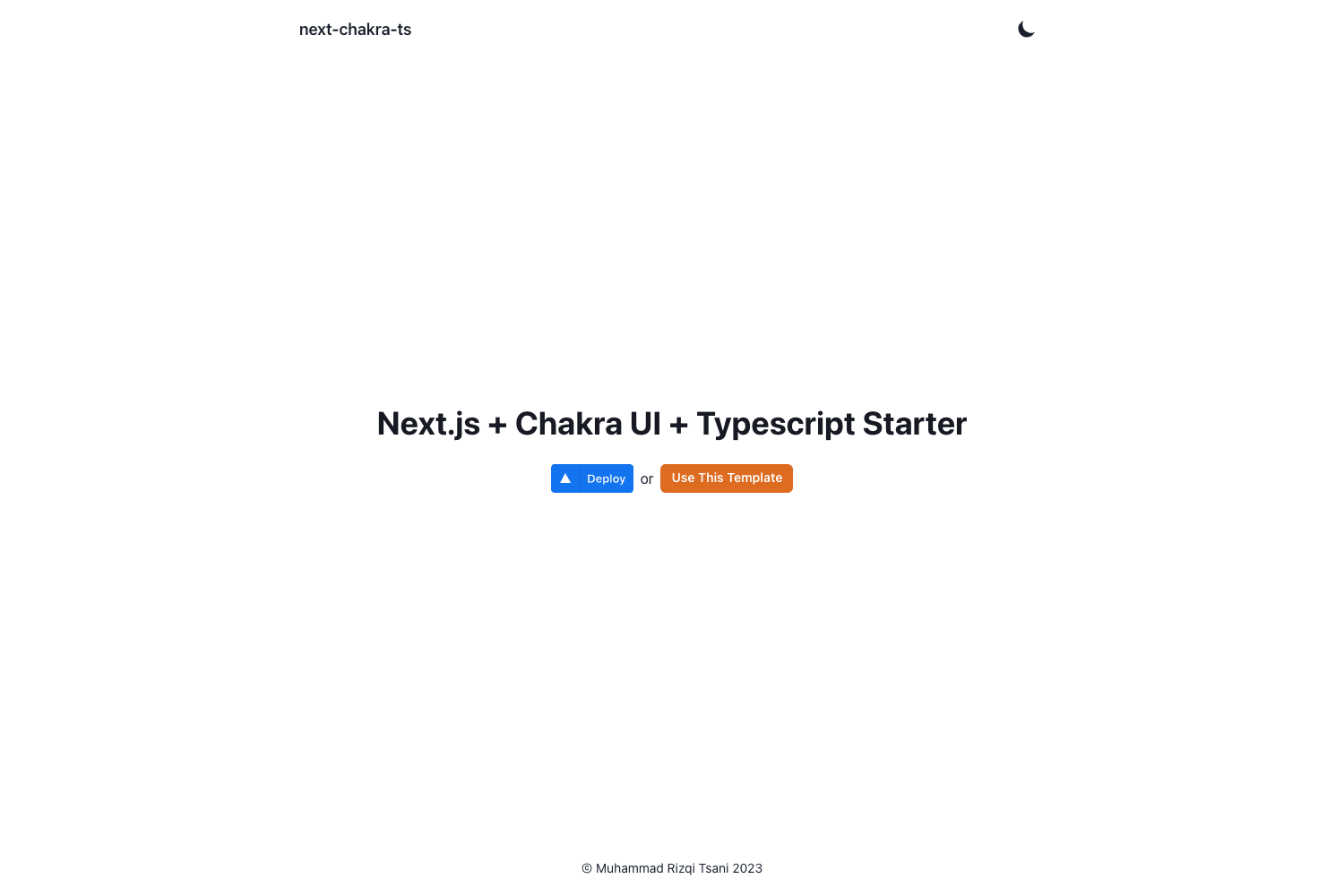
npx create-next-app --example with-tailwindcssoryarn create next-app --example with-tailwindcss. - One-click Vercel deployment — The example includes a deploy button and documentation for deploying to Vercel, with a live demo already running on Vercel.
- Complete website template — According to the repository metadata, this is a complete and fast template intended for job-searching or eCommerce websites, not just a bare boilerplate.
- Standard project structure — Includes the default Next.js pages (pages/index.js, pages/_app.js) and Tailwind configuration files (tailwind.config.js, postcss.config.js), giving a clean starting point.
Who is it for?
- Job-portal developers — Developers building a job search platform can use this template to quickly scaffold a Next.js front end with Tailwind styling, then add listing pages, filters, and application flows.
- eCommerce startups — Teams creating an online store can use the template as a base for product grids, cart pages, and checkout, leveraging Next.js routing and Tailwind utility classes.
- New Next.js developers — People learning the with-tailwindcss integration can study this project to see how Tailwind v2.2 and JIT mode are configured in a minimal Next.js app.
What can you do with Superio?
- Job-searching site: Build a fast, responsive job board where candidates can browse openings and employers can post roles, using Next.js API routes and Tailwind components.
- eCommerce storefront: Create a product catalog with category pages, product details, and a cart — all styled with Tailwind utility classes and served via Next.js.
- Portfolio or learning project: Use the template as a reference to understand how to set up Tailwind with Next.js and deploy to Vercel quickly.
FAQ
Is Superio free to use?
The template is based on the open-source with-tailwindcss example from Next.js and is publicly available on GitHub, so it can be used freely. No pricing or license details are stated in the README.
What Tailwind CSS version does it use?
It uses Tailwind CSS v2.2 with the new Just-in-Time Mode enabled, as mentioned in the README's first paragraph.
How do I create a project from this template?
Run npx create-next-app --example with-tailwindcss with-tailwindcss-app (or the Yarn equivalent) to bootstrap a local project, then customize it. Alternatively, use the Vercel Deploy button to deploy directly from the repository.
Does it work with PostCSS?
Yes, Tailwind CSS in this setup is processed through PostCSS, and the repository includes a postcss.config.js file as part of the standard configuration.
Can I deploy to platforms other than Vercel?
The README only covers deployment to Vercel; other platforms are not mentioned in the provided content.