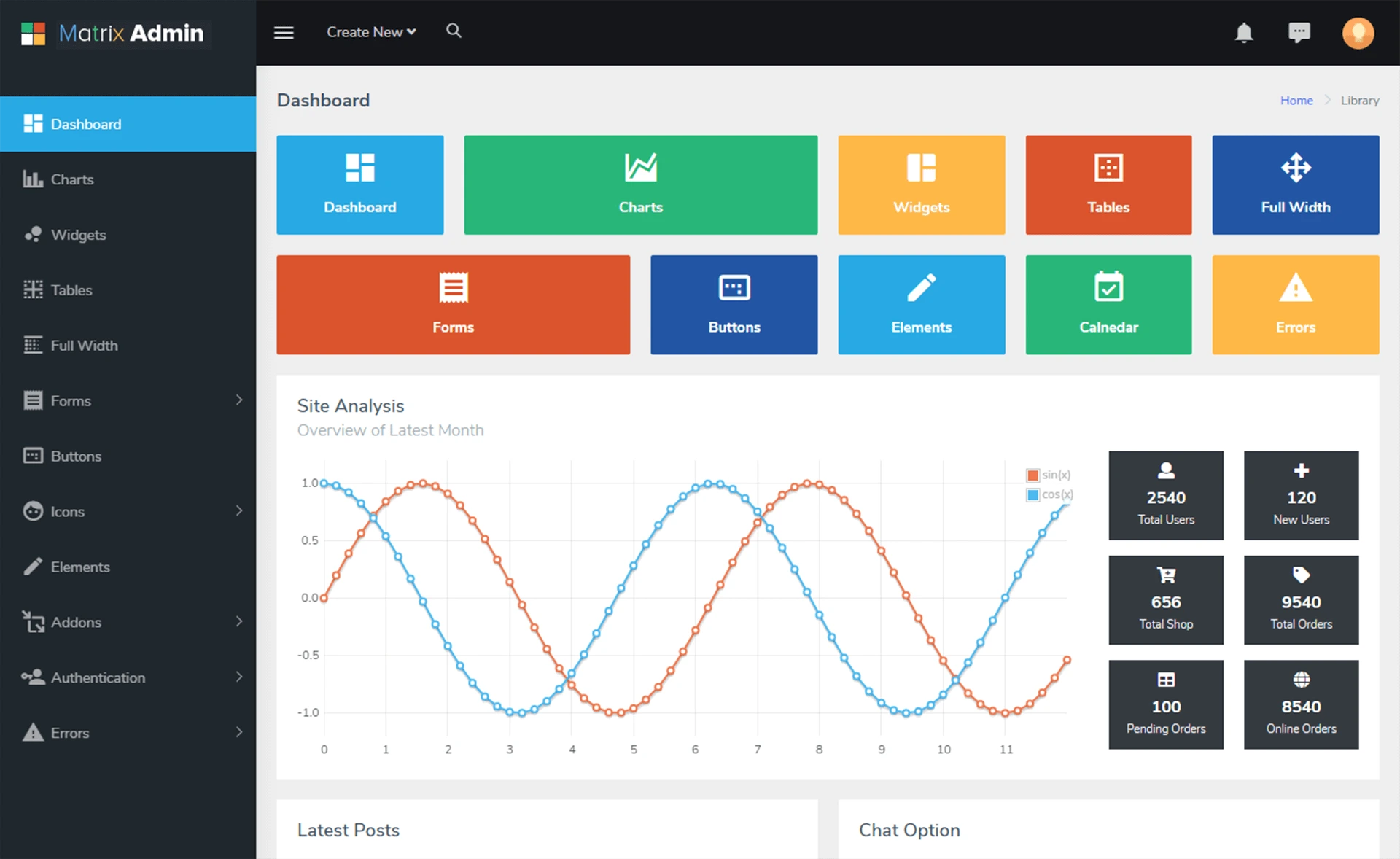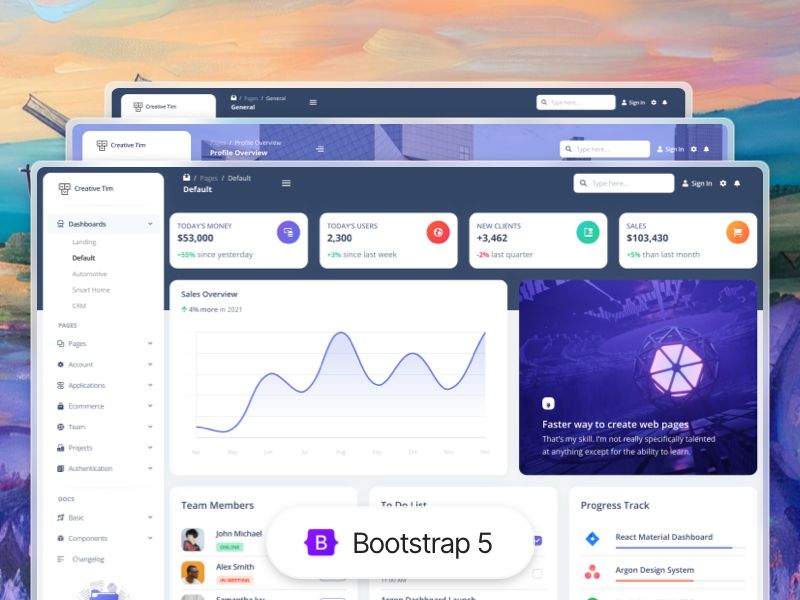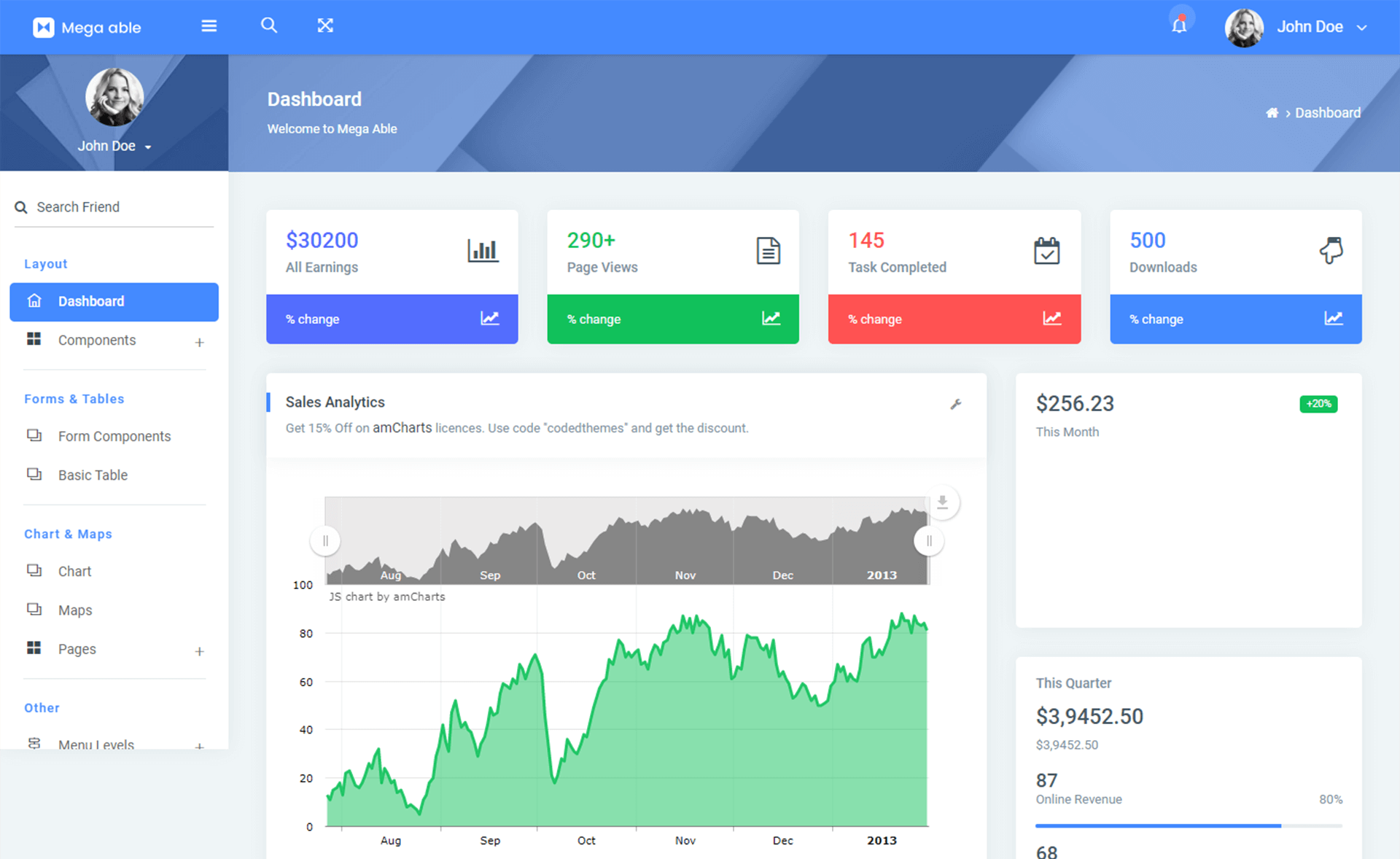
Template details
Tabler
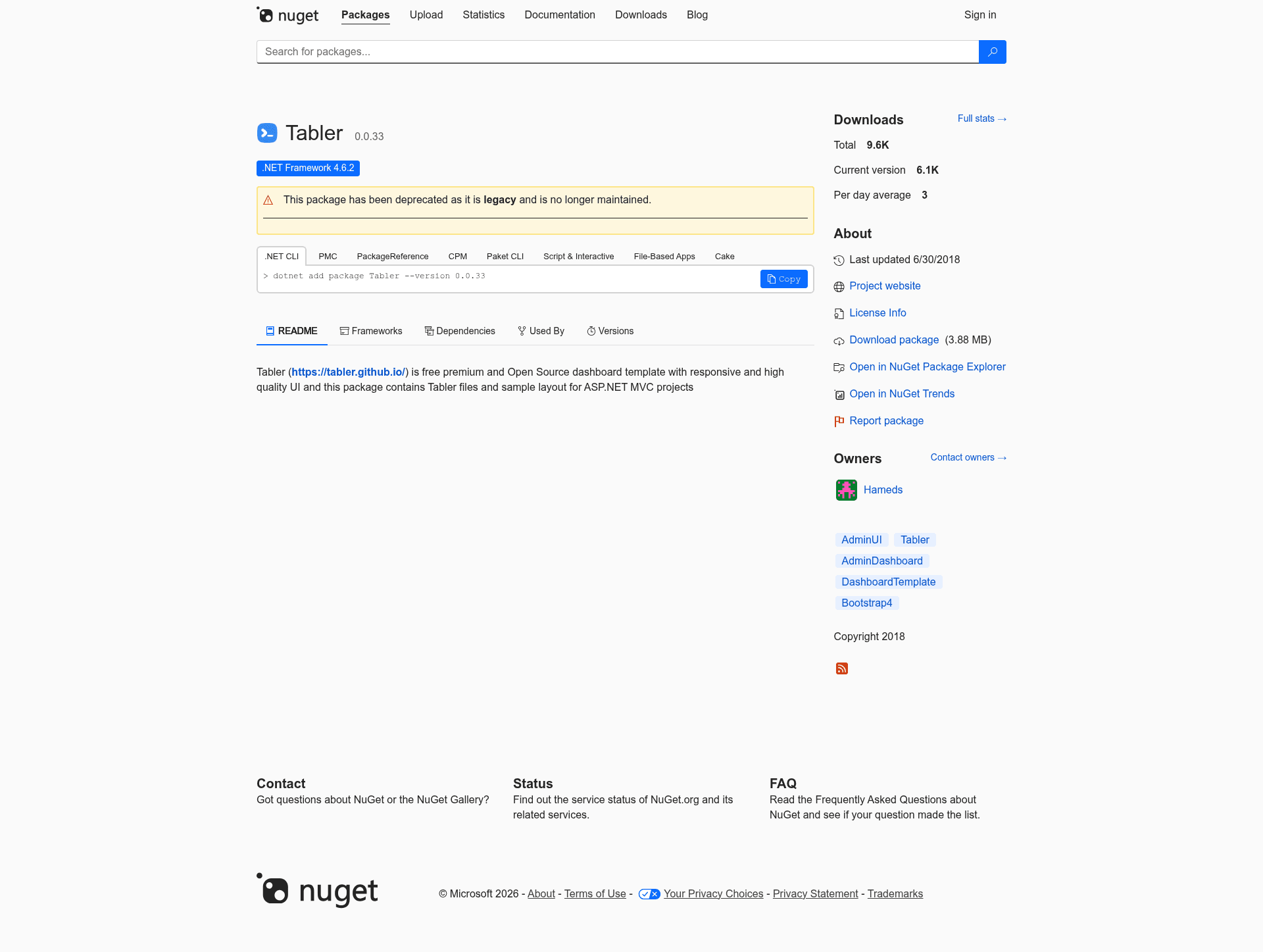
NuGet package that bundles the Tabler free HTML dashboard UI kit for use in ASP.NET MVC projects.
About this template
Tabler is a free and open-source HTML Dashboard UI Kit built on Bootstrap 4, and this repository packages its official releases into a single NuGet package for use in ASP.NET MVC projects. The package simplifies adding a dashboard interface to .NET web applications by letting developers install the kit directly from the NuGet Package Manager Console.
What is Tabler?
Tabler is a free and open-source HTML Dashboard UI Kit built on Bootstrap 4. This repository collects official Tabler releases and packs them into one NuGet package, so ASP.NET MVC projects can add the UI kit through NuGet. Its input is each Tabler release; its output is an installable NuGet package with versioned updates.
Key Features
- Free and open-source — Tabler is free to use, and this NuGet package distributes the official open-source releases without licensing fees.
- Built on Bootstrap 4 — The UI kit is built on Bootstrap 4, so it uses the same grid, components, and utility classes as that framework.
- Single NuGet package — All Tabler release assets are packed into one package for simple dependency management.
- One-command install —
Install-Package Tablerin the Package Manager Console is the only command needed. - ASP.NET MVC targeting — The package is explicitly described for use in ASP.NET MVC projects.
Who is it for?
- ASP.NET MVC developers who need a ready-made dashboard UI without manually downloading and referencing assets.
- .NET teams building admin panels that want to manage the UI kit as a NuGet dependency with versioned updates.
- Bootstrap 4 users who can adopt Tabler because it shares the same underlying framework.
What can you do with it?
- MVC developers: install a complete dashboard UI kit with one Package Manager Console command.
- Project maintainers: keep the UI kit updated by bumping the NuGet package version instead of replacing files manually.
- Rapid prototypers: add a polished admin interface to a .NET project without a separate build step for front-end assets.
How does it work?
Open the Package Manager Console in Visual Studio and run Install-Package Tabler. This downloads the NuGet package and adds it to your project. The repository's job is to collect Tabler releases from upstream and repackage each one as a NuGet version.
Pricing
Tabler is free and open-source; the NuGet package is distributed at no charge.
Alternatives
- AdminLTE — a popular open-source admin dashboard template also built on Bootstrap.
- CoreUI — a free admin template family that offers Bootstrap-based and Angular, React, and Vue versions.
FAQ
Is Tabler free?
Yes, Tabler is free and open-source. This repository packages the official releases into a NuGet package with no licensing cost.
What is this NuGet package?
It is a packaged version of the Tabler HTML Dashboard UI Kit for ASP.NET MVC projects. Installing the package adds the UI kit to your Visual Studio project.
How do I install the package?
Run Install-Package Tabler in the Package Manager Console, which is available in Visual Studio under Tools → NuGet Package Manager → Package Manager Console.
Why use the NuGet package instead of the original Tabler download?
The NuGet package gives you versioned, dependency-managed updates: you can see the package version in your project and update it like any other .NET library, rather than manually copying files from the Tabler website.