Template details
Remix Admin Template
Remix + Supabase admin starter featuring authentication, CRUD member management, Tailwind CSS v4, and one-click Netlify deployment.
About this template
Remix Admin Template is a starter for building admin dashboards with Remix, Supabase, and Tailwind CSS v4, designed for one-click deployment on Netlify.
What is Remix Admin Template?
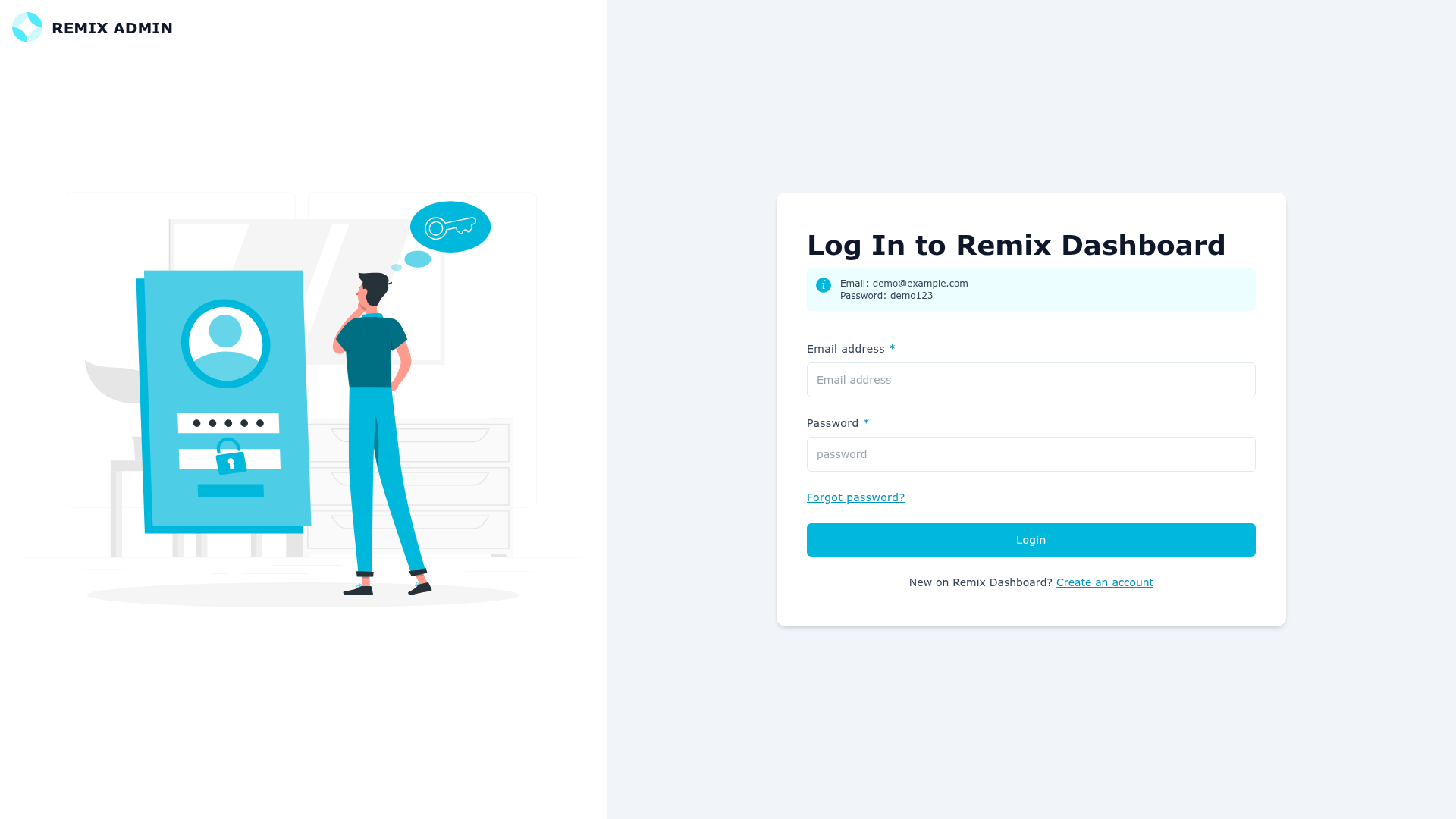
Remix Admin Template is a starter from Netlify's template library that demonstrates how to integrate Supabase into a Remix project deployed on Netlify. It takes a fresh Remix setup and adds a complete authentication system (login, signup, password reset), a full CRUD member management dashboard, and a responsive Tailwind CSS v4 UI. The template is written in TypeScript and uses Remix with Vite for fast development and production builds.
Key Features
- Remix with Vite — The project uses the Vite-powered Remix compiler for fast development rebuilds and production builds.
- Supabase integration — Authentication and the PostgreSQL database are handled by Supabase, with migration SQL files in the
supabase/migrationsdirectory and optional seed data insupabase/seed.csv. - Complete authentication system — Includes login, signup, and password reset routes backed by Supabase Auth.
- Member management dashboard — Full CRUD interface for managing member records in the database.
- Tailwind CSS v4 — Tailwind is pre-configured; the page notes you can swap in any CSS framework you prefer.
- TypeScript throughout — The starter is written in TypeScript, giving type safety across routes, components, and Supabase queries.
- Protected routes with session management — Routes require a valid session, demonstrating how to gate pages behind authentication.
- Reusable UI components — Includes ready-to-use buttons, forms, and modals, plus syntax highlighting with Shiki.
Who is it for?
This starter is aimed at developers who want to skip the boilerplate of wiring Remix to Supabase. It fits frontend developers building a SaaS admin panel, full-stack developers learning the Remix data-loading and mutation patterns, and teams that want a Netlify-deployable base with auth and database already connected.
What can you do with it?
- SaaS founders: Set up a member/admin dashboard with authentication and a Supabase database in minutes, then extend it with your own business logic.
- Remix learners: Study how Remix actions, loaders, and sessions integrate with a real backend like Supabase.
- Netlify deployers: Use the Deploy to Netlify button to create a repository and deploy the starter immediately, with the option to connect the Supabase extension.
How does it work?
The template requires a Supabase project to run. You create a new Supabase project, execute the SQL commands in the supabase/migrations folder, and optionally import supabase/seed.csv to populate the database. If you use the Deploy to Netlify button, Netlify handles the repository creation and deployment; otherwise, you set the SUPABASE_DATABASE_URL and SUPABASE_ANON_KEY environment variables in your .env file and run npm run dev for development.
FAQ
Do I need a Supabase account to use this template?
Yes. The template is built around Supabase for authentication and database; you must create a Supabase project and run the provided migration SQL to set up the database schema. The seed CSV is optional.
How do I deploy Remix Admin Template to Netlify?
Click the Deploy to Netlify button on the README page. It creates a new repository for you that matches the template and sets up deployment on Netlify automatically. You can also deploy manually by building with npm run build and serving the output.
What environment variables are required?
The template expects SUPABASE_DATABASE_URL and SUPABASE_ANON_KEY. If you use the Netlify Supabase extension, these are configured automatically; otherwise, add them to your .env file.
Does the template include authentication routes?
Yes. It ships with complete login, signup, and password reset pages built on Supabase Auth, along with protected routes that check for an active session.