Template details
TailAdmin
Free and Open-source Tailwind CSS Dashboard Admin Template that comes with all essential dashboard UI components, pages and elements
About this template
TailAdmin is a free, open-source admin dashboard template built with Tailwind CSS, Alpine.js, HTML, and Webpack, designed for creating data-rich backends, web applications, and control panels.
What is TailAdmin?
TailAdmin is a pre-designed starting point for building a web-based dashboard. As input, it gives you a GitHub repository with source files; as output, it produces a ready-to-run static HTML dashboard that you can customize and extend. The template runs on Node.js 18.x or later and is developed by the TailAdmin team, available under the MIT License for the community edition.
Key Features
- Tailwind CSS + Alpine.js stack — The template uses Tailwind CSS for styling and Alpine.js for interactive components, bundled with Webpack for modern development workflows.
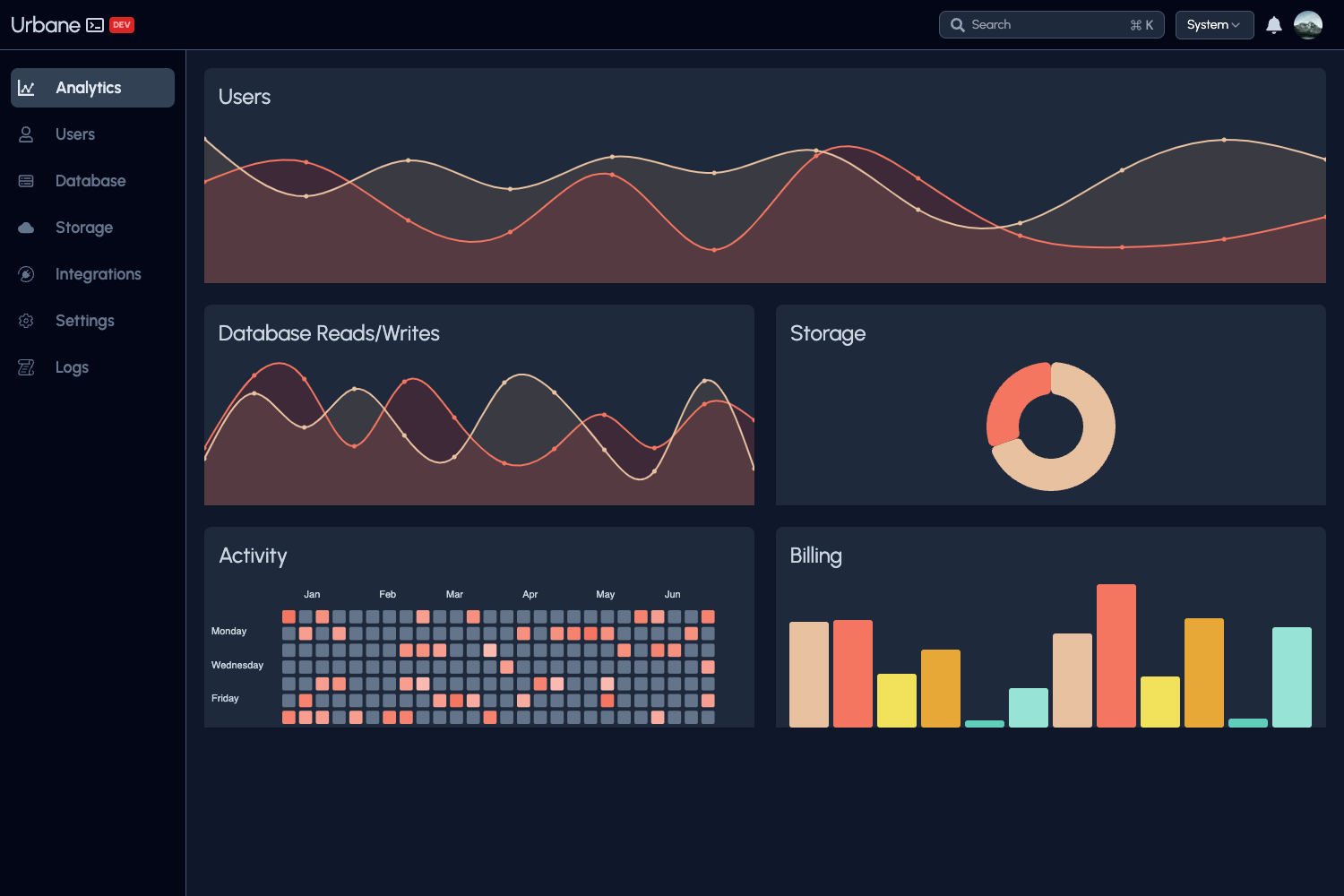
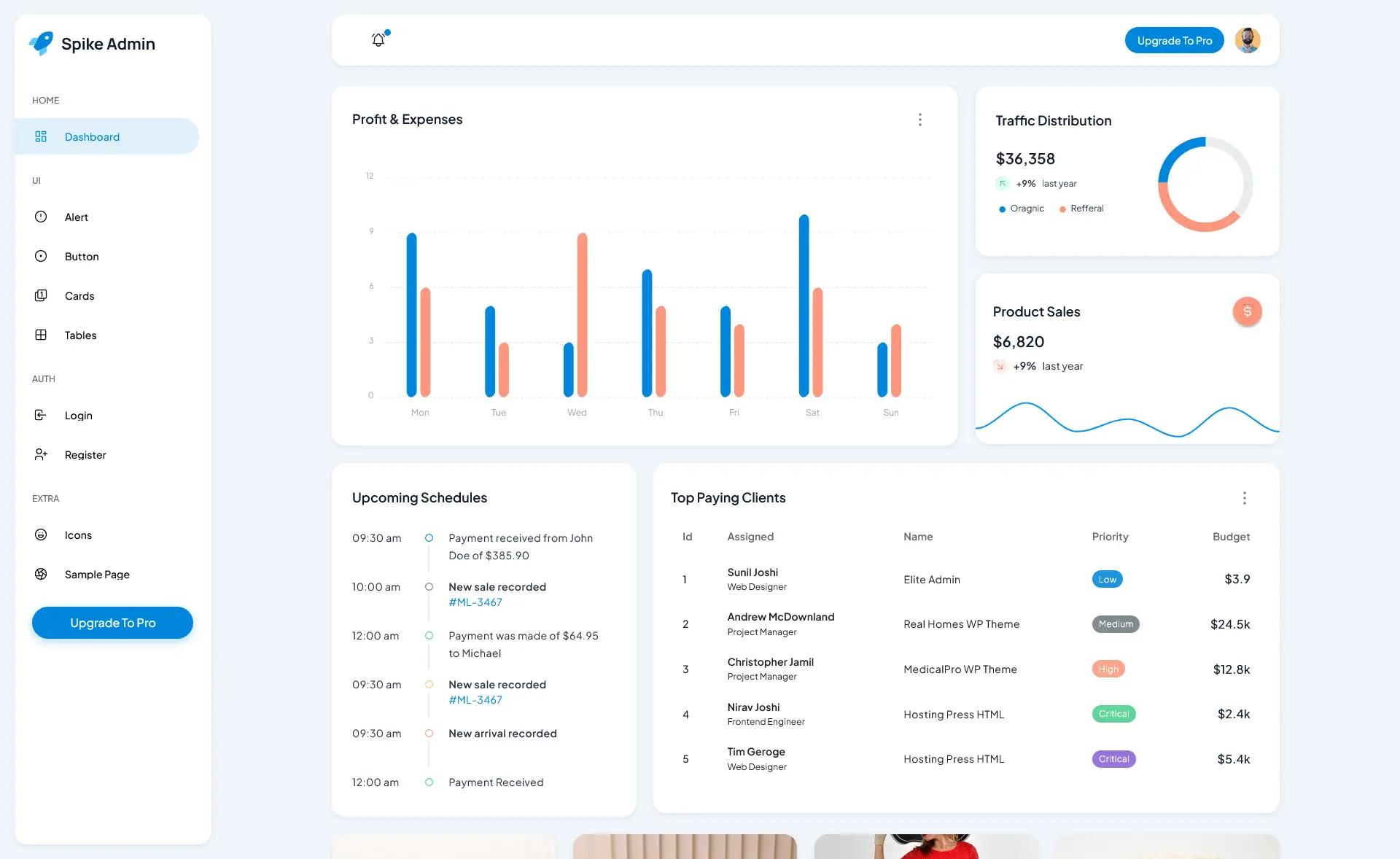
- Large component library — The free version includes 30+ dashboard components and 50+ UI elements, covering tables, line and bar charts, authentication forms, alerts, dropdowns, modals, and buttons.
- Built-in dark mode — A dark mode toggle is included and works across all pages and components.
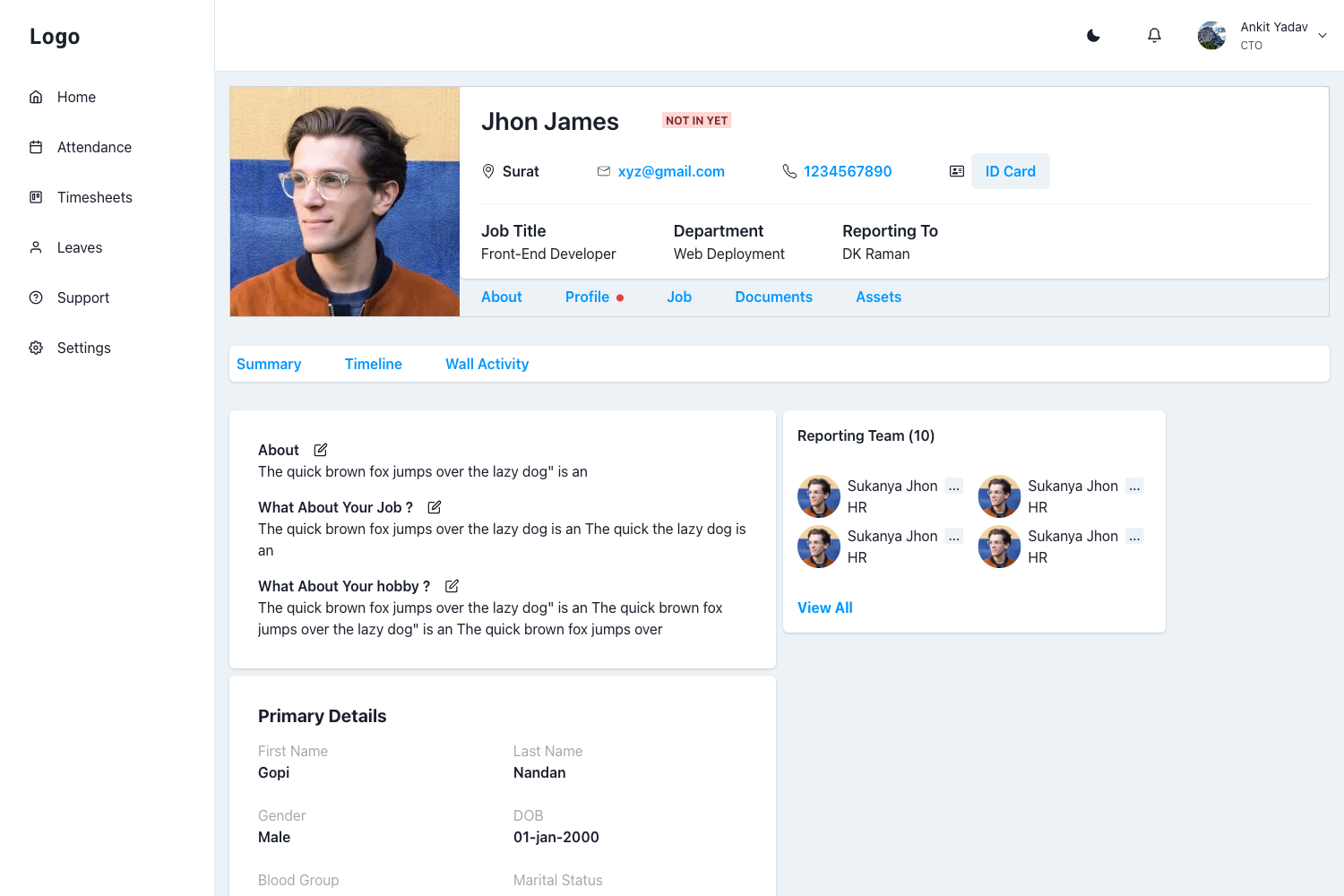
- Ready-made pages — Includes a dashboard page, profile management, a 404 page, and authentication forms, so you don't start from a blank canvas.
- Data visualization — Ships with line and bar charts; version 2.3.0 adds 7+ new chart types plus an AI dashboard for token usage and revenue tracking.
- Collapsible sidebar and calendar — The v2.0.0 update introduced a collapsible sidebar and a full-featured calendar with drag-and-drop.
- Framework ports — Official versions are maintained for Next.js, React, Vue, Angular, and Laravel, in addition to the core HTML version.
- Free and Pro tiers — The community edition offers 1 unique dashboard and basic Figma design files; the Pro version adds 7 dashboards (Analytics, Ecommerce, Marketing, CRM, Stocks) and 500+ components.
Who is it for?
Frontend developers — can scaffold a dashboard UI in minutes by cloning the repository, running npm install, and customizing the Tailwind classes. Full-stack developers — can pair the template with Laravel using the official Laravel port, or integrate the React/Vue/Angular versions into existing applications. Product teams and startups — can launch an MVP admin panel without paying for UI components, since the community edition is MIT-licensed and free. UI/UX designers — can use the community Figma design file to prototype dashboard layouts and hand off pixel-accurate designs to developers.
What can you do with TailAdmin?
SaaS admin panels — assemble dashboards to display subscription, user, and revenue metrics using the included tables and charts. Ecommerce backends — track sales, orders, and inventory with the Ecommerce dashboard (Pro) or the free dashboard's data widgets. Analytics platforms — visualize performance metrics with line and bar charts, or the AI dashboard's token usage and revenue tracking in version 2.3.0. Client projects — reuse the component library to deliver a polished admin interface without a dedicated design budget.
How does TailAdmin work?
Installation follows a standard Node.js workflow: clone the repository, run npm install or yarn install, then start the development server with npm run start. Windows users are advised to place the repository near the root of their drive to avoid path issues. Webpack compiles the Tailwind CSS and Alpine.js source files, so your edits appear in the browser during development.
Pros and cons
Pros
- Free under the MIT License, so it can be used in commercial projects without a license fee.
- Includes a wide selection of components (30+ dashboard components, 50+ UI elements) that speed up development.
- Styled entirely with Tailwind CSS, making it easy to customize through configuration.
- Actively updated: v2.3.0 (April 2026) added AI, Sales, and Finance dashboards and new chart types.
Cons
- The free version includes only one existing dashboard layout; other dashboards require the paid Pro tier.
- The core template relies on Alpine.js and Webpack rather than a mainstream component framework; teams preferring React or Vue should use the separate ports.
Pricing
TailAdmin is freemium: the community edition is free and MIT-licensed, while the Pro version offers more dashboards and components for an additional price. Exact Pro pricing is listed on the tailadmin.com/pricing page.
FAQ
Is TailAdmin free?
Yes, the community edition of TailAdmin is free and open-source under the MIT License. You can use it in commercial projects without paying a license fee. A separate Pro version with additional dashboards and components is available for purchase.
What tech stack does TailAdmin use?
TailAdmin is built with HTML, Alpine.js, Tailwind CSS, and Webpack. It requires Node.js 18.x or later for local development. Official ports for Next.js, React, Vue, Angular, and Laravel are also available.
What does TailAdmin include?
The free version includes one dashboard, 30+ dashboard components, 50+ UI elements, basic Figma design files, and community support. It covers tables, line and bar charts, authentication forms, alerts, dropdowns, modals, buttons, and dark mode.
How do I install TailAdmin?
Clone the repository from GitHub, run npm install or yarn install to install dependencies, and then run npm run start to start the development server. Windows users should place the repository near the root of their drive to avoid cloning issues.
Does TailAdmin have dark mode?
Yes, dark mode is built into TailAdmin and applies to all pages and components. You can toggle it from the user interface.