Template details
Datta Able Bootstrap 5 Admin Template
Free Bootstrap 5 admin dashboard template with 9 demo pages, UI components, and MIT license.
About this template
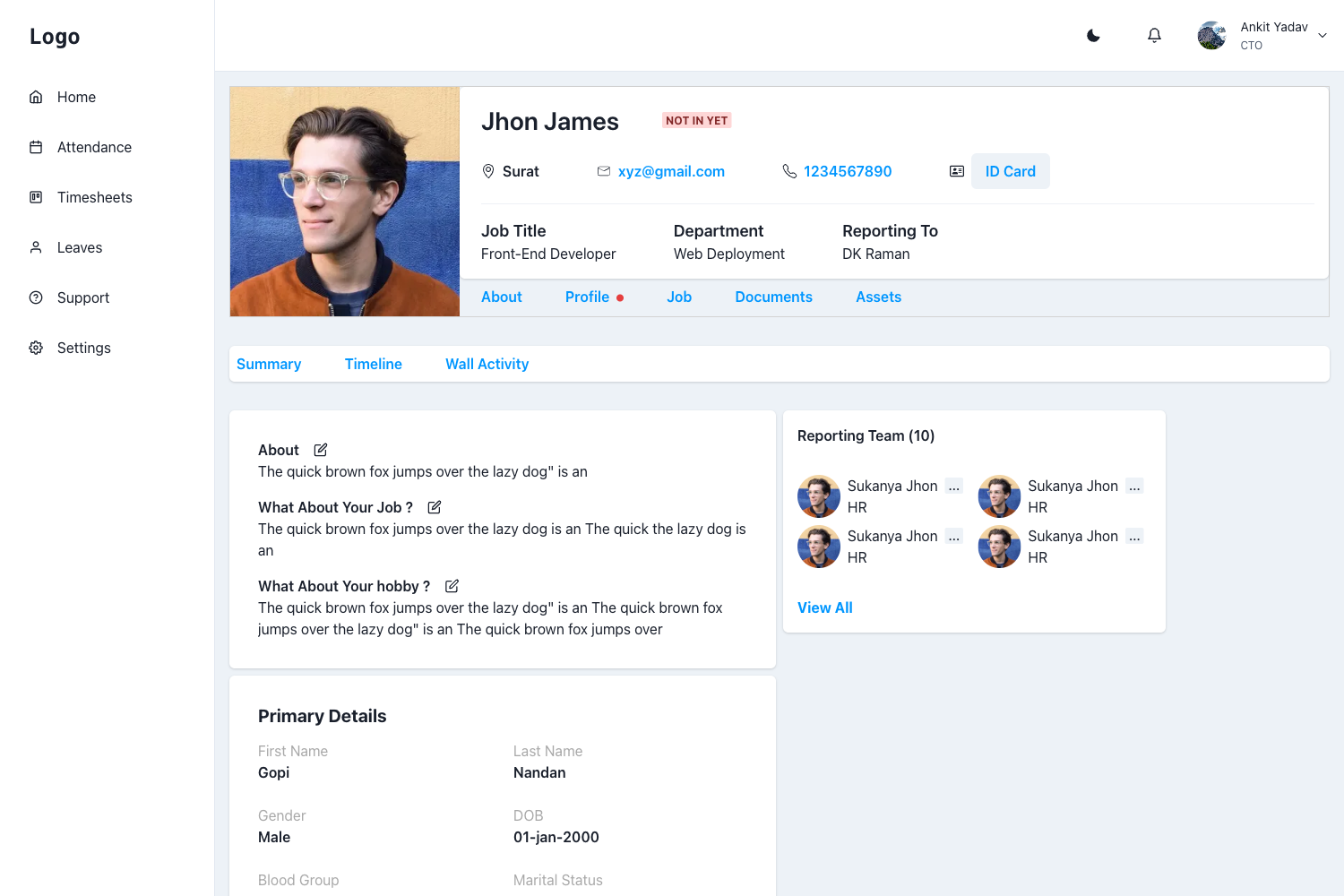
Datta Able is a free Bootstrap 5 admin dashboard template by CodedThemes that delivers 9 demo pages and a set of reusable UI components for building admin panels and web application backends.
What is Datta Able Bootstrap 5 Admin Template?
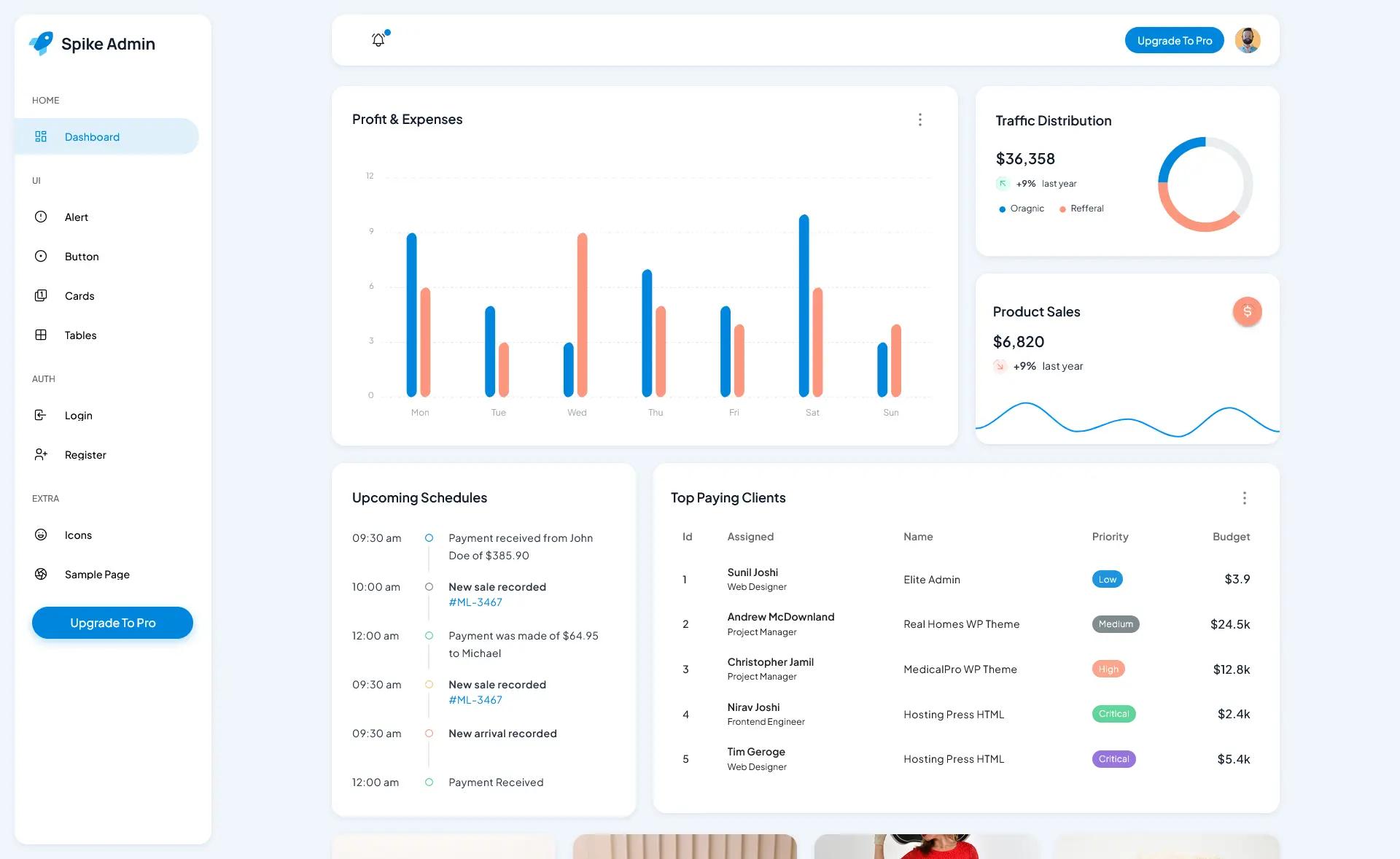
Datta Able is an open-source admin dashboard template built with Bootstrap 5, distributed under the MIT license via GitHub. It takes a standard web project structure — HTML pages, SCSS, and JavaScript — and produces a responsive dashboard interface with prebuilt components such as buttons, badges, tabs, breadcrumbs, icons, form elements, tables, charts, and authentication pages. The template runs in any modern browser and uses npm or yarn for package installation and Gulp for development builds. It is developed and maintained by CodedThemes, a UI template vendor that also offers paid variations of Datta Able for Angular, React, Tailwind, and Laravel.
Key Features
Datta Able provides a ready-to-use Bootstrap 5 dashboard with a component library, a responsive grid, and developer-friendly tooling.
- Bootstrap 5 component library — Includes buttons, badges, tabs, breadcrumbs, icons, form elements, tables, charts, and authentication pages out of the box.
- Fully responsive layout — The design adapts to any screen size, including retina displays, without extra configuration.
- No jQuery dependency — Scripts are written for modern browsers, and the project relies on npm/yarn for dependencies and Gulp for task automation.
- 9 demo pages in the free version — Enough to build a starter dashboard; the commercial Pro version expands this to 130+ demo pages.
- MIT license — Free to use, modify, and redistribute, including in commercial projects.
- Cross-browser support — Officially supported in Chrome, Edge, Safari, Firefox, and Opera.
- Documentation and issue tracking — A dedicated GitBook covers installation, deployment, and troubleshooting, and GitHub issues are the reporting channel for bugs.
- Flexible code structure — The HTML and SCSS are organized to make customization and extension straightforward.
Who is it for?
Datta Able is intended for developers and teams that need a fast, flexible starting point for admin interfaces.
- Frontend developers who need a prebuilt Bootstrap 5 layout to start an admin panel or dashboard project without building the UI from scratch.
- Startups and small agencies that want a free, MIT-licensed starting point for client dashboards and internal tools, with an upgrade path to a paid Pro version.
- UI/UX designers who need a reference implementation of common dashboard components to prototype admin flows quickly.
What can you do with Datta Able?
You can use Datta Able to create several types of front-end interfaces directly from the included demo pages and components.
- Build admin panels: Assemble a functional dashboard by combining the provided tables, charts, forms, and navigation components.
- Prototype authentication flows: Use the included authentication pages to mock login, registration, and password recovery screens.
- Create responsive web apps: Leverage the responsive layout and cross-browser support to deploy a dashboard that works on desktop, tablet, and mobile.
Pricing
Datta Able offers two tiers. The free version, Datta Able Lite, is MIT-licensed and includes 9 demo pages. The commercial Pro version adds features such as light/dark/system mode, RTL support, LTR/RTL switching, full/fixed width options, color presets, multi-language support, and more than 130 demo pages.
FAQ
Is Datta Able really free?
Yes, the free version is available under the MIT license, which allows commercial use, modification, and redistribution. You can clone it from the public GitHub repository and run it locally.
Does Datta Able require jQuery?
No, the template is built with Bootstrap 5 and does not include jQuery. It uses npm/yarn for package installation and Gulp for build automation.
Which browsers does Datta Able support?
The template supports all modern browsers, including Chrome, Edge, Safari, Firefox, and Opera.
What is the difference between the free and Pro versions?
The free version includes 9 demo pages and core Bootstrap components. The Pro version provides over 130 demo pages, dark/light mode, RTL layout, multiple color settings, multi-language support, and additional customization options.
How do I run Datta Able locally?
Clone the GitHub repository, run npm install to install packages, then run the gulp command to start the development server. More details are available in the official Datta Able Bootstrap documentation.