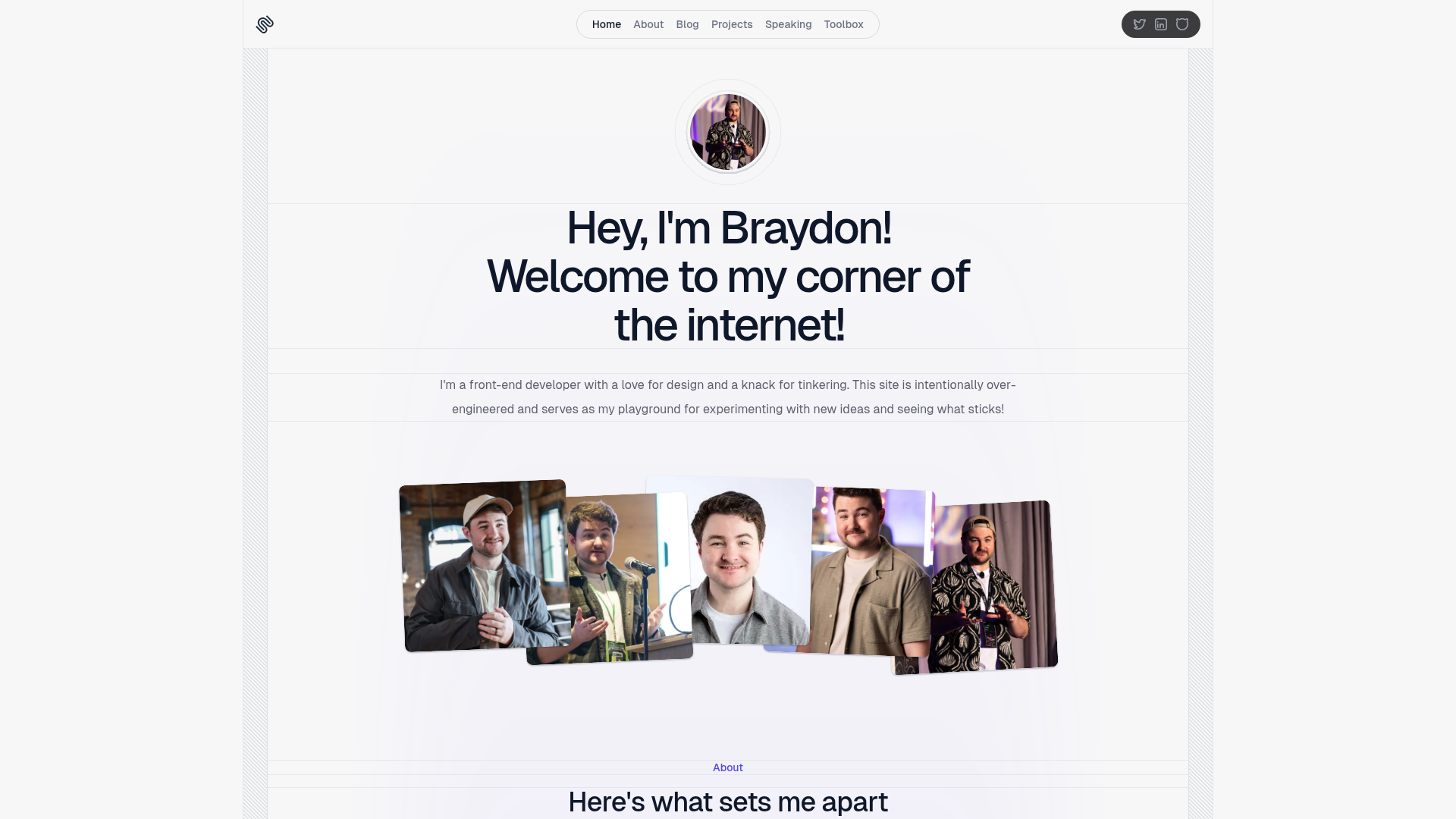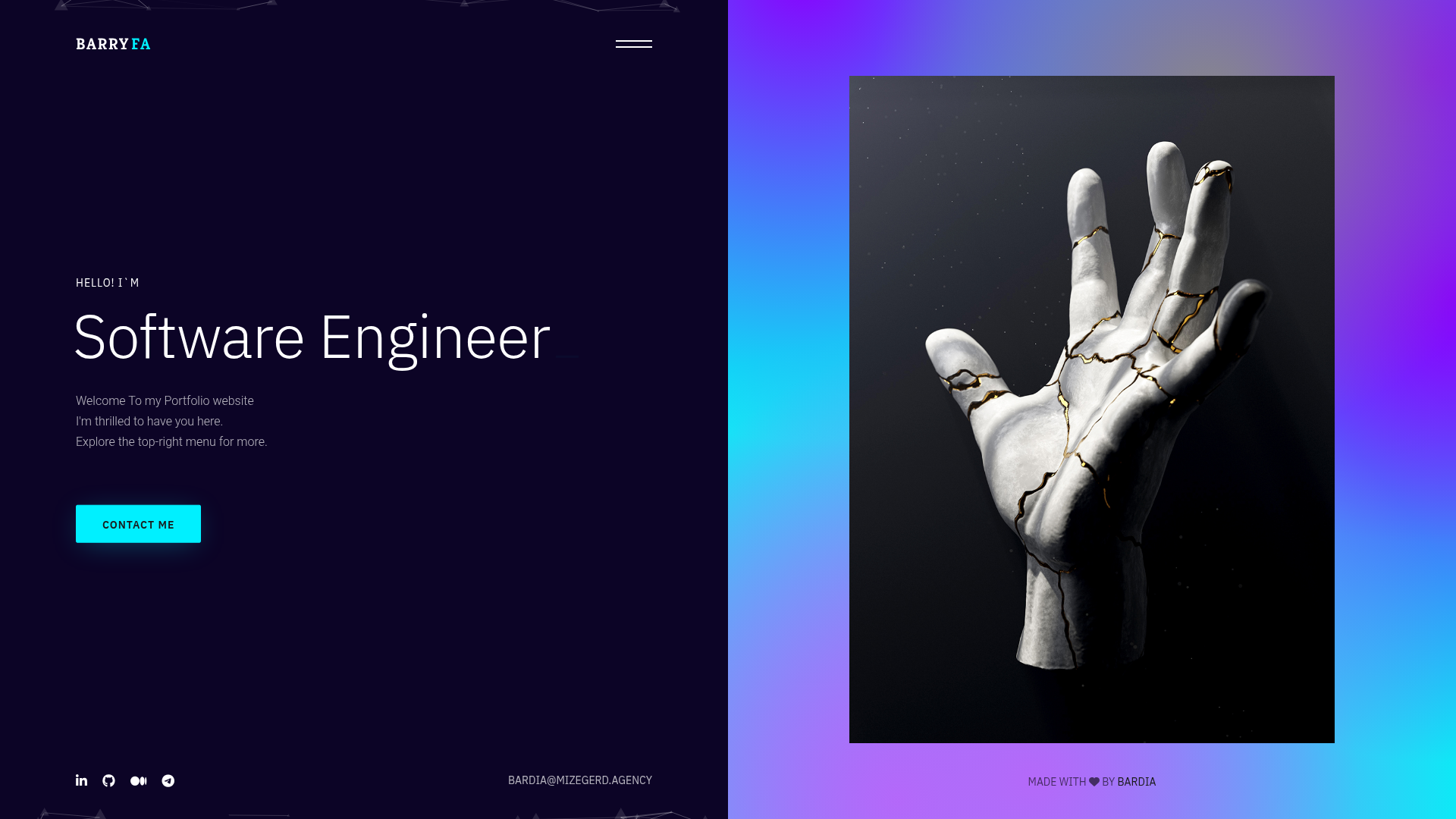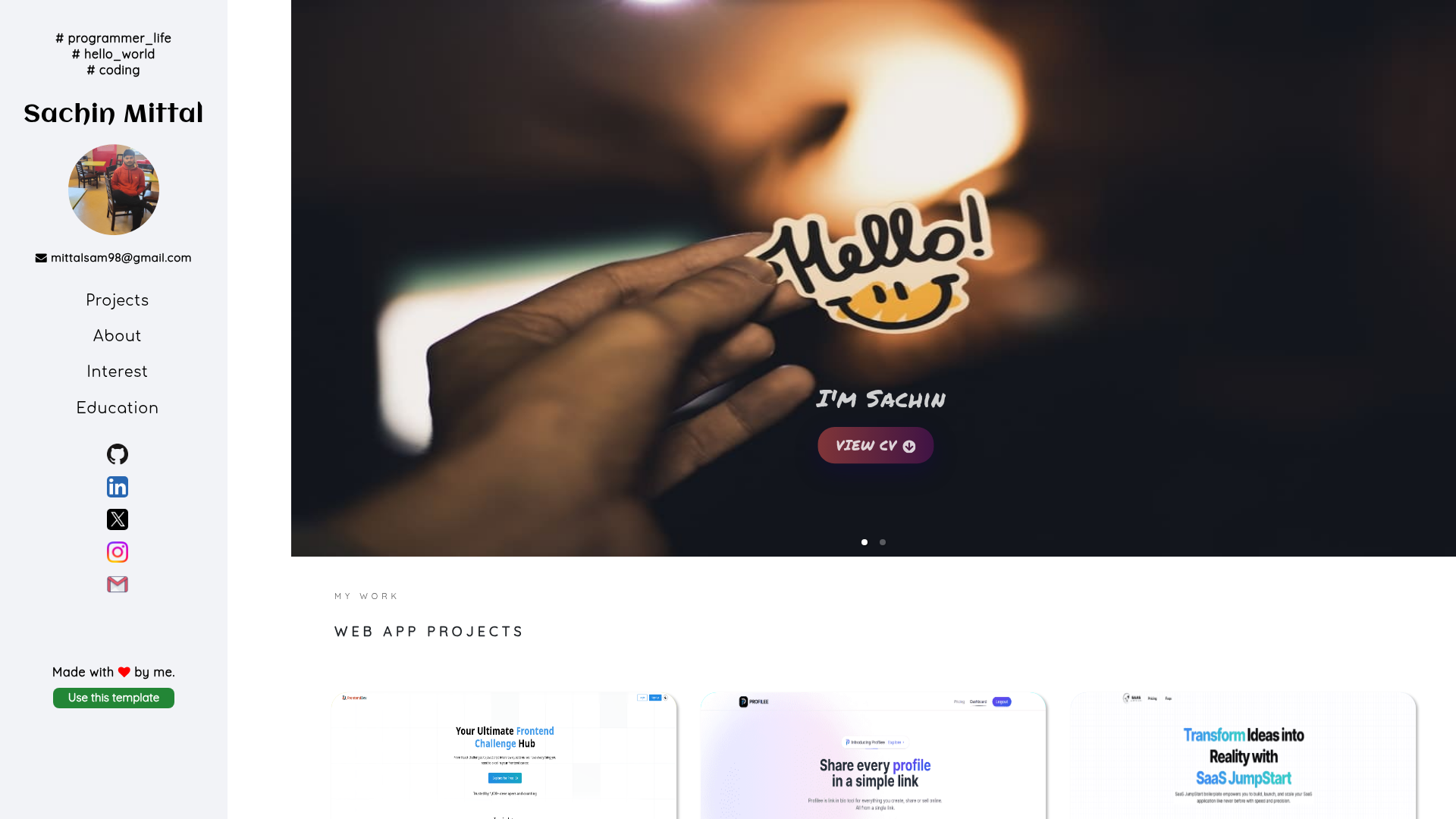
Template details
Portfolio Website
Zero-build developer portfolio powered by lit-html and vanilla ES modules, pulling live GitHub, Medium, and StackOverflow data from a single data file.
About this template
Portfolio Website is a zero-build, data-driven developer portfolio template that renders a single-page site from one JavaScript data file using vanilla ES modules and lit-html on GitHub Pages.
What is the Portfolio Website?
The Portfolio Website is a ready-to-deploy single-page portfolio template built with vanilla JavaScript ES modules and lit-html, with no framework, no bundler, and no build step. It takes all profile content from user-data/data.js — bio, skills, experience, education, adventures, contact, and footer — and produces a complete portfolio with sections for hero, about, experience, education, projects, blogs, and contact. The template runs entirely in the browser on GitHub Pages and was authored by Vinay Somawat, who hosts a live demo at vinaysomawat.github.io.
Key Features
These features make the template a practical choice for developers who want a low-maintenance portfolio.
- Zero build step — No package.json, bundler, or compile step; lit-html is loaded from a CDN and the source ES modules are served as-is.
- Single-file content editing — Update the exported arrays in
user-data/data.jsto change every section; a JSON generator tool atpages/json-generator.htmlcan produce that file from a form. - Live GitHub integrations — The Top Repositories section fetches up to six pinned repos via the pinned.berrysauce.dev API and shows the top four, and the contribution graph is pulled from the GitHub API.
- Medium and StackOverflow feeds — The blogs section reads a Medium RSS feed, while profile cards load data from gitconnected and the StackOverflow API; all external calls use Promise.allSettled and are error-isolated so one failure does not blank the page.
- Firebase visitor counter — A visitor counter powered by Firestore and Google Analytics; you supply your own Firebase config in
src/constants/firebase.js, and the rest of the site is unaffected if you skip it. - Command palette and easter eggs — Press Cmd/Ctrl+K for a command palette; the Konami code (up up down down left right left right b a) and a styled console.log greeting hide in
src/services/easterEgg.js. - Hand-written design tokens — Styling uses CSS3 custom properties in
src/styles/tokens.cssfor colors, type scale, spacing, and motion, plus hand-written keyframes and vanilla JS micro-interactions (scroll reveal with IntersectionObserver, magnetic buttons, card tilt, cursor glow). - Single-page architecture —
index.htmlcontains empty section placeholders, and eachsrc/components/*.jsmodule mounts its template into the matching section using the mount utility.
Who should use the Portfolio Website?
The template suits developers and technical job seekers who want to maintain a portfolio by editing one data file.
- Frontend and full-stack developers who want a personal portfolio with no build tooling — clone the repo, edit one data file, and push to GitHub Pages.
- Job seekers in tech who need a page that surfaces GitHub pinned repos, Medium articles, StackOverflow reputation, and a work-experience timeline in one view.
- Developers comfortable reading ES module code — customization involves editing constants in
src/constants/urls.jsand component modules, though the JSON generator eases content edits.
What can you do with the Portfolio Website?
Here are concrete ways the template can be used once content and API identifiers are configured.
- Developers: Deploy a portfolio that automatically refreshes pinned GitHub repositories and the contribution graph on every page load.
- Medium writers: Display recent articles from a Medium RSS feed in the blogs section without a separate blogging platform.
- Firebase users: Wire up their own Firestore database and Google Analytics project to track visits and analyze page usage.
- Design-minded engineers: Use the included design tokens and hand-written scroll-reveal, tilt, and magnetic-button animations to keep the site interactive without an animation library.
How does the Portfolio Website work?
Because the entry module uses ES module imports and fetches external APIs, browsers block it over the file:// protocol; you must serve the project over HTTP (for example, python -m http.server 8000 or npx serve .). On page load, src/main.js mounts every static component into its placeholder, initializes services such as theme and scrollspy, then fetches Medium, GitHub, and gitconnected data in parallel and re-renders those sections once resolved. Deployment is just renaming the repo to <your-username>.github.io and pushing to master — GitHub Pages serves the root index.html automatically, with optional custom domains via a CNAME file.
Pros and cons
The template offers a simple data-driven workflow but carries a few setup caveats.
- Pros: No build tooling means previews are instant and hosting is free on GitHub Pages; all content lives in one place; the site degrades gracefully if third-party feeds fail because fetches are isolated.
- Cons: The template requires a local HTTP server for development because
file://blocks ES modules and fetch; the visitor counter is the only section that needs external setup, and it won't function unless you configure your own Firebase project and Firestore rules.
FAQ
Answers to common questions about setup and behavior.
Is the Portfolio Website free?
The repository is publicly available on GitHub and can be cloned and reused at no cost. The README invites contributions through pull requests and hosts a Buy Me a Coffee support link, but no license or paid tier is stated in the text.
Why does the site appear blank when I open index.html directly?
Opening the file with a double-click uses the file:// protocol, which blocks ES module imports and fetch requests due to CORS in modern browsers. Start a local HTTP server in the project directory, such as python -m http.server 8000, and visit the printed localhost URL.
How do I update my portfolio content?
All section content is controlled by exported arrays in user-data/data.js — bio, skills, experience, education, adventures, contact, and footer. Experience and education entries use a documented object shape with title, duration, subtitle, details, tags, and a Font Awesome icon name. The tool at pages/json-generator.html can generate the correct structure from a form.
How do I set up the visitor counter?
Create a Firebase project, enable Firestore and Google Analytics, register a web app, and copy the config into src/constants/firebase.js. Add a public read/write rule for the visitors collection. If you skip this, the counter shows "Loading..." forever, but no other section breaks.