Template details
TKL-REVISION
TKL-REVISION is a responsive design theme for Hexo, based on TKL and referencing features from the Next theme.
About this template
TKL-REVISION is a responsive design theme for the Hexo static site generator, forked from the TKL theme by SuperKieran and adopting design ideas from hexo-theme-next by iissnan.
What is TKL-REVISION?
TKL-REVISION is a Hexo theme that turns Markdown content from a Hexo site into a responsive static website. It takes the standard Hexo source files (posts, pages, configuration) as input and produces HTML, CSS, and JavaScript output. The theme is built on Sass and jQuery, and uses gulp as its build tool. Its file structure is split into a layout directory containing all page templates and a source directory for static resources such as stylesheets and scripts.
Key Features
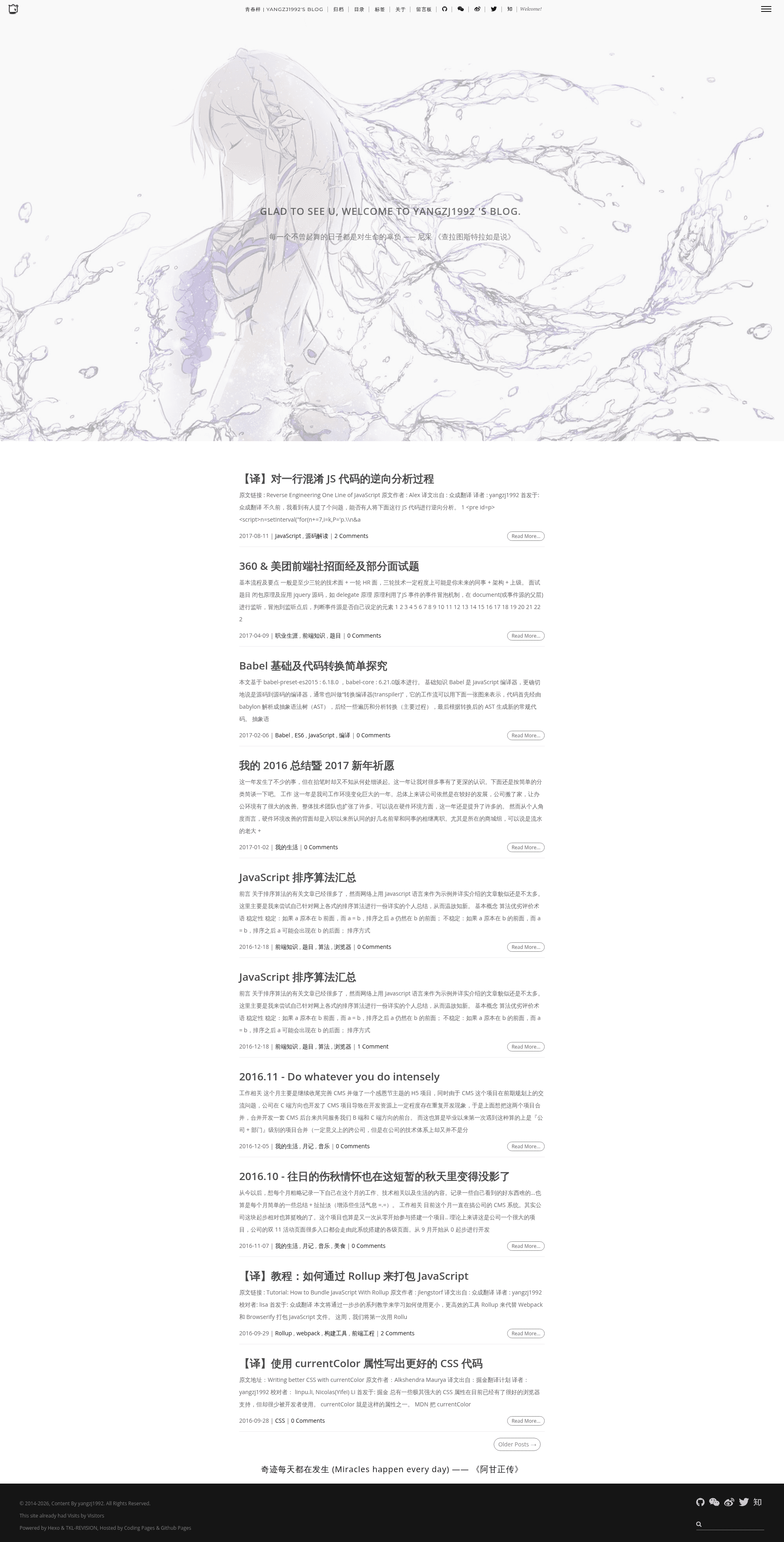
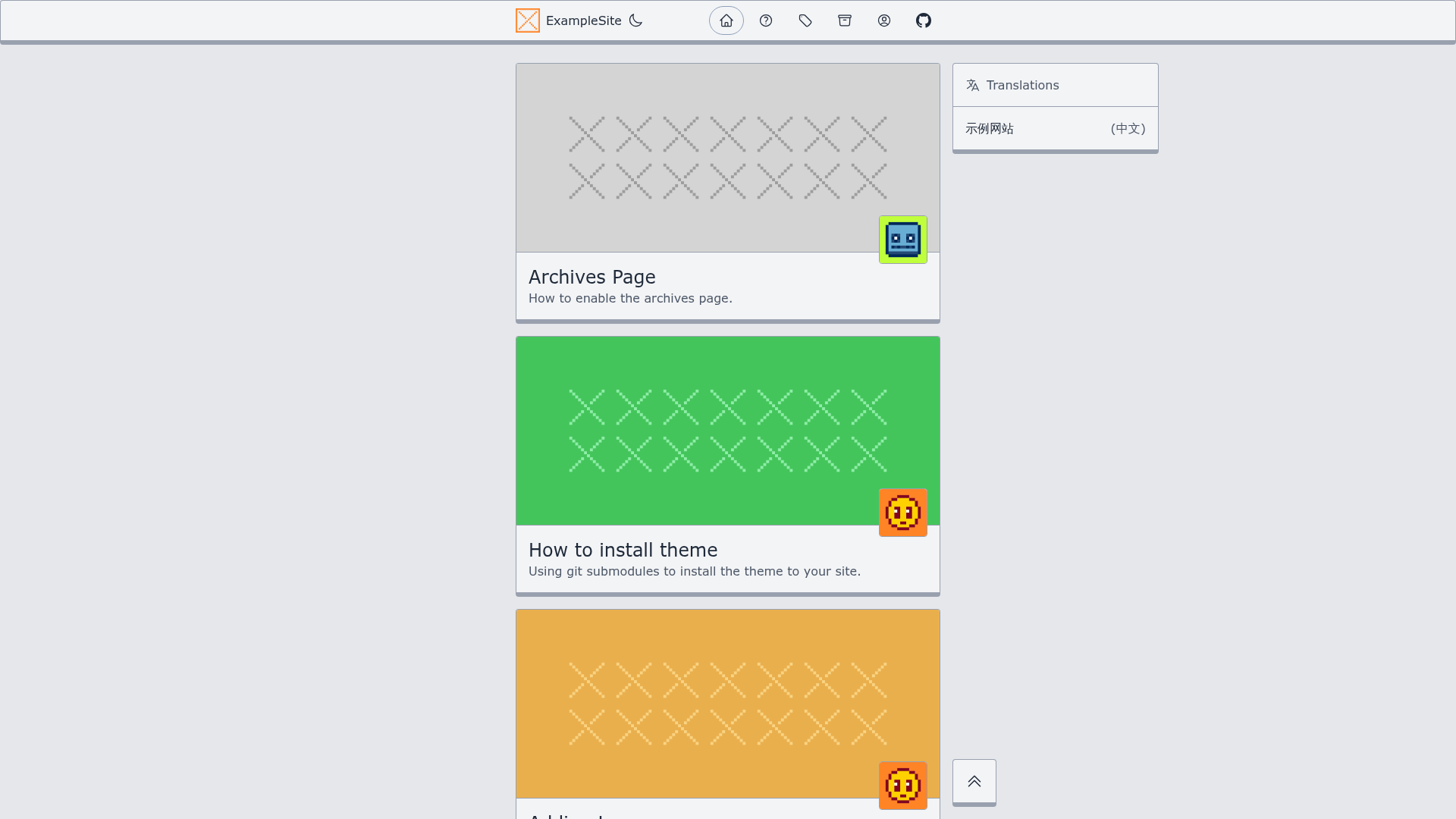
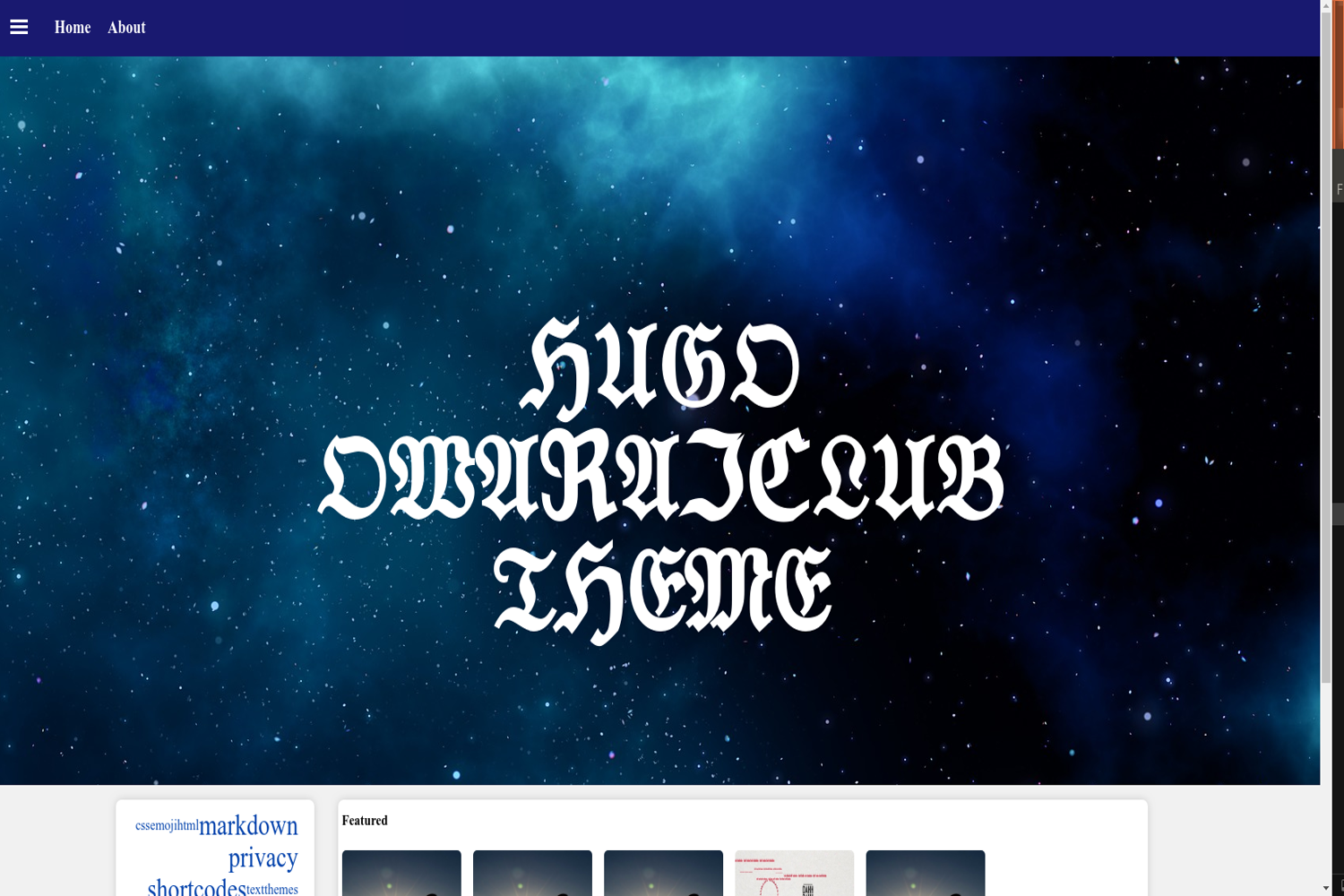
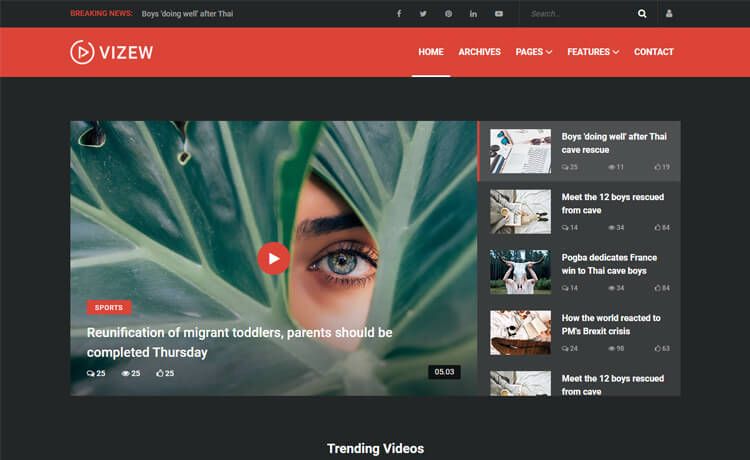
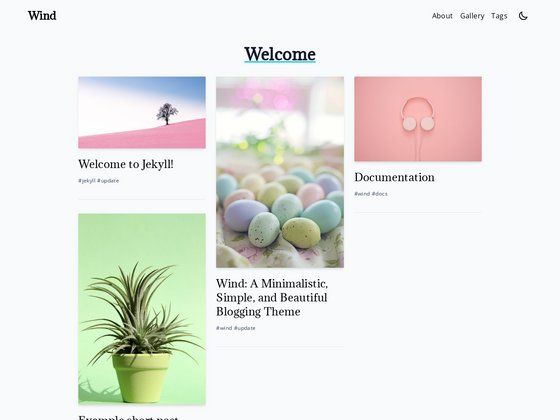
- Responsive layout — the theme adapts to desktop and mobile screens, as shown in the repository's three screenshots covering the homepage, content view, and article view.
- Derived from TKL — this project is a fork of the TKL theme, preserving its structure while adding the author's modifications.
- Next-inspired design elements — the author references features from the popular hexo-theme-next, blending them into this theme.
- Sass and jQuery stack — styling is written in SCSS and you need jQuery for interactive components.
- Gulp-based build — a Gulpfile is provided as a gist; running gulp compiles the Sass into CSS and processes assets.
- Requires hexo-wordcount — the install instructions include
npm install hexo-wordcount --save, a plugin for displaying word counts. - Git-based updates — updating the theme is done by running
git pullinside thethemes/TKL-REVISIONfolder.
Who is it for?
- Hexo bloggers with coding skills — because the theme's custom configuration is not finished, you must edit template files and Sass directly. The author explicitly says you need "some code skills" to modify it.
- TKL theme users wanting a responsive variant — if you previously used TKL and want a version with a responsive design and some Next features, TKL-REVISION is a direct fork you can try.
- Theme developers exploring Hexo — the clean separation of
layoutandsourcemakes it easier to see how a Hexo theme organizes templates and resources.
What can you do with TKL-REVISION?
- Launch a personal blog — set the theme in
_config.yml, install hexo-wordcount, and run Hexo to generate a responsive static blog. - Customize visual design — edit the SCSS files and rebuild with gulp to adjust colors, typography, and responsive breakpoints.
- Modify page layouts — change the templates inside the
layoutfolder to alter how posts, archives, and the homepage are structured.
How does TKL-REVISION work?
To install, first clone the repository into your themes folder. Then change the theme field in _config.yml to TKL-REVISION, run npm install hexo-wordcount --save from the Hexo directory, and build your site. For updates, navigate to themes/TKL-REVISION and run git pull. Because the build process uses gulp, you will need Node.js and gulp installed to recompile assets after style changes.
FAQ
Do I need coding knowledge to use TKL-REVISION?
Yes. The author states that the custom configuration is not yet finished, so you need to know some code skills to modify the theme. If you don't mind editing templates and Sass, you can use it.
Does TKL-REVISION support responsive design?
Yes. It is described as a responsive design theme, and the repository includes screenshots showing the show, content, and article views on different screen sizes.
How do I update TKL-REVISION?
Run git pull inside the themes/TKL-REVISION directory. This pulls the latest changes from the remote repository.
Is TKL-REVISION free to use?
The theme is public on GitHub with no pricing mentioned, so it is free and open source for anyone to use or modify.