Template details
Todo App Nextjs Jamstack
JamStack with NextJs, AirTable DB, Auth0 authentication
About this template
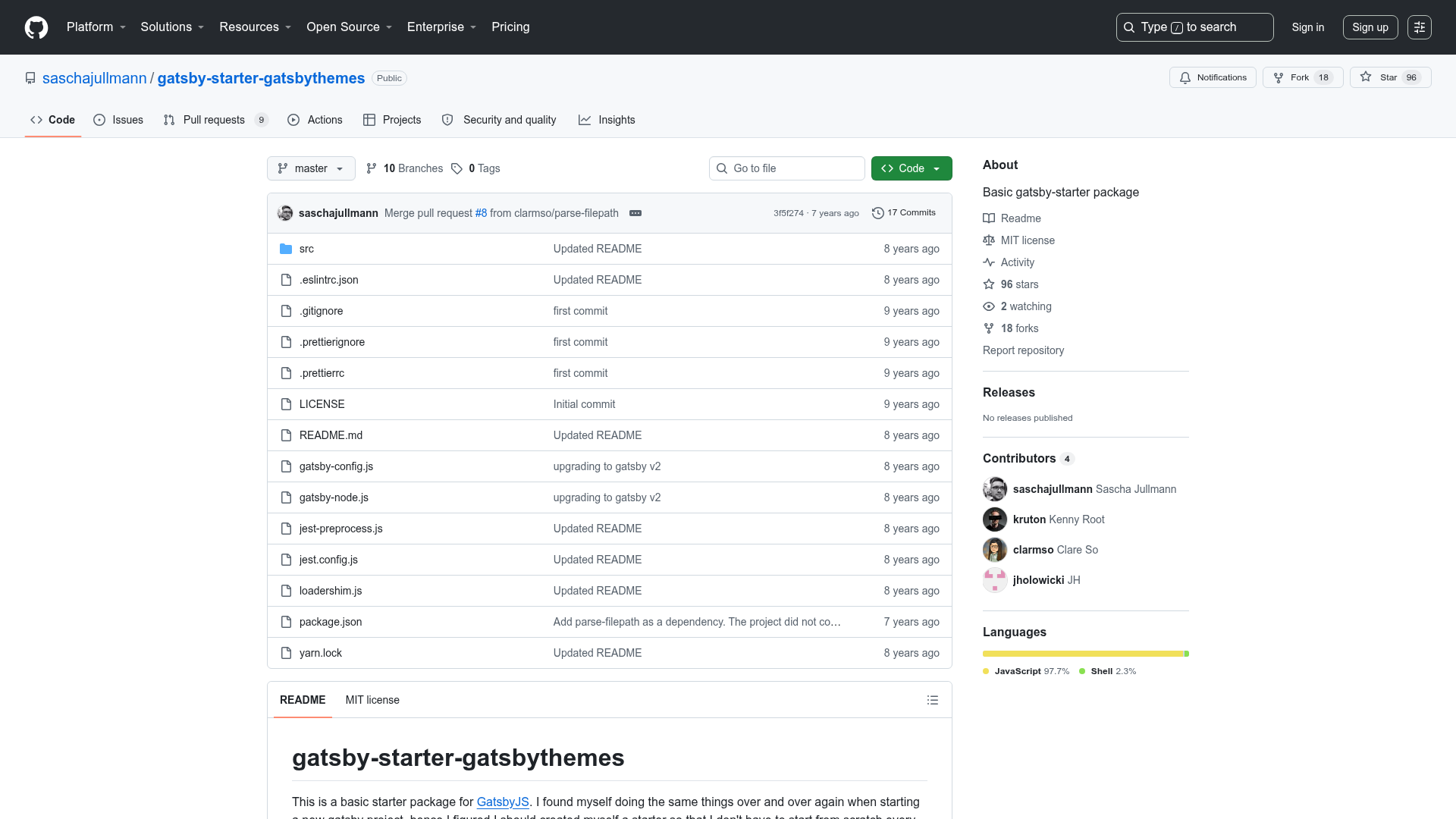
Todo App Nextjs Jamstack is a boilerplate starter for building a Jamstack todo application that pairs Next.js with AirTable as the database and Auth0 for authentication.
What is Todo App Nextjs Jamstack?
Todo App Nextjs Jamstack is a Next.js project bootstrapped with create-next-app, so it begins with the standard pages directory structure, including pages/index.js and pages/api/hello.js. Its repository metadata describes it as a Jamstack application with an AirTable database and Auth0 authentication, meaning it serves as a starting point for a todo app where data lives in AirTable and users sign in via Auth0. The template runs on Node.js and is designed for deployment to Vercel, as noted in the README.
Key Features
- Next.js framework — Uses the Next.js pages router with automatic file-based routing; start the development server with npm run dev and edit pages/index.js to see hot reloading.
- API routes — The pages/api directory is mapped to /api/*, so files there become serverless API endpoints, demonstrated by the default /api/hello route.
- AirTable database — AirTable is listed in the repository description as the database provider, so todo data storage is handled through AirTable's API instead of a traditional database.
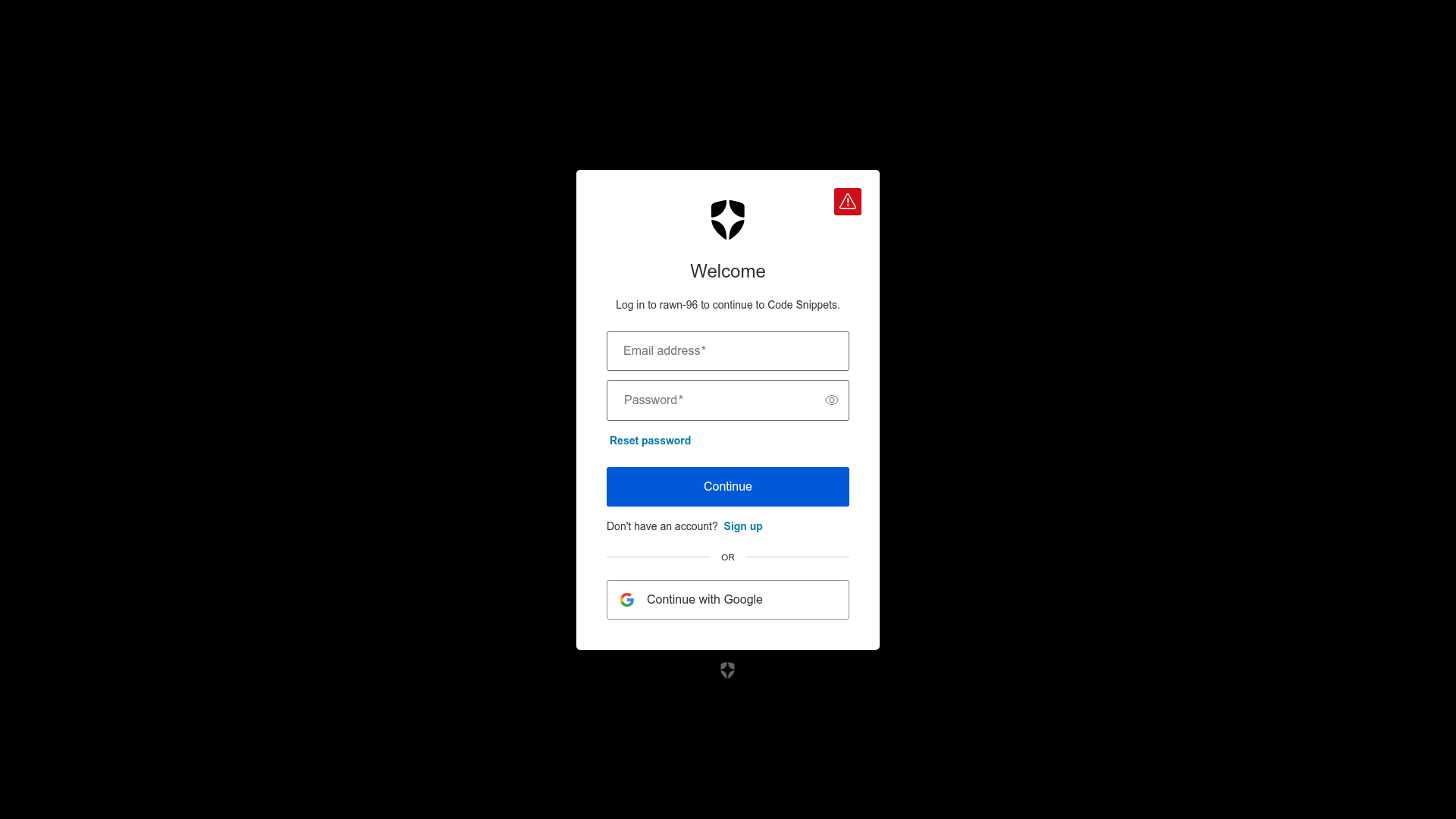
- Auth0 authentication — Auth0 is listed as the authentication provider, enabling login, logout, and user identity management for the todo app.
- Jamstack architecture — Combines statically generated pages with serverless API routes and external services, making it deployable to Vercel with minimal configuration.
- Middleware topic — The repository topics include middleware, which is commonly used in Next.js for route protection or attaching Authorization headers to API calls.
Who is it for?
- Developers learning Jamstack — can read the code to see how Next.js API routes connect a cloud database (AirTable) and an authentication provider (Auth0) in a working todo example.
- Teams prototyping a todo application — can clone the repository and extend the AirTable schema to add fields like due dates or priorities without standing up their own backend.
- Indie developers — can deploy the template to Vercel and use it as the basis for a personal task manager or a client demo.
What can you do with Todo App Nextjs Jamstack?
- Build a todo API — edit the API route files under pages/api to implement create, read, update, and delete operations against AirTable records.
- Protect routes with Auth0 — add middleware to require authentication before the todo pages or API endpoints are accessible to unauthenticated users.
- Deploy to Vercel — connect the GitHub repository to Vercel to get automatic builds, HTTPS, and preview deployments for every pull request.
FAQ
How do I run this template locally?
Clone the repository, install dependencies with npm install or yarn, then run npm run dev. Open http://localhost:3000 in your browser to see the app. The page auto-updates when you edit pages/index.js.
Does this template include Tailwind CSS?
Tailwind is not mentioned in the README or the repository metadata. The default create-next-app setup includes plain CSS modules, so there is no confirmed Tailwind integration in this template.
Can I deploy this on Vercel?
Yes. The README explicitly points to the Vercel Platform as the easiest deployment option, and the commands in the README are written for Next.js apps that deploy to Vercel without additional configuration.
What database does the app use?
AirTable is listed in the repository description, so todo items are stored in an AirTable base and accessed through its REST API. You would need to supply your own AirTable API key and base details.
Does the template include authentication?
Yes, Auth0 is listed as the authentication provider, meaning the template is set up to use Auth0's hosted login pages and JWT handling for securing user data.