Template details
Vue Material Kit 2 PRO
Premium Vue 3 + Bootstrap 5 Material Design UI kit from Creative Tim with 100+ components and pre-built pages.
About this template
Vue Material Kit 2 PRO is a premium Material Design UI kit from Creative Tim, built on Vue 3 and Bootstrap 5, that provides over 100 ready-to-use frontend components and pre-built example pages for building websites quickly.
What is Vue Material Kit 2 PRO?
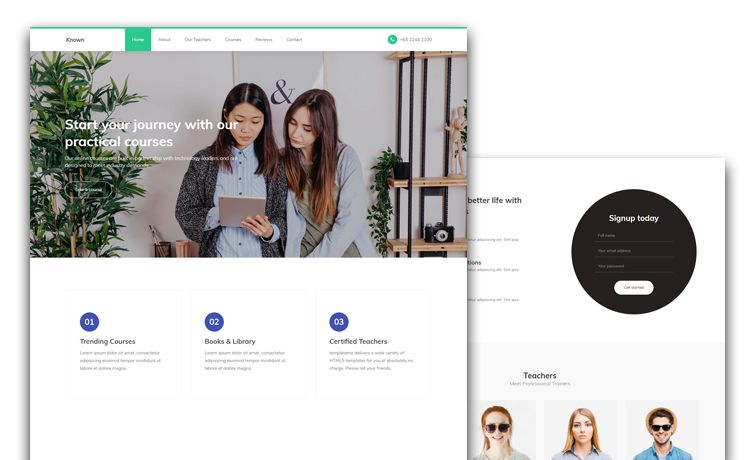
Vue Material Kit 2 PRO is a premium VueJS design system created by Creative Tim, inspired by Material Design. It runs on Vue 3 with Bootstrap 5 as the styling framework and uses Vite as the build tool. The kit takes a Vue project skeleton and provides more than 100 individual frontend elements—buttons, inputs, navbars, alerts, cards, and more—that can be combined into pages. It produces a fully styled, component-driven frontend with color variations controlled through SCSS files, and it includes pre-built sections like sign in, sign up, about us, pricing, and page headers.
Key Features
- 100+ coded components — Individual Vue components such as MaterialAlert, MaterialAvatar, MaterialBadge, MaterialButton, MaterialCheckbox, MaterialInput, MaterialPagination, MaterialProgress, MaterialSnackbar, MaterialSocialButton, MaterialSwitch, and MaterialTextArea, each modifiable via SCSS.
- Vue 3 + Bootstrap 5 stack — Built specifically for Vue 3 with Bootstrap 5, plus a Vite configuration file (vite.config.js) for modern development workflows.
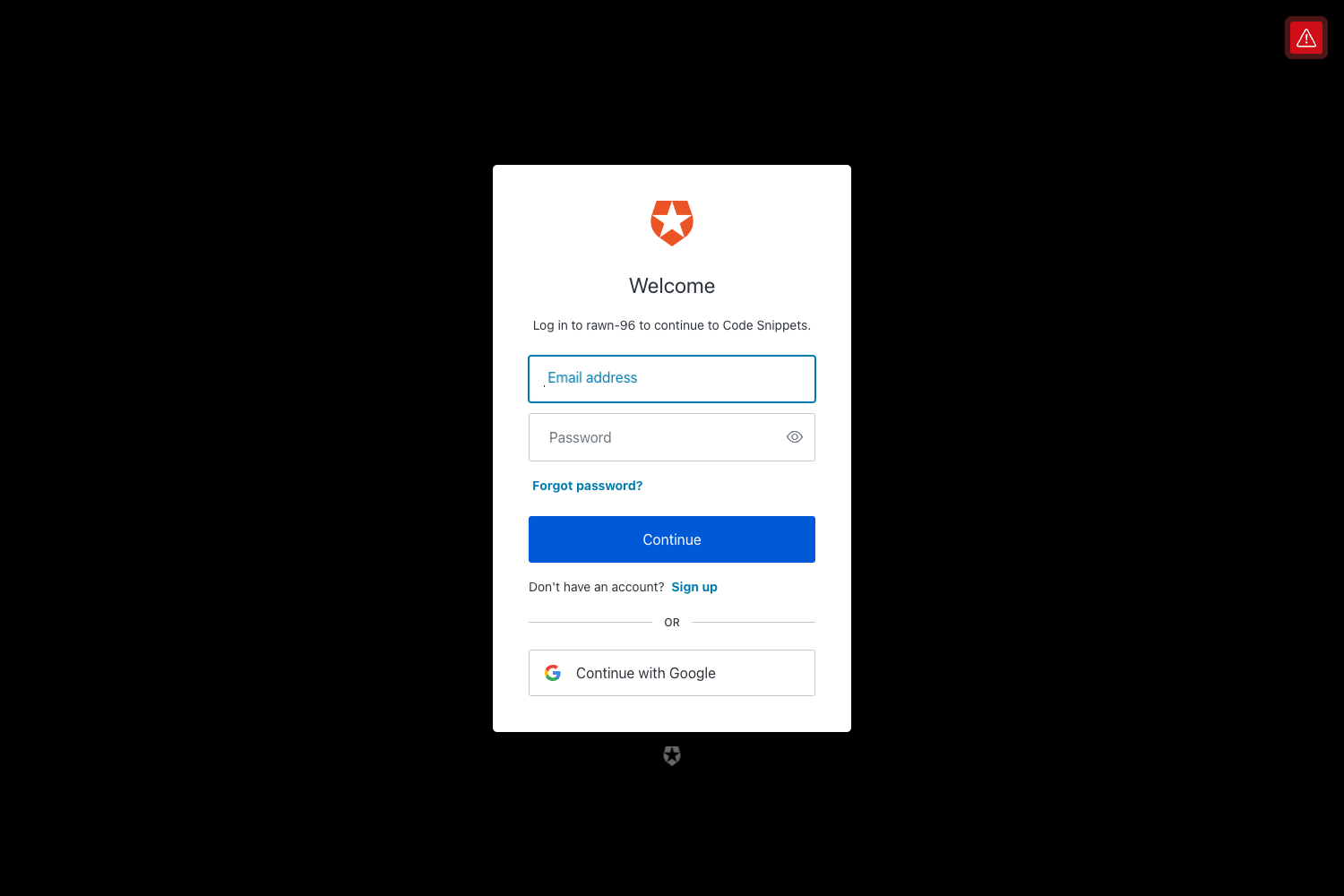
- Pre-built example pages — Includes authentication pages (sign-in, sign-up), company pages (about us, pricing), and page header sections to start from.
- Integrated libraries — Ships with Popper.js, Choices JS, Vue Form Slider, Pinia for state management, PrismJS for syntax highlighting, TypedJS, Vue Clipboard 3, Vue Count To, and Vue Flatpickr components.
- Nepcha Analytics integration — Nepcha Analytics is already wired in for tracking traffic sources.
- Full documentation — Each component is documented on Creative Tim's learning lab with examples, and the download includes a README and file structure overview.
- Organized file structure — The src folder separates assets, components, examples, layouts, router, stores, and views, making it suitable for scaling up projects.
Who is it for?
Vue developers who want a Material Design UI without hand-building every component. Freelancers and agencies that need polished marketing pages and authentication flows delivered quickly for clients. Product teams that need a consistent design system with SCSS theming and component-level customization, plus a ready-made structure for routing and state management.
What can you do with Vue Material Kit 2 PRO?
- Startup founders: kick off a marketing site or landing page using the pre-built example sections and then rebrand colors and fonts through SCSS variables.
- Agency developers: mix and match the 100+ components to build custom page layouts for clients without writing extensive custom CSS.
- Product teams: prototype sign-in and sign-up flows with the included authentication pages, then wire them to real backend services using the provided router and Pinia stores.
How does Vue Material Kit 2 PRO work?
The template is a complete Vite + Vue 3 project. After installing dependencies with yarn install or npm install, you run the dev server and edit the components and views under the src directory. The included router and stores (Pinia) let you navigate between pre-built pages and manage application state, and the README documents the commands and file structure.
Pricing
Vue Material Kit 2 PRO is a paid premium product from Creative Tim. The license is purchased on the product page; the exact price is not disclosed on the README.
FAQ
Is Vue Material Kit 2 PRO free?
No, Vue Material Kit 2 PRO is a premium, paid product from Creative Tim. You buy it from their website, and after purchase you get the full source code, updates, and access to documentation.
Does Vue Material Kit 2 PRO use Vue 3?
Yes, the kit is built specifically for Vue 3, paired with Bootstrap 5 for styling and Vite as the build tool. The codebase uses Vue 3 composition-style components and Pinia for state management.
How do I install Vue Material Kit 2 PRO?
Install Node.js LTS from the official site, then navigate to the product root and run yarn install or npm install to install dependencies. After that you can run the dev server and start customizing the components and pages.
What libraries are included in Vue Material Kit 2 PRO?
The template bundles Popper.js, Choices JS, Vue Form Slider, Pinia, PrismJS, TypedJS, Vue Clipboard 3, Vue Count To, and Vue Flatpickr, along with the core Vue 3 and Bootstrap 5 dependencies. A complete list is in the package.json file.