Template details
TurboETH
Web3 App Template built using Next.js, RainbowKit, SIWE, Disco, and more!
About this template
TurboETH is a Web3 app starter kit built on Next.js that gives developers a production-ready foundation for Ethereum dApps, preconfigured with RainbowKit wallet connections, Sign-In With Ethereum (SIWE) authentication, and a TypeScript toolchain.
What is TurboETH?
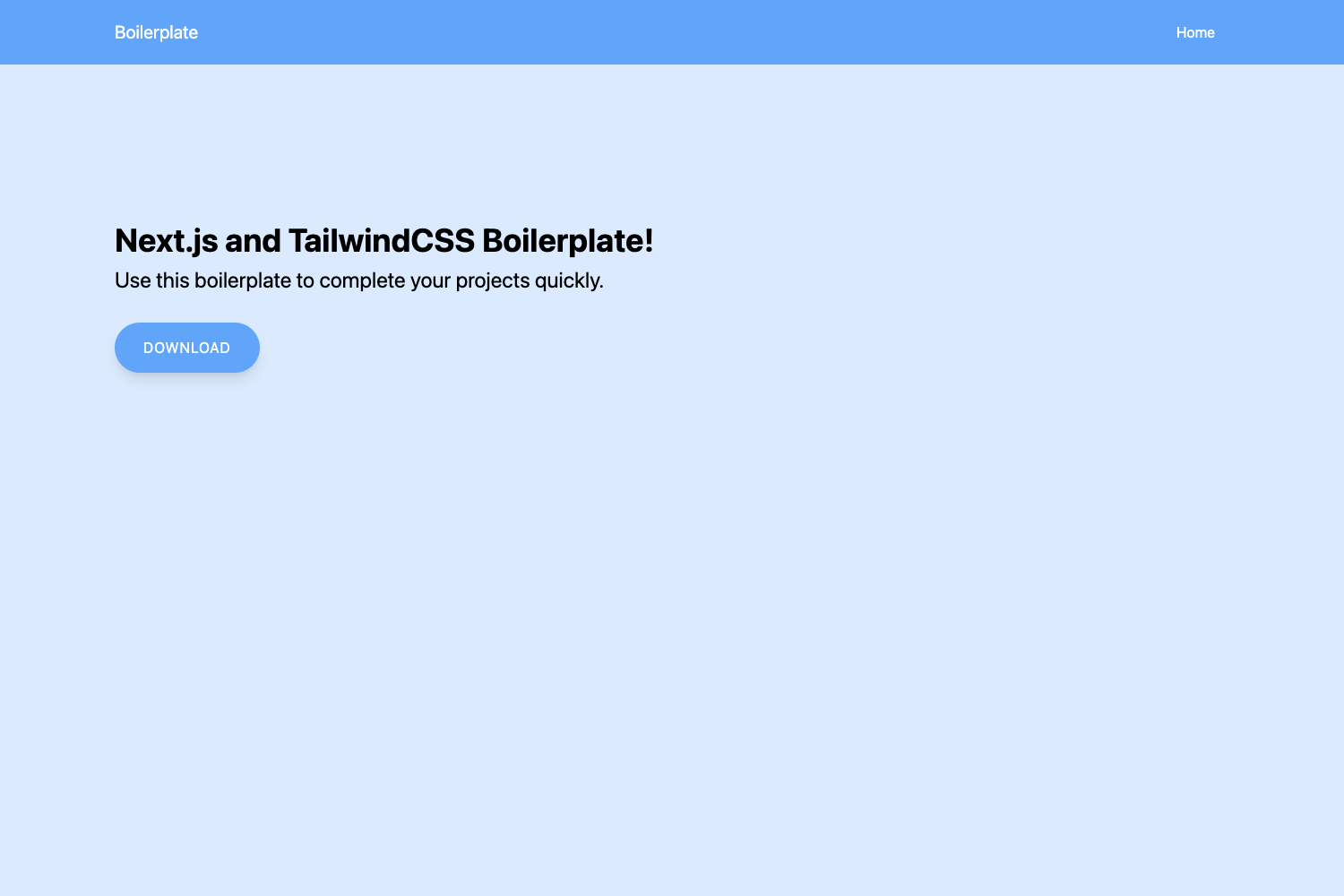
TurboETH is an open-source GitHub template (MIT-licensed) created by Kames Geraghty under the turbo-eth organization. It takes a blank Next.js application and scaffolds it into a full-stack Web3 starter with wallet connection, authentication, database, and API integrations. The template runs on Next.js 13 with TailwindCSS for styling and is deployed via Vercel; it produces a dApp skeleton with a configured CI pipeline, linting, and git hooks.
Key Features
- Next.js 13 + TypeScript — The app is built on Next.js 13 with end-to-end TypeScript types, ESLint, and Prettier configured from the start.
- RainbowKit wallet manager — Drop-in wallet connection UI supporting multiple Ethereum wallets, integrated with the Wagmi hooks library.
- Sign-In With Ethereum (SIWE) — Account authentication using Ethereum signatures; requires a NEXTAUTH_SECRET environment variable.
- WAGMI CLI — Generates React hooks from smart contract ABIs automatically; the docs cover setup.
- TailwindCSS + Radix + shadcn/ui — Utility-first styling with Tailwind, Radix primitives for modals and popovers, and shadcn/ui components included in the components/shared/ui folder.
- Prisma + Vercel — Prisma ORM for database access (set DATABASE_URL) and one-click deployment to Vercel.
- Developer tooling — Husky git hooks run lint on pre-commit; commitlint enforces the Conventional Commits format.
- API and contract integrations — Documented examples for ERC20 tokens, Disco (decentralized identity), and Etherscan API.
Who is it for?
- Ethereum dApp developers — Start a new project with wallet connection and SIWE authentication already wired, instead of building from scratch.
- Web3 product founders — Launch a minimal viable product with a database (Prisma) and Vercel hosting in a single template.
- Smart contract engineers — Generate React hooks for their contracts using WAGMI CLI and integrate ERC20 token flows using the included example.
What can you do with TurboETH?
- Hackathon teams: Scaffold a full-stack Web3 app with auth and a database so you can focus on the demo, not boilerplate.
- Open-source contributors: Fork the MIT-licensed template, customize the design system, and contribute improvements back.
- Indie builders: Deploy a token-gated prototype with Disco credential checks and Etherscan data via the documented API integrations.
How does TurboETH work?
Clone the repository, install dependencies with pnpm install (npm and yarn also work), set the NEXTAUTH_SECRET and DATABASE_URL environment variables, then run pnpm dev for local development. The documentation at docs.turboeth.xyz covers JSON-RPC setup, WAGMI CLI generation, database configuration, and each integration.
Pros and cons
- Pros: Production-ready stack with modern tooling; one-click Vercel deployment with preconfigured environment variables; includes a CI workflow badge and MIT license.
- Cons: Requires external environment variables (NEXTAUTH_SECRET, DATABASE_URL) before auth and database features work; pnpm is the recommended package manager, so npm/yarn users may need to adjust.
Pricing
TurboETH is free and open source under the MIT license.
Alternatives
- nexth — the original template this project was forked from.
- Scaffold-ETH — another Ethereum dApp starter kit.
FAQ
Is TurboETH free?
TurboETH is open source and released under the MIT license, so it is free to use, modify, and distribute, including for commercial projects.
What does TurboETH include?
The template includes Next.js 13, TypeScript, RainbowKit, Sign-In With Ethereum, TailwindCSS, Radix UI, shadcn/ui components, Prisma, ESLint, Prettier, Husky, and commitlint, plus documented integrations for ERC20, Disco, and Etherscan.
Does TurboETH require a database?
Yes, the template uses Prisma and the Vercel deployment requires a DATABASE_URL environment variable. The backend database documentation explains how to set up and configure your database.
How do I deploy TurboETH?
The repository includes a one-click Deploy with Vercel button that clones the repo and prompts for the NEXTAUTH_SECRET and DATABASE_URL environment variables. Alternatively, you can run pnpm build locally and deploy manually.