Template details
UI Challenges
A training lab of HTML & CSS UI challenges to practice and improve front-end skills.
About this template
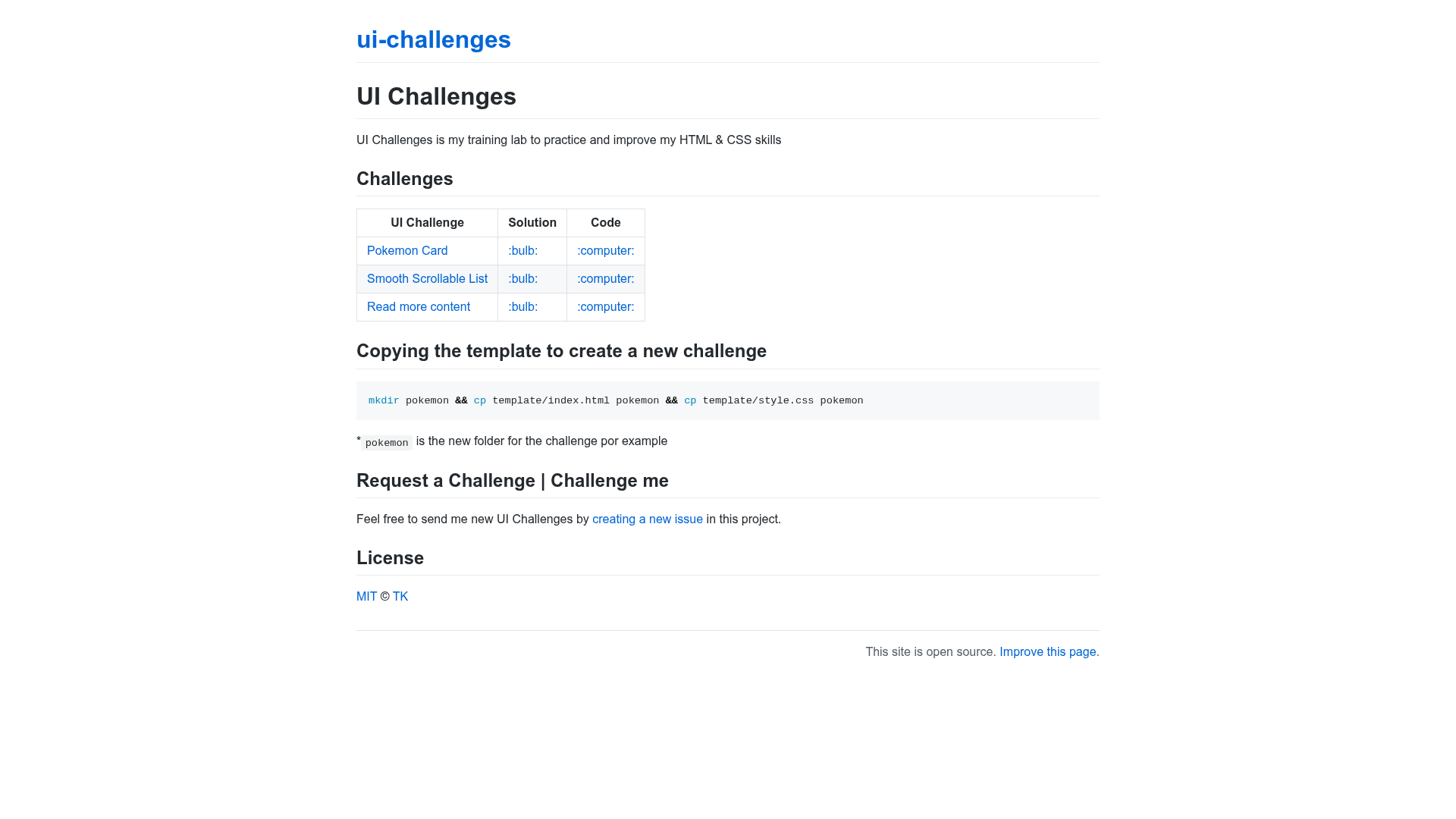
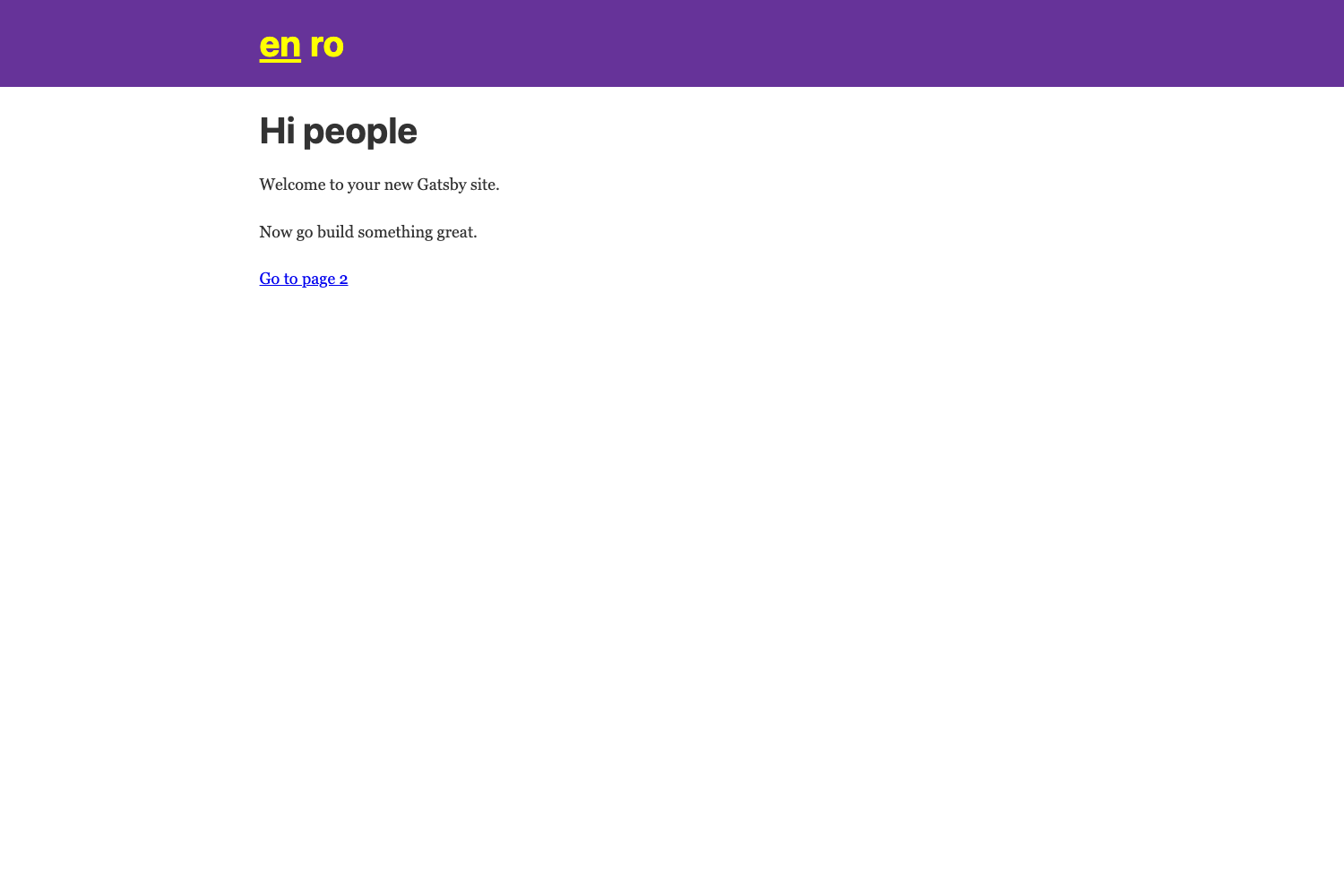
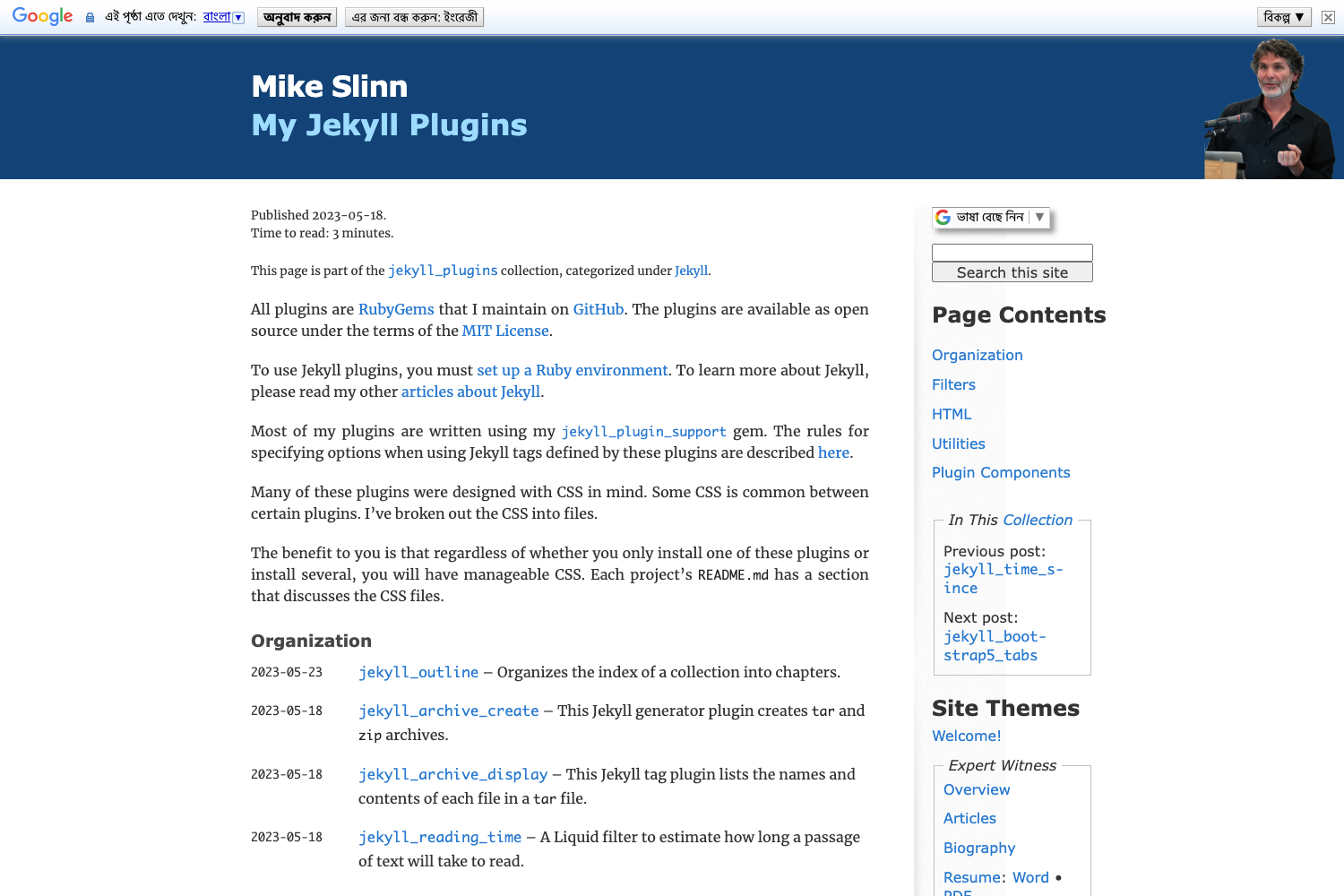
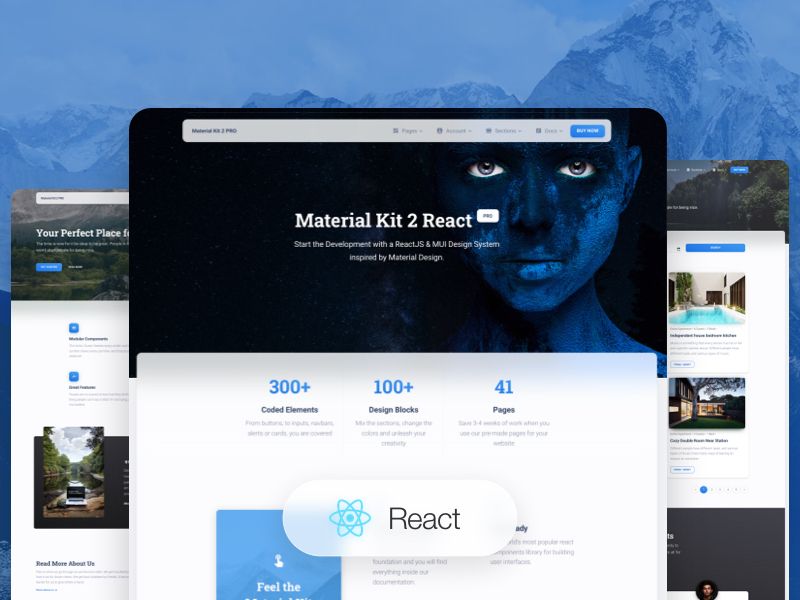
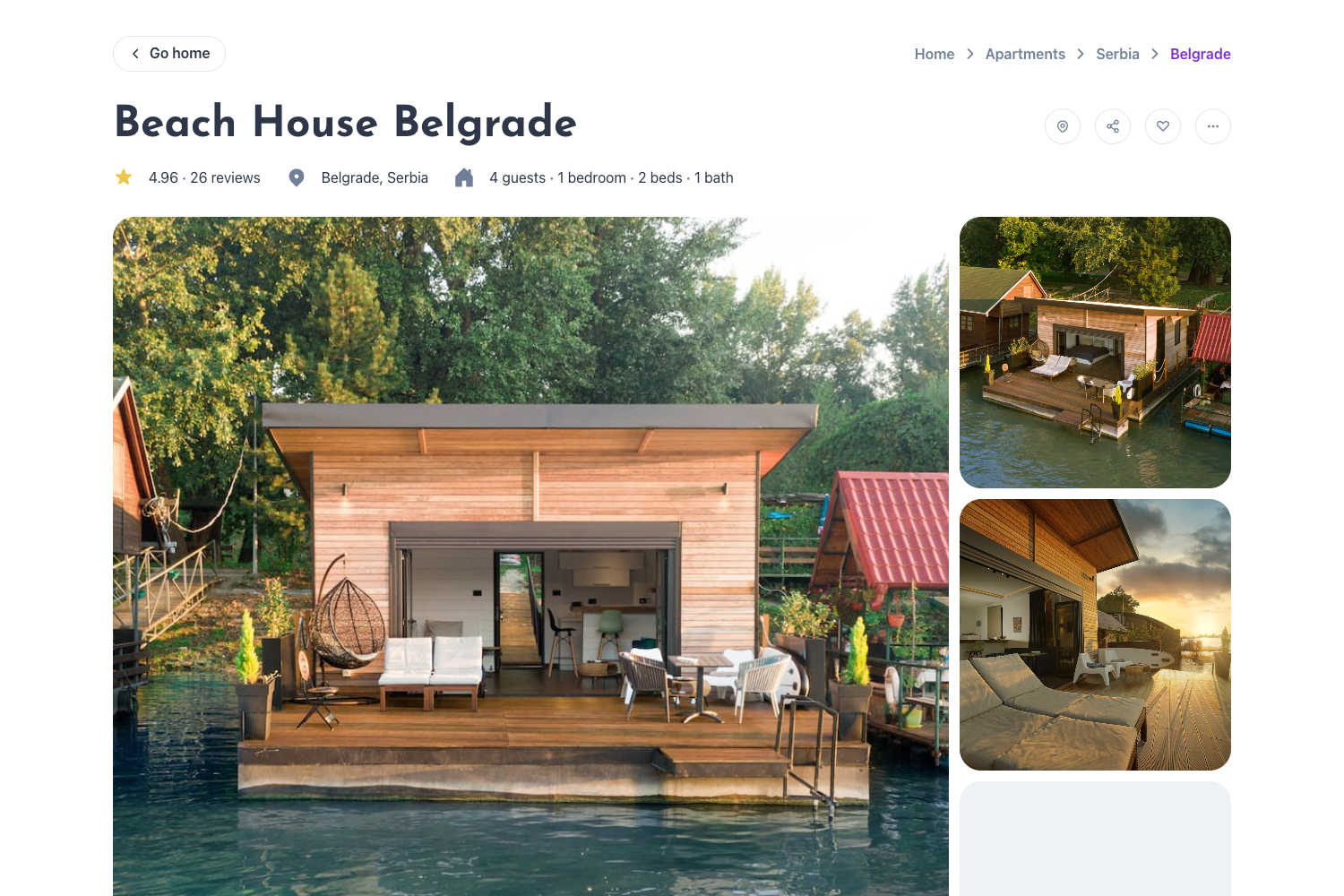
UI Challenges is an open-source training lab of HTML & CSS coding challenges, each with a live demo and source code, built to help developers practice front-end skills. The repository, created by TK (https://iamtk.co), collects UI components and page sections sourced from design references and re-implements them using only hand-written HTML and CSS.
What is UI Challenges?
UI Challenges is a GitHub repository that functions as a practical exercise ground for HTML and CSS. It takes a visual reference (a Dribbble shot, a CSS-Tricks article, or a YouTube tutorial) as input and produces a self-contained HTML page with associated CSS as output. Each challenge lives in its own folder with an index.html and a style.css file, and the finished results are deployed and publicly viewable on GitHub Pages at imteekay.github.io/ui-challenges. The project is maintained by TK, with an MIT license.
Key Features
- Challenge catalog — The repository currently documents three challenges: a Pokemon Card based on a Dribbble design, a Smooth Scrollable List based on a CSS-Tricks carousel article, and a Read more content pattern based on a YouTube tutorial.
- Live demos — Every challenge has a working preview hosted on GitHub Pages, so you can see the finished UI without cloning the repo.
- Source code access — Each challenge links directly to its GitHub source folder, making it easy to read, copy, or modify the code.
- Simple template structure — A
templatefolder contains a bareindex.htmlandstyle.css; copying these two files into a new folder is the documented way to start a fresh challenge. - Community participation — Anyone can request a new challenge by opening a GitHub issue on the repository, which lets you steer what gets built next.
- Open licensing — The entire project is released under the MIT License, so the code can be reused, modified, and redistributed freely.
Who is it for?
- Front-end beginners who want structured practice exercises beyond tutorials can take a real design reference and build it from scratch.
- Self-taught developers looking to strengthen their CSS layout and styling skills can study the hand-written solutions for each challenge.
- Interview candidates preparing for front-end coding assessments can use the challenges as a portfolio of small UI implementations.
What can you do with it?
- Recreate a Pokemon Card — Match the visual style of a Dribbble design shot using pure HTML and CSS, then compare your result against the reference solution.
- Build a CSS-only carousel — Follow the Smooth Scrollable List challenge to see how a horizontally scrollable list can be implemented without JavaScript.
- Implement a read-more interaction — Use the Read more content challenge to practice progressively revealing text with CSS or minimal markup.
How does it work?
To start a new challenge, you copy the template files into a new directory with a command like mkdir pokemon && cp template/index.html pokemon && cp template/style.css pokemon. Then you edit the HTML and CSS to reproduce the target design, and finally push the folder to the repository so the live demo appears under the same hosted path.
Pricing
UI Challenges is free. The repository carries an MIT License, so there are no usage fees or licensing costs for personal or commercial projects.
FAQ
Is UI Challenges free to use?
Yes. The project is open source under the MIT License, which means you can freely use, modify, and distribute the code, including for commercial purposes, as long as you preserve the copyright notice.
What technologies do I need to know?
Only HTML and CSS. The challenges are intentionally built without JavaScript or build tools, so a text editor and a browser are sufficient to work on them.
How can I request a new challenge?
You can open a GitHub issue on the ui-challenges repository. The maintainer reads incoming requests and uses them to decide which UI components to add next.
Where can I see the live demos?
All completed challenges are hosted on GitHub Pages under imteekay.github.io/ui-challenges. Each challenge's solution link in the README points directly to that hosted page.