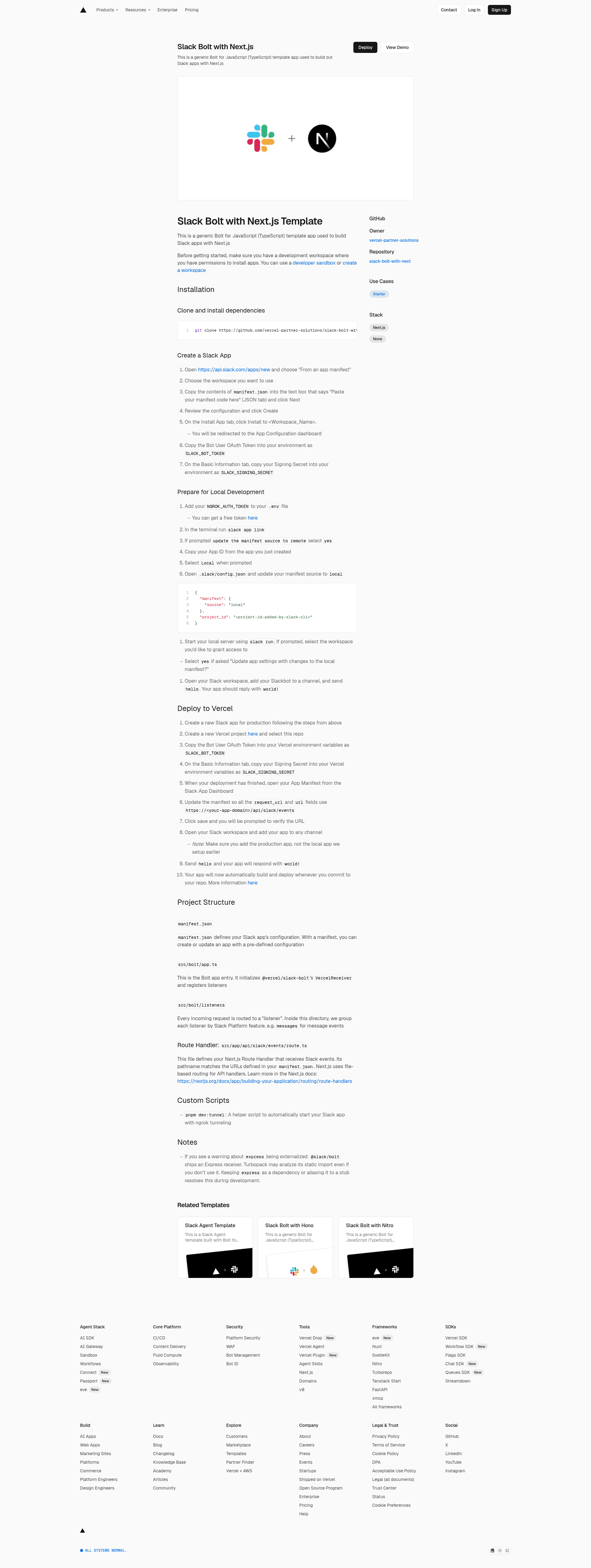
Template details
Slack Bolt with Next.js
Generic Bolt for JavaScript (TypeScript) template for building Slack apps with Next.js, deployable to Vercel.
About this template
Slack Bolt with Next.js is a boilerplate for creating Slack apps from a TypeScript Bolt app in a Next.js project that deploys to Vercel.
What is the Slack Bolt with Next.js Template?
This template is a generic Bolt for JavaScript (TypeScript) starter used to build Slack apps on Next.js. It wires @slack/bolt to a Next.js App Router route handler at /api/slack/events, so incoming Slack events are processed by the Bolt framework. The project lives in the Vercel Partner Solutions GitHub organization and includes a manifest.json for declarative app setup. It uses pnpm for dependencies and provides both local tunneling and production deployment paths.
Key Features
- One-click Vercel deployment — The Deploy with Vercel button clones the repository and asks for the SLACK_SIGNING_SECRET and SLACK_BOT_TOKEN environment variables.
- Next.js App Router route handler — src/app/api/slack/events/route.ts receives Slack events using file-based routing, matching the request URLs defined in the manifest.
- Bolt for JavaScript with TypeScript — The app entry in src/bolt/app.ts initializes @vercel/slack-bolt's VercelReceiver and registers listeners for events.
- Manifest-driven Slack configuration — manifest.json defines app scopes and event subscriptions; create or update the Slack app by pasting the manifest into the Slack dashboard.
- Organized listener structure — Requests are grouped by Slack Platform feature under src/bolt/listeners, with separate directories for messages and other event types.
- Local development with ngrok — The custom pnpm dev:tunnel script starts an ngrok tunnel so Slack can send events to your local server.
- pnpm package manager — Dependencies are installed with pnpm install, and the project targets reproducible builds.
- Example hello-world listener — Adding the bot to a channel and sending "hello" invokes a listener that responds with "world!".
Who is it for?
- Slack app developers — Build custom bots and interactive Slack features using a TypeScript web framework instead of a standalone Node server.
- Vercel users — Host a Slack app on the same infrastructure as other Next.js projects, managing secrets in the Vercel dashboard.
- Bolt newcomers — Learn the recommended project layout for listeners and route handlers from a small, functional example.
- Teams automating workflows — Extend the starter to handle slash commands, shortcuts, or message actions within an existing Next.js codebase.
What can you do with the Slack Bolt with Next.js Template?
- Deploy a production Slack bot: Set the app manifest request URLs to https://your-app-domain/api/slack/events, and Vercel serves the bot with automatic builds on commit.
- Start a local development loop: Use slack run with NGROK_AUTH_TOKEN set, or run pnpm dev:tunnel to auto-start ngrok and test events locally.
- Version-controlled Slack config: Keep manifest.json in Git so app permissions and event subscriptions are reviewable and reproducible.
- Prototype message responses: Modify the listener under src/bolt/listeners/messages to change what the bot replies to channel messages.
How does the Slack Bolt with Next.js Template work?
Slack events are delivered as HTTP requests to the Next.js route handler. The route hands them to Bolt's VercelReceiver, which dispatches them to registered listeners based on event type. Environment variables connect the app to Slack: SLACK_SIGNING_SECRET verifies request signatures and SLACK_BOT_TOKEN authorizes bot actions. On Vercel, the same route handler runs as a serverless function.
FAQ
What environment variables are required?
The template needs SLACK_SIGNING_SECRET and SLACK_BOT_TOKEN in your local .env file and in your Vercel project settings. For local tunneling, add NGROK_AUTH_TOKEN as well; you can get a free token from ngrok.
How do I create a Slack app from the manifest?
Open api.slack.com/apps/new and choose "From an app manifest". Select a workspace, paste the contents of manifest.json, and review the configuration. After creation, you'll get the Bot User OAuth Token and Signing Secret used by the template.
How do I test the bot locally?
After setting environment variables, run pnpm dev:tunnel to start ngrok, then use slack run to launch the server. Add the bot to a Slack channel and send "hello"; the listener replies "world!".
Why does Turbopack warn about express?
@slack/bolt ships an Express receiver, and Turbopack may analyze its static import even if it isn't used. The README notes that keeping express as a dependency or aliasing it to a stub resolves this during development.