Newsletter
Join the Community
Subscribe to our newsletter for the latest news and updates

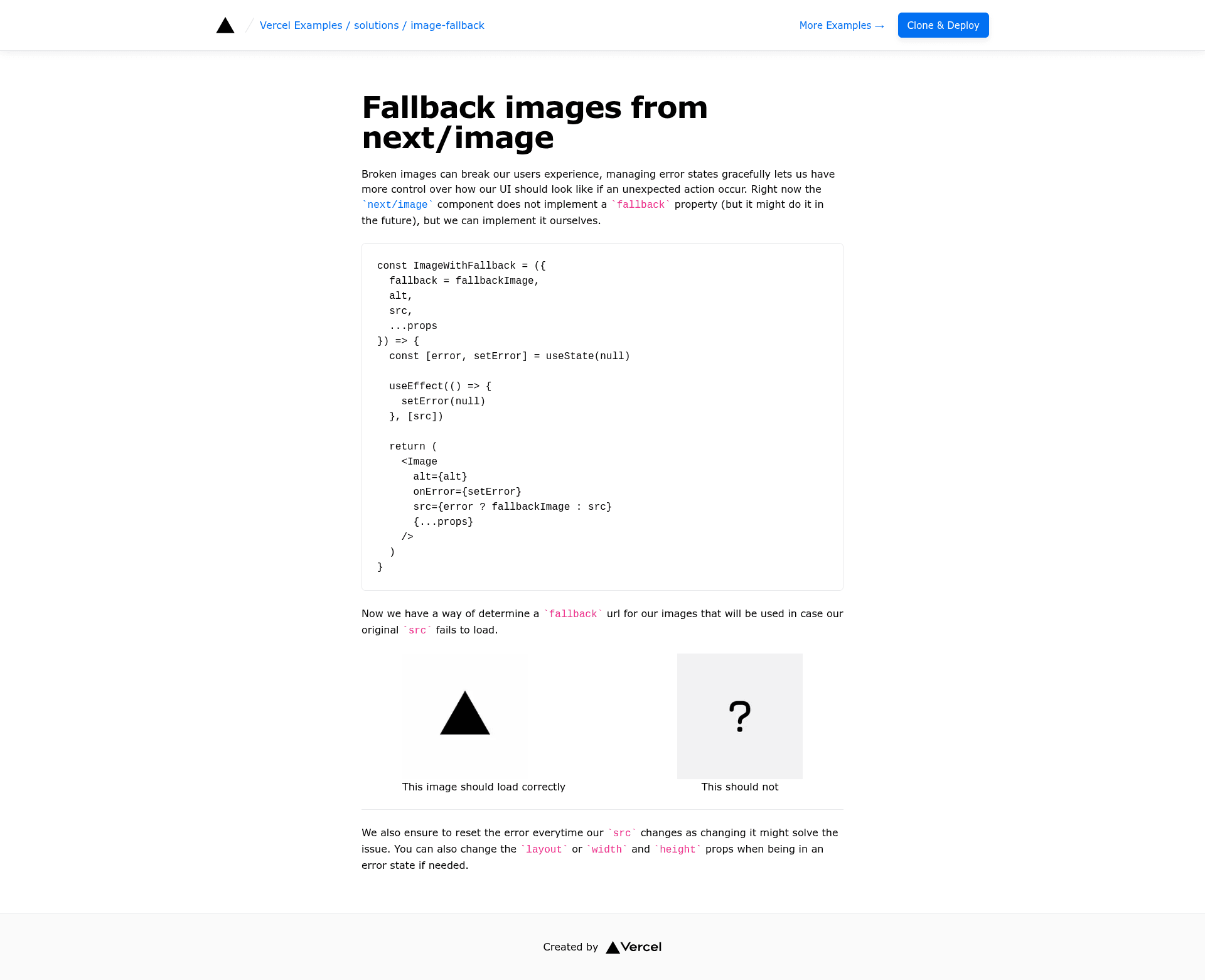
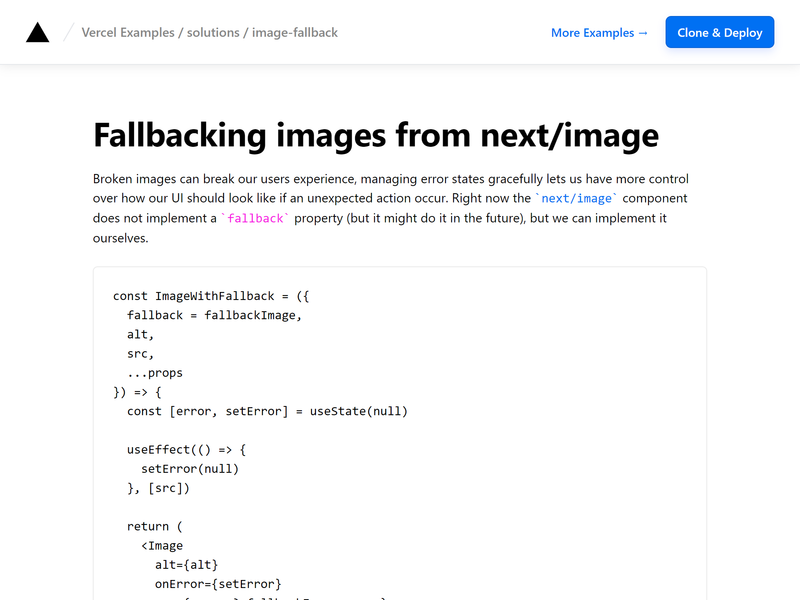
Learn how to use a fallback image while using the next/image component.

A frontend clone of the Selemen website built with HTML, CSS, JavaScript, and GSAP animations for educational purposes.
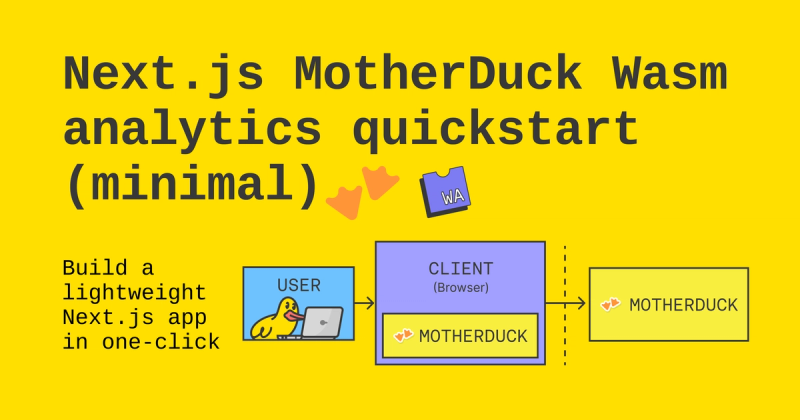
A minimal Next.js template for building analytics apps with the MotherDuck Wasm client.

A minimal Hugo theme for fintech websites, with blog, policy, terms sections and KaTeX math support.

A starter template for integrating Mixedbread Search into ecommerce applications using Next.js, Vercel, and Mixedbread.
The image-fallback example is a Next.js boilerplate from Vercel that demonstrates how to render a fallback image whenever the next/image component fails to load the requested image source.
The image-fallback example is a minimal Next.js project that shows a common pattern for handling broken image URLs in production. Input is a Next.js app with an image component whose source can fail; output is a rendered page that swaps in a fallback image automatically. The template runs on Next.js, is styled with Tailwind CSS, and lives in Vercel's curated examples repository, which currently has over 5,100 GitHub stars.
The template is for Next.js developers who need to handle remote image failures gracefully in their applications. It is also for frontend engineers learning the next/image component's error handling patterns, and for teams building image-heavy sites that want a reliable fallback strategy before shipping to production.
The example implements a fallback by hooking into the image component's error event. When the browser fails to fetch the specified source URL, the handler updates the displayed source to a fallback image, and the page continues rendering normally. The exact wiring is visible in the repository's source files, and the one-click deploy URL makes the working result available immediately.