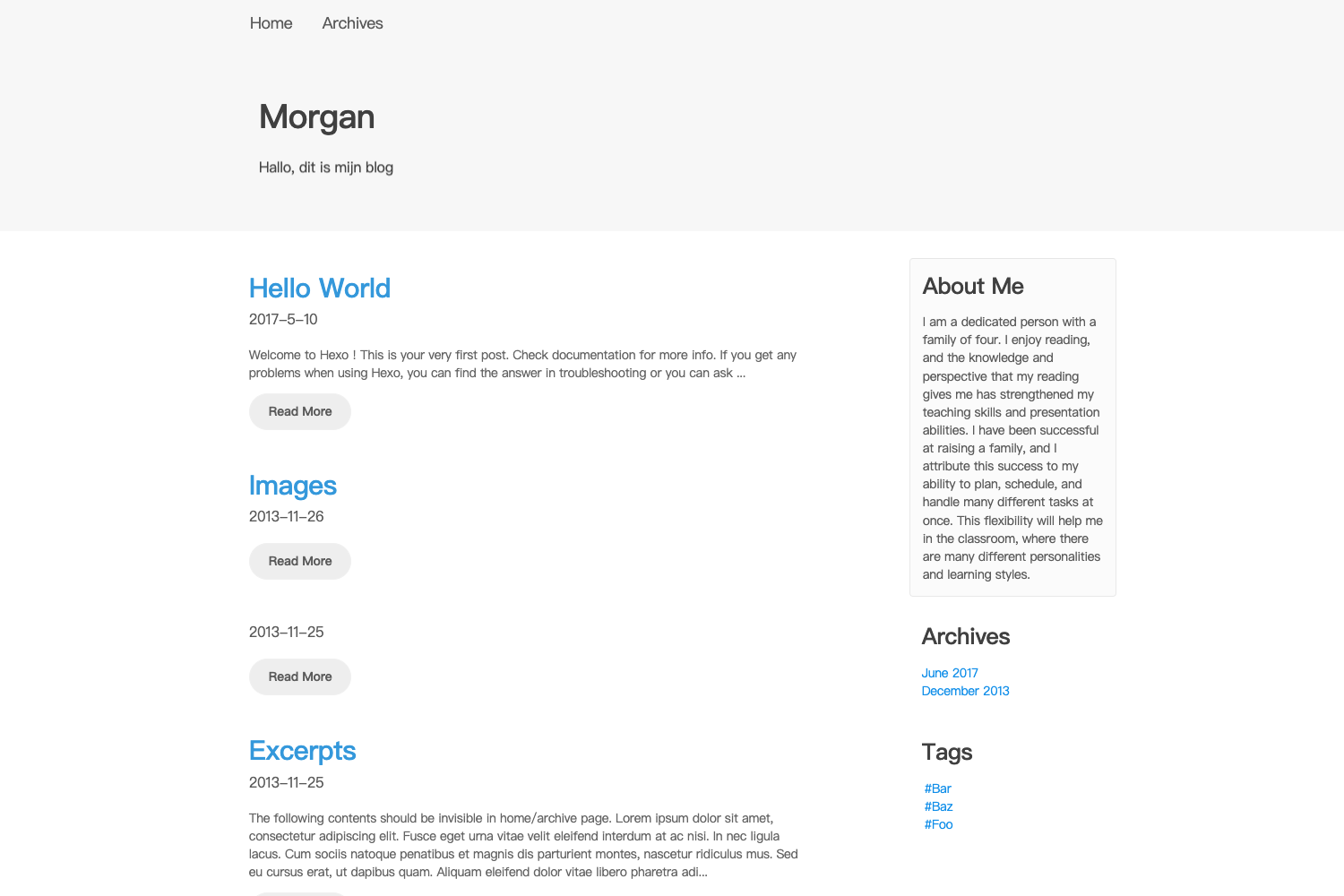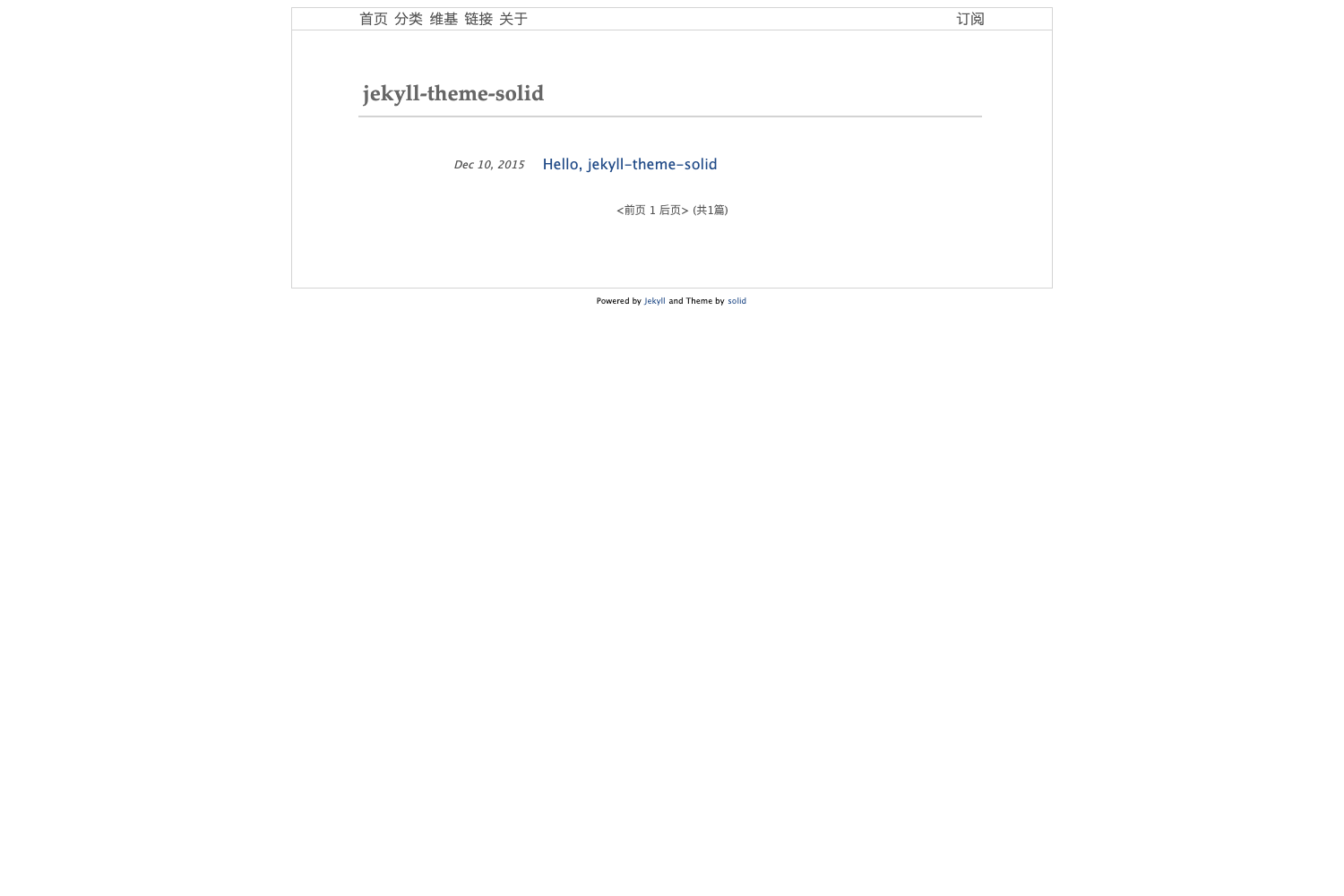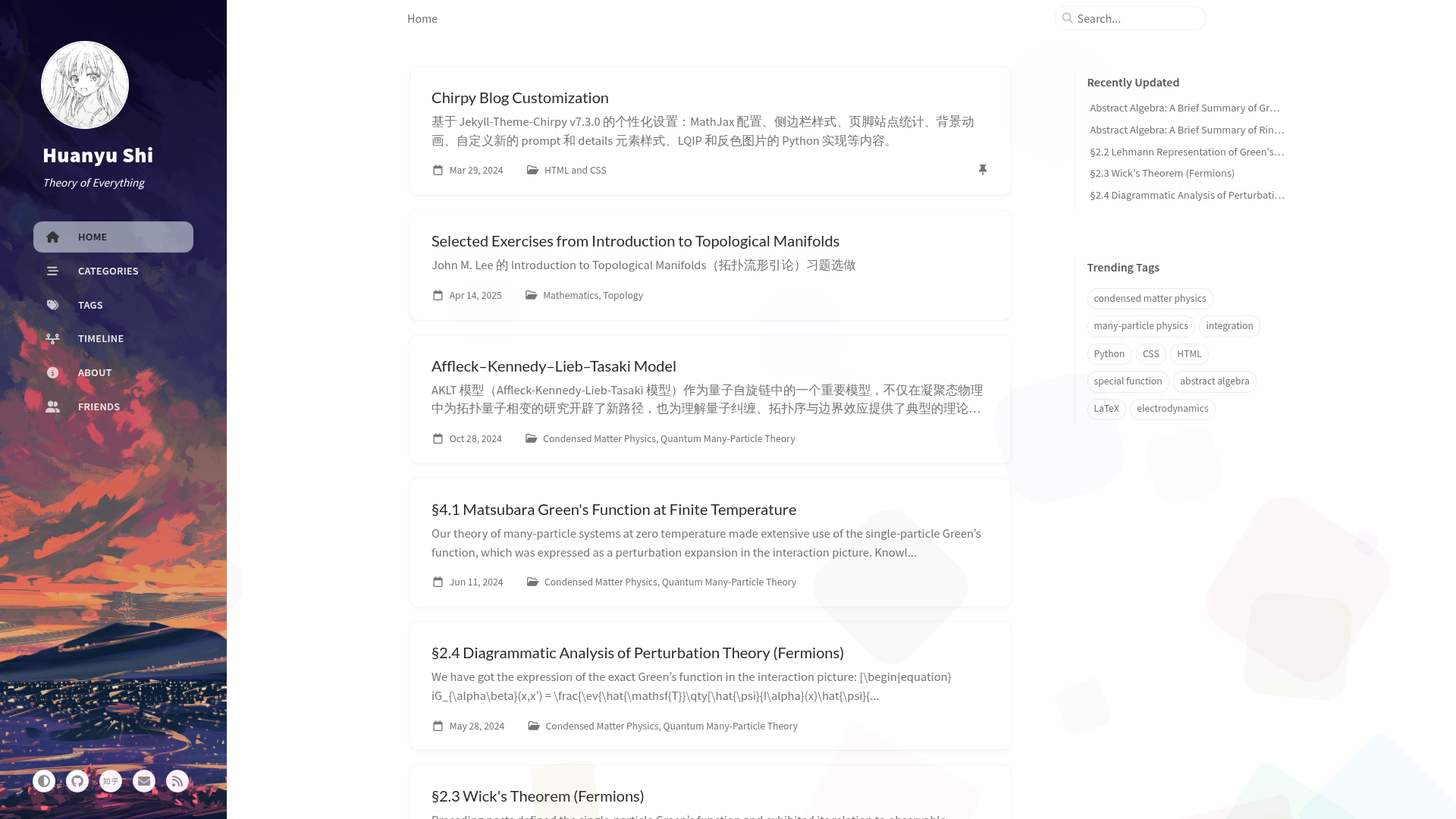
Template details
Vibrant Shadows
A lightweight, customizable Hugo blog theme with dark/light mode, infinite scrolling, and extensive configuration options.
About this template
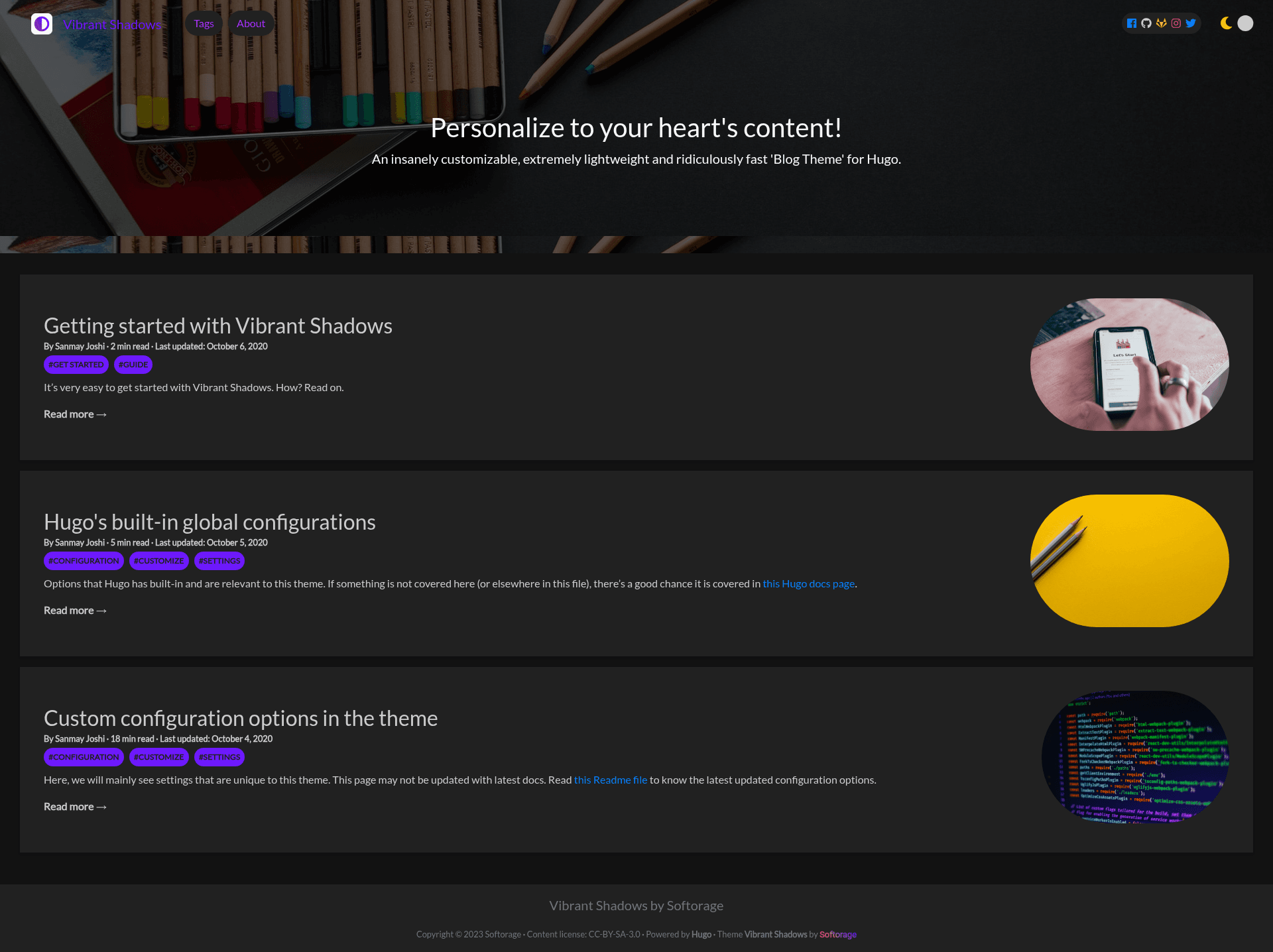
Vibrant Shadows is a lightweight, highly customizable blog theme for the Hugo static site generator, built by Softorage to produce fast, mobile-ready blogs with dark and light mode.
What is Vibrant Shadows?
Vibrant Shadows is a blog theme for Hugo that transforms Markdown posts placed in the content directory into a static website with a responsive layout, configurable navbar, and smart dark/light mode. The theme accepts standard Hugo site content plus a config.yaml file with dozens of global and page-level parameters, and outputs a production-ready public folder. It requires Hugo Extended version 0.75.1 or newer and is distributed through the Softorage GitHub repository.
Key Features
- Custom taxonomy options — Define tags, categories, and custom taxonomies such as series to organize posts.
- Smart dark/light mode — Loads either theme by default, lets users toggle on the navbar, and includes an option to prevent flash of incorrect theme.
- Infinite scrolling — Optional infinite scroll on the landing page when enabled in configuration.
- Mobile support — Configurable menu alignment and responsive layouts for mobile devices.
- Social share buttons — Share posts on Facebook, Twitter, LinkedIn, WhatsApp, Reddit, or email, positioned at the top or bottom of the post.
- Cookie consent — Three consent types (opt-in, opt-out, none) with customizable message, allow, deny, and policy text.
- Syntax highlighting — Code blocks are highlighted during production builds.
- SEO customization — Includes configurable meta tags, Open Graph, Twitter cards, and JSON-LD structured data.
- Font customization — Set font families and CDN links for headings, descriptions, brand, footer, copyright, and post meta.
- Position control — Choose where social profiles, menu, and post meta (reading time, word count, author, last updated, tags) appear.
The theme uses Hugo's asset pipeline with PostCSS to generate CSS, and an optional "Speed Mode" that compresses and purges unused CSS for faster loads in production. It integrates with Google Analytics and Disqus comments through Hugo's built-in settings, and supports a favicon tag block and custom verification IDs.
Who is it for?
- Hugo bloggers — Writers who want a static blog with a polished theme and extensive configuration options without writing CSS from scratch.
- Developers building personal sites — Users comfortable editing config.yaml can customize colors, fonts, menus, and layout positions.
- Content-focused sites — Sites that need SEO meta tags, social sharing, taxonomies, and table of contents out of the box.
What can you do with Vibrant Shadows?
- Create a blog — Write posts in Markdown, organize them in content folders, and the directory structure becomes the URL structure automatically.
- Customize the look — Set brand name, logo, colors, gradients, border radius styles, and background images for the hero sections.
- Publish automatically — Build the public folder with hugo build and deploy it to services like GitLab or Netlify, which can run Hugo builds automatically.
How does the theme work?
Install Hugo Extended, add the theme to your themes folder either by copying the repo or as a git submodule, and copy the exampleSite contents into your site. Then run hugo server to preview, and hugo build to generate the public directory. Posts are created with hugo new and include front matter for title, description, date, tags, and image settings.
Pros and cons
- Pros: Lightweight output, extensive configuration, mobile friendly, built-in SEO and social sharing.
- Cons: Requires Hugo Extended version for the Speed Mode feature, and Node.js dependencies are needed to enable Speed Mode.
FAQ
Is Vibrant Shadows free to use?
Yes, the theme is distributed as an open-source Hugo theme on GitHub. You can download or clone the repository and use it for personal or commercial projects.
Does the theme require Hugo Extended?
Yes, the prerequisites state that you need the latest extended version of Hugo, minimum v0.75.1. If you cannot use the extended version, you must copy the resources folder to your site root, though this may slow loading.
How do I create a new post?
Use the hugo new command to generate a post with archetypes, then edit the front matter and content. Place the file in the content directory, and the path determines the final URL.
Can I customize the theme colors?
Yes, you can define separate light and dark color palettes, including navbar background, card mat background, and two gradient colors, plus gradient direction for backgrounds, text, and buttons.
What is Speed Mode?
Speed Mode is an optional setting that uses PostCSS via Hugo's asset pipeline to produce an extremely fast and lightweight site. It works only in the production environment and requires Node.js packages like postcss-cli, autoprefixer, cssnano, and purgecss.