Template details
Gatsby Starter WordPress Community
Gatsby Starter to launch your blog from WordPress
About this template
Gatsby Starter WordPress Community is a Gatsby starter template that builds a static blog site by pulling posts and pages from a WordPress.com source via the gatsby-source-wordpress-plugin.
What is Gatsby Starter WordPress Community?
Gatsby Starter WordPress Community is a starter project for Gatsby, a React-based static site generator. It connects to a WordPress.com site, fetches its posts and pages using the gatsby-source-wordpress-plugin, and outputs a pre-rendered static blog. The template is authored by GitHub user pablovila and is distributed as a public repository. To use it, you run gatsby new NAME https://github.com/pablovila/gatsby-starter-wordpress-community, then edit gatsby-config.js to change the baseUrl to your WordPress.com domain.
Key Features
- WordPress.com integration — Retrieves posts from WordPress.com using the gatsby-source-wordpress-plugin, so your existing content becomes static Gatsby pages.
- Bulma styling — The starter ships with the Bulma CSS framework; you can customize layout and theme by editing variables in
src/style/variables.scss. - PurgeCSS optimization — Purgecss removes unused CSS rules during the build, reducing the size of the bundled stylesheet.
- WordPress pages in menu — Pages pulled from WordPress are automatically added to the site's navigation menu.
- One-command setup — Installing the starter is a single
gatsby newcommand, and the only required configuration is setting your WordPress.com base URL. - Minimal and hackable — With a small file structure, the starter gives developers a clean base to extend with custom components or additional Gatsby plugins.
Who should use Gatsby Starter WordPress Community?
- Blog owners with WordPress.com sites: They can generate a fast, static version of their blog while continuing to manage content in WordPress.
- Gatsby developers: They can use this starter as a reference implementation for connecting Gatsby to a WordPress source and understand the plugin configuration.
- Developers moving off WordPress hosting: They can leverage the starter to migrate a WordPress.com blog to a static site that can be deployed on any static host such as Netlify, which is where the demo lives.
What can you do with Gatsby Starter WordPress Community?
- Bloggers: Turn an existing WordPress.com blog into a static Gatsby site without a custom build, by changing a single base URL field.
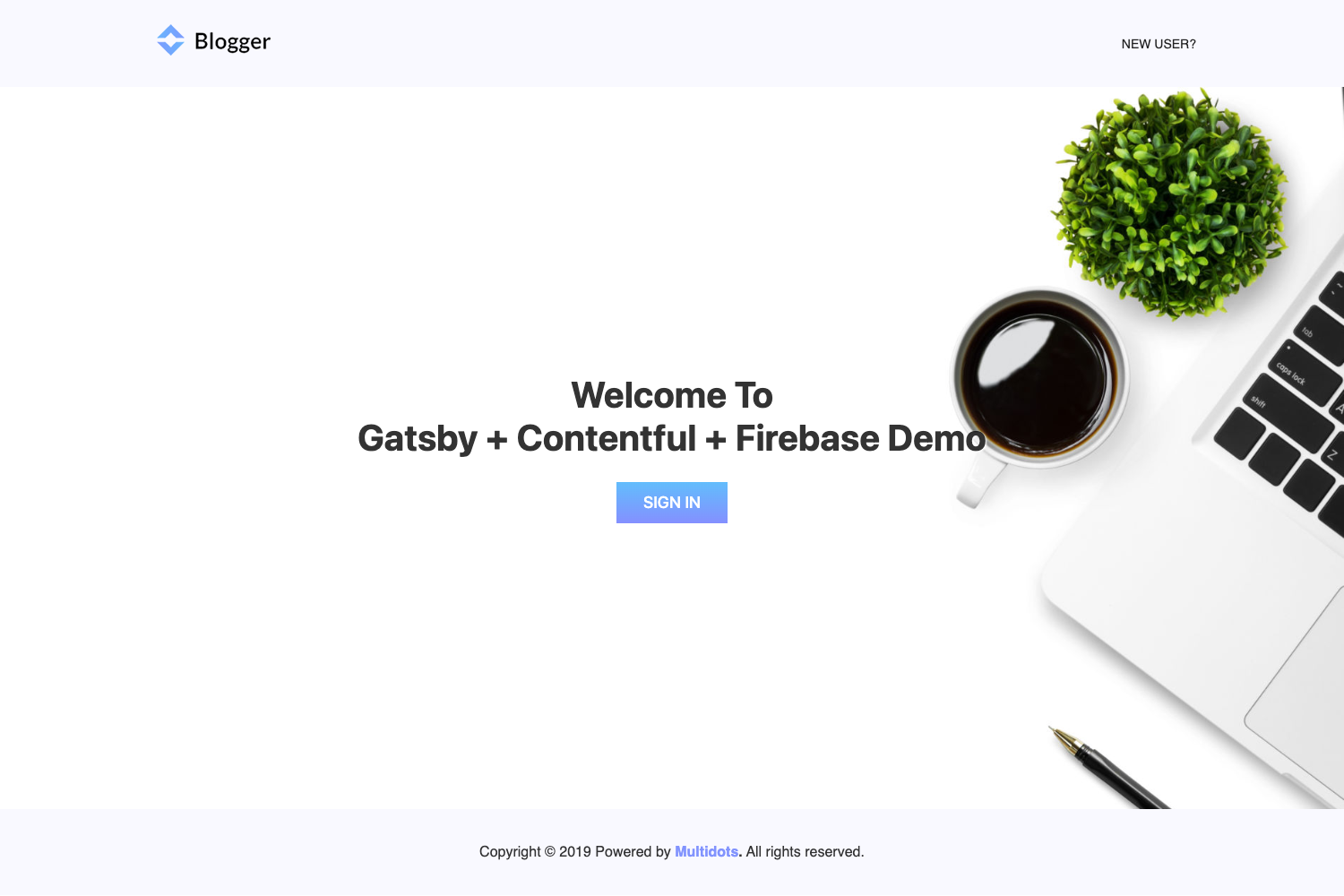
- Static site explorers: Run the demo at https://gatsby-starter-wordpress-community.netlify.com/ to preview the output before installing the starter locally.
- Styling experimenters: Modify Bulma variables in
src/style/variables.scssto quickly change the visual design and see purgecss shrink the final CSS.
How does Gatsby Starter WordPress Community work?
The starter uses the Gatsby build system. After installation, you set the baseUrl in gatsby-config.js to your WordPress.com site address. During gatsby build, the gatsby-source-wordpress-plugin fetches posts and pages from that source, Gatsby generates static pages, and purgecss trims unused Bulma styles. The result is a deployable static site with a working menu of WordPress pages.
Pros and cons
- Pros: One-command installation, official gatsby-source-wordpress plugin, Bulma styling, and automatic CSS purging through purgecss.
- Cons: The repository lists tags and categories pages as pending tasks, so those features are not yet implemented. The documentation only covers WordPress.com, so self-hosted WordPress is not described.
FAQ
Is Gatsby Starter WordPress Community free?
Yes. The repository is public on GitHub and is released as an open-source starter. You can clone or use it with gatsby new at no cost.
How do I connect my WordPress blog to this starter?
Edit the gatsby-config.js file and change the baseUrl value to the domain of your WordPress.com site. After that, run gatsby develop or gatsby build to pull in your posts and pages.
Does this starter support self-hosted WordPress?
The starter and its documentation specifically mention WordPress.com posts. The page does not describe how to configure it for self-hosted WordPress, so additional manual configuration would likely be needed.
What styling framework does it use?
The starter uses Bulma. You can override Bulma's global variables in src/style/variables.scss to customize colors, fonts, and spacing. Purgecss is then used to strip unused CSS from the final bundle.
Are categories and tags pages included?
No. The repository's task list marks tags and categories pages as pending, so the current version only presents posts and WordPress pages in the menu.