Template details
Vulcan
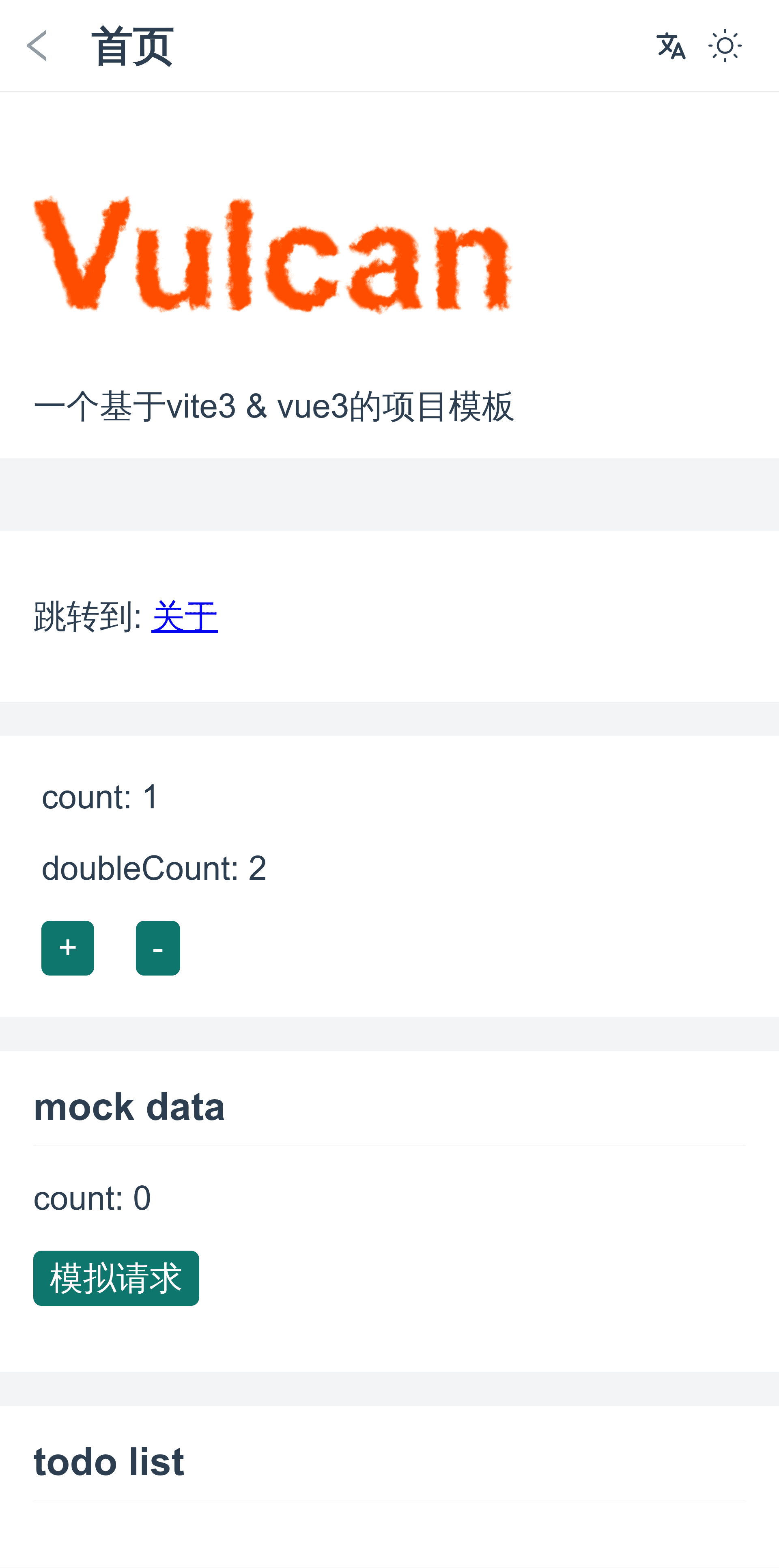
Vite 4 + Vue 3 project template for mobile web apps with Pinia, Router, APIs & Mock, I18n, and Unit/E2E testing.
About this template
Vulcan is a Vite 4 + Vue 3 project template for building mobile web applications, bundling Pinia, Vue Router, i18n, API mocking, and unit/E2E testing into a single starter kit.
What is Vulcan?
Vulcan is a mobile web application starter template built on Vite 4 and Vue 3, created by pengzhanbo and published on GitHub. It generates a pre-configured project scaffold with TypeScript, a dev server running on localhost:8080, and production builds output to a dist folder. The template includes routing, state management, internationalization, and API layers so developers can start coding features immediately.
Key Features
- Fast toolchain — Uses Vite 4 with esbuild and pnpm for fast development and builds; requires Node version 14.18 or higher.
- TypeScript and
<script setup>— The entire template is written in TypeScript and uses Vue 3's<script setup>SFC syntax for concise components. - Auto-importing —
unplugin-vue-componentsautomatically loads components, and Composition API functions are auto-imported, reducing manual import statements. - State management with Pinia — Pinia is preconfigured for global state, with Vue Router for navigation.
- Internationalization — Vue-i18n is integrated along with
@intlify/unplugin-vue-i18nfor locale message bundling. - API layer with axios — Axios is wrapped to manage HTTP requests, with the code double as API documentation; mock data is served through
vite-plugin-mock-dev-serverin development. - Testing setup — Vitest is configured for unit tests and Cypress for end-to-end tests.
- CSS processing — PostCSS with autoprefixer and Sass handle styling, and a px-to-viewport conversion is built in for mobile responsive design.
- Code quality tools — ESLint uses
@antfu/eslint-config(single quotes, no semicolons), and git hooks via husky, lint-staged, and commitizen enforce commit message conventions.
Who should use Vulcan?
- Mobile web app developers who want a starting point with the Vue 3 ecosystem already wired up, including routing, state, i18n, and API mocking.
- Frontend teams that need a consistent project scaffold with ESLint, unit tests, and E2E tests to enforce code quality across contributors.
- Rapid prototypers who want to spin up a mobile web app quickly and iterate against mocked APIs before real backend integration.
What can you do with Vulcan?
- Build a mobile web app: Start with Vue Router, Pinia, and i18n already configured; add your own pages and components.
- Mock your APIs: Use the dev-server mock plugin to simulate backend endpoints during development, then wire real endpoints later.
- Test and lint: Run Vitest unit tests and Cypress E2E tests, and rely on ESLint to keep the codebase consistent.
How does Vulcan work?
Clone the repository with npx degit pengzhanbo/vulcan my-vulcan-app, then install dependencies with pnpm. Run pnpm dev for a development server at localhost:8080, or pnpm build to produce a production build in the dist folder. The template includes a checklist to update license information, package.json name, remove demo files and routes, and rewrite the README.
FAQ
Is Vulcan free?
Yes, Vulcan is open source under the MIT license, so you can use it freely for personal or commercial projects.
What Node version does Vulcan require?
Vulcan requires Node version 14.18 or higher, and it uses pnpm as the package manager. If you don't have pnpm installed, you can install it globally with npm install -g pnpm.
How do I start a new project with Vulcan?
Run npx degit pengzhanbo/vulcan my-vulcan-app, then cd my-vulcan-app and pnpm i to install dependencies. After that, use pnpm dev to start the development server.
What testing tools are included in Vulcan?
Vulcan comes with Vitest for unit testing and Cypress for end-to-end testing, both preconfigured in the project.
Does Vulcan support internationalization?
Yes, Vulcan integrates Vue-i18n along with @intlify/unplugin-vue-i18n for handling multiple locales in your mobile web app.