Template details
create-nuxt-app
Scaffold enterprise Nuxt.js apps with TypeScript, Element UI/Vant presets, and CI/CD in seconds.
About this template
create-nuxt-app is a CLI scaffolding tool that generates enterprise-ready Nuxt.js projects with TypeScript, UI component libraries, and CI/CD already configured.
What is create-nuxt-app?
create-nuxt-app is a command-line tool published on npm as @femessage/create-nuxt-app. It takes a project name and a template flag as input, and produces a complete Nuxt.js application with dependencies installed and configuration files in place. It runs on Node.js through npx or a global Yarn install, and was created by the FEMessage open-source team. The tool offers two preset templates: an admin template for desktop management interfaces and a mobile template for handheld devices.
Key Features
- TypeScript support — every generated project is configured with TypeScript for static type checking out of the box.
- Vue Composition API — the @vue/composition-api is preinstalled, enabling function-based component logic.
- Admin and mobile presets — the admin template uses the @femessage/element-ui UI kit for PC dashboards, while the mobile template uses @femessage/vant for lightweight mobile interfaces.
- Linting and formatting — Prettier, ESLint, and Stylelint come preconfigured to keep JavaScript and CSS consistent.
- Commit message linting — Commitlint enforces conventional commits to standardize changelogs.
- GitLab CI configuration — a .gitlab-ci.yml is included so projects can hook into GitLab pipelines immediately.
- PWA support — the Nuxt PWA module is included to turn generated apps into progressive web apps.
- API management and testing — a RESTful API management layer is documented, and Cypress is set up for end-to-end testing.
Who is it for?
- Enterprise frontend teams that want consistent Nuxt.js boilerplate with TypeScript, linting, and CI already wired together.
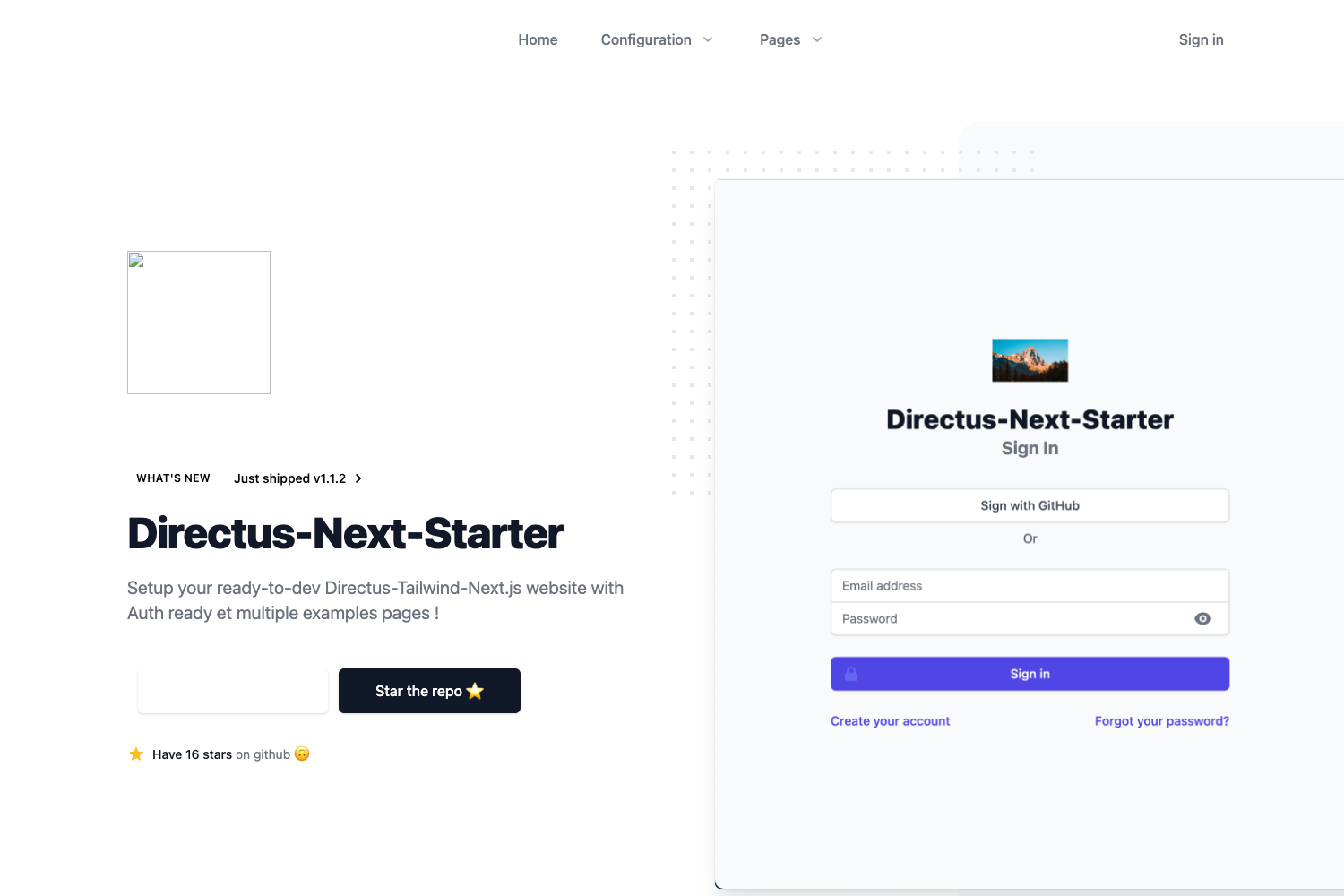
- Developers starting an admin dashboard use the admin template to get a PC-oriented layout with Element UI, breadcrumb navigation, and a default account.
- Developers building mobile web experiences use the mobile template to start with Vant components and PWA capabilities.
- Teams already on GitLab benefit from the preconfigured pipeline file and can push to CI with minimal setup.
What can you do with create-nuxt-app?
- Scaffold a new project — run
npx @femessage/create-nuxt-app my-project -t adminto generate an admin app in seconds. - List available templates — use the
-lflag to see the preset templates before generating. - Generate all presets — the
-aflag creates every template preset, useful for testing or monorepos. - Choose the output location — pass the
-oflag to send generated files to a custom path.
How does it work?
Make sure npx is available (it ships with npm 5.2.0 and later). Then run the one-off command npx @femessage/create-nuxt-app [my-project] -t [template]. The tool reads the template flag, fetches the preset, and writes the project files to the specified output directory. You can also install the package globally with yarn global add @femessage/create-nuxt-app and invoke it directly.
Alternatives
- create-nuxt-app (official) — the Nuxt team's scaffolder that this project is inspired by and extends with enterprise defaults like GitLab CI and deepexi-style conventions.
FAQ
Is create-nuxt-app free?
Yes, the project is open source under the MIT license and published to the public npm registry. You can run it without paying anything.
What templates are included?
Two presets: admin, which targets PC admin dashboards with Element UI, and mobile, which targets mobile web with Vant. You can see them by running the tool with the -l flag.
Does it require npx?
npx is the shell command used for one-off usage. It ships by default with npm 5.2.0 and above, so most modern Node.js installations already have it.
What does the generated project include?
Each generated project comes with TypeScript, ESLint, Prettier, Stylelint, Commitlint, dotenv, and PWA support. The admin preset adds Element UI and breadcrumb navigation; the mobile preset adds Vant.
Can I use it with npm instead of yarn?
Yes, the global install example uses yarn, but since it's an npm package you can also install it with npm install -g @femessage/create-nuxt-app.