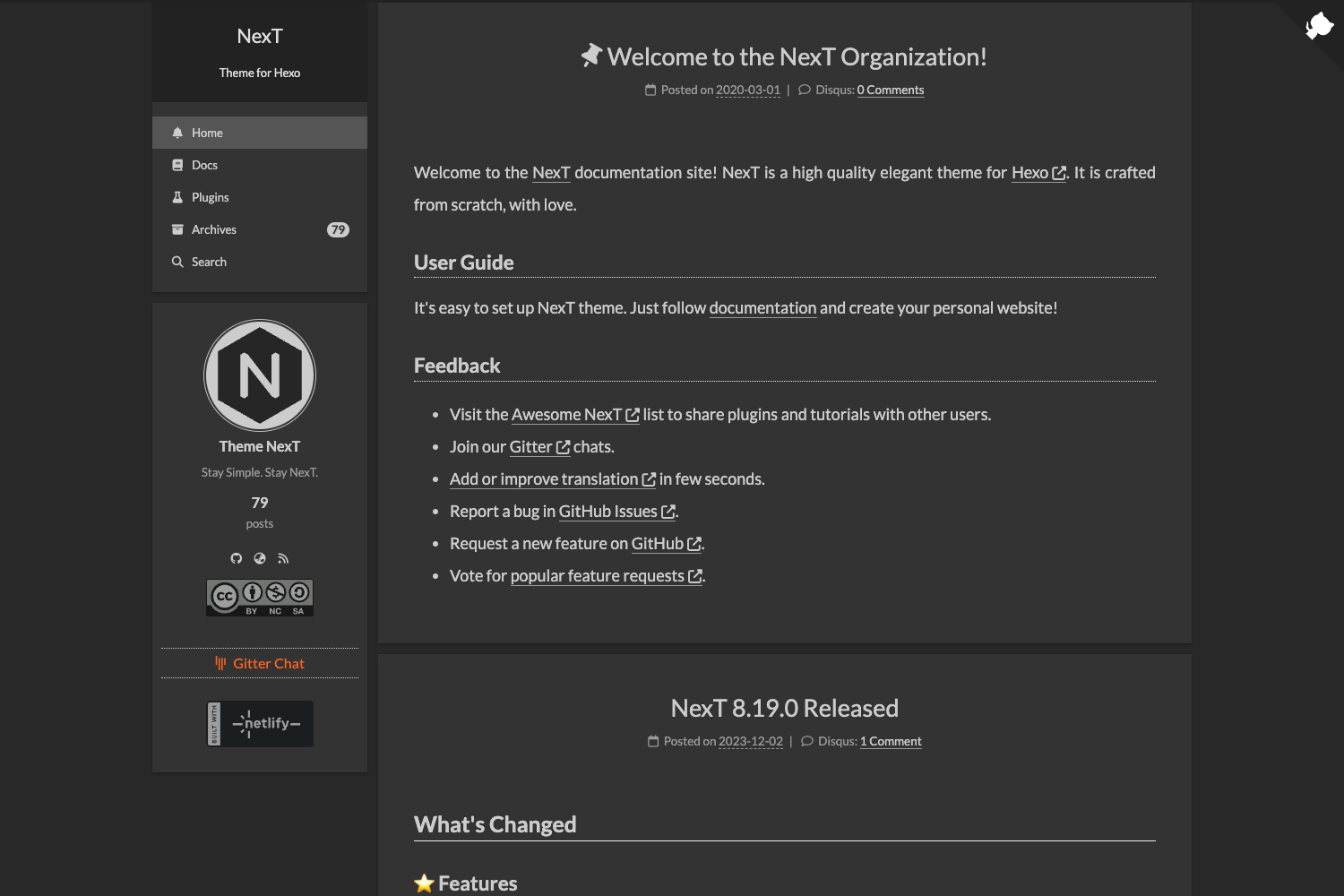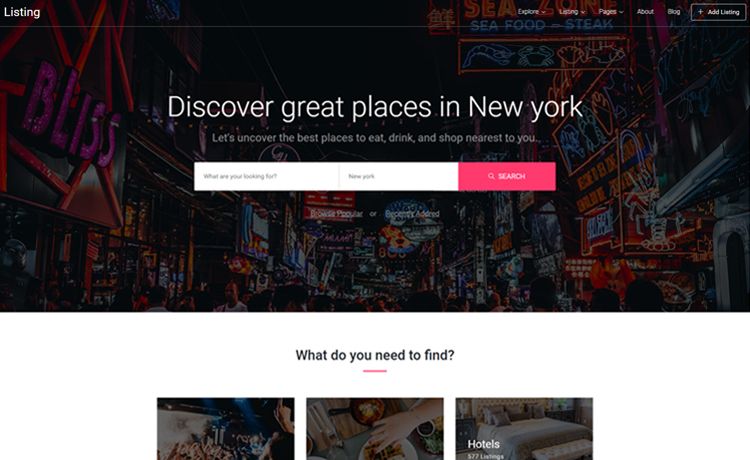
Template details
WebStack Hugo Theme
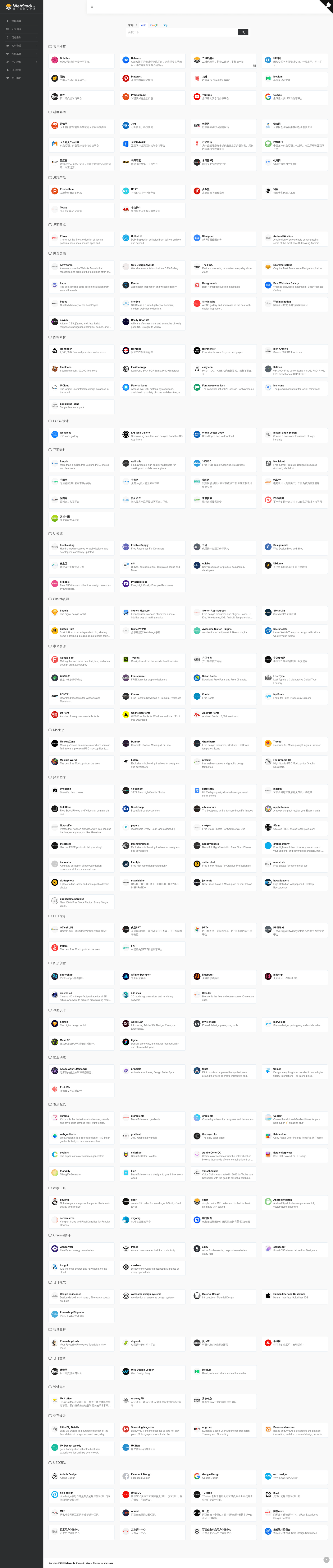
Pure static Hugo theme for building website navigation directories, based on WebStack.cc, with search, dark mode, and QR codes.
About this template
WebStack Hugo is a pure static Hugo theme for building website navigation directories, converted from the popular WebStack.cc project. It turns a YAML data file into a complete, static link directory with search and dark mode, and is open source on GitHub.
What is WebStack Hugo?
WebStack Hugo is a Hugo theme that replicates the WebStack directory layout as a fully static site. It takes a list of categorized links from the data/webstack.yml file and renders them into a browsable navigation page. Built for the Hugo static site generator, it produces plain HTML/CSS/JS with no server-side database or backend. The project is an open source effort based on WebStack.cc and offers two releases: a classic v1.0 and an updated v2.0.
Key Features
- Pure static output — Because it runs on Hugo, the generated site consists only of static files that can be hosted on any web server or CDN without a database or PHP runtime.
- YAML-driven content — All navigation entries are stored in one
data/webstack.ymlfile, making the site easy to edit with a text editor and rebuild with Hugo. - Font Awesome 4.7.0 icons — v2.0 uses Font Awesome icons for category headers and items; icon classes are written directly in the YAML file.
- QR code support — Entries can include a
qrcodefield to display a QR code image for mobile scanning, configurable per item. - Aggregated search box — v2.0 adds a search box that can be enabled or disabled through the
[params.search]setting inconfig.toml. - Dark mode — A night-mode switch is included and toggled via the
[params.darkmode]flag in the config file. - Example site included — The theme ships an
exampleSitedirectory with a ready configuration; you copy its contents into your Hugo root and start editing. - Two version options — Users can download the classic v1.0 theme or the enhanced v2.0 release, both from the same repository.
Who is it for?
WebStack Hugo is aimed at anyone who wants a clean, static website for collecting and organizing links. Web developers can use it as a starting point for a personal bookmark manager or a team resource hub. Bloggers and businesses can turn it into a simple "useful links" or "partners" page without installing a database. Because it is pure static, it is also a good choice for hosting on free static hosts such as GitHub Pages or Netlify (though these specific hosts are not mentioned in the project).
What can you do with WebStack Hugo?
- Personal bookmark manager: Create your own private or public collection of favorite websites with categories and icons.
- Team resource directory: Share a set of internal tools, documentation links, or design references with your team.
- Community link page: Run a simple navigation site for a local community or a special interest group, complete with QR codes for offline promotion.
How does WebStack Hugo work?
The workflow is straightforward. First, install the theme into your Hugo site. Next, copy the files from the exampleSite directory to your Hugo root. Then, edit the data/webstack.yml file to change your links and categories. Finally, run Hugo to generate the static site. The v2.0 version also lets you turn on search and dark mode by setting enable = true inside the [params.search] and [params.darkmode] blocks in config.toml.
Alternatives
The original static WebStack.cc project is the foundation of this theme, and there is also a WordPress version of WebStack by owen0o0 that brings dynamic features like a database and admin panel. If you prefer a WordPress-based solution, that theme may suit you better than the static Hugo approach.
Pricing
WebStack Hugo is an open source project. The theme itself is free to download, modify, and use; there is no mention of commercial licensing or paid plans on the page.
FAQ
Is WebStack Hugo free?
Yes, the project is described as an open source theme, which means you can download, modify, and use it without a license fee.
How do I update the icon names when upgrading to v2.0?
If you are coming from v1.0, you need to replace linecons with fa in every icon: value inside webstack.yml. For example, change icon: linecons-star to icon: fa-star.
Can I turn off the search box?
Yes. In config.toml, under [params.search], set enable = false and rebuild your site with Hugo.
Does this theme require a database?
No. It is a pure static Hugo theme, so it only outputs static HTML files. Your navigation data is stored in a YAML file, not in a database.
What is the difference between v1.0 and v2.0?
v2.0 adds an aggregated search box, dark mode, and QR code support, and it uses Font Awesome 4.7.0 icons instead of the older icon set. v1.0 is the original release with the basic WebStack layout.