Template details
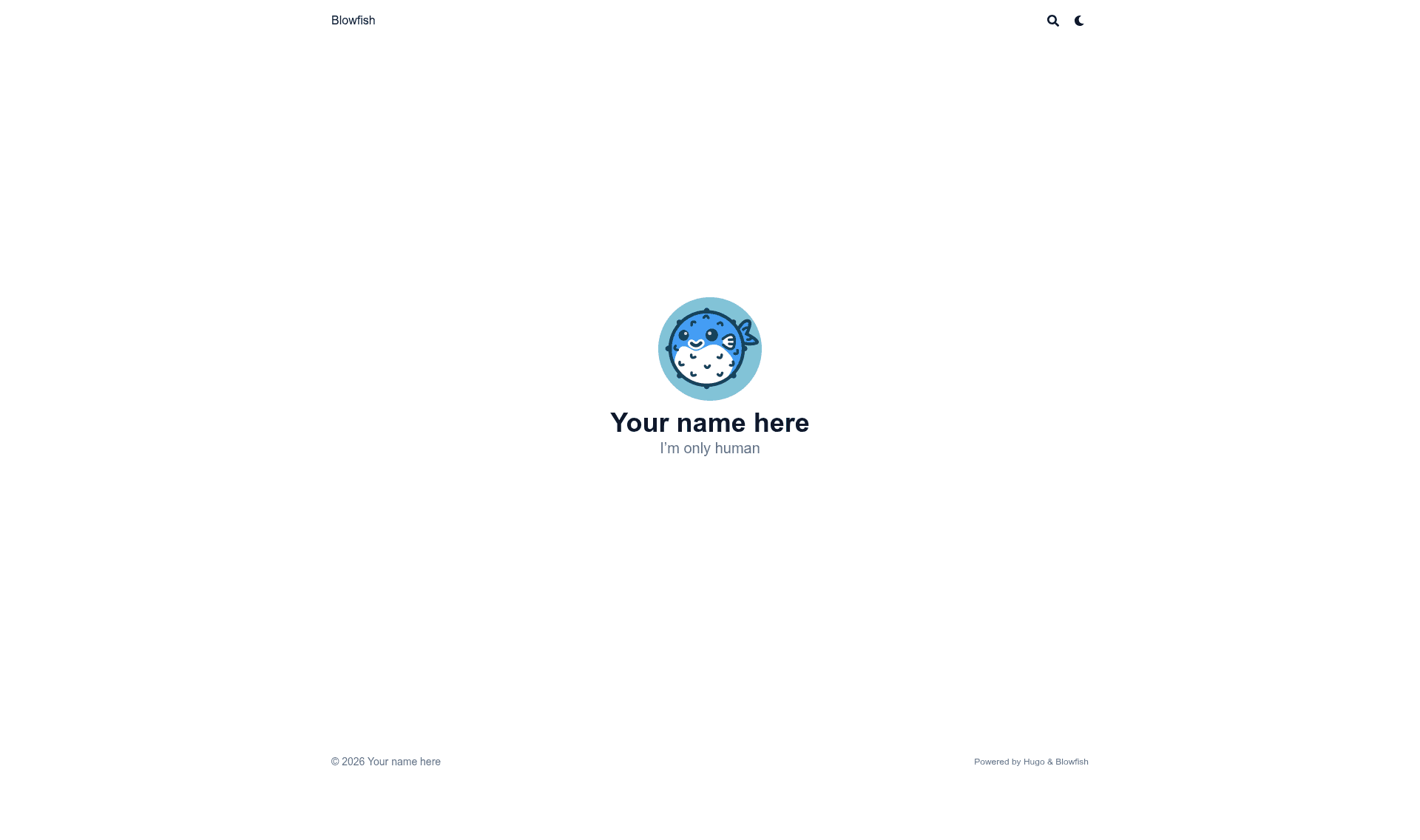
Blowfish Template
A boilerplate Hugo starter template that pre-installs the Blowfish theme via Git for quick site setup.
About this template
Blowfish Template is a boilerplate Hugo project that pre-installs the Blowfish theme via Git, so you can start a new site without manual theme setup.
What is Blowfish Template?
Blowfish Template is a starter repository for the Blowfish Hugo Theme. It provides the minimal file structure needed to run a Hugo site with Blowfish already integrated, using the theme's official Git installation instruction. The template is published on GitHub by the same author as Blowfish, nunocoracao, and is intended as a quick starting point rather than a finished website. It points users to the Blowfish documentation for complete setup and customization guidance.
Key Features
- Hugo static site generator — The template runs on Hugo, a fast open-source static site generator, and requires a Hugo installation to build.
- Pre-configured Blowfish theme — Blowfish is already wired in through the Git installation option, which pulls the theme code directly from its source repository.
- Quick-start structure — The repository contains the basic directories and configuration files that Blowfish needs to render a site out of the box.
- Git-based installation — The template follows Blowfish's "Install using Git" method, making it easy to update the theme later by pulling the latest changes.
- Official documentation link — The README directs users to the Blowfish GitHub repository for complete documentation and advanced configuration.
Who is it for?
- Hugo developers who want a ready-made Blowfish environment without manually copying theme files.
- Bloggers and personal site owners who want a fast, minimal start with a theme designed for content-focused sites.
- Theme tinkerers who want to see a working integration of Blowfish via Git to use as a reference for their own projects.
What can you do with Blowfish Template?
- Start a new Hugo site: Clone the repository, run the Hugo development server, and view a working Blowfish site locally within minutes.
- Learn Blowfish structure: Inspect the file tree to see where content, layouts, and configuration live in a Blowfish project.
- Build a custom site: Replace the default content with your own Markdown files and adjust settings to match your brand, then build a static site for deployment.
How does Blowfish Template work?
The template was initialized using the Git installation option from Blowfish's documentation. That means the Blowfish theme is included as a Git repository reference instead of a ZIP download. To use it, clone the Blowfish Template repository, ensure Hugo is installed, and follow the Blowfish docs for any further configuration.
FAQ
Is Blowfish Template free?
Yes. The repository is publicly available on GitHub and, like the Blowfish theme it supports, is open source. You can clone it and use it for personal or commercial projects without paying a fee.
What do I need to run Blowfish Template?
You need Hugo, the static site generator, installed on your computer. The template itself is source code; after cloning it, you run Hugo commands to generate the site. No database or server-side runtime is required.
Who maintains Blowfish Template?
The template is published under the GitHub account nunocoracao, which is the same account that maintains the Blowfish theme. The README directs you to the Blowfish main website for full documentation.