Template details
4DCu.be
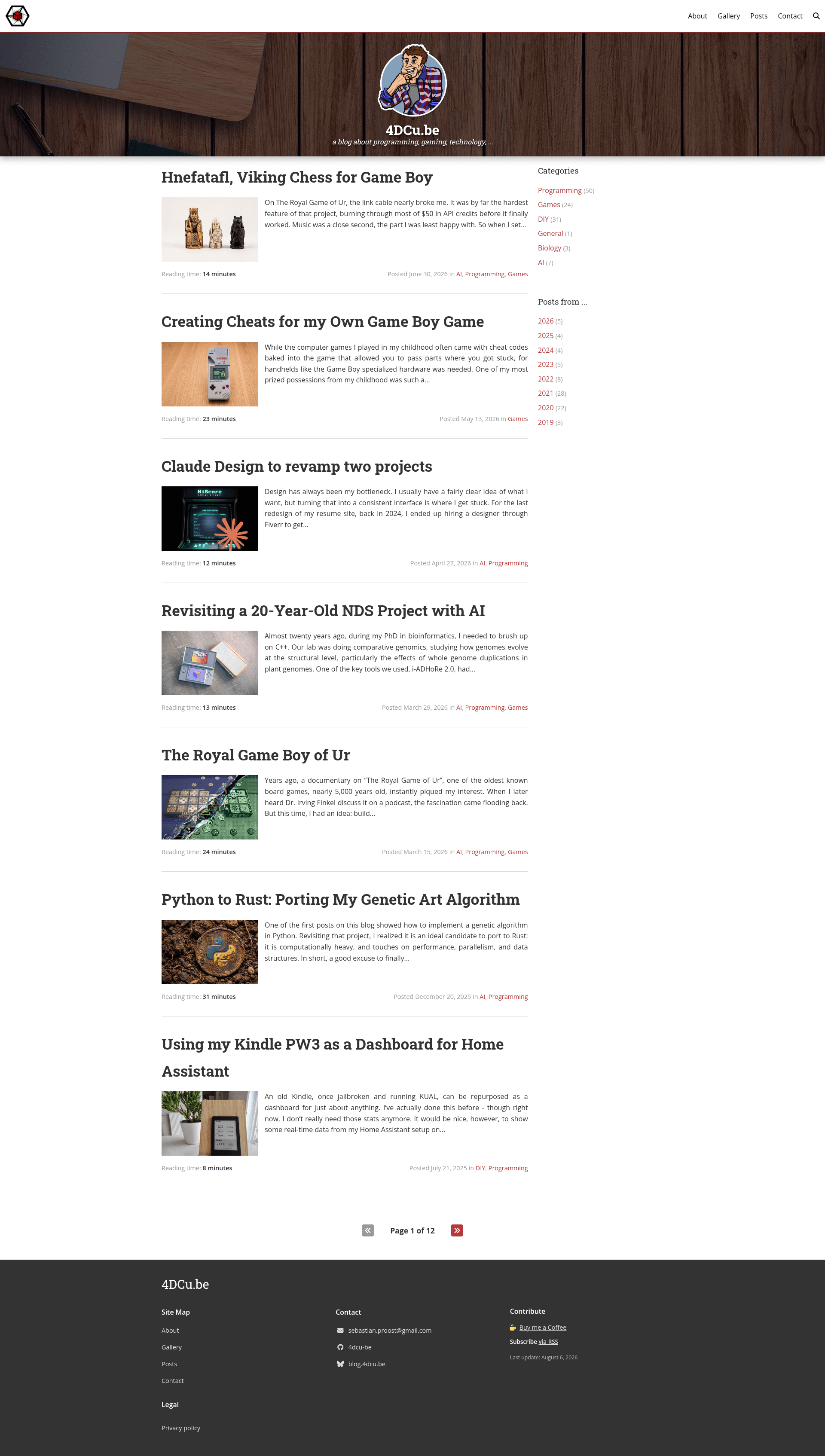
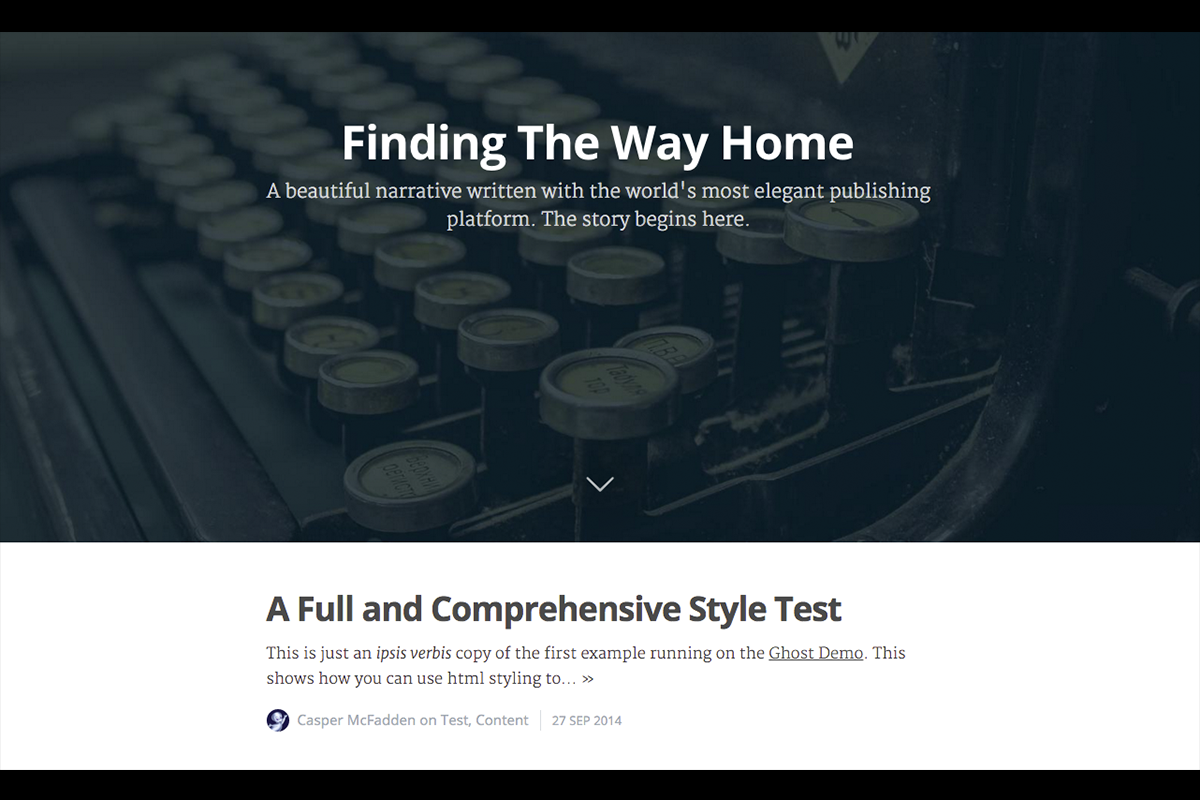
A Jekyll blog theme with cover images, galleries, syntax highlighting, and archives, powering the 4DCu.be tech blog.
About this template
4DCu.be is a Jekyll blog theme, and the actual source code powering the blog at https://blog.4dcu.be, that transforms Markdown posts into a static site with archive pages, syntax-highlighted code, and image galleries.
What is 4DCu.be?
4DCu.be is a Jekyll-based theme designed for programming, technology, and gaming blogs. It takes Markdown posts placed in the posts/ directory, along with Jekyll front matter, and builds a static website with pagination, category and tag archives, and social sharing links. The theme was created by Sebastian Proost and is released under the MIT license. It is not compatible with GitHub Pages out of the box because it relies on custom plugins, so deployment requires building locally and committing the output to a docs/ folder.
Key Features
- Easily customizable fonts and colors — The theme's
_sass/base/_variables.scssfile exposes variables such as$base-font-family,$heading-font-family,$base-font-size,$base-font-color,$action-color, and$highlight-colorfor quick styling changes. - Cover images for homepage and posts — Set a
coverandlogopath in_config.yml; posts can include their own cover images and astickermascot. - Pagination enabled by default — Uses the
jekyll-paginate-v2plugin, with configuration documented in the theme's config file. - Archiving by categories and tags — Built with
jekyll-archives; the theme includes a combined archive page (posts.html) plus optional category and tag archive pages. - Syntax highlighting for code snippets — Rendered via the kramdown Markdown engine, which is the default setting.
- Lightgallery integration — Provides full-screen photo and album viewing via the Lightgallery JavaScript library.
- Social media integration — Supports Twitter, Facebook, LinkedIn, GitHub, and other networks through a
socialconfig block, with icons from Font Awesome and share buttons on posts. - Thumbnail and gallery generators — Uses ImageMagick and the
mini_magickgem to automatically resize thumbnails (default dimensions e.g.430x288^) and generate image galleries. - AOS integration — Includes the Animate on Scroll library for scroll-triggered animations.
Who is it for?
- Tech bloggers — Publish programming and technology posts written in Markdown and get a clean, paginated blog with code syntax highlighting out of the box.
- Developers who want full control over their blog — Customize the layout, styles, and navigation through Jekyll's template system, with Sass files for fine-grained design changes.
- Self-hosters — Since the theme uses custom Jekyll plugins, it suits users who build the site locally and deploy the generated
docs/folder rather than relying on GitHub Pages' default build pipeline.
What can you do with 4DCu.be?
- Create an archival structure — Automatically group posts by category and tag via
jekyll-archives, and add custom descriptions for each category in thedescriptionsconfig section. - Display photo albums — Use Lightgallery to show full-screen images and albums, with a gallery generator that surfaces the best images from posts.
- Share posts on social media — Configure per-network entries in the
socialblock to add share links, footer icons, and Open Graph/Twitter Card metadata for richer link previews. - Add page-specific JavaScript — Drop custom JS files into the top-level
/jsdirectory and reference them in a page's front matter through thecustom_jsvariable.
How does 4DCu.be work?
The theme follows a standard Jekyll workflow: you write posts in Markdown with YAML front matter, configure the site in _config.yml, and build the site with bundle exec jekyll build --config _config.yml. For local development, run bundle exec jekyll serve --config _config_dev.yml (or use the included run_server.bat on Windows). Because the theme uses custom plugins, you must build the site into ./docs and push that folder to GitHub for hosting.
FAQ
Is 4DCu.be free to use?
Yes, 4DCu.be is released under the MIT license, so you can freely use, modify, and distribute it for personal or commercial blogs.
Does 4DCu.be work with GitHub Pages?
Not out of the box. The theme relies on custom Jekyll plugins (like jekyll-archives and jekyll-paginate-v2), which GitHub Pages does not build. The README links a guide for building locally to a docs/ folder and hosting from there.
What do I need to install to use this theme?
You need Ruby, Bundler, Jekyll, and the gems listed in the Gemfile (jekyll, jekyll-archives, jekyll-sitemap, mini_magick, and jekyll-paginate-v2). You also need ImageMagick installed on your system for thumbnail generation.