Template details
Bare
A speed-focused, minimalist Hugo blog theme built on Bulma.io, with optional PostCSS to shrink CSS from 180kb to 10kb.
About this template
Bare is a minimalist, speed-focused Hugo blog theme built on the Bulma.io CSS framework, designed to load quickly on mobile and desktop.
What is Bare?
Bare is a Hugo theme for personal blogs that converts Markdown content from your content sections into a static, responsive site. It is built on Bulma.io and emphasizes speed — the optional PostCSS integration reduces the CSS bundle from 180kb to 10kb. The theme is maintained by developer Tom Forbes under the repository orf/bare-hugo-theme, and a live preview is hosted on Netlify at hugo-bare-theme.netlify.com.
Key Features
- Bulma.io styling — the theme uses Bulma's responsive grid, hero, and navbar components, with hero colour configurable via the hero_colour parameter.
- PostCSS minification — setting params.postcss to true, copying the theme's package.json and postcss.config.js, and running npm install strips unused Bulma rules, shrinking the CSS bundle from 180kb to 10kb.
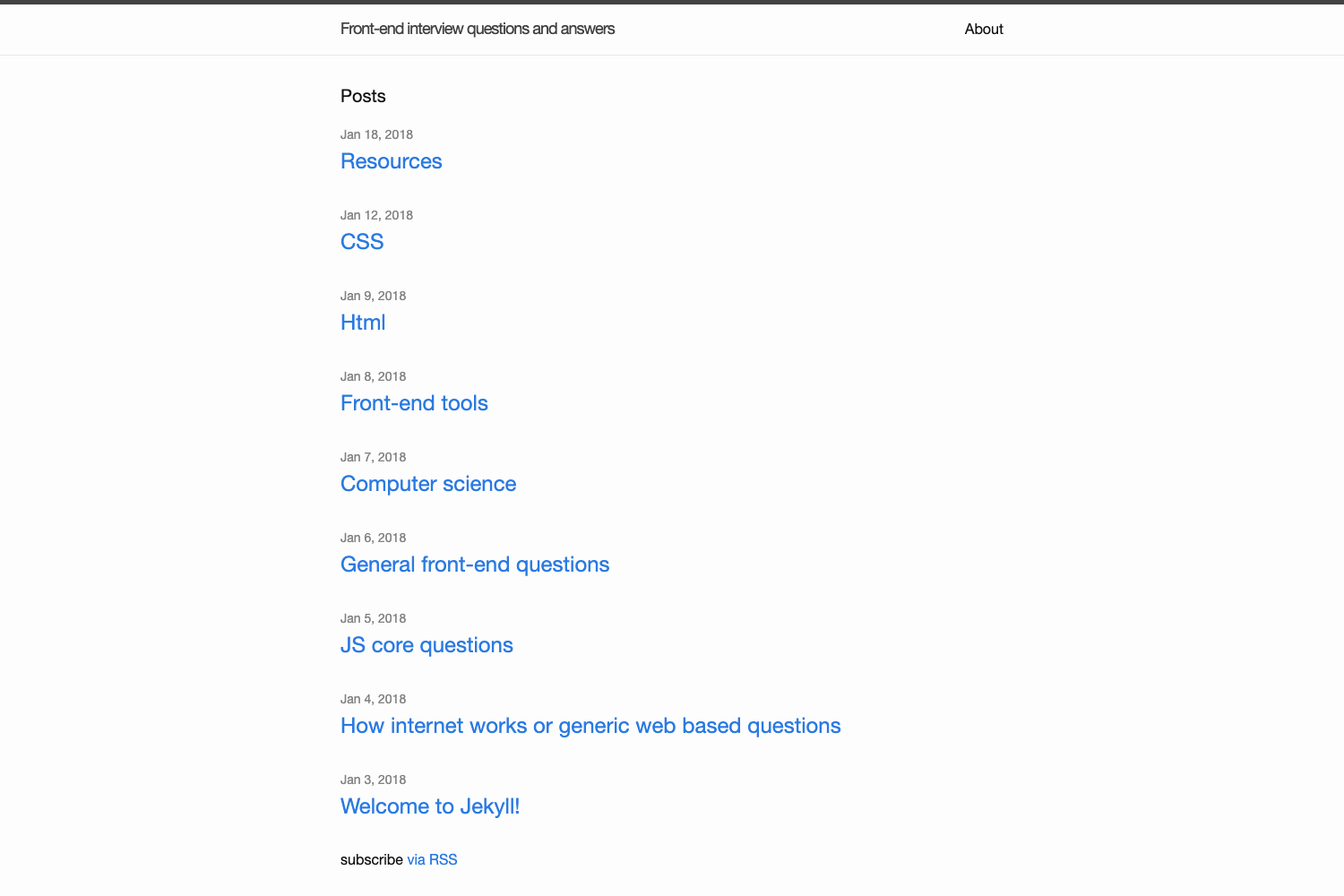
- Mobile-optimized layouts — the README showcases separate homepage, post, and mobile screenshots, indicating dedicated responsive design for small screens.
- Social buttons — a params.social array adds icon links from Material Design Icons, for example "github-circle" and "linkedin".
- Content section selection — the mainSections parameter controls which content directories appear on the homepage, such as "posts".
- Author metadata — the includeAuthorInTitle parameter adds the author name to article title elements; author name, email, and description are set via TOML parameters.
- Attribution toggle — setting disableAttribution to true hides the footer link back to this theme's repository.
- Netlify-ready deployment — the README provides a netlify.toml build command that syncs submodules and runs hugo --minify for production and deploy previews.
Who Should Use Bare?
- Hugo developers who want a minimal blog theme can install Bare as a git submodule and configure sections through mainSections.
- Netlify users can copy the README's netlify.toml build command to get automated submodule syncing and minified production builds.
- Performance-conscious writers who prefer static sites can enable PostCSS to reduce the CSS bundle from 180kb to 10kb.
What Can You Do with Bare?
- Personal bloggers: publish Markdown posts from a content/posts folder and get a clean homepage that lists only the sections defined in mainSections.
- Netlify site owners: deploy with submodule sync and minified builds, including deploy previews with a base URL of $DEPLOY_PRIME_URL.
- Performance-minded users: cut the CSS payload by about 170kb by enabling PostCSS, which improves page speed scores on a static site.
How Does Bare Work?
Install the theme via git submodule add, then sync submodules with git submodule update --init --recursive. For Netlify, add the provided build command. Configure behaviour through TOML parameters for sections, author, hero colour, social icons, and PostCSS. The theme then generates a static blog using Hugo's standard build process.
Pros and Cons
- Pros: minimal dependency stack (Hugo and optionally PostCSS); documented Netlify build steps; integrated social icons; configurable hero colours.
- Cons: the README covers setup and configuration but does not document the underlying template file structure, so deeper customization requires reading the theme source code.
Alternatives
PaperMod is a popular alternative that includes built-in search and multiple homepage layouts.
FAQ
Is Bare free?
The theme is open source and installed via git submodule from GitHub. The repository has 72 stars, and no pricing or license detail appears in the README, so it is freely usable.
How do I install Bare for a Netlify site?
Add a netlify.toml file with a build command: git submodule update --init --recursive --depth=1 && hugo --minify --ignoreCache. For deploy previews, the README gives a variant that sets the base URL to $DEPLOY_PRIME_URL.
Can I use PostCSS with Bare?
Yes. Set params.postcss to true in your config.toml, copy the theme's package.json and postcss.config.js into your repository, and run npm install. This removes unused Bulma CSS and brings the bundle down from 180kb to 10kb.
How do I add social media links?
Add a params.social array to your site configuration. Each entry needs an icon name from Material Design Icons and a URL; the README provides examples for GitHub and LinkedIn.
How do I remove the theme credit from the footer?
Set disableAttribution to true in your site parameters. This hides the link to the Bare repository from the footer.