Template details
Foundation
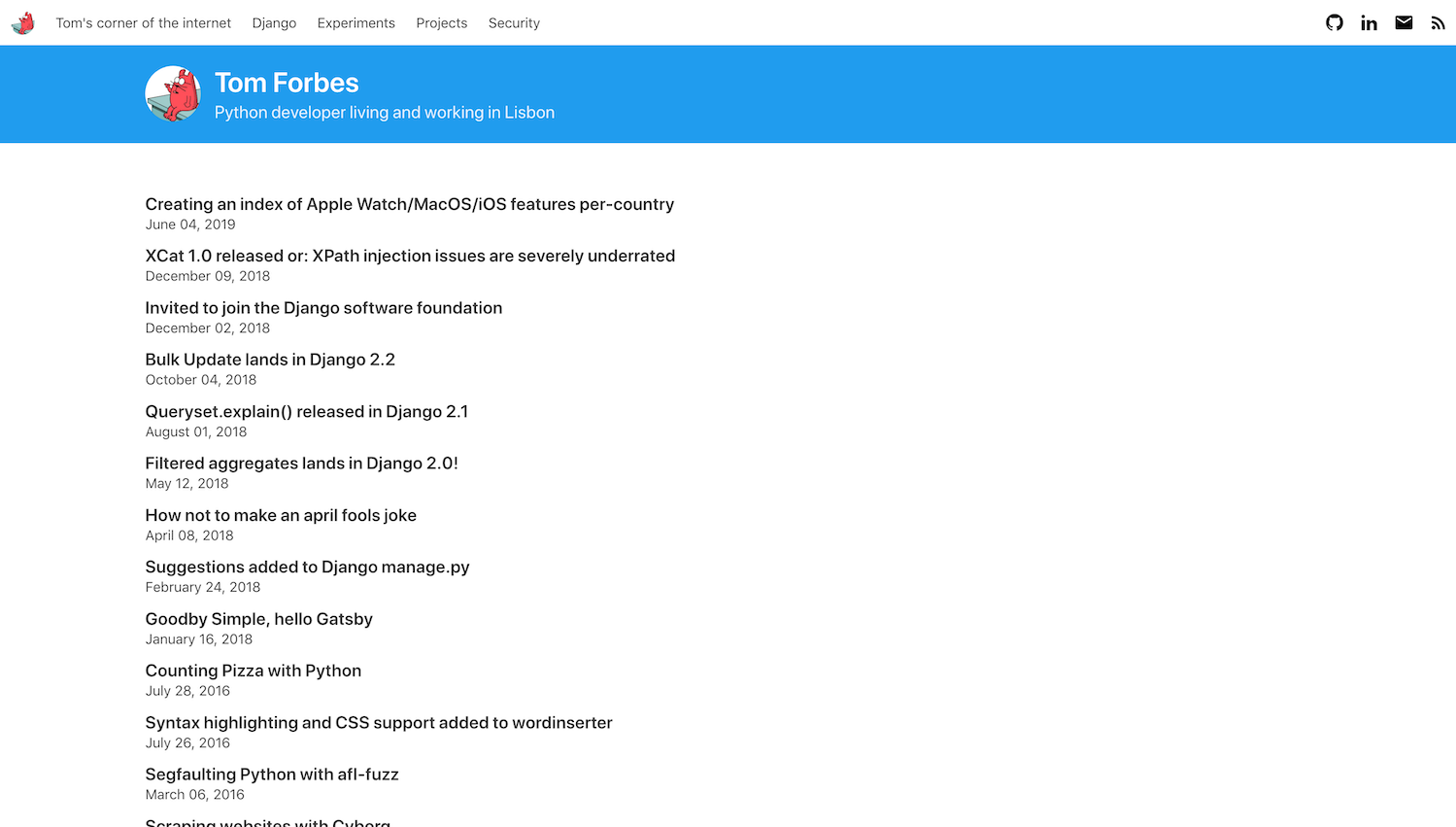
A Gatsby starter for a personal website and blog, built with Netlify CMS for content editing and deployable to Netlify in one click.
About this template
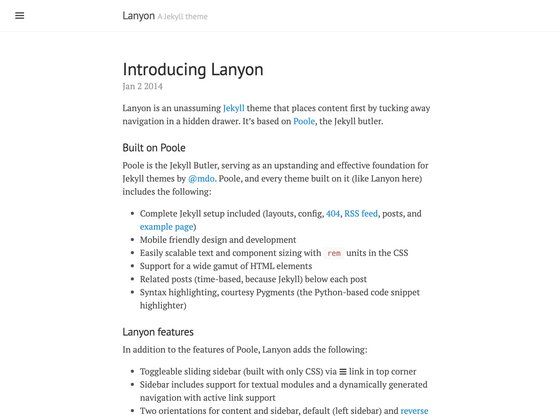
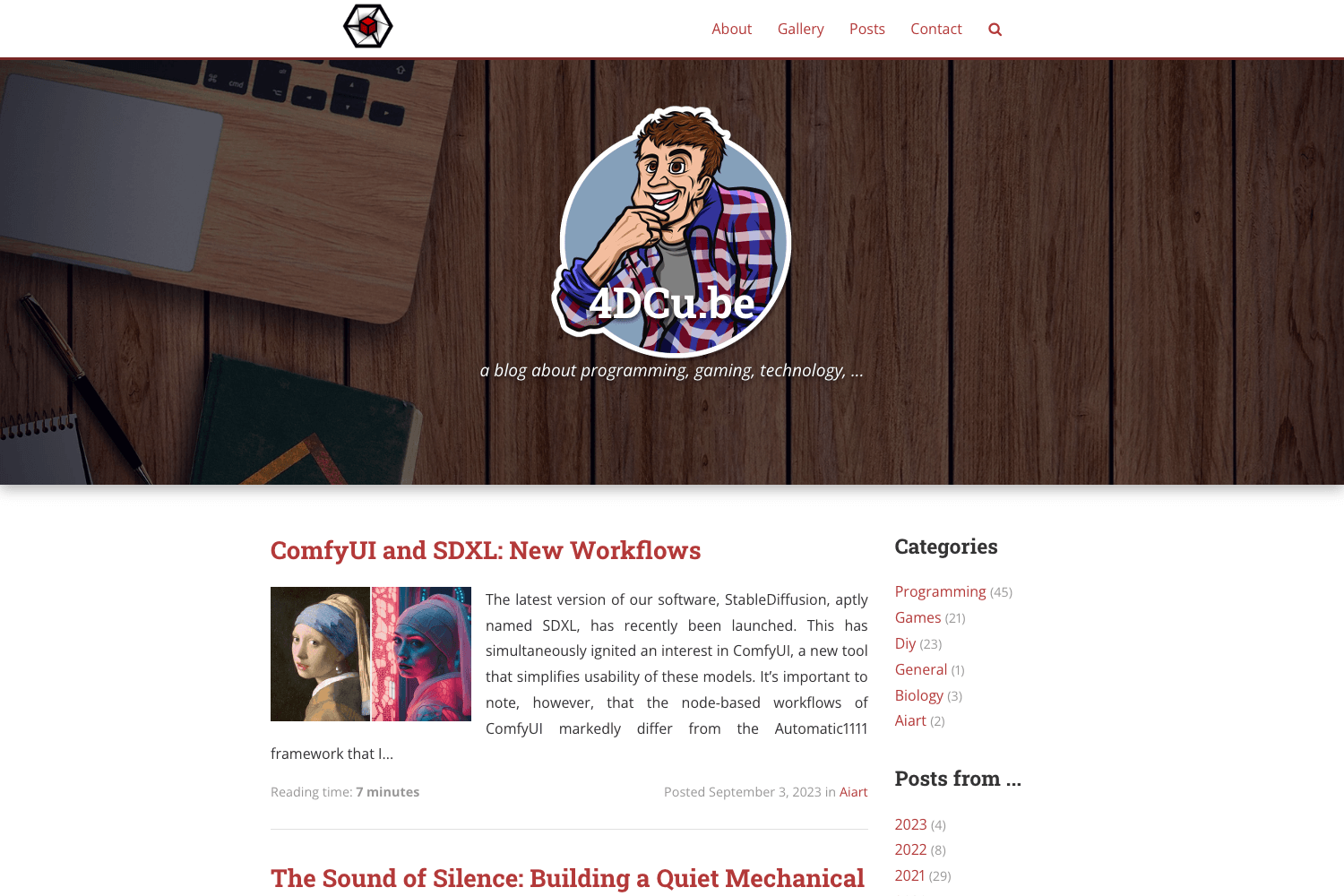
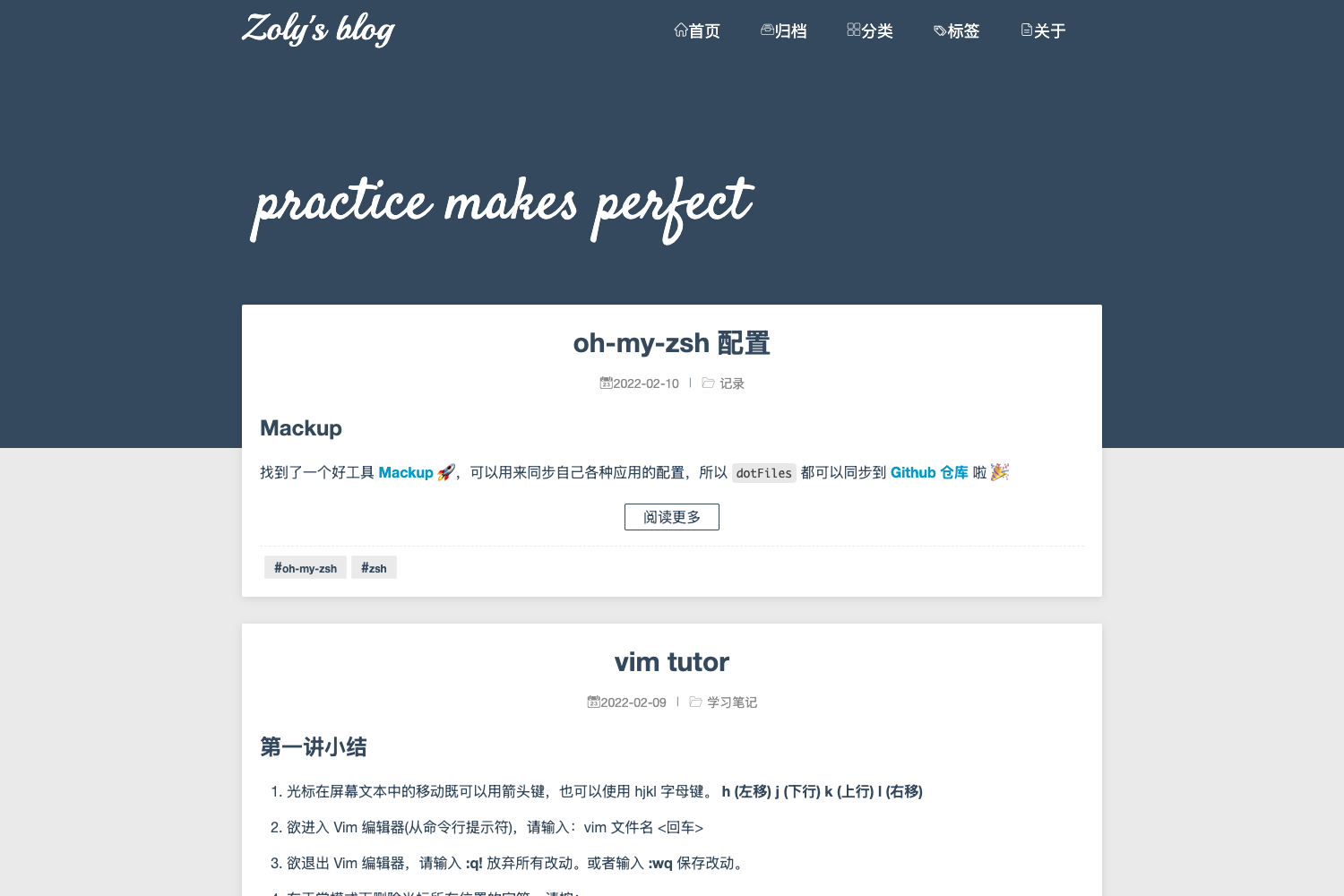
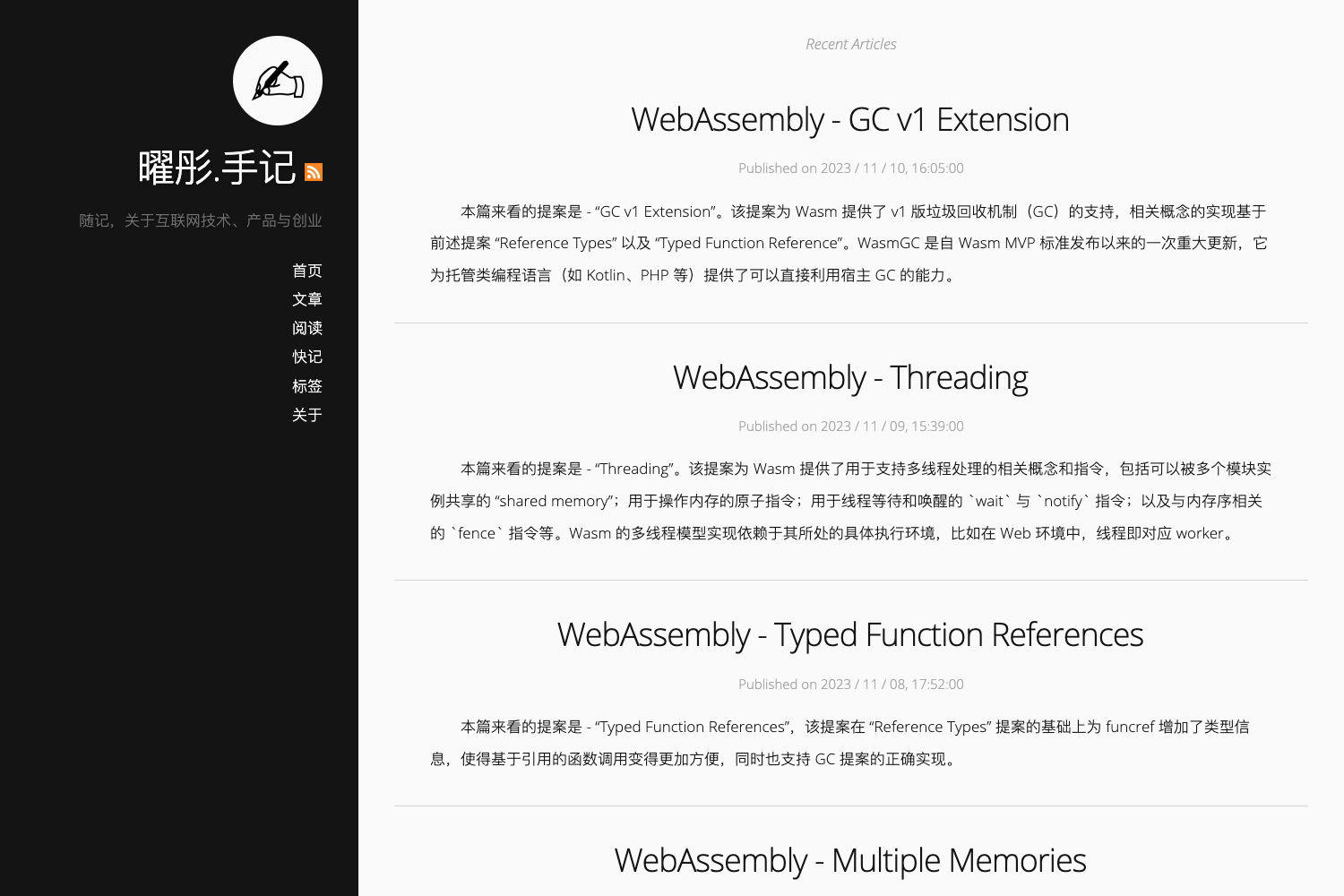
Foundation is a free, open-source Gatsby starter from Stackrole that creates a personal website with a blog and a Netlify CMS admin panel, deployable to Netlify in one click.
What is Foundation?
Foundation is a Gatsby starter that produces a personal website and blog with a content management system. It takes the Gatsby framework and Netlify CMS as its building blocks and outputs a static site with an admin interface at a /admin/ route, ready for deployment on Netlify. The starter is open source, hosted at github.com/stackrole/gatsby-starter-foundation, and can be installed locally with the Gatsby CLI.
Key Features
- Netlify CMS integration — Manage blog posts, pages, theme color, and site settings through a browser-based CMS without touching code.
- Dark / Light mode — A theme toggle is built in, and the accent color can be customized from the CMS.
- Search bar — Visitors can search the blog content directly on the site.
- SEO and social meta — Includes OpenGraph structured data, Twitter Cards, and beautiful XML sitemaps.
- Contact form — A Netlify form works out of the box after deployment.
- Gatsby Incremental Builds — Netlify deploys are faster thanks to incremental build support.
- Customizable pages — Homepage, About, and Contact page content can be edited from the CMS.
- Local development — Run
gatsby developfor hot-reloading, plus a Netlify CMS proxy server for local editing.
Who should use Foundation?
- Developers who want a JAMstack starter with Gatsby, React, and GraphQL, and need a quick deploy path via the Deploy to Netlify button.
- Bloggers who prefer writing in a CMS over editing Markdown files, using Netlify CMS to create and edit posts.
- Freelancers or small business owners who need a personal brand site with contact form and social links, and who can delegate content updates to non-technical collaborators through Git Gateway.
What can you do with Foundation?
- Launch a personal blog: Use the one-click Netlify deploy to get a site live at
site-name.netlify.app, then log in at/admin/to write posts. - Customize the brand: Edit the site title, URL, Google Analytics, and theme color from the CMS settings.
- Build locally: Install with
gatsby new, then edit React components and see changes in real time atlocalhost:8000.
How does Foundation work?
Click the "Deploy to Netlify" button, which forks the repository to your GitHub and triggers a Netlify build. After the build, enable Identity and Git Gateway in the Netlify dashboard, invite yourself as a user, and access the CMS at site-name.netlify.app/admin/. For local work, run gatsby new, gatsby develop, and optionally start the netlify-cms-proxy-server.
FAQ
Is Foundation free?
Yes, the starter is open source and released under the MIT license, and deploying to Netlify has a free tier.
How do I access Netlify CMS?
After deploying, go to the Netlify dashboard, enable Identity, invite yourself, and enable Git Gateway under Settings → Identity → Services. Then visit your site's /admin/ URL and log in.
Can I use a custom domain?
Yes. Stackrole has published an article on adding a custom domain to a Netlify website, linked in the starter's README.
What tools do I need for local development?
Node.js and the Gatsby CLI are required. Once installed, run gatsby develop to preview the site at localhost:8000.
Can I add collaborators?
Yes, Netlify CMS lets you invite collaborators through Git Gateway without giving them direct access to your GitHub repository.